What Is the Best Cost-Effective Database Software in 2026: 8 Options Compared

- 1
 PostgreSQLFree relational appsVisit
- 2
 MySQLFree web databasesVisit
- 3
 MariaDBOpen MySQL-compatible dataVisit
- 4
 SQLiteEmbedded and small appsVisit
- 5
 MongoDB CommunityFree document dataVisit
- PostgreSQL, MySQL, and MariaDB offer free, proven databases for most apps.
- SQLite suits embedded apps and small tools with zero server cost.
- MongoDB Community and Supabase fit document data and app backends at low cost.
- CockroachDB and PlanetScale suit apps that need scale with managed pricing.
- Match the database to your data model, since the cheapest wrong choice costs more later.
Quick comparison
| Product | Ideal for | Price from | Free version | |
|---|---|---|---|---|
| PostgreSQL | Free relational apps | See website | Yes | Visit |
| MySQL | Free web databases | See website | Yes | Visit |
| MariaDB | Open MySQL-compatible data | See website | Yes | Visit |
| SQLite | Embedded and small apps | See website | Yes | Visit |
| MongoDB Community | Free document data | See website | Yes | Visit |
 Supabase | App backend with Postgres | See website | Yes | Visit |
 CockroachDB | Distributed SQL at scale | See website | Yes | Visit |
 PlanetScale | Managed MySQL at scale | See website | Yes | Visit |
The best cost-effective database software
We compared official feature pages, pricing pages, and public reviews for eight low-cost databases. Cost-effective means low license cost plus reasonable hosting and admin effort, not just a free download that needs expensive expertise to run.
PostgreSQL
Ideal for: Free relational apps
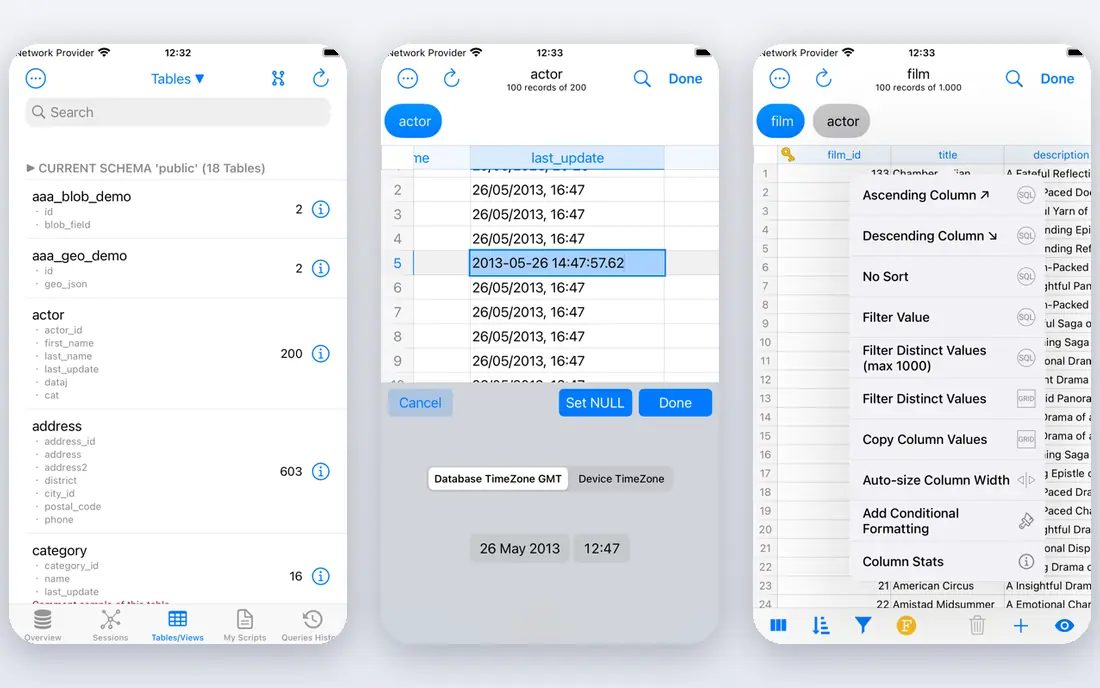
PostgreSQL is the default cost-effective choice for many apps, with a free license, strong reliability, and extensions for JSON, search, and geospatial data. Teams can self-host for free or use low-cost managed hosting. App frameworks support PostgreSQL widely, which cuts integration work.
Self-hosting needs backup and monitoring effort, while managed hosting adds a monthly fee. For most relational apps, PostgreSQL offers the best balance of cost, power, and ecosystem. Start here unless your data model clearly needs another type.
- Free and open-source
- Reliable and extensible
- Broad app support
- Managed hosting costs extra
- Tuning takes expertise
MySQL
Ideal for: Free web databases
MySQL Community is free and powers many web apps, with simple setup and broad hosting support. Teams can run it on cheap servers or low-cost managed hosting. The large user base means guides and troubleshooting help are easy to find.
Enterprise features and official support cost extra. For a web app that needs a proven free database, MySQL remains a solid, low-cost choice. Check compatibility if you plan to use MySQL-specific features later.
- Free Community edition
- Wide web support
- Simple setup
- Enterprise features are paid
- Support needs a vendor
MariaDB
Ideal for: Open MySQL-compatible data
MariaDB offers a free, community-driven database compatible with many MySQL apps. Teams can self-host at no license cost, with replication and storage engine options. Firms that prefer fully open governance often pick MariaDB over MySQL.
Some MySQL-specific features differ, so test app compatibility before migrating. For a low-cost MySQL-compatible database with open governance, MariaDB is a strong pick. Managed hosting options keep admin effort low for small teams.
- Free and open-source
- MySQL-compatible
- Community governance
- Some MySQL features differ
- Support needs a vendor
SQLite
Ideal for: Embedded and small apps
SQLite is a free, serverless database stored in a single file, ideal for mobile apps, desktop tools, and small websites. There is no server to run, which means zero hosting cost for the database itself. Setup is minimal, and reliability is proven across billions of devices.
SQLite suits single-user or low-write apps best, since high-concurrency writes can bottleneck. For embedded and small apps, it is the cheapest option by far. Larger multi-user apps should choose PostgreSQL or MySQL instead.
- Free and serverless
- Zero setup
- Ideal for embedded apps
- Not suited to high-write multi-user apps
- Scaling is limited
MongoDB Community
Ideal for: Free document data
MongoDB Community is free and suits apps with flexible, nested data such as catalogs, content, and user profiles. The document model avoids rigid schemas, which speeds early development. Self-hosting is free, while managed Atlas hosting adds convenience at a price.
Relational queries with many joins fit SQL databases better. For a document-data app on a budget, MongoDB Community offers a free start with a clear path to managed hosting. Test query patterns before committing to document storage.
- Free Community edition
- Flexible document model
- Good scaling options
- Relational joins are weaker
- Managed Atlas costs rise with scale
Supabase
Ideal for: App backend with Postgres
Supabase gives app teams a Postgres database plus auth, storage, and APIs in one managed backend, with a free tier for small projects. Developers can build apps without managing servers, while keeping the power of PostgreSQL underneath. The open-source core also allows self-hosting.
Free tier limits cover database size, users, and bandwidth, so growing apps will pay. For a small app team that wants a fast backend at low cost, Supabase is an excellent start. Check limits for your expected users and data.
- Free tier with Postgres
- Auth and APIs included
- Easy app backend
- Free tier limits apply
- Scaling costs rise with usage
CockroachDB
Ideal for: Distributed SQL at scale
CockroachDB offers distributed SQL with PostgreSQL compatibility, designed for apps that need resilience and scale across regions. The free core can be self-hosted, while managed CockroachDB Cloud adds convenience. Teams that outgrow single-server Postgres value the distributed design.
Running distributed clusters takes expertise, and managed costs rise with scale. For an app that needs global resilience on a Postgres-compatible database, CockroachDB offers a cost-effective path compared with building custom sharding. Test latency and operational needs first.
- Distributed SQL with Postgres compatibility
- Strong resilience
- Free core
- Operational complexity at scale
- Managed costs rise with use
PlanetScale
Ideal for: Managed MySQL at scale
PlanetScale offers managed MySQL-compatible hosting with database branching, which lets teams test schema changes safely. A free tier suits small projects, while paid plans scale with usage. Developers value the Git-like workflow for schema changes.
Some MySQL features, such as foreign key constraints in older workflows, differ, so check compatibility. For a team that wants managed MySQL with modern workflows at low starting cost, PlanetScale is a strong option. Monitor row and query costs as usage grows.
- Managed MySQL with branching
- Free tier
- Easy scaling
- Some MySQL features differ
- Costs rise with usage and rows
How we picked these
We compared official feature pages, pricing pages, and public reviews for low-cost databases in October 2026. We judged cost by license, hosting, and admin effort together, and we mixed relational, document, embedded, and managed options. We did not claim hands-on testing, and we list prices as shown on vendor sites, using See website where pricing varies.
What to check before you buy
Start with data model. Relational data with joins suits PostgreSQL or MySQL, document data suits MongoDB, and embedded apps suit SQLite. Then estimate hosting: self-hosting is cheapest in license terms but costs admin time, while managed hosting trades money for less effort.
Next, test with real data volume and query patterns, since a database that is cheap at small scale can cost more when queries slow. Check backup, monitoring, and upgrade paths, plus support options if your team lacks database expertise. Finally, compare total monthly cost at your expected scale, including hosting, support, and admin time, not just the license price.
A final check before you commit
Shortlists often look similar on paper, so the deciding factor is usually fit with daily work rather than a long feature list. Ask the vendor to walk through your most common task from start to finish, using your own data types where possible, and note every step that needs a workaround or a separate tool. Pay attention to how the team responds to awkward questions about limits, since honest answers at demo stage predict support quality later. If a vendor cannot show your core workflow clearly, that gap will not close after purchase, no matter how attractive the pricing page looks.
Support quality shows up in small moments, such as how fast a password reset, a billing question, or a data import problem gets a useful answer. During a trial, submit a real support question and judge the reply for speed, clarity, and follow-through, since that experience predicts life after purchase. Also check community forums, status pages, and help centers, which reveal how often problems occur and how openly the vendor communicates about them. A vendor with clear status updates and honest incident notes earns trust that marketing pages cannot buy.
One more habit helps buyers avoid regret: keep a short note of why you rejected each finalist, including the feature, price, or support gap that ruled it out. Those notes matter when the chosen tool disappoints in month three, since they tell you whether the runner-up would actually fix the problem or simply trade one weakness for another. They also help when a colleague questions the choice later, since a written record of trade-offs is easier to defend than a memory of demos. Revisit the notes at your ninety-day review, and if the same gaps keep appearing in daily work, act on them early rather than waiting for renewal, when switching costs are higher and patience is thinner.
Also check references from firms of similar size and in a similar line of work, since a vendor that serves large enterprises well may still struggle with small-team needs, and the reverse is true as well. Ask references about onboarding time, support responsiveness, and the one feature they wish worked better, since those answers reveal patterns that no demo will show. If a vendor hesitates to provide references, or only offers very large customers, treat that as useful information about fit for your size. Two short reference calls often save weeks of trial and error, and they give your team confidence that the choice rests on real user experience rather than polished sales material alone.
Frequently asked questions
What is the cheapest database for a small app?
SQLite is free and serverless for embedded and small apps, while PostgreSQL and MySQL are free for server apps. Supabase offers a free managed tier for app backends.
Is PostgreSQL really free?
Yes, PostgreSQL is open-source and free to use, including commercially. You pay only for hosting, support, or managed services if you choose them.
Should I self-host or use managed database hosting?
Self-hosting saves money but needs backup, monitoring, and patching effort. Managed hosting costs more monthly but reduces admin work, which suits small teams without database expertise.
When is MongoDB cheaper than PostgreSQL?
MongoDB can be cheaper in development time for flexible document data, since schemas change easily. For relational data with joins, PostgreSQL is usually cheaper to run and query well.
Can I start free and scale later?
Yes, with most tools here. PostgreSQL, MySQL, MongoDB, Supabase, CockroachDB, and PlanetScale all offer free starts with paid scaling paths, though migration effort varies.