8 Best WhatsApp Alternatives in 2026

- Signal is our pick for most people, with end-to-end encryption by default, no ads, and a nonprofit model that keeps privacy first.
- Telegram suits large groups and channels, with huge group limits and cloud chats, though secret chats are needed for end-to-end encryption.
- Threema and Session suit privacy-focused users who want minimal metadata, with Threema using no phone number and Session using no central identity.
- Moving chats is the hard part: check whether your contacts will move too, since a private app with no contacts helps no one.
Quick comparison
| Product | Ideal for | Price from | Free version | |
|---|---|---|---|---|
 Signal | Private default messaging | Free | Yes | Visit |
 Telegram | Large groups and channels | Free | Yes | Visit |
 Viber | International calls and chats | Free | Yes | Visit |
 Threema | No-phone-number privacy | See website | No | Visit |
 Element | Open federated chat | Free | Yes | Visit |
 Session | Metadata-minimal chat | Free | Yes | Visit |
 Wire | Teams and business privacy | Free | Yes | Visit |
 Jami | Peer-to-peer chat | Free | Yes | Visit |
The best whatsapp alternatives
People leave WhatsApp for privacy, for larger groups, for desktop tools or for independence from Meta. The alternatives below differ in encryption defaults, metadata handling, group size and who runs the service. We compared encryption, privacy models, group features, device support and cost.
Signal
Ideal for: Private default messaging
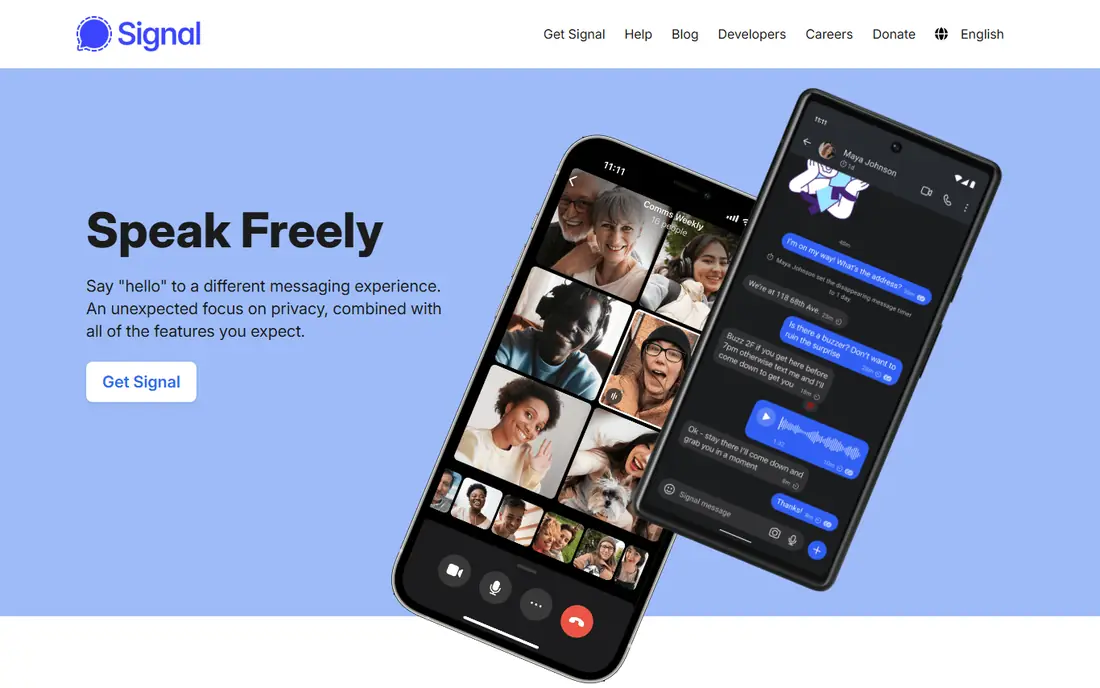
Signal is the privacy pick for most people. Every message, call and group chat is end-to-end encrypted by default, with no ads, no trackers and a nonprofit foundation behind the service. Disappearing messages, safety numbers and sealed sender features reduce metadata exposure, and the app works on phones and desktop.
The limit is network size. Signal has far fewer users than WhatsApp, so you may need to convince friends and family to install it, and group sizes are smaller than Telegram. For private one-to-one and small group chats, Signal is the clearest WhatsApp replacement available.
- End-to-end encryption by default for all chats
- No ads or trackers
- Nonprofit foundation model
- Smaller user base than WhatsApp, so contacts may not all move
- Group size is smaller than Telegram
Telegram
Ideal for: Large groups and channels
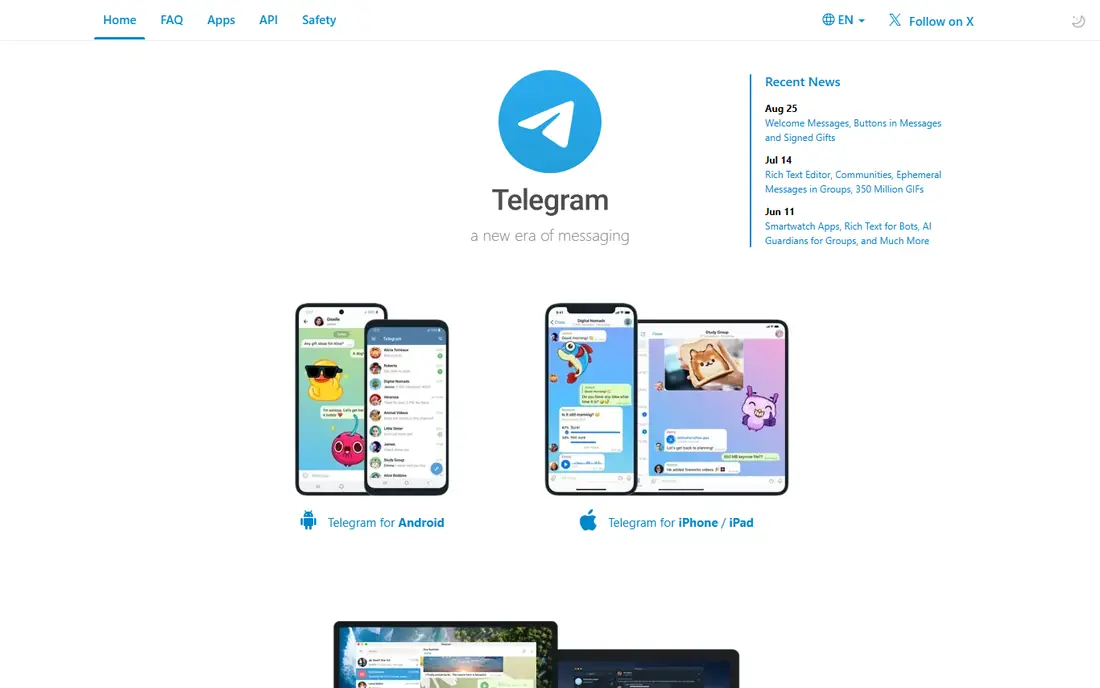
Telegram suits communities, creators and large groups. It supports groups with hundreds of thousands of members, public channels, bots and fast media sharing, with cloud sync that lets you pick up chats on any device instantly. A free tier covers almost everything, with a Premium tier adding faster downloads and extra features.
The privacy catch matters. Regular cloud chats are encrypted in transit and at rest on Telegram servers, but they are not end-to-end encrypted by default, so only secret chats offer that full protection. Telegram fits public communities and large groups best, while Signal fits private chats best.
- Huge groups and channels
- Cloud sync across devices
- Fast media sharing and bots
- Cloud chats are not end-to-end encrypted by default
- Secret chats are needed for full encryption
Viber
Ideal for: International calls and chats

Viber suits international callers and communities. It offers end-to-end encrypted chats and calls, low-cost international calling to non-Viber numbers, stickers, communities and channels, all free for app-to-app use. That mix has made Viber popular in Eastern Europe, the Middle East and parts of Asia.
The limit is reach in the US. Viber user base in the US is smaller than WhatsApp, so it works best when your contacts already use it or when you call internationally. For a US-only group, Signal or Telegram will usually be easier to adopt.
- End-to-end encryption for chats and calls
- International calling features
- Stickers and communities
- User base is strongest in Eastern Europe and parts of Asia
- Ads and commercial features appear in parts of the app
Threema
Ideal for: No-phone-number privacy
Threema suits privacy-focused users who do not want to share a phone number. You get a random Threema ID instead of linking your identity to a number or email, all chats are end-to-end encrypted by default, and the Swiss company model emphasises minimal metadata. That design makes Threema a favourite for journalists, activists and privacy-conscious teams.
The catch is cost and adoption. Threema is a paid app, so every contact must buy it too, and its user base is far smaller than WhatsApp. For a small, privacy-first group that will all pay, Threema is excellent, while a large family group may prefer free Signal.
- No phone number or email needed
- End-to-end encryption by default
- Swiss privacy model with minimal metadata
- Paid app with a one-time purchase
- Smaller user base
- No cloud backup by default
Element
Ideal for: Open federated chat
Element suits open-source and self-hosting fans. It runs on the Matrix protocol, which lets different servers federate like email, so you can choose a server or run your own, and end-to-end encryption is available for rooms. That openness appeals to communities, open-source projects and teams that want control over their data.
The weakness is simplicity. Element setup, server choice and encryption verification feel more complex than Signal, and the experience varies by server. Element fits technical communities and organisations that value federation, not casual users who want a one-tap WhatsApp swap.
- Open Matrix protocol with federation
- End-to-end encryption available
- Self-hosting option for teams
- Setup is more complex than Signal
- User experience varies by server and client
Session
Ideal for: Metadata-minimal chat
Session suits users who care about metadata as much as message content. It needs no phone number or email, routes messages through an onion network to hide who talks to whom, and encrypts messages end to end. That design removes the central account database that other messengers hold, which is a strong privacy story.
The trade-off is speed and polish. Delivery can feel slower than WhatsApp or Signal, and mainstream features such as large group calls are thinner. Session fits a small, privacy-first group that accepts those limits for stronger metadata protection.
- No phone number or central account
- Onion-routed messages with minimal metadata
- End-to-end encryption
- Smaller user base
- Message delivery can be slower than centralised apps
- Fewer mainstream features
Wire
Ideal for: Teams and business privacy
Wire suits teams and businesses that want private messaging with admin controls. Personal use is free with end-to-end encryption for chats, voice, video and file sharing, while team plans add user management, guest access and compliance features. Its European base and privacy focus appeal to regulated teams.
The limit is consumer adoption. Wire has a small personal user base, so it works best as a team tool rather than a family WhatsApp replacement. For a business team that needs encrypted messaging with admin control, Wire is a strong, credible choice.
- End-to-end encryption for chats, calls and files
- Team and business plans
- European privacy model
- Consumer user base is small
- Advanced team features sit on paid tiers
Jami
Ideal for: Peer-to-peer chat
Jami suits privacy purists who want no central server at all. Calls and chats run directly between devices, with end-to-end encryption and no account database held by a company. That peer-to-peer design is the most decentralised option in this list, and it is free and open source.
The catch is practicality. The user base is tiny, delivery depends on peers being reachable, and the app feels less polished than Signal or Telegram. Jami fits technical users who prioritise decentralisation above convenience, not a family group that needs reliable messaging today.
- Fully peer-to-peer with no central server
- End-to-end encryption
- Free and open source
- Smallest user base here
- Peer-to-peer delivery depends on contacts being online
- Feature polish trails rivals
How we picked these
We compared encryption defaults, metadata handling, account requirements, group features and device support for messaging apps still operating in October 2026. We kept private, community and decentralised options in the list, since WhatsApp users leave for different reasons. We did not audit encryption code ourselves, and we did not repeat vendor privacy claims without noting where independent reviews disagreed.
What to check before you buy
Start with encryption defaults, not marketing. Signal, Threema, Session, Wire and Jami encrypt by default, while Telegram only encrypts secret chats end to end, so a Telegram group chat is not the same as a Signal group chat. Check whether calls, group chats and media share the same protection, and whether disappearing messages and screenshot controls fit your needs.
Next, check metadata and account rules. Some apps need a phone number, some need only an ID, and some need nothing at all, and that choice affects who can find you and what the company stores. Threema and Session minimise identity data most, while Telegram and Viber trade some privacy for convenience and discovery.
Finally, plan the move with your people. Pick the app your key contacts will actually install, move one group at a time, and keep WhatsApp installed during the transition so nobody is cut off. A private app with no contacts is a diary, not a messenger, so adoption matters more than any single feature.
Frequently asked questions
What is the best WhatsApp alternative for privacy?
Signal is our pick for most people because every chat is end-to-end encrypted by default, with no ads and a nonprofit model. Threema and Session offer stronger metadata minimisation for smaller, privacy-first groups that accept a smaller user base.
Is Telegram end-to-end encrypted?
Only secret chats on Telegram are end-to-end encrypted by default. Regular cloud chats are encrypted in transit and on Telegram servers, but they are not end-to-end encrypted, so use secret chats for sensitive one-to-one conversations on Telegram.
Can I use WhatsApp alternatives without a phone number?
Yes. Threema uses a random ID instead of a phone number, Session needs no phone number or email, and Element can work with a Matrix ID rather than a number. Signal still requires a phone number for registration, though it hides it from many contacts.
Which WhatsApp alternative is best for large groups?
Telegram is the clear pick for large groups and channels, with group sizes far above WhatsApp and Signal. Signal suits smaller private groups, while Element and Wire suit team and community groups that need moderation and admin controls.
Will I lose my WhatsApp chats if I switch?
WhatsApp chats do not transfer automatically to another app, though you can export individual chats as text files from WhatsApp. Plan to keep WhatsApp installed during the transition, export important chats, and start fresh groups on the new app.