Where to Get the Best Background Removal Service in 2026: 8 Services Compared

- Background removal services use AI to cut out subjects automatically, saving the manual work of tracing edges in an editor.
- remove.bg is the most focused and accurate dedicated tool, while Canva and Adobe Express suit users who also need design tools.
- PhotoRoom suits e-commerce sellers who need product photos on clean backgrounds at scale.
- Free tiers exist on most services, but high-resolution downloads and bulk processing usually need a paid plan.
- Our pick for most users is remove.bg for pure removal quality, with Canva as the pick for users who also design.
Quick comparison
| Product | Ideal for | Price from | Free version | |
|---|---|---|---|---|
 remove.bg | Dedicated background removal | See website | Yes | Visit |
 Adobe Express | Removal plus design tools | See website | Yes | Visit |
 Canva | Design plus background removal | See website | Free trial | Visit |
 PhotoRoom | E-commerce product photos | See website | Yes | Visit |
 Fotor | Photo editing plus removal | See website | Yes | Visit |
 Slazzer | API and bulk removal | See website | Free trial | Visit |
 Removal.AI | Simple bulk removal | See website | Yes | Visit |
 Pixelcut | Mobile product photo removal | See website | Yes | Visit |
The best background removal services
Removing a photo background used to mean careful manual editing; AI tools now do it in seconds, with quality that suits most web, e-commerce, and design uses. The services below were compared on cutout accuracy, especially around hair and edges, resolution, bulk processing, and price.
remove.bg
Ideal for: Dedicated background removal
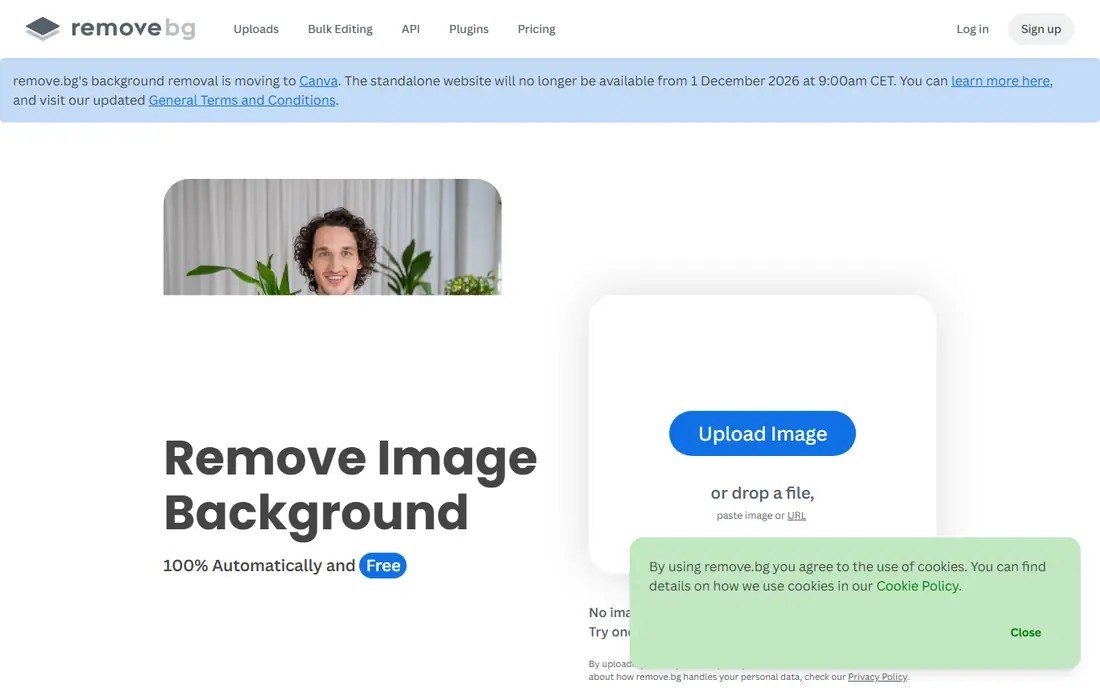
remove.bg is the dedicated background removal tool most people know, and its accuracy, especially around hair, fur, and tricky edges, remains excellent. Upload a photo and it returns a cutout in seconds, with options to add a new background color or image. Its API lets developers and businesses integrate removal into apps and workflows.
Free downloads are limited to lower resolution, and high-resolution images use a credit system, so heavy users need a paid plan. For pure removal quality and speed, remove.bg is the standard other tools are judged against.
- Very accurate automatic cutouts
- Fast processing
- API for bulk and app integration
- Free downloads are lower resolution
- Full-resolution and bulk use need credits
Adobe Express
Ideal for: Removal plus design tools

Adobe Express includes AI background removal inside a broader design tool, so users can cut out a subject and immediately place it into a social post, flyer, or presentation. Its Adobe heritage shows in output quality, and its templates help non-designers produce polished results quickly. For users already in the Adobe ecosystem, it is a natural choice.
Removal alone does not justify Adobe Express; its value comes from the combined design toolkit. Users who only need removal may prefer a dedicated tool, but designers will appreciate having both in one place.
- Background removal inside a full design tool
- Adobe quality
- Templates and editing
- Removal is one feature among many
- Full features need a paid plan
Canva
Ideal for: Design plus background removal

Canva's background remover, available on Pro plans, sits inside the design platform millions already use for social posts, presentations, and marketing materials. Removing a background takes one click, and the cutout can go straight into any Canva design. That workflow is its main advantage: no exporting between tools.
The remover requires a paid Pro plan, and its edge quality on complex subjects like fine hair is good but not always as precise as remove.bg. For Canva users who design regularly, the built-in remover is convenient and worth the plan.
- Background remover inside a huge design platform
- Easy for non-designers
- Templates everywhere
- Remover needs a Pro plan
- Quality varies on complex edges
PhotoRoom
Ideal for: E-commerce product photos
PhotoRoom is built for e-commerce sellers who need product photos on clean, consistent backgrounds for marketplaces like Amazon, eBay, and Shopify. Its batch processing handles many product shots at once, and its templates size and style images for each marketplace. For a seller photographing dozens of products, that workflow saves hours.
It is product-focused, so portraits and complex scenes are less its strength. For online sellers, though, PhotoRoom is the most workflow-friendly background removal tool available.
- Built for product photos
- Batch processing
- Templates for marketplaces
- Product-focused, less suited to portraits or complex scenes
- Paid features for full resolution
Fotor
Ideal for: Photo editing plus removal
Fotor is a full online photo editor that includes AI background removal alongside filters, retouching, and design tools. Its affordable plans and batch options suit users who edit photos regularly and want removal as part of a wider toolkit. For a casual editor who needs removal occasionally, Fotor covers it without a specialist subscription.
Its removal quality is good but trails remove.bg on the hardest edges, and its interface packs in many features. For an all-round editor with removal included, Fotor is a fair-priced option.
- Full photo editor with background removal
- Affordable plans
- Batch options
- Removal quality is good but not best-in-class
- Interface is busy
Slazzer
Ideal for: API and bulk removal
Slazzer offers background removal through a web tool and a developer API, with bulk processing for businesses that need many cutouts. Its accuracy is good, and its API documentation suits developers building removal into apps, e-commerce flows, or automation. For a business integrating removal at scale, Slazzer is a practical choice.
Its web interface is simpler than remove.bg, and pricing is credit-based, so heavy users should model costs. For API-driven and bulk removal, Slazzer is a strong alternative to the market leader.
- Strong API for developers
- Bulk processing
- Good accuracy
- Web tool is simpler than remove.bg
- Pricing is credit-based
Removal.AI
Ideal for: Simple bulk removal
Removal.AI focuses on simple background removal with bulk upload support, letting users process many images at once through a straightforward interface. Its credit pricing is affordable, and its accuracy is decent for product shots and portraits. For a user who wants bulk removal without extra design features, it is a no-frills option.
Its feature set is smaller than Canva or Adobe Express, and its polish trails remove.bg. For simple, affordable bulk removal, Removal.AI does the job.
- Simple bulk upload and processing
- Affordable credits
- Decent accuracy
- Smaller feature set
- Less polished than leaders
Pixelcut
Ideal for: Mobile product photo removal
Pixelcut is a mobile-first tool for sellers and creators who photograph products on their phones and need clean backgrounds fast. Its background remover works alongside templates, resizing, and marketplace formatting, all from a phone. For a seller shooting and listing from mobile, that workflow is ideal.
It is mobile-focused, so desktop batch work is less its strength, and full-quality exports need a paid plan. For mobile product photography, Pixelcut is one of the most convenient tools available.
- Mobile-first product photo tools
- Background removal plus templates
- Easy for sellers on phones
- Mobile-focused, less suited to desktop batch work
- Paid features for full quality
How we picked these
We compared official product pages, pricing pages, and feature documentation for background removal services, focusing on cutout accuracy, resolution, bulk processing, API options, and price. We favored services with real user bases and included both dedicated removers and design platforms with removal built in.
What to check before you choose
Test with your hardest images, not easy product shots on white backgrounds. Hair, fur, transparent objects, and busy backgrounds reveal quality differences quickly, so run the same tricky photo through two or three tools before paying. Also check output resolution: free tiers often limit resolution, and print work needs higher resolution than web work.
For bulk use, compare credit costs at your real volume, and check API options if removal must fit into an existing workflow. Finally, confirm commercial use terms if cutouts will appear in products or ads.
It also pays to think about total cost, not just the headline price. Many services charge extra for additional users, higher usage, premium support, or features that turn out to be essential once you start using the product seriously. Add those extras to your comparison before deciding, and check whether discounts for annual billing are worth the commitment. A second cost is time: the hours your team spends learning, configuring, and maintaining a tool are real, even when they do not appear on an invoice. A slightly more expensive option that saves ten hours a month is often the cheaper choice in practice. Weigh both kinds of cost together, and pick the option whose full price, in money and time, you are comfortable paying for at least a year.
It is also worth checking recent reviews and community discussion before you commit, since products and services change faster than any single guide can track. Look for patterns rather than single complaints: repeated mentions of billing surprises, poor support, or declining quality are more telling than one angry review. At the same time, remember that every popular service attracts some negative feedback, so weigh the overall picture, including how the company responds to criticism. A vendor that answers problems openly and fixes them promptly is usually a safer bet than one that stays silent. Use that broader picture, together with your trial experience, to make a final decision you can feel good about.
Frequently asked questions
Which background removal service is most accurate?
remove.bg is generally the most accurate dedicated tool, especially on tricky edges like hair. Canva and Adobe Express are close for most uses, while PhotoRoom leads for product photos.
Can I remove backgrounds for free?
Yes, most services offer free tiers, but free downloads are often lower resolution or watermarked. For professional or print use, a paid plan is usually needed for full resolution.
Do background removers work on hair and fur?
Modern AI tools handle hair and fur far better than older tools, but very fine or wispy hair still challenges them. For critical work, a manual touch-up in an editor may still be needed after automatic removal.
Which service is best for e-commerce product photos?
PhotoRoom is best for e-commerce, thanks to batch processing and marketplace templates. Pixelcut suits mobile sellers, while remove.bg and Slazzer suit bulk API workflows.
Can I remove backgrounds in bulk?
Yes. PhotoRoom, Slazzer, Removal.AI, and remove.bg all support bulk or API processing, with credit-based pricing that scales with volume.
How do I avoid picking the wrong option for where to get the best background removal service?
Avoid deciding on price or popularity alone, since the cheapest option can cost more in workarounds and the most popular option may be built for a different kind of user. Instead, test your top choices against your real workload, check the total cost including add-ons, and read recent user reviews for complaints that keep repeating. A pattern of complaints about support, billing, or reliability is a warning worth taking seriously before you commit.