Which AI Video Service Is Best in 2026: 7 Services Compared

- Video generation quality varies by tool, and short social clips need different strengths than longer training videos.
- Avatar videos suit presenters, while text to video suits product and explainer content.
- Editing after generation matters, since you will almost always need to fix wording or timing.
- Commercial use rights and watermarks vary by plan, so check before publishing.
Quick comparison
| Product | Ideal for | Price from | Free version | |
|---|---|---|---|---|
 Runway | Best AI video generation quality | See website | No | Visit |
 Synthesia | Best avatar video for training | See website | No | Visit |
 HeyGen | Fast avatar and product videos | See website | No | Visit |
 Pictory | Text to video for creators | See website | No | Visit |
 Lumen5 | Social video from content | See website | No | Visit |
 Veed | Editing plus AI video | See website | Yes | Visit |
 Descript | Edit video by editing text | See website | No | Visit |
The best AI video services
AI video services turn text, scripts, and images into finished videos, and the best ones differ on video quality, avatar options, editing control, and price, so the right choice depends on whether you make social ads, training videos, or product explainers.
We compared video quality, avatar and voice options, editing tools, and prices across leading AI video platforms, and our pick for most creators is a service with usable exports and editing that does not require starting over.
In this guide, we walk through each option in turn, starting with who it suits best, then looking at what it does well and where it falls short, so you can compare like with like. We also cover pricing in plain terms, including where a price is quote based or where a free plan covers only part of the service, because the headline price rarely tells the full story. By the end, you should have a short list of two or three options worth a closer look, rather than a long list of names with no clear differences.
Runway
Ideal for: Best AI video generation quality
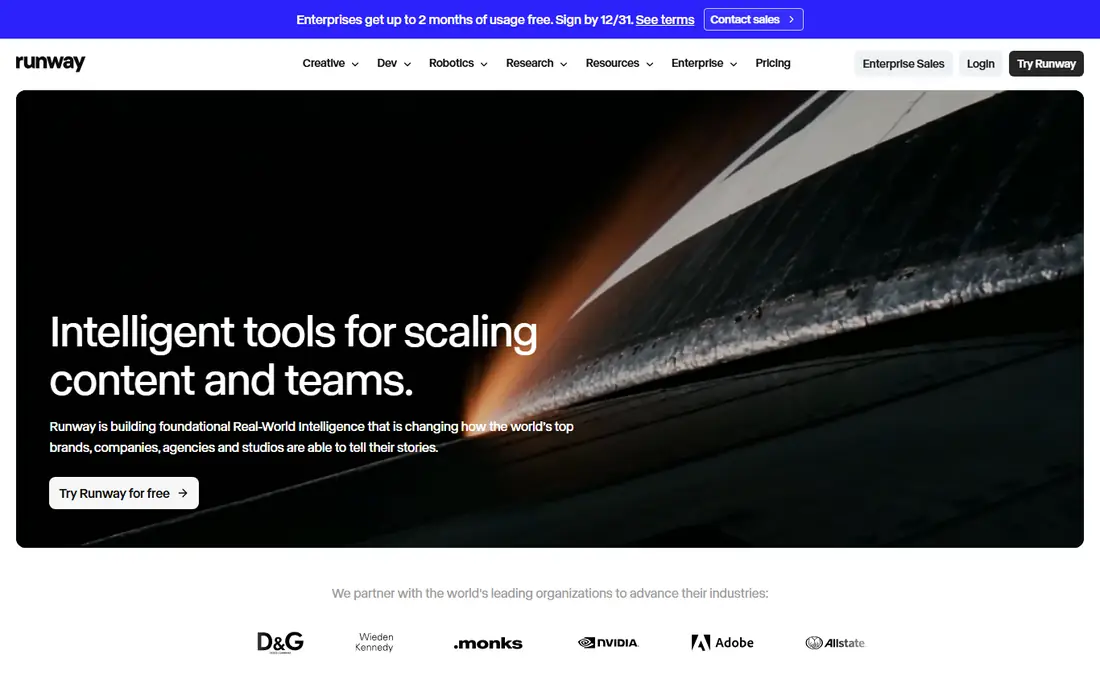
Runway leads on AI video generation quality, with models and controls that suit creative professionals. Its tools let teams shape motion, style, and camera movement.
For distinctive video rather than template ads, Runway is a standout. The platform is used by filmmakers and creative teams.
The learning curve is steeper than template tools, and pricing is usage based.
On balance, Runway stands out for Best AI video generation quality, with strengths that include Strong video models; creative controls; professional tools. The main drawbacks to weigh are Learning curve; usage based pricing. If those trade offs fit your situation and your budget, it is worth putting on your short list, and if they do not, compare it with the next options in this guide before you decide, since a small difference in price, coverage, or support can matter a lot over a year of use.
- Strong video models
- Creative controls
- Professional tools
- Learning curve
- Usage based pricing
Synthesia
Ideal for: Best avatar video for training
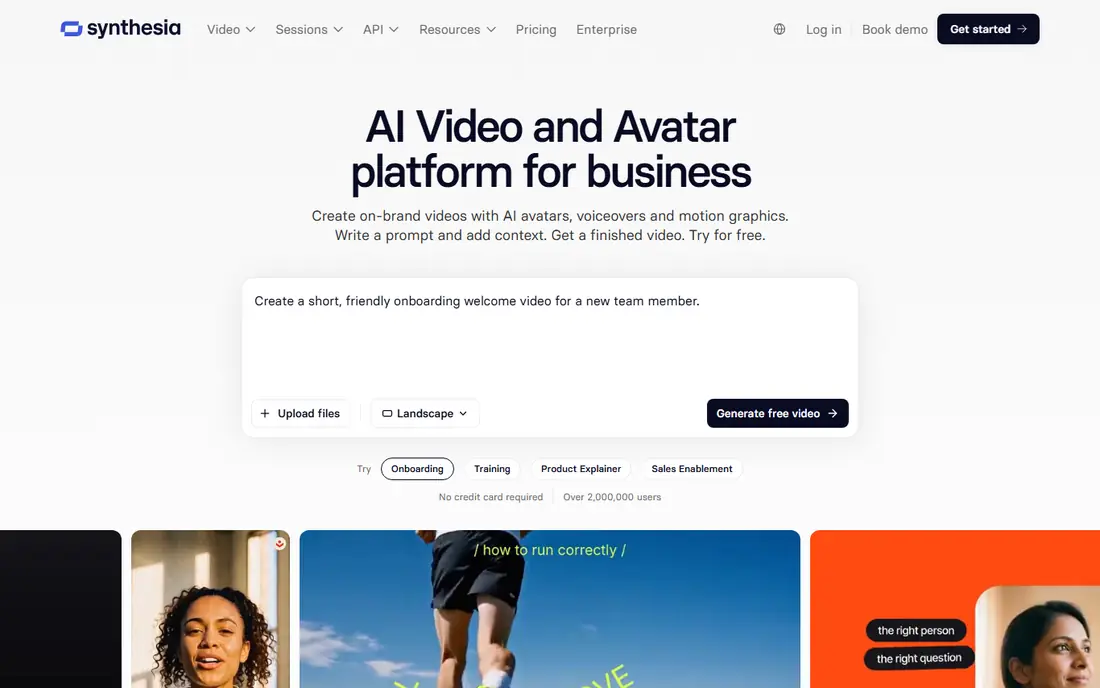
Synthesia creates avatar videos from scripts in many languages, which suits training and corporate communication. Its videos can be updated by editing text, saving reshoots.
Language coverage helps global teams. For training videos, Synthesia is a leading choice.
The avatar style is recognizable, and pricing is premium.
On balance, Synthesia stands out for Best avatar video for training, with strengths that include Realistic avatars; many languages; easy updates. The main drawbacks to weigh are Avatar style is recognizable; premium pricing. If those trade offs fit your situation and your budget, it is worth putting on your short list, and if they do not, compare it with the next options in this guide before you decide, since a small difference in price, coverage, or support can matter a lot over a year of use.
- Realistic avatars
- Many languages
- Easy updates
- Avatar style is recognizable
- Premium pricing
HeyGen
Ideal for: Fast avatar and product videos
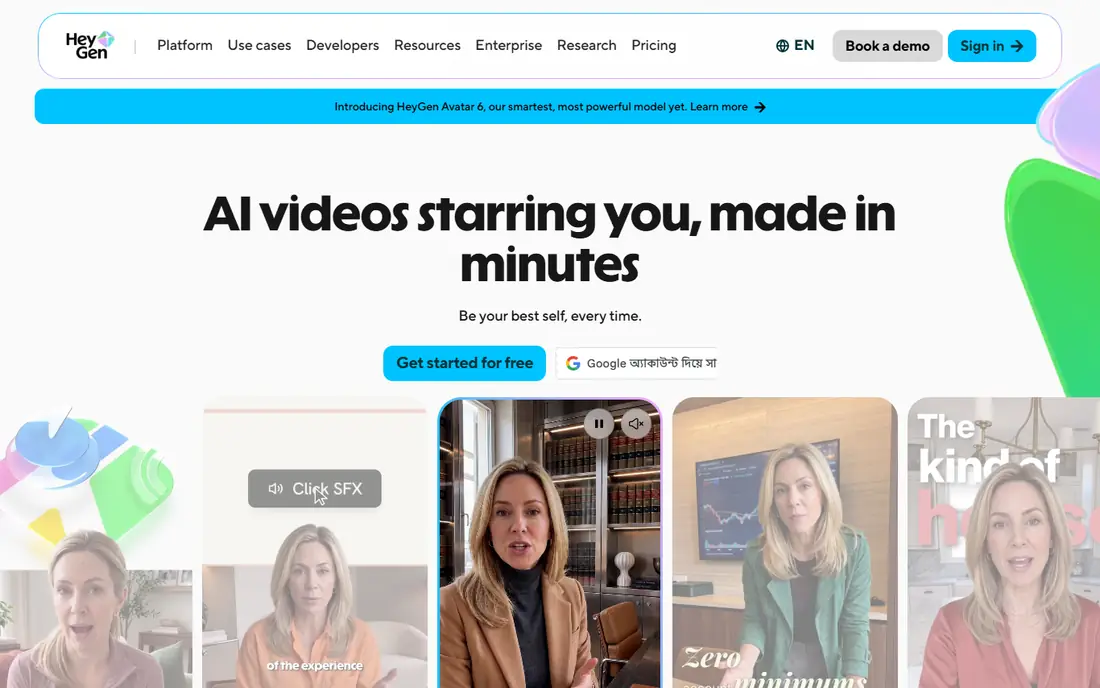
HeyGen offers fast avatar and product videos with templates for social and explainer content. Its generation speed suits teams that publish often.
Voice options are broad, and the workflow is simple. For quick video output, HeyGen is practical.
The free tier is limited, and quality varies by avatar and language.
On balance, HeyGen stands out for Fast avatar and product videos, with strengths that include Good avatars; fast generation; many templates. The main drawbacks to weigh are Free tier is limited; quality varies. If those trade offs fit your situation and your budget, it is worth putting on your short list, and if they do not, compare it with the next options in this guide before you decide, since a small difference in price, coverage, or support can matter a lot over a year of use.
- Good avatars
- Fast generation
- Many templates
- Free tier is limited
- Quality varies
Pictory
Ideal for: Text to video for creators
Pictory turns text and scripts into videos using stock footage, captions, and voiceover. It suits creators who already have strong copy and want video quickly.
Captioning helps silent social viewing. The workflow is simple, and exports cover social formats.
Originality is limited by stock footage, and editing needs care to avoid generic results.
On balance, Pictory stands out for Text to video for creators, with strengths that include Turns text into video; stock footage; captions. The main drawbacks to weigh are Originality is limited; editing needs care. If those trade offs fit your situation and your budget, it is worth putting on your short list, and if they do not, compare it with the next options in this guide before you decide, since a small difference in price, coverage, or support can matter a lot over a year of use.
- Turns text into video
- Stock footage
- Captions
- Originality is limited
- Editing needs care
Lumen5
Ideal for: Social video from content
Lumen5 turns articles and scripts into social videos with scenes, text, and music. Its brand kits keep colors, fonts, and logos consistent.
Social formats are well covered. For content teams repurposing articles, it saves time.
Customization is moderate, and best features need higher tiers.
On balance, Lumen5 stands out for Social video from content, with strengths that include Turns articles into video; brand kits; social formats. The main drawbacks to weigh are Customization is moderate; tiers matter. If those trade offs fit your situation and your budget, it is worth putting on your short list, and if they do not, compare it with the next options in this guide before you decide, since a small difference in price, coverage, or support can matter a lot over a year of use.
- Turns articles into video
- Brand kits
- Social formats
- Customization is moderate
- Tiers matter
Veed
Ideal for: Editing plus AI video
Veed combines video editing with AI generation and captions in one browser tool. Its caption accuracy helps social videos watched without sound.
Collaboration helps teams review and approve videos. The free tier covers basic editing.
AI generation is newer than at specialist model companies, and pricing grows with features.
On balance, Veed stands out for Editing plus AI video, with strengths that include Editing plus AI; captions; collaboration. The main drawbacks to weigh are AI generation is newer; pricing grows. If those trade offs fit your situation and your budget, it is worth putting on your short list, and if they do not, compare it with the next options in this guide before you decide, since a small difference in price, coverage, or support can matter a lot over a year of use.
- Editing plus AI
- Captions
- Collaboration
- AI generation is newer
- Pricing grows
Descript
Ideal for: Edit video by editing text
Descript lets you edit video by editing a transcript, which suits podcasters and video creators. Its transcription is accurate, and studio tools cover recording, editing, and publishing.
Overdub voice features help fix mistakes without rerecording. For creators who edit spoken video often, Descript is distinctive.
The workflow takes learning, and pricing tiers matter for advanced features.
On balance, Descript stands out for Edit video by editing text, with strengths that include Text based editing; good transcription; studio tools. The main drawbacks to weigh are Learning curve; pricing tiers matter. If those trade offs fit your situation and your budget, it is worth putting on your short list, and if they do not, compare it with the next options in this guide before you decide, since a small difference in price, coverage, or support can matter a lot over a year of use.
- Text based editing
- Good transcription
- Studio tools
- Learning curve
- Pricing tiers matter
How we picked these
We compared official feature pages, pricing pages, app store listings, privacy policies, and public customer reviews for each option in this list, and we kept only options that are available in the United States and that clearly fit the topic of the article.
We gave weight to clear pricing, a usable free option or trial where one is offered, honest limits, and support that a real customer can reach, and we left out options whose pricing was hidden, whose main offer did not match the topic, or whose website did not clearly belong to the product.
We also checked that each product is still offered and working in October 2026, and we noted where a feature, a plan, or a price could not be verified from the vendor, in which case we wrote See website rather than guessing. That approach means some prices in this guide are deliberately general, and we recommend confirming the current price on the vendor website before you buy, since plans and promotions change.
How to choose an AI video service
Start with the videos you actually make, including length, style, and platform, since a tool strong for social ads may be weak for training videos. Check whether it supports your formats, including vertical and wide formats.
Next, test with a real script from your work, and judge the finished video on clarity, voice, pacing, and whether editing is easy. A tool that needs a full regeneration for a small fix will slow you down.
Finally, check commercial rights, watermark rules, and pricing for your monthly video volume. Choose the service that produces publishable videos fastest for your main use.
Frequently asked questions
Which AI video service is best?
It depends on your video type, since services lead in different areas, such as avatar presenters, text to video generation, and editing. Test each service with a real script before choosing.
Can AI video replace filming?
AI video works well for explainers, training, and social ads, but complex brand stories and emotional performances still benefit from real filming. Use AI for volume and speed, and film your most important videos.
Do AI video services include voices?
Yes, most include AI voices in many languages, and some offer voice cloning, but voice naturalness varies by tool. Test voices for your language and style during a trial.
What is the difference between avatar video and text to video?
Avatar video uses a digital presenter who speaks your script, while text to video generates scenes from your text without a presenter. Avatar video suits training and explainers, while text to video suits product and creative content.
Are AI videos expensive?
Prices vary from free tiers with watermarks to subscriptions for commercial use, with usage based pricing at some video model providers. Check commercial rights and export limits for your plan.