Best Banner Design Apps in 2026: 8 Tools Compared

- 1
 Canvamost people and small teamsVisit
- 2
 Adobe Expresscreators wanting Adobe stock and fontsVisit
- 3
 Snappapeople who want a banner done in minutesVisit
- 4
 VistaCreatecolorful animated banners and social graphicsVisit
- 5
 Creatopyagencies producing HTML5 and animated adsVisit
- Canva is the best pick for most people, with the largest template library and the simplest editor.
- Adobe Express is the best choice for Adobe-quality stock assets and fonts at a low price.
- Snappa is the fastest option for a simple banner, with one-click resizing across formats.
- Creatopy and Bannerwise suit agencies producing animated HTML5 ads at volume.
Quick comparison
| Product | Ideal for | Price from | Free version | |
|---|---|---|---|---|
| Canva | most people and small teams | $12.99 per month | Yes | Visit |
| Adobe Express | creators wanting Adobe stock and fonts | $9.99 per month | Yes | Visit |
| Snappa | people who want a banner done in minutes | $10 per month | Yes | Visit |
| VistaCreate | colorful animated banners and social graphics | $10 per month | Yes | Visit |
| Creatopy | agencies producing HTML5 and animated ads | $29 per month | Free trial | Visit |
 Visme | teams needing brand control and data visuals | $12.25 per month | Yes | Visit |
 Fotor | budget creators who also edit photos | $8.99 per month | Yes | Visit |
 Pixlr | photo-first banner makers on a budget | $7.99 per month | Yes | Visit |
The best banner design apps
Banner design covers social headers, website banners, and display ads, and the best app depends on whether you need templates, animation, or ad automation. We compared the leading tools on templates, resizing, export options, and price.
Canva
Ideal for: most people and small teams
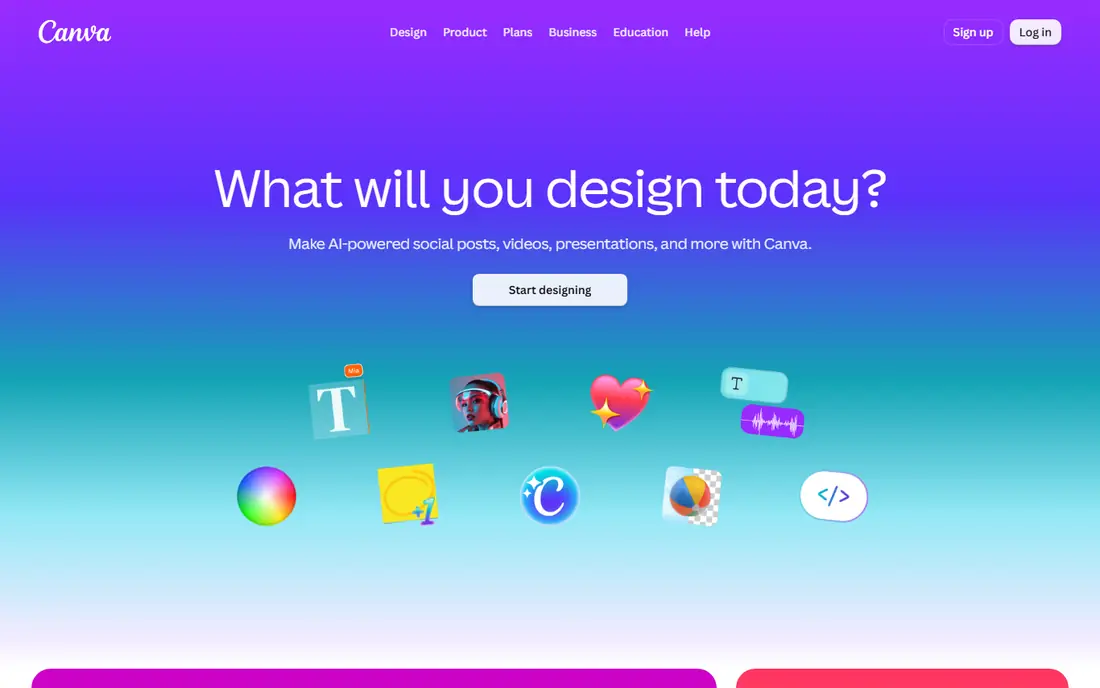
Canva works best for most people and small teams. Canva makes banner design fast, with thousands of templates, drag-and-drop editing, and brand kits that keep colors and fonts consistent. Pricing starts at $12.99 per month, and a free plan is available. This is the option to look at first if that description matches your situation.
The free plan limits premium assets and brand tools, and team pricing is per user, so larger teams should check the total before committing. That trade-off matters most if you were hoping for a single tool that covers every situation without compromise. Compared with the other options here, Canva stands out for most people and small teams, while asking you to accept that Premium assets need a paid plan. Weigh that honestly against your budget and your patience for setup before you commit.
- Huge template library
- Brand kits
- Easy editor
- Premium assets need a paid plan
- Teams pay per user
Adobe Express
Ideal for: creators wanting Adobe stock and fonts
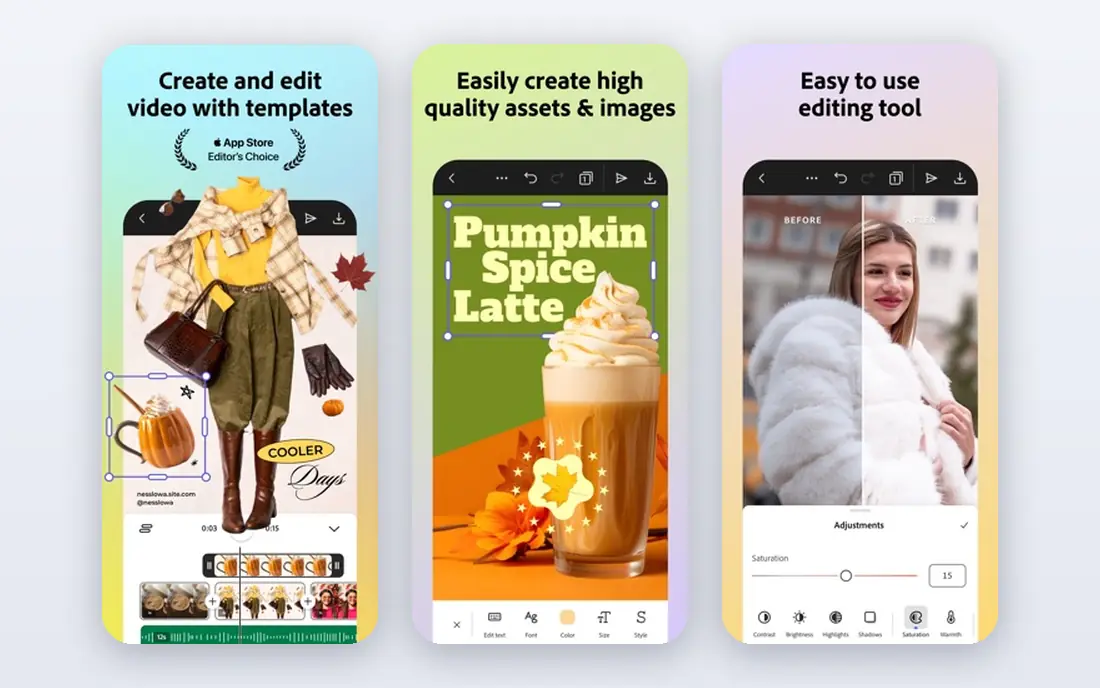
Adobe Express works best for creators wanting Adobe stock and fonts. Adobe Express pairs a simple editor with Adobe Stock assets and a deep font library, giving banners a polished look at a low price. Pricing starts at $9.99 per month, and a free plan is available. Put this one near the top of your shortlist when the fit sounds right.
The free plan is leaner than Canva Free, and Express covers a narrower set of everyday jobs than Canva. That trade-off matters most if you were hoping for a single tool that covers every situation without compromise. Compared with the other options here, Adobe Express stands out for creators wanting Adobe stock and fonts, while asking you to accept that Free plan is leaner than Canva Free. Weigh that honestly against your budget and your patience for setup before you commit.
- Adobe Stock assets
- Large font library
- One-click resize
- Free plan is leaner than Canva Free
- Narrower everyday range
Snappa
Ideal for: people who want a banner done in minutes
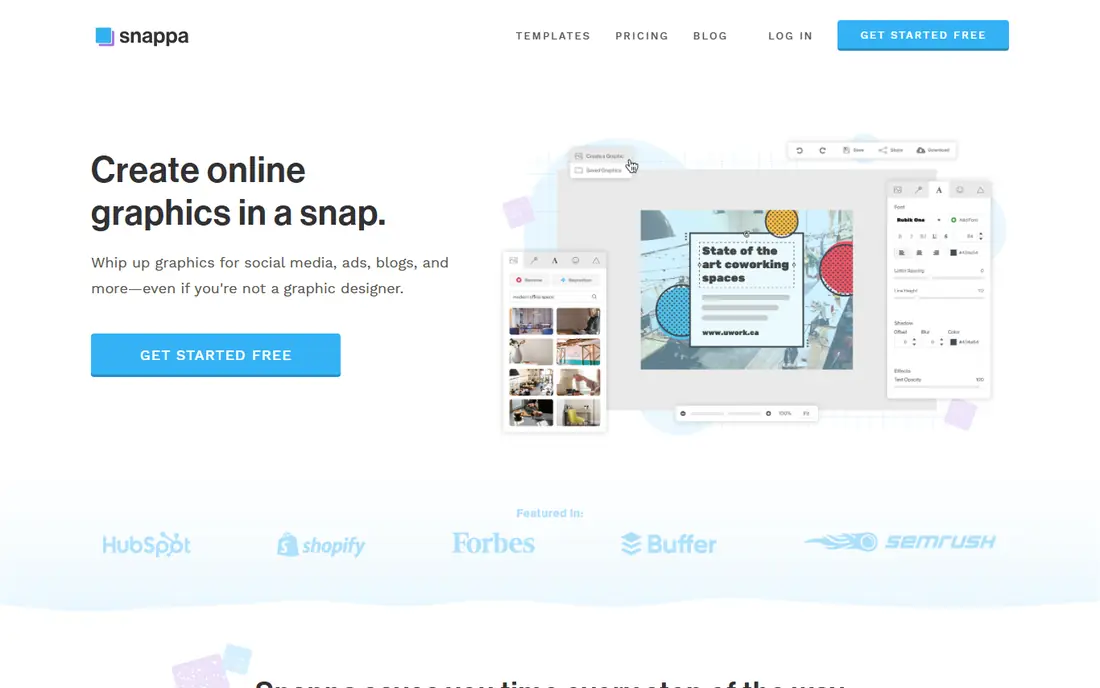
Snappa works best for people who want a banner done in minutes. Snappa is built for speed, with one-click resizing that turns one banner into many sizes without redesigning each version. Pricing starts at $10 per month, and a free plan is available. This choice makes the most sense for readers who match the description above.
Its template range is smaller than Canva, and advanced editing tools are limited, so complex designs may need another app. That trade-off matters most if you were hoping for a single tool that covers every situation without compromise. Compared with the other options here, Snappa stands out for people who want a banner done in minutes, while asking you to accept that Smaller template range than Canva. Weigh that honestly against your budget and your patience for setup before you commit.
- One-click resizing
- Simple editor
- Free tier with downloads
- Smaller template range than Canva
- Fewer advanced tools
VistaCreate
Ideal for: colorful animated banners and social graphics
VistaCreate works best for colorful animated banners and social graphics. VistaCreate offers colorful templates with animation support, which suits social banners that need motion to stand out. Pricing starts at $10 per month, and a free plan is available. Consider this option closely if you want the balance it offers.
Its animation tools are basic compared with dedicated ad platforms, and brand controls are limited on cheaper plans. That trade-off matters most if you were hoping for a single tool that covers every situation without compromise. Compared with the other options here, VistaCreate stands out for colorful animated banners and social graphics, while asking you to accept that Animation tools are basic. Weigh that honestly against your budget and your patience for setup before you commit.
- Animated templates
- Large template library
- Free starter plan
- Animation tools are basic
- Brand controls are limited on lower tiers
Creatopy
Ideal for: agencies producing HTML5 and animated ads
Creatopy works best for agencies producing HTML5 and animated ads. Creatopy is built for ad production, with HTML5 animation and dynamic creative that scales one design into many ad sizes. Pricing starts at $29 per month, and a free trial is available. This is a strong candidate when your priorities line up with its strengths.
The entry price is higher than general design tools, and it is overkill if you only make an occasional banner. That trade-off matters most if you were hoping for a single tool that covers every situation without compromise. Compared with the other options here, Creatopy stands out for agencies producing HTML5 and animated ads, while asking you to accept that Higher entry price. Weigh that honestly against your budget and your patience for setup before you commit.
- HTML5 ad animation
- Dynamic creative
- Team workflows
- Higher entry price
- Overkill for single banners
Visme
Ideal for: teams needing brand control and data visuals
Visme works best for teams needing brand control and data visuals. Visme suits teams that need brand kits and data visuals inside banners and infographics, with templates that stay on brand. Pricing starts at $12.25 per month, and a free plan is available. Keep this one in mind if the trade-offs below are acceptable to you.
The learning curve is steeper than Canva, and the free plan is limited, so small teams should test it first. That trade-off matters most if you were hoping for a single tool that covers every situation without compromise. Compared with the other options here, Visme stands out for teams needing brand control and data visuals, while asking you to accept that Learning curve is steeper. Weigh that honestly against your budget and your patience for setup before you commit.
- Brand kits
- Interactive charts
- Template control for teams
- Learning curve is steeper
- Free plan is limited
Fotor
Ideal for: budget creators who also edit photos
Fotor works best for budget creators who also edit photos. Fotor combines photo editing with banner design, so a creator can edit a photo and build a banner in one place at a low price. Pricing starts at $8.99 per month, and a free plan is available. This option earns its place for the specific audience named above.
Its template range is smaller than the leaders, and advanced design features are limited. That trade-off matters most if you were hoping for a single tool that covers every situation without compromise. Compared with the other options here, Fotor stands out for budget creators who also edit photos, while asking you to accept that Template range is smaller. Weigh that honestly against your budget and your patience for setup before you commit.
- AI background remover
- Photo editing plus design
- Low price
- Template range is smaller
- Advanced design tools are limited
Pixlr
Ideal for: photo-first banner makers on a budget
Pixlr works best for photo-first banner makers on a budget. Pixlr gives photo-first makers Photoshop-like editing in the browser, with PSD support and banner templates at a low price. Pricing starts at $7.99 per month, and a free plan is available. Round out your shortlist with this option if its approach appeals to you.
The free version shows ads, and the template library is smaller than Canva, so template-led users may prefer a rival. That trade-off matters most if you were hoping for a single tool that covers every situation without compromise. Compared with the other options here, Pixlr stands out for photo-first banner makers on a budget, while asking you to accept that Ads in the free version. Weigh that honestly against your budget and your patience for setup before you commit.
- Photoshop-like editing
- PSD support
- Free version available
- Ads in the free version
- Fewer templates than Canva
How we picked these
We compared official feature pages, pricing pages, app store listings, privacy policies, and public reviews for each option, and we kept only products that exist and work today and that truly fit the topic. We gave weight to clear pricing, a usable free or trial option where one is offered, and honest limits stated on the vendor site. We did not claim hands-on testing we did not do, and where a price could not be verified on the vendor site we wrote See website instead of guessing. Our pick for most people is usually the option that covers the core job well at a fair price, not the one with the longest feature list. That said, the right answer depends on your situation, so use the comparison table to narrow the list to two or three options, then check the current pricing page before you pay.
How to choose a banner design app
Start with the banner type. Social headers and website banners need templates and resizing, while display ads need HTML5 animation and multi-size export, which only specialist tools handle well.
Next, check the export sizes you actually use. One-click resizing saves real time if you publish the same banner across many placements, and it is worth paying for.
Finally, test the free plan with a real banner before subscribing. A tool that feels fast on a template but slow with your own photos and fonts will cost you time on every project.
Frequently asked questions
Which app is best for banner design?
Canva is the best pick for most people, thanks to its template library and simple editor. Adobe Express is best for Adobe-quality assets, and Snappa is fastest for a simple banner.
What is the best free banner design software?
Canva Free and Adobe Express Free both make good banners at no cost, with Canva offering more templates and Express offering stronger stock assets. Free plans limit premium assets and brand tools.
Can I design animated banners?
Yes. VistaCreate and Creatopy both support animated banners, with Creatopy offering HTML5 output for display ads. Canva also supports simple animations on paid plans.
What size should a banner be?
It depends on placement. Social headers, website heroes, and display ads each have different sizes, so use a tool with one-click resizing to export one design in many sizes.
Is Canva better than Adobe Express for banners?
Canva wins on template volume and ease, while Adobe Express wins on stock assets and fonts. Both have free plans, so try a real banner in each before choosing.