Best Business Payment Apps in 2026: 8 Options Compared

- Our pick for most people is Square, thanks to its balance of features, ease of use and value for small businesses that sell in person and online.
- PayPal is the strongest alternative when businesses whose customers already use paypal matters more than a general all-round fit.
- Free and trial options exist, including Stripe, so you can test the core experience before paying.
- We compared accepted payment methods, fees structure, payout timing, hardware and online tools, reporting and support.
- Check pricing, free plan terms and the exact features you need on the official site before you subscribe, since plans change.
Quick comparison
| Product | Ideal for | Price from | Free version | |
|---|---|---|---|---|
 Square | Small businesses that sell in person and online | See website | Yes | Visit |
 PayPal | Businesses whose customers already use PayPal | See website | Yes | Visit |
 Stripe | Online businesses that want flexible checkout | See website | Yes | Visit |
 Venmo | Small sellers paid by individuals in the US | See website | Yes | Visit |
 Cash App | Small sellers and freelancers paid by individuals | See website | Yes | Visit |
 Wise | Businesses that pay or receive money internationally | See website | Yes | Visit |
 QuickBooks Payments | Businesses already using QuickBooks for accounting | See website | No | Visit |
 Helcim | Businesses that want interchange-plus pricing clarity | See website | Yes | Visit |
The best business payment apps
The best payment app for a business depends on how customers pay you, whether you sell in person, online or both, and how much you care about fees and payout speed. The list below covers the main options, from simple mobile payments to full online checkout. This is not financial advice; fees and terms change, so confirm the current pricing page for each app before you commit, and keep records of fees for tax purposes.
Square
Ideal for: Small businesses that sell in person and online

Square is a strong all-round choice for small businesses that sell both in person and online. Its card readers are easy to start with, its dashboard covers sales, inventory and staff basics, and online checkout integrates without a separate platform. For a cafe, salon or small retailer, that breadth is very practical.
The catch is the fee structure, since each sale carries a transaction fee and advanced features sit in paid plans. High-volume businesses should model their monthly fees carefully, but for most small sellers Square remains one of the easiest places to start.
For readers who want small businesses that sell in person and online, Square is a sensible shortlist pick, provided the limits above feel acceptable. Compare its pricing page and trial terms before you commit, and check that it covers the exact workflow you need on day one.
- Free card reader options
- In-person and online sales
- Clear dashboard
- Transaction fees apply per sale
- Advanced features need paid plans
PayPal
Ideal for: Businesses whose customers already use PayPal
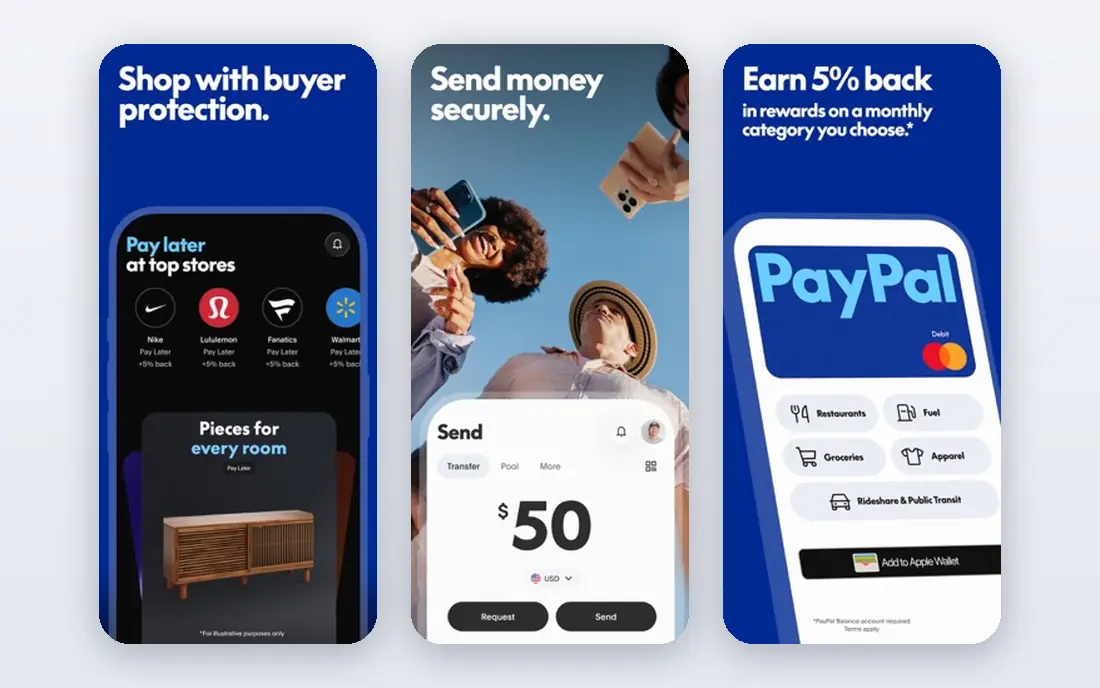
PayPal suits businesses whose customers already trust and use it, especially for online sales and invoicing. Its checkout is familiar, which can help conversion, and its business tools cover invoices, subscriptions and payment links. For freelancers and online sellers, that familiarity is a genuine advantage.
The drawbacks are variable fees by transaction type and the possibility of holds for new or high-risk sellers. Read the fee and hold terms for your sales pattern, and keep a backup payment option in case an account review slows payouts.
For readers who want businesses whose customers already use paypal, PayPal is a sensible shortlist pick, provided the limits above feel acceptable. Compare its pricing page and trial terms before you commit, and check that it covers the exact workflow you need on day one.
- Huge customer familiarity
- Online checkout
- Invoicing and payments
- Fees vary by transaction type
- Holds can affect new sellers
Stripe
Ideal for: Online businesses that want flexible checkout
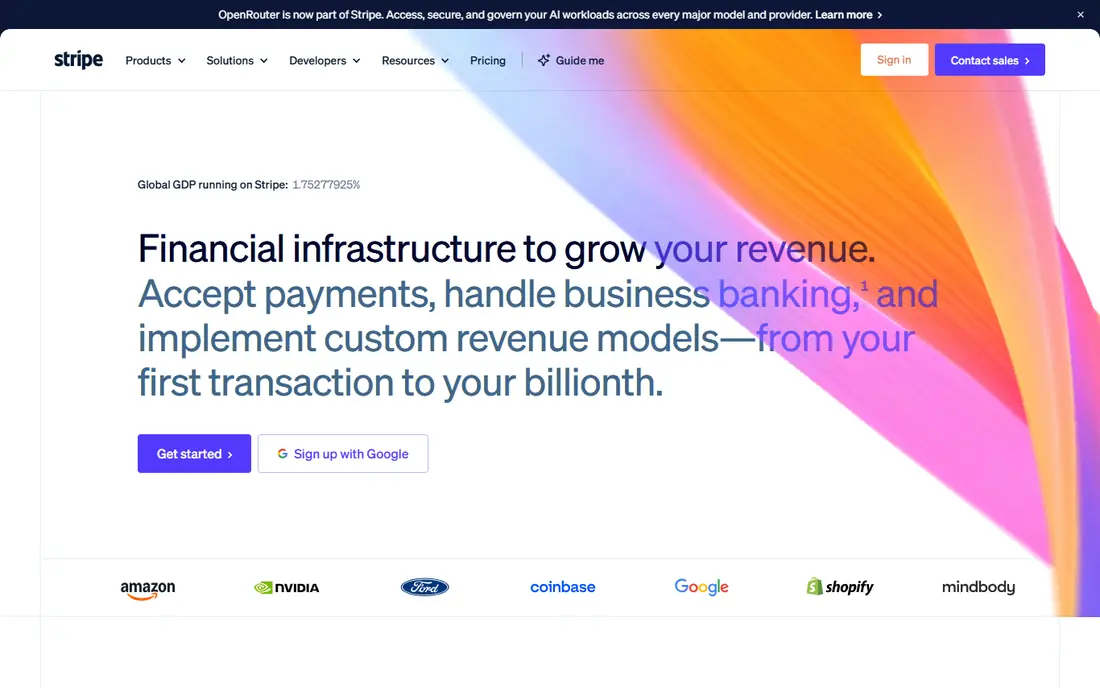
Stripe is the flexible choice for online businesses, handling cards, wallets, subscriptions and many international payment methods through one platform. It suits companies that sell online at scale or need custom checkout flows, and its documentation is strong for developers. Its reporting and fraud tools are also well regarded.
The limit is setup complexity, since custom use needs technical work and the dashboard can overwhelm beginners. Businesses that want a simple in-person reader may prefer Square, but for online-first sales Stripe is hard to beat.
For readers who want online businesses that want flexible checkout, Stripe is a sensible shortlist pick, provided the limits above feel acceptable. Compare its pricing page and trial terms before you commit, and check that it covers the exact workflow you need on day one.
- Powerful online payments
- Subscriptions
- Global payment methods
- Needs technical setup for custom use
- Dashboard can overwhelm beginners
Venmo
Ideal for: Small sellers paid by individuals in the US
Venmo is best known for peer payments, and its business profiles suit small sellers paid directly by individuals in the US. It is quick to set up, customers already understand it, and transfers are straightforward for casual sales. For a side business or a market seller, that simplicity is appealing.
The trade-off is breadth, since its business features are narrower than Square or Stripe and it is US focused. It works well as an extra payment option, but most established businesses will want a fuller platform alongside it.
For readers who want small sellers paid by individuals in the us, Venmo is a sensible shortlist pick, provided the limits above feel acceptable. Compare its pricing page and trial terms before you commit, and check that it covers the exact workflow you need on day one.
- Very familiar for peer payments
- Quick transfers
- Social payment feed
- Business features are narrower than Square or Stripe
- US focused
Cash App
Ideal for: Small sellers and freelancers paid by individuals
Cash App suits small sellers and freelancers who are paid by individuals and want a simple, fast setup. Its peer payment flow is familiar to many US customers, and its card and direct deposit options add flexibility beyond basic transfers. For informal or side income, it is easy to start.
The limit is business depth, since its tools for invoicing, reporting and tax records are basic compared with Square or PayPal. It is a useful payment route, but not a full business payments platform on its own.
For readers who want small sellers and freelancers paid by individuals, Cash App is a sensible shortlist pick, provided the limits above feel acceptable. Compare its pricing page and trial terms before you commit, and check that it covers the exact workflow you need on day one.
- Simple peer payments
- Card and direct deposit options
- Quick setup
- Business tools are basic
- Fees apply to some instant transfers
Wise
Ideal for: Businesses that pay or receive money internationally
Wise is built for international money, giving businesses multi-currency accounts and transfers priced around the mid-market rate. It suits freelancers, agencies and sellers who pay contractors abroad or receive payments from other countries. Its fee transparency is a real strength compared with traditional banks.
The catch is scope, since Wise is not a full card checkout platform for retail sales. It is best used alongside a checkout tool, handling the international side of a business while another app handles customer card payments.
For readers who want businesses that pay or receive money internationally, Wise is a sensible shortlist pick, provided the limits above feel acceptable. Compare its pricing page and trial terms before you commit, and check that it covers the exact workflow you need on day one.
- International transfers at mid-market rates
- Multi-currency accounts
- Clear fees
- Not a full card checkout platform
- Receiving options vary by currency
QuickBooks Payments
Ideal for: Businesses already using QuickBooks for accounting
QuickBooks Payments suits businesses already running QuickBooks, because payments, invoices and accounting stay in one system. Paid invoices reconcile automatically, which saves bookkeeping time and reduces errors. For a business that already lives in QuickBooks, that integration is hard to give up.
The limit is that its best value comes inside QuickBooks, so businesses without it may prefer a standalone option. Transaction fees also apply, so compare the total cost with Square or Stripe for your sales volume before you commit.
For readers who want businesses already using quickbooks for accounting, QuickBooks Payments is a sensible shortlist pick, provided the limits above feel acceptable. Compare its pricing page and trial terms before you commit, and check that it covers the exact workflow you need on day one.
- Payments inside QuickBooks
- Automatic reconciliation
- Invoicing
- Best value inside QuickBooks
- Fees apply per transaction
Helcim
Ideal for: Businesses that want interchange-plus pricing clarity
Helcim appeals to businesses that want clearer, interchange-plus pricing rather than a flat rate that hides card costs. It covers in-person and online payments, and its basic plans avoid a monthly fee, which suits smaller sellers. Its dashboard covers the essentials without much clutter.
The drawbacks are brand scale and hardware range, since it is smaller than Square and offers fewer reader options. For a business that values pricing transparency and does not need a large hardware range, Helcim is worth a close look.
For readers who want businesses that want interchange-plus pricing clarity, Helcim is a sensible shortlist pick, provided the limits above feel acceptable. Compare its pricing page and trial terms before you commit, and check that it covers the exact workflow you need on day one.
- Interchange-plus pricing
- In-person and online tools
- No monthly fee on basic plans
- Smaller brand than Square
- Hardware range is narrower
How we picked these
We compared official feature pages, pricing pages, app store listings, privacy policies and public reviews for each option, and we focused on products that exist and work in October 2026 and truly fit the topic. We looked for a mix of well-known leaders and strong smaller options, rather than a list of near-identical tools. We compared accepted payment methods, fees structure, payout timing, hardware and online tools, reporting and support. We did not claim hands-on testing that did not happen, and where a price or free tier could not be verified from the vendor site, we wrote See website rather than guessing a number.
Choosing the right option for you
Start with how your customers actually pay, because a tool built for online checkout may be awkward at a market stall, and vice versa. List your top three payment situations, then check each app against those before looking at extra features.
Compare the full fee picture, including transaction fees, monthly charges, chargeback handling and hardware costs, rather than one headline rate. A low transaction rate can still be expensive if monthly fees or payout delays hurt cash flow.
Test the payout and refund process with a small real transaction before you rely on the app for daily sales. The way refunds, disputes and customer support work under pressure matters more than a polished signup page.
Before you decide, make a short list of three must-have features and one deal-breaker, then test only the two or three options that meet that list. A focused trial will tell you more than a week of comparing feature tables, and it keeps the decision tied to your real work rather than to marketing claims.
Frequently asked questions
What are the best which payment app is best for business?
The best choice depends on your needs, but Square suits most people, while PayPal is stronger for businesses whose customers already use paypal. Start with your must-have features, then trial the top two options before paying.
Is there a free option for which payment app is best for business?
Yes, several options here offer a free plan or a free trial, including Stripe. Free plans usually limit advanced features, so check which tools you actually need before judging a free tier.
How much do which payment app is best for business cost?
Costs vary widely, and many vendors use quote-based pricing, so the pricing page is the reliable source. Where we could not verify a current price, we wrote See website rather than guessing, and you should get a written quote for team plans.
Which option is best for beginners?
Square is the easiest starting point for most beginners, thanks to its clear setup and guidance. If you want the simplest possible tool, look at the free or trial options first and choose the one whose interface feels clearest to you.
How should I choose between these options?
List your top three needs, check integrations and pricing for those needs, and run a short trial with real work. The option that handles your daily tasks smoothly, with support you can reach, is usually the right pick, even if a rival has a longer feature list.