Best Software for Data Entry in 2026: 8 Tools Compared

- 1
 UiPathenterprises automating complex data entryVisit
- 2
 Zapiermoving data between SaaS apps without codeVisit
- 3
 AutoEntryaccounting teams extracting invoice dataVisit
- 4
 Zoho Formsteams collecting data through formsVisit
- 5
 Microsoft Power AutomateMicrosoft 365 teams automating data flowsVisit
- UiPath is the most capable automation platform for complex multi-system data entry.
- Zapier is the easiest way to move structured data between SaaS apps without code.
- AutoEntry suits accounting teams extracting data from invoices and receipts.
- Zoho Forms suits teams collecting structured data from people through forms.
Quick comparison
| Product | Ideal for | Price from | Free version | |
|---|---|---|---|---|
| UiPath | enterprises automating complex data entry | $25 per month | Free trial | Visit |
| Zapier | moving data between SaaS apps without code | See website | Yes | Visit |
| AutoEntry | accounting teams extracting invoice data | $12 per month | Free trial | Visit |
| Zoho Forms | teams collecting data through forms | $10 per user per month | Yes | Visit |
| Microsoft Power Automate | Microsoft 365 teams automating data flows | See website | Yes | Visit |
 Automation Anywhere | enterprises needing governed automation | See website | Free trial | Visit |
 Klippa | document capture and data extraction | See website | Free trial | Visit |
 Nanonets | AI document extraction for finance and ops | See website | Free trial | Visit |
The best software for data entry
Data entry software splits into manual entry tools like forms, document extraction tools that read invoices and receipts, and automation platforms that move data between systems. The best pick depends on whether your data starts on paper, in documents, or in another app.
UiPath
Ideal for: enterprises automating complex data entry

UiPath works best for enterprises automating complex data entry. UiPath records and replays human actions across apps, with document understanding for unstructured files and orchestration for scale. Pricing starts at $25 per month, and a free trial is available. This is the option to look at first if that description matches your situation.
It needs RPA expertise to build and maintain bots, and enterprise tiers are custom-priced, so small teams should start elsewhere. That trade-off matters most if you were hoping for a single tool that covers every situation without compromise. Compared with the other options here, UiPath stands out for enterprises automating complex data entry, while asking you to accept that Needs RPA expertise. Weigh that honestly against your budget and your patience for setup before you commit.
- Records multi-app workflows
- Document understanding
- Orchestration
- Needs RPA expertise
- Enterprise tiers are custom-priced
Zapier
Ideal for: moving data between SaaS apps without code
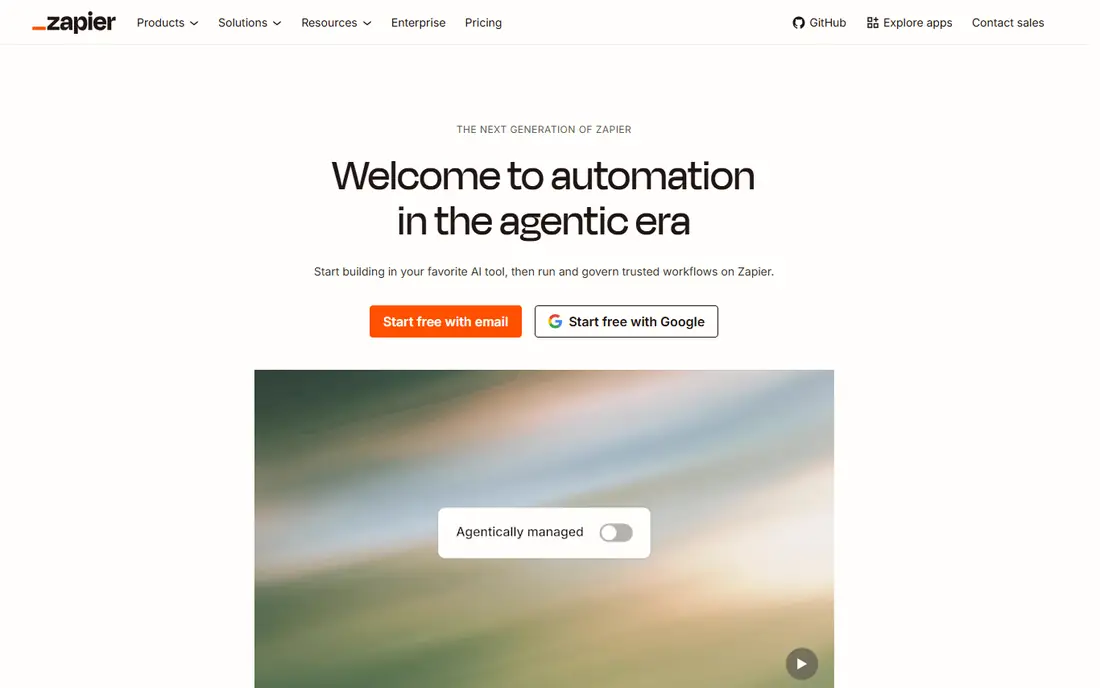
Zapier works best for moving data between SaaS apps without code. Zapier moves structured data between thousands of apps with no-code triggers and multi-step workflows. Pricing starts at See website, and a free plan is available. Put this one near the top of your shortlist when the fit sounds right.
It cannot extract data from PDFs or scanned documents, and per-task pricing adds up at high volumes. That trade-off matters most if you were hoping for a single tool that covers every situation without compromise. Compared with the other options here, Zapier stands out for moving data between SaaS apps without code, while asking you to accept that Cannot extract from documents. Weigh that honestly against your budget and your patience for setup before you commit.
- Thousands of app integrations
- Multi-step workflows
- No-code setup
- Cannot extract from documents
- Per-task pricing adds up
AutoEntry
Ideal for: accounting teams extracting invoice data
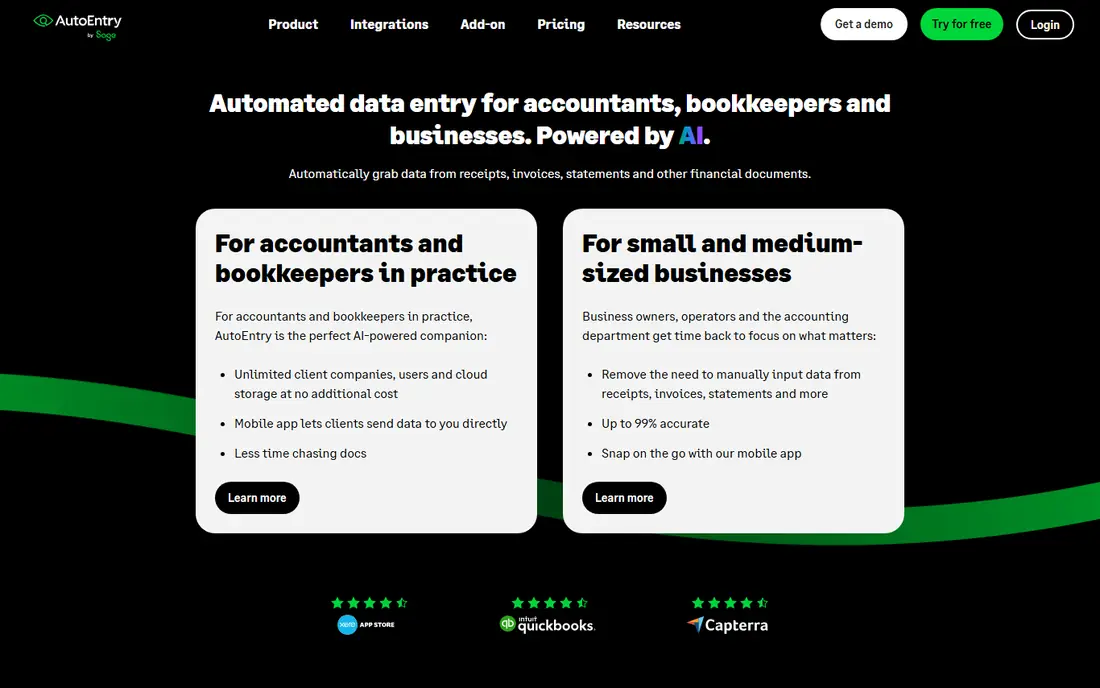
AutoEntry works best for accounting teams extracting invoice data. AutoEntry extracts data from invoices, receipts, and bank statements for accounting teams, with mobile capture. Pricing starts at $12 per month, and a free trial is available. This choice makes the most sense for readers who match the description above.
It is limited to accounting use, and accuracy varies by document quality, so review extracted fields before posting. That trade-off matters most if you were hoping for a single tool that covers every situation without compromise. Compared with the other options here, AutoEntry stands out for accounting teams extracting invoice data, while asking you to accept that Limited to accounting use. Weigh that honestly against your budget and your patience for setup before you commit.
- Invoice and receipt extraction
- Accounting integrations
- Mobile capture
- Limited to accounting use
- Accuracy varies by document
Zoho Forms
Ideal for: teams collecting data through forms
Zoho Forms works best for teams collecting data through forms. Zoho Forms builds forms with conditional logic and offline mobile collection, fitting teams already using Zoho apps. Pricing starts at $10 per user per month, and a free plan is available. Consider this option closely if you want the balance it offers.
It still requires manual entry from users, and automation is limited compared with dedicated extraction platforms. That trade-off matters most if you were hoping for a single tool that covers every situation without compromise. Compared with the other options here, Zoho Forms stands out for teams collecting data through forms, while asking you to accept that Still needs manual entry. Weigh that honestly against your budget and your patience for setup before you commit.
- Drag-and-drop form builder
- Conditional logic
- Offline mobile collection
- Still needs manual entry
- Automation is limited
Microsoft Power Automate
Ideal for: Microsoft 365 teams automating data flows
Microsoft Power Automate works best for Microsoft 365 teams automating data flows. Power Automate automates data flows inside Microsoft 365, with AI Builder for document extraction and many connectors. Pricing starts at See website, and a free plan is available. This is a strong candidate when your priorities line up with its strengths.
The learning curve is real, and premium connectors cost extra, so check licensing for your flows. That trade-off matters most if you were hoping for a single tool that covers every situation without compromise. Compared with the other options here, Microsoft Power Automate stands out for Microsoft 365 teams automating data flows, while asking you to accept that Learning curve. Weigh that honestly against your budget and your patience for setup before you commit.
- Deep Microsoft 365 integration
- AI Builder extraction
- Many connectors
- Learning curve
- Premium connectors cost extra
Automation Anywhere
Ideal for: enterprises needing governed automation
Automation Anywhere works best for enterprises needing governed automation. Automation Anywhere offers enterprise RPA with document automation and governance controls for regulated firms. Pricing starts at See website, and a free trial is available. Keep this one in mind if the trade-offs below are acceptable to you.
Pricing is custom, and building bots needs specialist skills, so it suits larger operations. That trade-off matters most if you were hoping for a single tool that covers every situation without compromise. Compared with the other options here, Automation Anywhere stands out for enterprises needing governed automation, while asking you to accept that Custom pricing. Weigh that honestly against your budget and your patience for setup before you commit.
- Enterprise RPA
- Document automation
- Governance controls
- Custom pricing
- Needs specialist skills
Klippa
Ideal for: document capture and data extraction
Klippa works best for document capture and data extraction. Klippa extracts data from documents with OCR and AI, offering API access and orchestration for teams automating intake. Pricing starts at See website, and a free trial is available. This option earns its place for the specific audience named above.
It is low-code but still complex for beginners, and pricing varies by volume, so request a quote for your document count. That trade-off matters most if you were hoping for a single tool that covers every situation without compromise. Compared with the other options here, Klippa stands out for document capture and data extraction, while asking you to accept that Low-code but still complex for beginners. Weigh that honestly against your budget and your patience for setup before you commit.
- OCR and AI extraction
- API access
- Process orchestration
- Low-code but still complex for beginners
- Pricing varies
Nanonets
Ideal for: AI document extraction for finance and ops
Nanonets works best for AI document extraction for finance and ops. Nanonets builds AI models that extract data from invoices, receipts, and forms, with approval workflows for finance teams. Pricing starts at See website, and a free trial is available. Round out your shortlist with this option if its approach appeals to you.
Pricing scales with document volume, and models need tuning for unusual layouts, so pilot with real documents first. That trade-off matters most if you were hoping for a single tool that covers every situation without compromise. Compared with the other options here, Nanonets stands out for AI document extraction for finance and ops, while asking you to accept that Pricing scales with documents. Weigh that honestly against your budget and your patience for setup before you commit.
- AI document models
- API and integrations
- Approval workflows
- Pricing scales with documents
- Setup needs tuning
How we picked these
We compared official feature pages, pricing pages, app store listings, privacy policies, and public reviews for each option, and we kept only products that exist and work today and that truly fit the topic. We gave weight to clear pricing, a usable free or trial option where one is offered, and honest limits stated on the vendor site. We did not claim hands-on testing we did not do, and where a price could not be verified on the vendor site we wrote See website instead of guessing. Our pick for most people is usually the option that covers the core job well at a fair price, not the one with the longest feature list. That said, the right answer depends on your situation, so use the comparison table to narrow the list to two or three options, then check the current pricing page before you pay.
How to choose data entry software
Start with the source. Forms suit data people type, extraction tools suit invoices and receipts, and automation platforms suit data already in another system.
Next, measure accuracy on your real documents. Run a pilot with messy, real-world files, since clean demo documents hide the errors that cost time later.
Finally, count total cost per record. Per-task, per-document, and per-user pricing all scale differently, so model costs at your monthly volume before committing.
Frequently asked questions
Which software is best for data entry?
UiPath is best for complex automation, Zapier is best for moving data between apps, AutoEntry is best for accounting documents, and Zoho Forms is best for collecting data.
What is data entry automation software?
It automates moving data from documents, forms, or apps into systems, using OCR, AI extraction, or robotic process automation to reduce manual typing and errors.
Is there free data entry software?
Yes. Zapier, Zoho Forms, and Power Automate offer free tiers with limits, and UiPath offers a free Community edition for individuals and small teams.
How do I automate data entry from PDFs?
Use document extraction tools like AutoEntry, Klippa, or Nanonets, which read PDFs with OCR and AI and push fields into accounting or spreadsheet systems.
What is the difference between RPA and document extraction?
RPA replays human actions across apps to enter data, while document extraction reads fields from files. Complex workflows often combine both.