Best Software for Remote Work in 2026: 8 Tools Compared

- 1
 SlackTeam chat and channelsVisit
- 2
 Microsoft TeamsChat and meetings in Microsoft 365Visit
- 3
 ZoomVideo meetings and webinarsVisit
- 4
 Google MeetVideo meetings in Google WorkspaceVisit
- 5
 AsanaProject tracking for remote teamsVisit
- Slack and Microsoft Teams suit team chat, while Zoom and Google Meet suit video meetings.
- Asana and Notion suit project tracking, while 1Password and VPN tools suit remote security.
- Most remote teams need a small stack, not one tool: chat, video, docs, projects and security together.
- Our pick for team chat is Slack for most teams, with Microsoft Teams as the pick for Microsoft 365 users.
- Check free tier limits, since remote tools often limit meeting length, storage or message history on free plans.
Quick comparison
| Product | Ideal for | Price from | Free version | |
|---|---|---|---|---|
| Slack | Team chat and channels | Free | Yes | Visit |
| Microsoft Teams | Chat and meetings in Microsoft 365 | Free | Yes | Visit |
| Zoom | Video meetings and webinars | Free | Yes | Visit |
| Google Meet | Video meetings in Google Workspace | Free | Yes | Visit |
| Asana | Project tracking for remote teams | Free | Yes | Visit |
 Notion | Docs, wikis and project tracking | $10 per month | Yes | Visit |
 1Password | Password security for remote teams | $3 per user per month | Free trial | Visit |
 Miro | Visual collaboration whiteboard | Free | Yes | Visit |
The best software for remote work
Remote work needs tools for communication, meetings, documents, projects and security, and the best stack covers all five without overlap. The tools below are the core picks for each job. We compared official pricing pages, feature lists and public reviews.
Slack
Ideal for: Team chat and channels
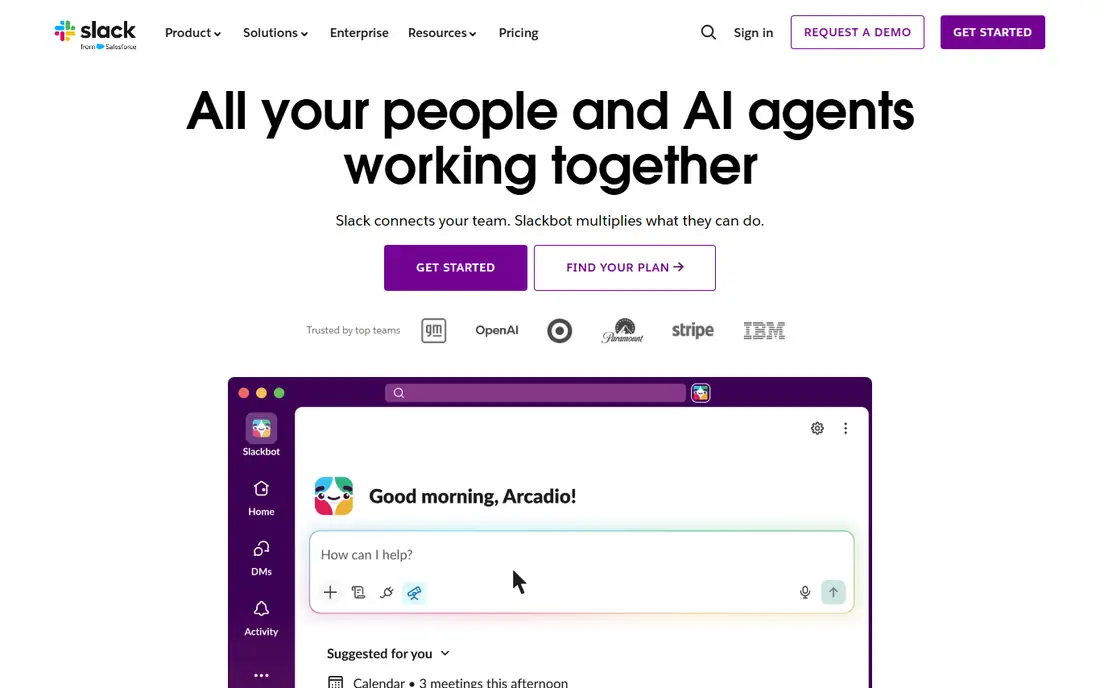
Slack is our pick for team chat for most remote teams. Channels organize conversations by team, project or topic, threads keep replies tidy, and integrations connect Slack to project tools, docs, calendars and code repos. Huddles offer quick voice chats without scheduling a meeting.
The free plan limits searchable message history, so growing teams usually pay for Pro to keep history and gain more integrations. Notification overload is a real risk, so set channel norms: which channels are urgent, which are FYI, and when quiet hours apply. With those norms, Slack is the remote office hallway and meeting room in one.
- Channels organize team chat
- Huge integration library
- Fast search on paid plans
- Free plan limits message history
- Notification overload needs channel discipline
Microsoft Teams
Ideal for: Chat and meetings in Microsoft 365

Microsoft Teams is the pick for a team already on Microsoft 365, since chat, video meetings, file sharing and Office apps live in one place. It suits enterprises with compliance, security and admin controls, and it integrates with Outlook, SharePoint and OneDrive without extra setup.
The interface packs a lot in and can feel busy compared with Slack. Teams that do not use Microsoft 365 will get less value, since the free tier is thinner than the full 365 experience. For a Microsoft shop, Teams is the natural remote hub.
- Included with Microsoft 365
- Chat, meetings and files in one app
- Strong enterprise controls
- Interface can feel busy
- Best value needs Microsoft 365
Zoom
Ideal for: Video meetings and webinars

Zoom remains the standard for video meetings, thanks to reliable quality, broad device support, and features for webinars, breakout rooms and recordings. Most people already know how to join a Zoom call, which removes friction for clients and new hires. The free tier covers one-to-one meetings well.
Group meetings on the free plan are limited to 40 minutes, so teams meeting regularly need a paid plan. Security settings, such as waiting rooms and passwords, should be set deliberately for public links. For a team that meets by video daily, Zoom is a reliable core tool.
- Reliable video quality
- Webinars and large meetings
- Broad device support
- Free plan limits group meetings to 40 minutes
- Security settings need care
Google Meet
Ideal for: Video meetings in Google Workspace
Google Meet suits a team on Google Workspace, since meetings start from Gmail or Calendar in a browser with no install for guests. Video quality is solid, captions and noise cancellation help on real calls, and integration with Docs and Drive keeps meeting work together.
Advanced features such as large webinars, polls and breakout controls are stronger in Zoom or on paid Workspace plans. For a Google Workspace team that meets in small groups, Meet is simple, reliable and already paid for.
- Simple browser meetings
- Ties into Gmail and Calendar
- No install for guests
- Advanced features need Google Workspace
- Fewer webinar features than Zoom
Asana
Ideal for: Project tracking for remote teams
Asana is our pick for remote project tracking when work has owners, deadlines and dependencies. List, board, timeline and calendar views suit different teams, goals track company objectives, and integrations connect Asana to Slack, Google and Microsoft tools. Remote managers get visibility without constant status meetings.
The free tier covers small teams well, while larger teams need paid plans for timelines, goals and advanced reporting. A team with only simple lists may prefer Todoist, but a team coordinating projects across people and deadlines will benefit from Asana.
- Clear task and project views
- Timelines and goals
- Good integrations
- Advanced features need paid plans
- Can feel complex for simple lists
Notion
Ideal for: Docs, wikis and project tracking
Notion covers the documentation side of remote work: team wikis, meeting notes, SOPs, project trackers and databases in one searchable workspace. Templates speed setup, and the free tier covers small teams well. Remote teams that document decisions in Notion avoid repeating the same questions in chat.
Very large workspaces can feel slow, and offline access is limited, so teams in low-connectivity areas should test it. For a remote team that values written, searchable knowledge, Notion is the best single docs tool.
- Docs, wikis, databases and tasks in one workspace
- Strong free tier
- Flexible templates
- Can feel slow on very large workspaces
- Offline support is limited
1Password
Ideal for: Password security for remote teams
1Password is essential remote security infrastructure. It stores passwords and secrets in encrypted vaults, lets teams share credentials safely without spreadsheets or chat messages, and gives admins controls for onboarding and offboarding. Business plans start around $3 per user per month, with a trial to test team rollout.
It only works if everyone uses it, so rollout needs a clear policy and a migration day. For a remote team handling client accounts, cloud services and shared logins, 1Password is one of the highest-value tools in this list, despite its modest price.
- Secure password and secret sharing
- Team vaults and admin controls
- Easy onboarding
- Per-user cost adds up for large teams
- Needs adoption by everyone to work
Miro
Ideal for: Visual collaboration whiteboard
Miro replaces the office whiteboard for remote brainstorming, planning, retros and workshops. An infinite canvas, templates for common exercises, and real-time collaboration let a distributed team sketch, vote and organize ideas together. It suits product, design and planning sessions that chat and docs handle poorly.
The free plan limits active boards, so active teams need a paid plan. Large boards need facilitation, or they become cluttered. For visual remote collaboration, Miro is the standard pick.
- Infinite whiteboard for brainstorming and planning
- Templates
- Real-time collaboration
- Free plan limits boards
- Large boards can feel busy
How we picked these
We compared official pricing pages, feature lists and public reviews for remote work software available in October 2026. We favored tools with real remote team deployments, clear free tiers or trials, and a working official homepage. We left out tools we could not verify as live products.
What to check before you build a stack
Cover five jobs with as few tools as possible: chat, video, docs, projects and security. Overlap causes confusion about where a decision lives, so pick one tool per job and write it down. A simple stack, such as Slack, Zoom, Notion, Asana and 1Password, covers most remote teams well.
Set norms, not just tools
Agree on response times, channel use, meeting rules and documentation habits. A tool does not fix a team that expects instant replies at all hours or holds every decision in a meeting. Write norms down, review them quarterly, and protect focus time and time zones.
Try before you commit to a full rollout
Most tools in this list offer a free tier or a trial, and the smartest use of that trial is a small, realistic test rather than a tour of every feature. Pick one real job, such as a single project, a single campaign, or a single workflow your team runs every week, and run it end to end in the trial. Invite the people who will actually use the tool daily, not just the person choosing it, and ask them to complete that job without help. Note where they get stuck, how long the job takes compared with your current method, and whether the result is good enough to share with a client or a manager. Check support response times during the trial too, since a fast answer during a trial often predicts the help you will get later. At the end of the trial, compare the real time saved and the real cost per user against the plan you would buy, and only then decide whether the upgrade is worth it for your team.
Frequently asked questions
Which software is best for remote work?
No single tool covers everything. Our core stack is Slack for chat, Zoom or Google Meet for video, Notion for docs, Asana for projects, and 1Password for security. Microsoft Teams can replace Slack and Zoom for Microsoft 365 teams.
Is Slack or Microsoft Teams better for remote work?
Slack suits most teams that want focused chat with broad integrations, while Teams suits teams already on Microsoft 365 that want chat, meetings and files in one app. Choose by your existing ecosystem, since switching ecosystems costs more than switching chat apps.
What is the best free remote work software?
Slack, Microsoft Teams, Zoom, Google Meet, Asana, Notion and Miro all offer free tiers that cover small teams. Free limits on message history, meeting length or boards usually push growing teams to a paid plan.
How do remote teams stay secure?
Use a password manager such as 1Password, enable two-factor authentication everywhere, use a VPN on untrusted networks where required, and keep software updated. Offboard leavers promptly by removing access from all tools on their last day.
Do remote teams need project management software?
Most do, once work involves several people, deadlines and dependencies. Asana suits project tracking, Notion suits docs plus light tracking, and simple teams can start with Todoist before moving to a fuller tool.