Best Whimsical Alternatives in 2026: 7 Whiteboard and Diagram Tools Compared

- 1
 MiroTeam whiteboardsVisit
- 2
 FigJamCollaborative whiteboardingVisit
- 3
 LucidchartDiagrams and flowchartsVisit
- 4
 MuralFacilitated workshopsVisit
- 5
 ExcalidrawQuick free sketchingVisit
- Miro and FigJam suit teams that want large, flexible whiteboards for workshops.
- Lucidchart suits diagram-heavy work such as flowcharts and system maps.
- Mural suits facilitated workshops with templates and voting.
- Excalidraw suits quick, hand-drawn style sketches at no cost.
- MindMeister and Coggle suit mind mapping and brainstorming specifically.
Quick comparison
| Product | Ideal for | Price from | Free version | |
|---|---|---|---|---|
| Miro | Team whiteboards | See website | Yes | Visit |
| FigJam | Collaborative whiteboarding | See website | Yes | Visit |
| Lucidchart | Diagrams and flowcharts | See website | Yes | Visit |
| Mural | Facilitated workshops | See website | Free trial | Visit |
| Excalidraw | Quick free sketching | Free | Yes | Visit |
 MindMeister | Mind mapping | See website | Yes | Visit |
 Coggle | Simple mind maps | See website | Yes | Visit |
The best Whimsical alternatives
Whimsical combines whiteboards, flowcharts, mind maps, and docs in a fast, minimal interface. The tools below cover similar ground, from full whiteboard platforms to focused diagram and mind map apps. We compared official feature pages, pricing pages, and public documentation.
Miro
Ideal for: Team whiteboards

Miro is the most capable whiteboard platform on this list, with an infinite canvas, sticky notes, diagrams, and hundreds of templates. Teams use it for brainstorming, planning, retros, and product discovery, often in the same board. Real-time cursors, comments, and voting keep remote workshops moving.
That power can overwhelm simple diagram tasks, and some features need paid plans. For teams that run regular workshops or product sessions, Miro is our pick for breadth. For a quick flowchart, a lighter tool may be faster.
- Huge canvas with templates for almost any workshop
- Strong real-time collaboration
- Many integrations
- Large boards can feel busy
- Advanced features sit on paid plans
FigJam
Ideal for: Collaborative whiteboarding
FigJam is Figma's whiteboard, with sticky notes, shapes, connectors, and templates in a friendly interface. Design teams benefit most, since FigJam boards link directly to Figma design files, keeping discovery and design in one place. Sharing and commenting are simple, which suits cross-functional reviews.
For strict engineering diagrams or system maps, Lucidchart offers more precision. For design-led teams that already use Figma, FigJam is a natural Whimsical alternative. Its free starter tier covers small teams well.
- Simple, playful whiteboard inside the Figma ecosystem
- Good for design teams
- Easy sharing and commenting
- Less diagram depth than Lucidchart
- Best value inside a Figma workflow
Lucidchart
Ideal for: Diagrams and flowcharts
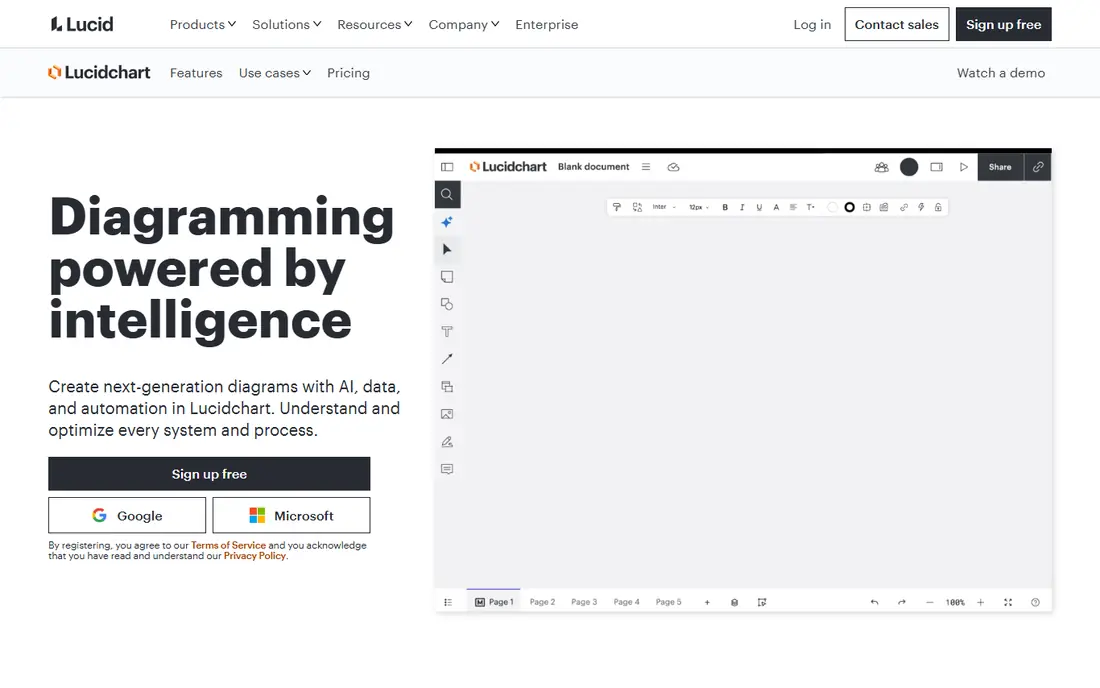
Lucidchart is built for diagrams that must be accurate: flowcharts, org charts, network maps, and process diagrams. Shape libraries, data linking, and alignment tools keep diagrams tidy, and sharing controls suit enterprise teams. It is the tool to pick when a diagram will be presented to stakeholders or published in docs.
It feels less like a casual whiteboard than Miro or FigJam, and brainstorming is not its strength. For documentation-grade diagrams, Lucidchart is the strongest pick here. Use its free tier to test diagram types before upgrading.
- Precise flowchart, org chart, and system diagram tools
- Data linking and shape libraries
- Strong sharing controls
- Less freeform whiteboard feel than Miro
- Paid plans needed for full features
Mural
Ideal for: Facilitated workshops
Mural focuses on guided workshops, with templates for design thinking, retros, and planning, plus facilitation tools such as timers, voting, and private brainstorming mode. Facilitators can lock content, guide participants step by step, and keep sessions on track. Enterprise security and admin controls suit larger organizations.
For a solo flowchart, Mural is more than needed, and pricing reflects its enterprise focus. For teams that run structured workshops often, Mural is a strong choice. Ask for a trial to test facilitation features with a real session.
- Workshop templates with facilitation features
- Voting, timers, and private mode
- Enterprise security options
- Pricing is higher than casual whiteboard tools
- Less suited to quick solo diagrams
Excalidraw
Ideal for: Quick free sketching
Excalidraw is a free, open source whiteboard with a charming hand-drawn look. It opens fast, needs no account for basic sketching, and suits rough architecture diagrams, wireframes, and brainstorm sketches. Many developers and writers use it for quick visuals that do not need polish.
It lacks the template libraries and workshop features of paid platforms, and team collaboration is simpler. For quick personal diagrams at no cost, Excalidraw is our pick. It also pairs well with docs and notes apps that embed its files.
- Free and open source with a hand-drawn style
- Fast for rough diagrams
- No account needed for basic use
- No built-in templates library like Miro
- Collaboration needs a shared link or hosted version
MindMeister
Ideal for: Mind mapping
MindMeister does one thing well: mind maps. It offers clean layouts, real-time collaboration, and a presentation mode that turns a map into a walkthrough. Integrations with task tools let teams turn branches into action items, which suits planning and study.
It is not a general whiteboard or flowchart tool, so teams needing both may pair it with another app. For brainstorming, study notes, and project planning in map form, MindMeister is a polished pick. Its free tier covers basic maps.
- Dedicated mind mapping with collaboration
- Clean layouts and presentation mode
- Integrations with task tools
- Focused on mind maps, not general whiteboards
- Paid plans for larger maps
Coggle
Ideal for: Simple mind maps
Coggle keeps mind mapping deliberately simple. Branches, colors, images, and links cover most needs, and real-time collaboration works without training. Students, writers, and small teams who want a map in minutes will appreciate its low friction.
Power users may miss advanced layouts, task integrations, and whiteboard tools. For simple, shareable mind maps, Coggle is a good free starting point. Upgrade only if you need private diagrams or larger teams.
- Very simple mind mapping with real-time collaboration
- Clean sharing links
- Low learning curve
- Fewer features than MindMeister or Miro
- Limited diagram types
How we picked these
We compared official feature pages, pricing pages, and public documentation, looking for whiteboard, flowchart, mind map, or diagram features that match Whimsical. We favored tools that are actively maintained and work in October 2026, and we mixed full platforms with focused free tools. We did not claim hands-on testing, and we note that free tiers limit board counts, so check current limits before committing.
We also weighed practical details that matter after signup. That included how easy each product is to set up, whether support answers promptly, and whether pricing stays clear as usage grows. We read user complaints as well as praise, since repeated complaints about billing, onboarding, or missing features often signal a real weakness. Where a product had a known limitation, we said so in its write-up rather than smoothing it over. Our goal was a shortlist that a reader can trust for whimsical alternatives, not a list of every vendor in the market. Readers with unusual needs should still test their top two choices, since fit depends on budget, team size, and the features used every day.
What to check before you choose
Start with your main use: workshops, diagrams, or mind maps. A workshop tool such as Miro or Mural suits group sessions, while Lucidchart suits precise diagrams and MindMeister suits maps. Picking one tool for everything often means it does each job only fairly well.
Next, test collaboration with your real team. Check guest access, commenting, and export options, since a board that cannot be shared or exported loses value. Also confirm pricing per editor versus viewer, because that distinction changes team costs sharply. A trial workshop will reveal whether the tool fits your habits.
Testing your shortlist before you commit
A short trial answers questions that no comparison table can settle. Sign up for your top two choices, run a real task from your own work, and watch how long it takes and where you get stuck. For whimsical alternatives, that real task might be a weekly workflow you repeat, a report you need every month, or a setup step your team must repeat for new members. If a tool slows that task down, it will cost time every week, no matter how good its feature list looks.
Pay attention to support during the trial as well. Send a question through the normal support channel and note how long a useful answer takes. Check billing clarity too: confirm what the trial includes, when it ends, and what the first paid invoice will actually show. A tool that is hard to cancel, or that hides fees until checkout, deserves caution.
Finally, ask who else on your team must use the tool. A product that only one person likes will stall, while a product the whole team adopts will pay for itself. Gather quick feedback from the people who will use it daily, compare their notes with your own, and then choose. That small amount of trial discipline prevents most bad purchases, and it costs far less than switching tools again in six months.
Budgeting the full cost, not just the headline price
Headline prices rarely tell the full story. Add up per-user fees, add-on charges, implementation help, and any training your team needs, then compare that total across your shortlist. A cheaper plan that needs three paid add-ons can end up costing more than a fuller plan from a rival. Check renewal terms as well, since introductory discounts often expire after the first term and the second year price is the one you will actually live with.
Think about exit costs too. Before you commit, confirm how your data exports, whether your content or history moves cleanly, and what happens if you pause or cancel. A tool with clean exports gives you freedom later, while a tool that locks data in makes switching painful. Choosing with the full cost and the exit path in mind keeps your whimsical alternatives decision sound for the long term, not just for the first month.
Frequently asked questions
Is Whimsical free?
Whimsical offers a free tier with limits, and paid plans add collaboration and larger workspaces. Check its current pricing page, since free limits change over time.
Which Whimsical alternative is best for flowcharts?
Lucidchart leads for precise flowcharts and system diagrams. Miro and FigJam also handle flowcharts inside a broader whiteboard, which suits teams that diagram beside brainstorming.
Which alternative is best for mind maps only?
MindMeister and Coggle focus on mind maps, with clean layouts and collaboration. MindMeister offers more features, while Coggle is simpler and quicker to learn.
Can I use these tools without a design background?
Yes. Most offer templates and drag-and-drop shapes, and Excalidraw needs no training at all. Start with a template for your task type.
Do these tools work for remote teams?
Yes, real-time collaboration, comments, and sharing are core features of Miro, FigJam, Mural, and others. Check guest access rules if outside collaborators join often.