8 Best Whiteboard Fox Alternatives

- 1
 Mirolarge-team workshops and cross-functional collaborationVisit
- 2
 Muralfacilitated workshops, design sprints and retrospectivesVisit
- 3
 FigJamproduct and design teams already using FigmaVisit
- 4
 Microsoft WhiteboardMicrosoft 365 and Teams shops needing a no-extra-cost canvasVisit
- 5
 Lucidsparkbrainstorming and agile planning for teams already on LucidchartVisit
- Miro and Mural suit larger workshops, while FigJam and Microsoft Whiteboard suit teams that already use Figma or Microsoft 365.
- Excalidraw is the simplest free option for quick sketches, and Conceptboard suits teams that need hosting in Germany.
- Every tool on this list has a free plan, but free plans cap boards, files, storage or guest access, so check those limits first.
- Starting prices run from $0 to about $10 per user per month, with Conceptboard priced in euros, so compare the billing basis before you choose.
Quick comparison
| Product | Ideal for | Price from | Free version | |
|---|---|---|---|---|
| Miro | large-team workshops and cross-functional collaboration | $8 per member/month, billed annually ($10 monthly) | Yes, 3 editable boards | Visit |
| Mural | facilitated workshops, design sprints and retrospectives | $9.99 per member/month, billed annually ($12 monthly) | Yes, 3 editable murals, unlimited members | Visit |
| FigJam | product and design teams already using Figma | $3 per user/month, billed annually ($5 monthly) | Yes, free forever, 3 editable files, unlimited collaborators | Visit |
| Microsoft Whiteboard | Microsoft 365 and Teams shops needing a no-extra-cost canvas | $0 extra with a Microsoft 365 account | Yes, included with Microsoft 365 | Visit |
| Lucidspark | brainstorming and agile planning for teams already on Lucidchart | $9 per user/month, Individual (Team $10) | Yes, 3 editable documents | Visit |
 Excalidraw | quick hand-drawn sketches, diagrams and wireframes | $6 per user/month, billed annually ($7 monthly) | Yes, free forever, no account needed | Visit |
 Stormboard | structured sticky-note brainstorming and meeting reporting | $8.33 per user/month, billed annually ($10 monthly) | Yes, Personal plan free, no credit card | Visit |
 Conceptboard | GDPR-conscious European teams needing hosted-in-Germany whiteboarding | 5 euros per user/month | Yes, 3 active boards, 100 objects per board, 250 MB storage | Visit |
The best Whiteboard Fox alternatives
Miro
Ideal for: large-team workshops and cross-functional collaboration

Miro is a broad online whiteboard that covers workshops, planning, diagramming and team rituals in one canvas. Teams can add sticky notes, diagrams, tables, timers and voting, and they can run a session with many people on the same board at the same time. The board space is open ended, so a group can move from an early idea to a structured plan without changing tools.
The free plan gives a team 3 editable boards, which is enough to test the core canvas and run a small workshop. The entry priced plan starts at $8 per member per month when billed annually, or $10 per member per month when billed monthly. The pricing page FAQ confirms the free plan terms and a 14-day trial of the Business plan. Note that the $8 price was corroborated from vendor-page reads in October and November 2026, rather than read as a fresh line item on the pricing page on 12 November 2026.
- Large template library for workshops and planning
- Works across product, design, marketing and engineering teams
- Free plan has no private boards and no visitor or guest roles
- Every board is visible to all team members
Mural
Ideal for: facilitated workshops, design sprints and retrospectives
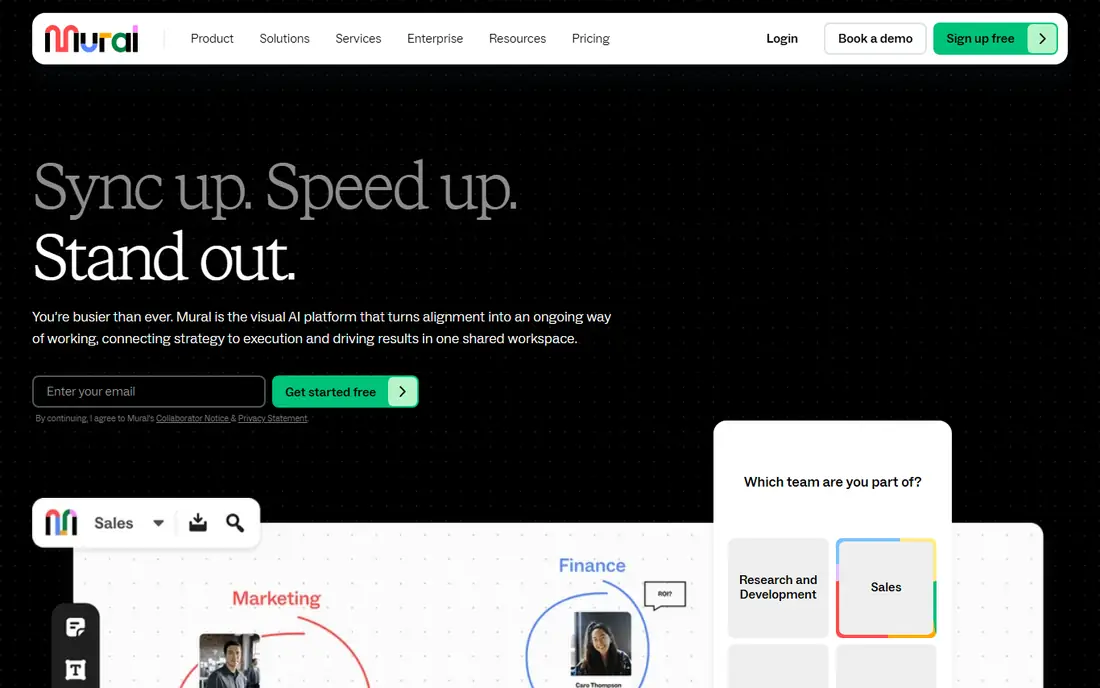
Mural is built around facilitated sessions, so it suits teams that run design sprints, retrospectives and structured workshops on a regular basis. Facilitators can lock content, use timers, run voting and guide a group through steps in a set order.
The free plan includes 3 editable murals and unlimited members, which makes it easy to invite a whole team to try a session. The entry priced plan is $9.99 per member per month when billed annually, or $12 per member per month when billed monthly, and that price was read directly from the vendor pricing page on 12 November 2026.
- Facilitation features built for guided sessions
- Templates for design sprints, retrospectives and planning
- Free plan allows only open rooms, no private rooms, and visitors are view-only
FigJam
Ideal for: product and design teams already using Figma
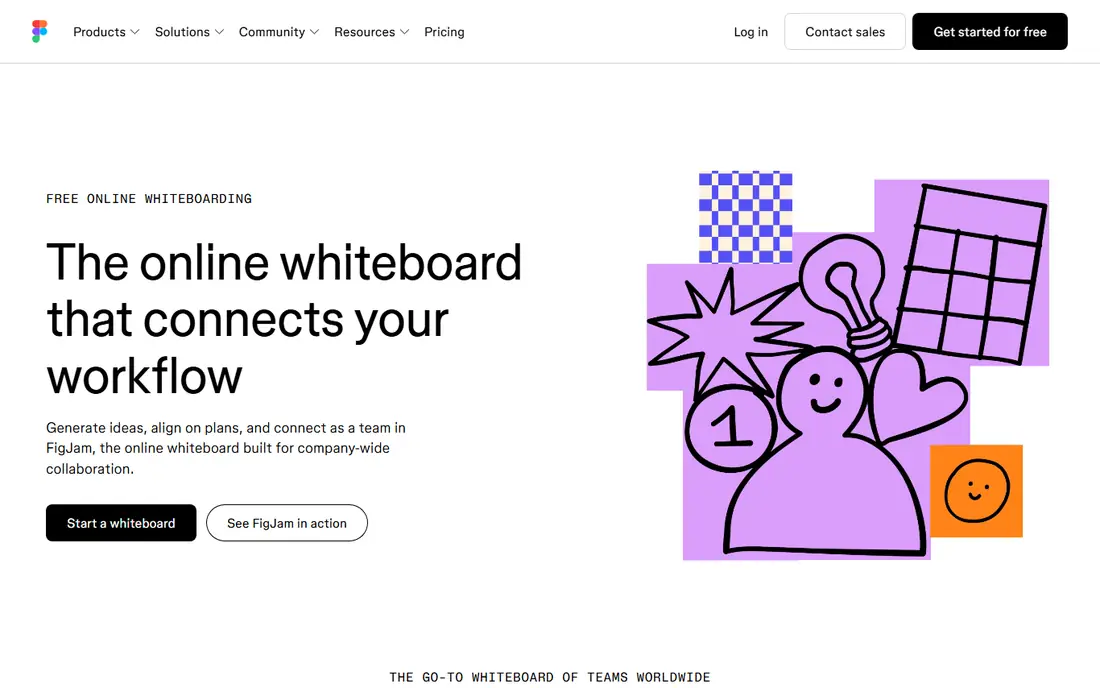
FigJam is Figma's online whiteboard, and it works best for teams that already design in Figma. A product team can sketch an idea in FigJam, then move it into a Figma design file without leaving the workspace or copying links between tools. The canvas is light and direct, with sticky notes, shapes, connectors and stamps, and it suits early product discovery, journey mapping and team brainstorming.
The free plan is free forever and includes 3 editable files. The entry price is $3 per user per month for a Collab seat on the Professional plan when billed annually, or $5 per user per month when billed monthly, and that price was read from Figma's own pricing page on 12 November 2026. The key limit is that FigJam cannot be bought on its own, so a team with no Figma seats will need to buy into the Figma system.
- Sits beside Figma design files in one workspace
- Simple canvas that new users learn quickly
- Cannot be bought on its own, it only comes with a Figma seat, and voting, audio and open sessions need a priced plan
Microsoft Whiteboard
Ideal for: Microsoft 365 and Teams shops needing a no-extra-cost canvas
Microsoft Whiteboard is the natural choice for organisations that already run on Microsoft 365. It is included with a Microsoft 365 account, so there is no separate whiteboard subscription to buy or manage, and boards can be opened inside Teams meetings, shared in chats and linked from documents. The canvas covers the basics well, with sticky notes, ink, shapes, images and templates for brainstorming and planning.
The vendor page confirms that Microsoft Whiteboard is included with Microsoft 365 and is free for education through the A1 offer, as of 12 November 2026. There is no separate pricing page, because the cost is $0 extra with a Microsoft 365 account. The main limit is that there is no standalone version, so it only works inside a Microsoft 365 work or school account.
- Included with Microsoft 365 at no extra cost
- Works inside Teams meetings and shared documents
- No standalone version, it only works inside a Microsoft 365 work or school account, with fewer facilitation features than Miro or Mural
Lucidspark
Ideal for: brainstorming and agile planning for teams already on Lucidchart
Lucidspark is Lucid's virtual whiteboard, and it fits teams that already use Lucidchart for diagrams and documentation. Ideas captured on a Lucidspark board can connect to Lucidchart diagrams, so a brainstorm can turn into a process map or an org chart without rebuilding the work. The canvas includes sticky notes, freehand drawing, templates and breakout boards, which suit agile planning, retrospectives and group brainstorming.
The free plan includes 3 editable documents. The Individual plan is $9 per user per month, and the Team plan is $10 per user per month. Those prices come from Lucid's own guide, updated 4 November 2026 and opened on 12 November 2026. The dedicated pricing page was not opened for this check, so it should be re-checked before publishing.
- Ties into Lucidchart diagrams and the wider Lucid suite
- Templates for brainstorming, planning and retrospectives
- Voting, timers and facilitator tools need the Team plan, and private-mode brainstorming is Enterprise-only
Excalidraw
Ideal for: quick hand-drawn sketches, diagrams and wireframes
Excalidraw is a simple, hand-drawn whiteboard that opens in the browser with no account and no setup. It suits quick sketches, system diagrams, wireframes and rough product ideas, where a clean drawing tool would slow the thinking down. The interface is minimal, with shapes, arrows, text and freehand drawing, and boards can be shared with a link for live collaboration.
The free plan is free forever. The Plus plan is $6 per user per month when billed annually, which is $72 per year, or $7 per user per month when billed monthly, and that price was read directly from the vendor pricing page on 12 November 2026. Plus adds cloud storage, more scenes and collaboration features. The free editor saves only 1 scene locally in the browser with no cloud sync, so work can be lost if the browser data is cleared.
- Free editor needs no account and opens fast
- Hand-drawn style suits rough sketches and early ideas
- Free editor saves only 1 scene locally in the browser with no cloud sync, and Plus accepts credit cards only
Stormboard
Ideal for: structured sticky-note brainstorming and meeting reporting
Stormboard is a sticky-note whiteboard built for structured brainstorming and for turning a meeting into a clear report. Teams can add ideas to a Storm, group them, vote on them and assign tasks, and the built-in templates cover business model canvases, SWOT analysis, retrospectives and project planning.
The Personal plan is free and needs no credit card, and priced plans come with a 30-day trial. The Business plan is $8.33 per user per month when billed annually, or $10 per user per month when billed monthly. That price comes from Stormboard's own blog and corroborating reads, and the pricing page was re-opened on 12 November 2026 and confirms the free Personal plan and the 30-day trial, so the price is corroborated rather than read as a fresh line item on that day.
- Structured templates for brainstorming and reporting
- Meeting reports can be exported and shared
- Free Personal plan caps at 5 open Storms and 5 users per Storm, with only 20 MB storage per user
Conceptboard
Ideal for: GDPR-conscious European teams needing hosted-in-Germany whiteboarding
Conceptboard is a visual collaboration tool aimed at teams that need clear data protection and hosting in Germany.The focus on European hosting and data protection makes it a strong match for organisations that must meet GDPR requirements and prefer their data to stay in Germany.
The free plan includes 3 active boards, 100 objects per board and 250 MB of storage, with a 30-day free trial of priced plans. The Starter plan is 5 euros per user per month on monthly and yearly billing, with Advanced from 10 euros and Corporate from 14 euros per user per month, and those prices were read directly from the vendor pricing page on 12 November 2026. Prices are in euros plus VAT.
- Hosting in Germany with a focus on data protection
- Unlimited viewers on priced plans
- Free plan is tightly capped (3 boards, 100 objects each), and prices are in euros plus VAT
How we chose
We compared vendor pricing pages, docs and feature lists, with no hands-on testing. Prices read directly from vendor pages on 12 November 2026 were Mural at $9.99 per member per month billed annually, FigJam at $3 per user per month billed annually, Excalidraw Plus at $6 per user per month billed annually, and Conceptboard Starter at 5 euros per user per month. Microsoft Whiteboard was confirmed on its vendor page on the same day as included with Microsoft 365 at $0 extra, with free access for education through the A1 offer.
Two prices were corroborated rather than read as fresh line items on 12 November 2026. Miro at $8 per member per month billed annually was corroborated from vendor-page reads in October and November 2026, and the pricing page re-opened on 12 November 2026 confirms the free plan of 3 editable boards and a 14-day Business trial. Stormboard Business at $8.33 per user per month billed annually was corroborated from Stormboard's own blog and other vendor reads, and the pricing page re-opened on 12 November 2026 confirms the free Personal plan and the 30-day trial. Lucidspark prices came from Lucid's own guide, updated 4 November 2026 and opened on 12 November 2026, and the dedicated pricing page should be re-checked before publishing. We excluded Google Jamboard because it is discontinued, and we checked free plan limits, guest access, facilitation features and hosting where the vendor states them.
What to check before you buy
Check the free plan caps first, because they decide how long a tool stays useful at $0. Count the boards, files or documents you need open at once, and check storage and guest rules. A free plan that caps at 3 boards suits a small team testing a tool, but a team that runs weekly workshops will need a priced plan sooner.
Next, check the billing basis and the currency. Annual billing lowers the monthly figure for Miro, Mural, FigJam, Excalidraw and Stormboard, while Conceptboard prices are in euros plus VAT. Check how seats are counted, because a tool that counts every collaborator costs more than one that lets viewers join for free. Also check the facilitation features you need, such as voting, timers and guided steps, and check where data is hosted if your organisation has data protection rules.
| Team size and budget | Best fit | Why | | 1 to 3 people, $0 budget | Excalidraw or FigJam free | Free forever, no account needed for Excalidraw, 3 editable files on FigJam free | | 4 to 10 people, under $10 per user per month | Microsoft Whiteboard or FigJam | $0 extra with Microsoft 365, or $3 per user per month for FigJam billed annually | | 11 to 25 people, regular workshops | Mural or Stormboard | Facilitation and reporting features, from $8.33 to $9.99 per user per month billed annually | | 25 or more people, cross-team work | Miro | Broad canvas and templates, $8 per member per month billed annually | | European team needing hosted-in-Germany boards | Conceptboard | Hosting in Germany, Starter from 5 euros per user per month |
Frequently asked questions
What is the best free Whiteboard Fox alternative?
Excalidraw is the simplest free option, because the free editor needs no account and opens fast for quick sketches and diagrams. FigJam free is also strong for teams that already use Figma, with 3 editable files and unlimited collaborators. Microsoft Whiteboard is free in a different way, because it is included with a Microsoft 365 account at $0 extra. The right free choice depends on whether you need a quick sketch tool, a Figma-linked board, or a canvas inside Teams.
Which Whiteboard Fox alternative is best for workshops?
Mural is the strongest choice for facilitated workshops, with timers, voting, guided steps and templates for design sprints and retrospectives. Miro is a close match for larger cross-team workshops, with a broad template library and a large canvas. Both have free plans with 3 editable boards or murals, so a facilitator can test a session before choosing a priced plan. Check the private room and guest rules on the free plan first.
Can I use these whiteboards without a priced plan?
Yes, every tool on this list has a free plan, but each free plan has limits. Miro, Mural, Lucidspark and Conceptboard cap free use at 3 boards, murals, documents or active boards. FigJam free caps at 3 editable files. Stormboard free caps at 5 open Storms and 5 users per Storm. Excalidraw free saves only 1 scene locally. Microsoft Whiteboard is included with Microsoft 365, so its limit is the Microsoft 365 account itself.
How much does a Whiteboard Fox alternative cost?
Starting prices on this list run from $0 extra with Microsoft 365 to about $10 per user per month. FigJam starts at $3 per user per month billed annually, Excalidraw Plus at $6 billed annually, Miro at $8 per member per month billed annually, Stormboard Business at $8.33 billed annually, Lucidspark Individual at $9, and Mural at $9.99 billed annually. Conceptboard Starter is 5 euros per user per month. Annual billing is usually cheaper than monthly billing.
Which alternative is best for a team that already uses Microsoft 365?
Microsoft Whiteboard is the best match, because it is included with a Microsoft 365 account at $0 extra and works inside Teams meetings. There is no separate whiteboard subscription to buy, and boards can be shared in chats and linked from documents. The trade-off is fewer facilitation features than Miro or Mural, and no standalone version outside a Microsoft 365 work or school account. Teams that run formal workshops may still need a second tool.
Is Google Jamboard a good Whiteboard Fox alternative?
No, Google Jamboard should not be chosen as a new whiteboard, because it is discontinued. This list excludes it for that reason. Teams that used Jamboard should move to a tool with active support, such as Miro, Mural, FigJam or Microsoft Whiteboard. When you move, check that your old boards can be exported or rebuilt, and check the free plan limits on the new tool before you invite the whole team.
Sources
- https://miro.com/pricing/
- https://mural.co/pricing
- https://www.figma.com/pricing
- https://www.microsoft.com/en-us/microsoft-365/microsoft-whiteboard/digital-whiteboard-app
- https://lucid.co/blog/the-ultimate-lucidspark-guide
- https://plus.excalidraw.com/pricing
- https://stormboard.com/pricing
- https://conceptboard.com/pricing/