8 Best Windsurf Alternatives for AI Coding

- 1
 CursorCheapest AI editor with agentsVisit
- 2
 GitHub CopilotBest for GitHub usersVisit
- 3
 ZedFast editor with own API keysVisit
- 4
 JetBrains AIBest for JetBrains IDE usersVisit
- 5
 Amazon Q DeveloperBest for AWS teamsVisit
- Windsurf itself is now Devin Desktop, with Pro at $20 per month, so the alternatives below are priced against a $20 baseline.
- Cursor Plus at $8 per month is the cheapest entry, and GitHub Copilot Pro and Zed Pro both start at $10 per month.
- Tabnine is the only quote only tool here: its pricing page now opens a sales contact page with no prices, and it has no free tier.
- Every tool meters usage in some way, whether credits, tokens or requests, so the headline price is not the full cost for a heavy user.
- Amp is the direct successor to Sourcegraph Cody, which ended in July 2025, and its prices rest on third party reads from 8 November 2026 after a rate limit blocked the vendor page.
Quick comparison
| Product | Ideal for | Price from | Free version | |
|---|---|---|---|---|
| Cursor | Cheapest AI editor with agents | $8 per month | Yes | Visit |
| GitHub Copilot | Best for GitHub users | $10 per user/month | Yes | Visit |
| Zed | Fast editor with own API keys | $10 per month | Yes | Visit |
| JetBrains AI | Best for JetBrains IDE users | $10 per user/month | Yes | Visit |
| Amazon Q Developer | Best for AWS teams | $19 per user/month | Yes | Visit |
 Tabnine | Enterprise code assistance | quote only | No | Visit |
 Kiro | Spec driven development on AWS | $20 per user/month | Yes | Visit |
 Amp | Agentic coding with own models | $20 per month | Yes | Visit |
The best Windsurf alternatives
Cursor
Ideal for: Cheapest AI editor with agents
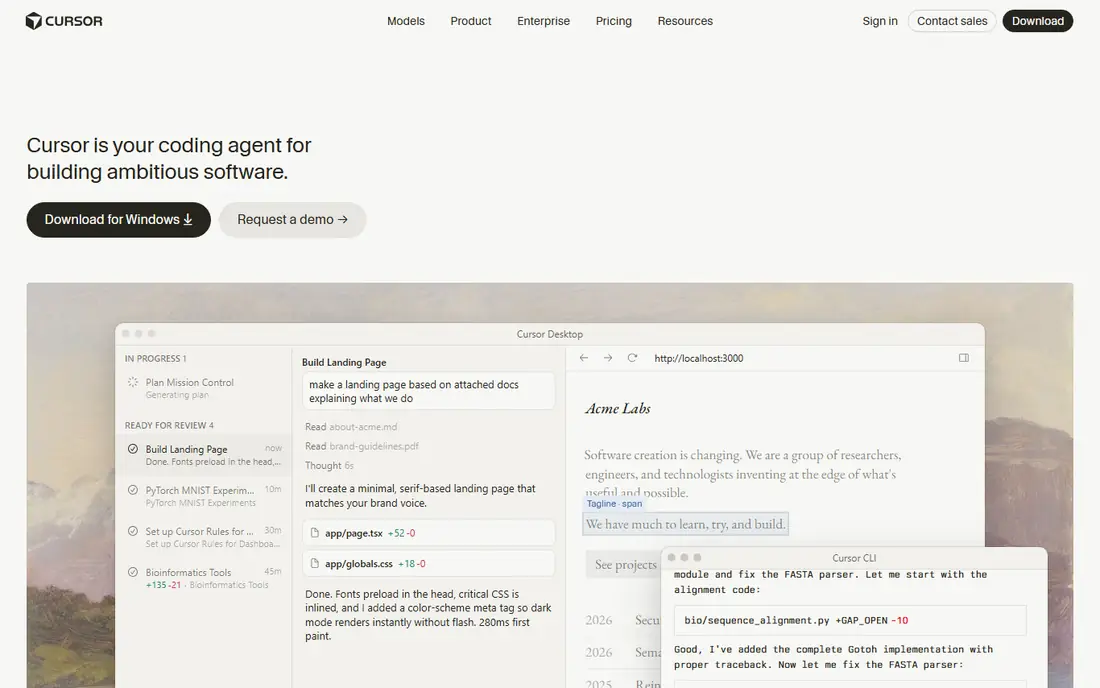
Cursor is the best known AI first code editor, and it is the cheapest entry in this guide. Plus costs $8 per month, Premium costs $30 per month and is the most popular tier, Super costs $100 and Ultra costs $200. The free plan costs $0 with limited agent and chat requests. The prices were read from the vendor pricing page on 13 November 2026. Note that the old $20 per month Pro plan is gone from the vendor pricing page, so any guide still citing it is out of date.
The model split is the thing to check. Plus includes Grok models only, and third party models are billed separately by usage at API list price, with no included allowance. The usage pool is shared across Cursor and Grok and refreshes weekly. A developer who wants Claude or GPT should budget for Premium at $30 per month.
- Free plan costs $0 with limited agent and chat requests
- Plus at $8 per month is the cheapest entry in this guide
- Plus includes Grok models only, and third party models such as Claude and GPT are billed separately at API list price with no included allowance
GitHub Copilot
Ideal for: Best for GitHub users
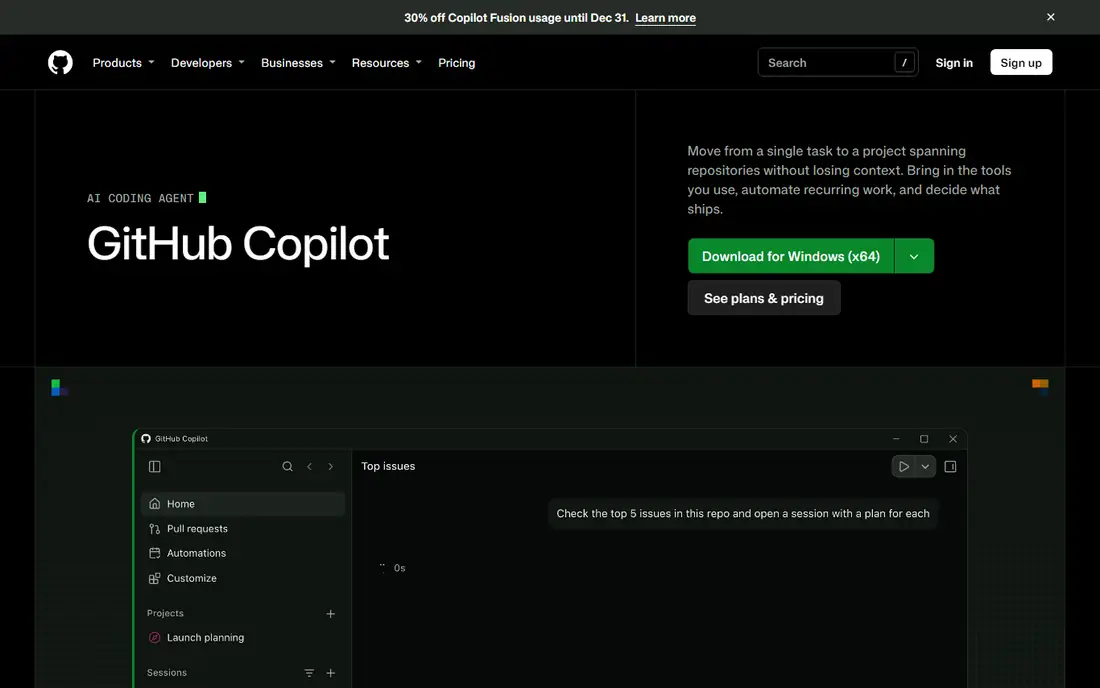
GitHub Copilot Pro costs $10 per user per month, with Pro Plus at $39 and Max at $100, and the free plan costs $0 with no credit card required. The free tier is limited to 2,000 completions per month and entry level models, and there is no trial, because the free tier takes its place. The prices were read from the vendor plans page on 13 November 2026. Copilot works inside the editors most developers already use, and it is the natural pick for a team that already lives in GitHub.
The usage meter is the limit to watch. Pro chat and agent usage is metered in GitHub AI Credits, with 1,500 credits per month made up of a 1,000 base allotment and 500 flex credits, and GitHub states that flex allotments may change over time. Extra usage is charged on top. For individual subscribers, GitHub may also use interaction data to train models unless the user opts out.
- Free plan costs $0 with no credit card required
- Pro at $10 per user per month works across VS Code, JetBrains, Neovim and the GitHub web editor
- Pro chat and agent usage is metered in GitHub AI Credits at 1,500 per month, and extra usage is charged
- Interaction data may be used to train models unless the user opts out
Zed
Ideal for: Fast editor with own API keys

Zed is a fast, lightweight editor with AI built in, and it suits developers who want speed and control over their model spend. Pro costs $10 per month and Business costs $30 per seat per month. The free Personal plan costs $0 forever, with 2,000 accepted edit predictions per month and unlimited use when you bring your own API keys or external agents. A 14 day Pro trial includes $5 of GPT-6 Luna usage with no credit card required.
The token allowance is the cost driver. Pro includes only $5 of hosted tokens per month, and usage beyond that bills at the provider API list price plus 10 percent, with a default $10 overage cap, so Pro can cost up to $20 per month in practice. The $10 figure is corroborated by independent verifications of the vendor pricing page as recently as 11 November 2026.
- Free Personal plan costs $0 forever, with unlimited use when you bring your own API keys or external agents
- 14 day Pro trial with $5 of GPT-6 Luna usage and no credit card
- Pro includes only $5 of hosted tokens per month, and usage beyond that bills at the provider API list price plus 10 percent, with a $10 overage cap that can take Pro to $20 per month
JetBrains AI
Ideal for: Best for JetBrains IDE users
JetBrains AI, now branded JetBrains Air, brings AI assistance and the Junie coding agent into IntelliJ IDEA, PyCharm, WebStorm and the other JetBrains IDEs. AI Pro costs $10 per user per month, or $100 per year, which works out to $8.33 per month, and AI Ultimate costs $30 per month. The free AI Free tier costs $0, and a free AI Trial offers 10 credits per trial period, with a 30 day trial on first Pro activation. The prices were read from the JetBrains AI licensing docs on 13 November 2026.
The credit quota is tight. AI Pro gives only 10 AI Credits per 30 days, where 1 credit equals $1 of model usage, so heavy agent work drains the quota fast and needs top ups. AI Free is not available in Android Studio or in the Community Editions of PyCharm and IntelliJ IDEA. JetBrains AI suits a developer who already uses a JetBrains IDE and wants AI inside it.
- AI Pro at $10 per user per month, or $100 per year which works out to $8.33 per month
- Free AI Free tier costs $0
- AI Pro gives only 10 AI Credits per 30 days, so heavy agent work drains the quota and needs top ups
- AI Free is not available in Android Studio or in Community Editions of PyCharm and IntelliJ IDEA
Amazon Q Developer
Ideal for: Best for AWS teams
Amazon Q Developer is the AI coding assistant for AWS teams, with agents that write, test and review code and that modernise Java and .NET applications. Pro costs $19 per user per month, billed monthly, confirmed in the vendor own FAQ billing example on the pricing page we opened on 13 November 2026. The free tier is perpetual, with monthly limits, and there is no trial, because the free tier takes its place. The vendor page states 1,000 lines per month for Java upgrades on the free tier.
The unpublished limits are the drawback. Pro agentic requests are listed only as included with limits, with no published number, so a team cannot budget its agent usage from the site. Java and .NET transformation is capped at 4,000 lines of code per month per user, pooled across the team, with overage at $0.003 per line.
- Perpetual free tier with monthly limits
- Pro at $19 per user per month billed monthly, confirmed in the vendor own FAQ billing example
- Pro agentic requests are listed only as included with limits, with no published number
- Java and .NET transformation is capped at 4,000 lines of code per month per user, with overage at $0.003 per line
Tabnine
Ideal for: Enterprise code assistance
Tabnine is the enterprise option in this guide, aimed at teams that need private deployment, policy controls and support. The live pricing page we opened on 13 November 2026 now opens a Tricentis sales contact page with no prices, so Tabnine is quote only. The last printed prices, from a 5 September 2026 capture, were Code Assistant at $39 per user per month and Agentic Platform at $59 per user per month on an annual subscription, but those are stale and should not be used for budgeting. Tricentis acquired Tabnine on 30 July 2026.
The loss of self serve pricing is the main drawback. There is no free tier, since the free and Basic tier ended in 2025, and no trial is printed on the page. Tabnine provided model access also adds token charges on top of the seat price, at provider cost plus 5 percent. A team that wants a published price and a free start should pick Copilot or Zed.
- Code assistant built for enterprise teams with private deployment options
- Long track record in AI code completion
- No free tier and no self serve purchase, since the live pricing page now opens a sales contact page with no prices
- Tabnine provided model access adds token charges on top of the seat price at provider cost plus 5 percent
Kiro
Ideal for: Spec driven development on AWS
Kiro is the AWS agentic IDE built around spec driven development, where the developer writes a spec and the agent builds to it. Pro costs $20 per user per month with 1,000 credits, Pro Plus costs $40, Pro Max costs $100 and Power costs $200. The free plan costs $0 with 50 credits per month, covering open weight models and Claude Sonnet 4.5 with limits. The first Pro upgrade gets the rest of the month free plus 500 trial credits usable within 12 months. The prices were read from the vendor pricing page on 13 November 2026.
The credit economics are the limit to model. Unused monthly credits do not roll over, and add on credits cost $0.04 each, double the $0.02 rate of included credits, so a developer who bursts past the monthly allowance pays twice the rate for the extra work. Kiro also states it has no annual price option, so there is no yearly discount to soften the monthly cost. Kiro suits an AWS team that likes the spec first workflow, and it pairs naturally with Amazon Q Developer for teams already on AWS.
- Free plan costs $0 with 50 credits per month
- First Pro upgrade gets the rest of the month free plus 500 trial credits usable within 12 months
- Unused monthly credits do not roll over, and add on credits cost $0.04 each, double the $0.02 rate of included credits
- Kiro states it has no annual price option
Amp
Ideal for: Agentic coding with own models
Amp is the successor to Sourcegraph Cody, which ended for individuals in July 2025, and Sourcegraph now directs former Cody users to Amp. Megawatt costs $20 per month, Gigawatt costs $200 per month, and Hobby costs $0. The Hobby tier is free when you bring your own model plan, API key or runners, and cloud orbs are charged as you go. The prices rest on third party reads of the vendor pricing page, with the latest capture on 8 November 2026, because a rate limit blocked the vendor page on the check date.
The pricing history is the warning. Pricing has changed four times in 2026, and the free program was repeatedly reworked in May 2026, so a team should confirm the current terms before it commits. The pricing page does not state how many dollars of model credit Megawatt and Gigawatt include, and high and ultra modes need Gigawatt, added credits, or your own Anthropic API key.
- Hobby tier costs $0, and the agent is free if you bring your own model plan, API key or runners
- Megawatt at $20 per month is the same price as Windsurf Pro
- Pricing has changed four times in 2026 and the free program was repeatedly reworked
- The pricing page does not state how many dollars of model credit Megawatt and Gigawatt include
How we chose
We compared vendor pricing pages, product docs and feature tables for eight AI coding tools that replace Windsurf, and we checked each vendor domain to confirm it loads. Prices were read from vendor pages on 13 November 2026: Cursor, GitHub Copilot, JetBrains AI, Amazon Q Developer and Kiro directly, and Tabnine as quote only, since its pricing page now shows a sales contact page with no prices. Zed Pro at $10 is corroborated by independent verifications as recently as 11 November 2026, and Amp prices rest on third party reads from 8 November 2026, because a rate limit blocked the vendor page. Windsurf itself now shows Devin plans and pricing, with Pro at $20 per month and no annual discount shown. We did not claim hands on testing, and we did not use third party ratings to rank the tools.
What to check before you buy
Check the usage meter first, because every tool here meters something: Cursor meters model access by tier, Copilot meters AI Credits, Zed meters hosted tokens, and Kiro meters credits that do not roll over. Then check the model list, because the cheapest tier often limits you to one model family. Then check the free tier, because seven of the eight tools offer one, and Tabnine does not. Finally, check the brand: Windsurf is now Devin Desktop and Cody is now Amp, so older guides may use retired names.
| Developer need | Best pick | Starting price |
|---|---|---|
| Cheapest AI editor | Cursor Plus | $8 per month |
| Already on GitHub | GitHub Copilot Pro | $10 per user per month |
| Bring your own API keys | Zed Personal | $0, or Pro at $10 per month |
| JetBrains IDE user | JetBrains AI Pro | $10 per user per month |
| AWS team | Amazon Q Developer Pro | $19 per user per month |
| Spec driven development | Kiro Pro | $20 per user per month |
| Own model access, no platform fee | Amp Hobby | $0, or Megawatt at $20 per month |
| Enterprise private deployment | Tabnine | Quote only |
Frequently asked questions
Is Windsurf still available?
Windsurf as a brand was retired in June 2026, and the product is now Devin Desktop. The vendor pricing page shows Free at $0, Pro at $20 per month, Max at $200 per month, Teams at $80 per month plus $40 per full dev seat, and Enterprise custom. The older $15 per month Pro figure found in third party guides is stale.
What is the cheapest Windsurf alternative?
Cursor Plus at $8 per month is the cheapest entry in this guide, followed by GitHub Copilot Pro and Zed Pro at $10 per month. Cursor Plus includes Grok models only, so a developer who wants Claude or GPT should budget for Premium at $30 per month. Zed Personal is free forever when you bring your own API keys.
Does GitHub Copilot have a free plan?
Yes. GitHub Copilot Free costs $0 with no credit card required, and it is limited to 2,000 completions per month and entry level models. Pro costs $10 per user per month and adds more completions, more models and agent features, though chat and agent usage is metered in GitHub AI Credits at 1,500 per month. There is no trial, because the free tier takes its place.
Which Windsurf alternative works best with my own API keys?
Zed and Amp are the best picks for developers who bring their own API keys. Zed Personal is free forever with unlimited use when you supply your own keys or external agents, and Pro costs $10 per month with $5 of hosted tokens included. Amp Hobby is free when you bring your own model plan, API key or runners, with cloud orbs charged as you go. Both let you control model spend directly instead of paying a platform markup.
Is Tabnine still a good Windsurf alternative?
Tabnine is a solid enterprise option, but it is the hardest to buy in this guide. Its pricing page now opens a sales contact page with no prices, so it is quote only, and it has no free tier and no trial printed. A large team that needs private deployment should request a quote, while a small team should pick Copilot or Zed.
Sources
- https://cursor.com/pricing
- https://github.com/features/copilot/plans
- https://zed.dev/pricing
- https://www.jetbrains.com/help/ai-assistant/2026.1/licensing-and-subscriptions.html
- https://aws.amazon.com/q/developer/pricing/
- https://www.tabnine.com/pricing
- https://kiro.dev/pricing/
- https://ampcode.com/pricing
- https://windsurf.com/pricing