Best WordPress Blog Alternatives in 2026: 7 Platforms Compared

- Ghost is our pick for writers who want a fast, independent blog with memberships and newsletters built in.
- Substack suits writers who want to build a paid newsletter audience with minimal setup.
- Medium suits writers who want a built-in audience and a clean reading experience.
- Squarespace, Wix, Webflow, and Blogger cover design-led sites, easy builders, custom design, and free simple blogs.
- Always check export options before committing, since moving a blog with years of posts can be painful.
Quick comparison
| Product | Ideal for | Price from | Free version | |
|---|---|---|---|---|
 Ghost | Independent blogs and newsletters | See website | Free trial | Visit |
 Substack | Paid newsletters | Free | Yes | Visit |
 Medium | Built-in reading audience | See website | Free trial | Visit |
 Squarespace | Design-led blogs and sites | See website | Free trial | Visit |
 Wix | Easy drag-and-drop blogs | See website | Free trial | Visit |
 Blogger | Free simple blogs | Free | Yes | Visit |
 Webflow | Custom design blogs | See website | Free trial | Visit |
The best WordPress blog alternatives
WordPress powers a huge share of blogs, but many writers want simpler hosting, built-in newsletters, or a cleaner editor. We compared official feature pages, pricing pages, and public reviews, focusing on writing experience, design, newsletters and memberships, SEO tools, and what free access truly allows.
Ghost
Ideal for: Independent blogs and newsletters
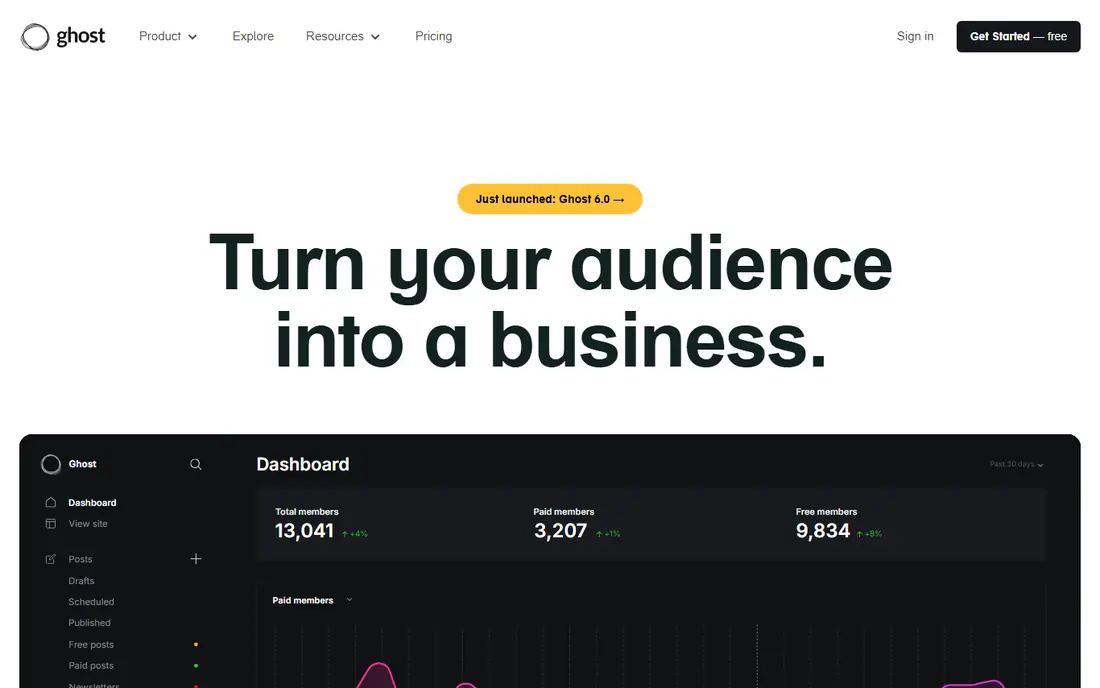
Ghost is the independent publishing pick for writers who want speed, memberships, and newsletters without plugin sprawl. Its editor is clean, its sites load fast, and paid memberships, free signups, and email newsletters work natively. Self-hosting is free for technical users, while managed hosting removes server work.
Theme choice and plugin depth are narrower than WordPress, and self-hosting needs technical care. For writers building an independent publication with paying readers, Ghost is our top WordPress blog replacement.
- Fast modern publishing
- Memberships and newsletters built in
- Self-hosting option
- Theme and feature range is narrower than WordPress
- Setup needs more care when self-hosted
Substack
Ideal for: Paid newsletters
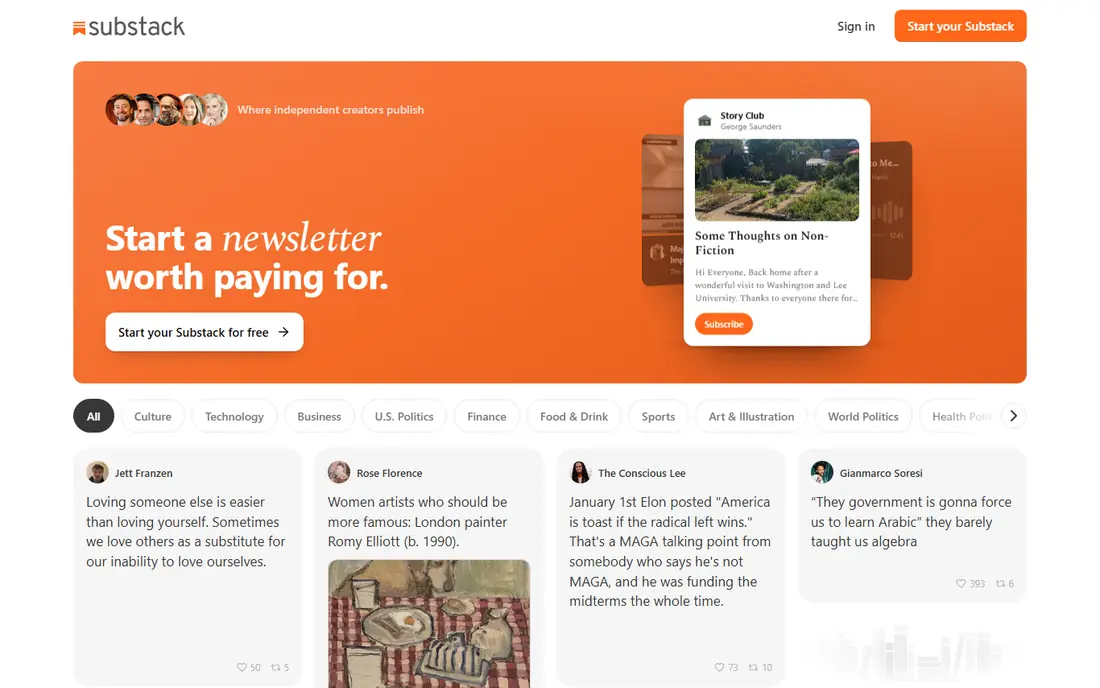
Substack made newsletter publishing simple: write, send email, and offer paid subscriptions, with a public archive that acts as your blog. Starting is free, and the audience tools cover subscribers, comments, and recommendations. Writers who want to grow a paid readership with minimal setup often start here.
Design control is limited compared with Ghost or WordPress, and Substack takes a share of paid subscription revenue. For writers whose main product is a newsletter, Substack is the fastest path to paying readers.
- Free to start
- Paid subscriptions built in
- Simple writing and audience tools
- Design and site control are limited
- Platform fees apply to paid subscriptions
Medium
Ideal for: Built-in reading audience
Medium suits writers who want readers without building an audience from zero. Its clean editor, publications, and recommendation system put essays and stories in front of interested readers, and its Partner Program can pay writers based on member reading time.
Branding, monetization, and site control are limited, and reach depends on Medium algorithms and publications. For writers who prioritize audience over ownership, Medium is a strong pick. For writers who want full control, Ghost is better.
- Built-in audience and discovery
- Clean reading experience
- Easy writing tools
- Limited branding and monetization control
- Algorithm changes affect reach
Squarespace
Ideal for: Design-led blogs and sites
Squarespace is the design-led pick for bloggers who also want pages, portfolios, stores, and email in one hosted product. Its templates look polished out of the box, hosting and security are handled, and blogging covers posts, categories, scheduling, and comments well enough for most writers.
Blogging depth, such as advanced plugins and custom post types, is lighter than WordPress. For writers and small businesses that want a beautiful site without managing hosting or plugins, Squarespace is an excellent choice.
- Beautiful templates
- Blogging plus pages, commerce, and email in one tool
- Easy hosting
- Blogging depth is lighter than WordPress
- Customization has limits
Wix
Ideal for: Easy drag-and-drop blogs
Wix suits beginners who want to build a blog and website by dragging elements into place. Templates cover many niches, hosting is included, and blogging tools cover posts, categories, and scheduling for everyday writing. That ease makes it popular with first-time site owners.
Blogging depth is simpler than WordPress or Ghost, and moving a Wix site elsewhere can be hard. For a first blog where ease matters more than advanced publishing features, Wix is a friendly pick.
- Very easy drag-and-drop builder
- Many templates
- Blogging plus site tools in one place
- Blogging features are simpler than WordPress
- Moving away can be hard
Blogger
Ideal for: Free simple blogs
Blogger, from Google, remains the simplest free blogging option. Setup takes minutes with a Google account, hosting is free and reliable, and basic posts, pages, comments, and themes cover personal blogging needs. For a hobby blog with no budget, Blogger still works.
Templates and features feel dated, and long-term development is uncertain compared with active platforms such as Ghost or Substack. For a free, simple personal blog, Blogger is fine. For a serious publication, choose Ghost or Substack instead.
- Free and simple
- Google account integration
- Reliable hosting
- Dated templates and features
- Future development is uncertain
Webflow
Ideal for: Custom design blogs
Webflow gives designers full visual control over a blog and website, with a CMS for posts, categories, and authors, plus hosting and clean code output. Design-led teams can build a distinctive publication without writing code by hand, while still controlling layout precisely.
The learning curve is steep, and the blogging workflow is less simple than Ghost or Substack. For designers and studios that want a custom-looking blog, Webflow is powerful. For writers who just want to publish, Ghost is faster.
- Full visual design control
- CMS for blog posts
- Clean code output
- Learning curve is steep
- Blogging workflow is less simple than Ghost
How we picked these
We compared official feature pages, pricing pages, and public reviews, and we checked that the homepages listed here belong to the products named. We favored platforms that support real blogging with posts, categories, and RSS or newsletters, plus design and audience tools. We left out social-only apps with no blog ownership, and we did not include WordPress itself, since this list is about replacements for a WordPress blog.
We also weighed how each vendor treats new users, including trial length, onboarding help, and the quality of its public documentation. A tool with clear guides and responsive support earns trust faster than a tool with a thin help center, even when feature lists look similar. We gave extra weight to vendors that publish pricing openly and explain limits plainly, since hidden costs and surprise caps cause most buyer regret. Where pricing was only available on request, we said so rather than guessing, and we treated a missing free tier as a real drawback for small teams testing on a budget.
What to check before you switch
Start with your content and audience. Export your WordPress posts, images, comments, and subscribers, and test an import into each finalist. A platform that cannot import your archive cleanly will cost you weeks of manual fixes.
Next, test writing and publishing. Draft, schedule, and publish a real post, including images, embeds, and SEO settings, and check how it looks on phones and in search results. A beautiful template that slows down writing is a poor trade for a regular blogger.
Finally, check ownership and exit options. Confirm you can export posts, use your own domain, and move newsletters and paid subscribers if you leave. A platform that locks in your audience is a bigger risk than a slightly higher monthly price.
Use the trial the way you would use the real thing. Pick one genuine project, run it from start to finish, and invite the colleagues who will use the tool every day. Watch for friction in the steps you repeat most, such as setup, daily entry, sharing, and reporting, since those moments decide whether a tool survives after the novelty fades. Keep notes on what slowed you down, what needed a workaround, and what you still could not do by the end of the trial. Then compare those notes across finalists instead of comparing marketing pages. A trial that ends with a finished piece of real work tells you far more than a trial spent clicking through demo data, and it gives your team a fair basis for the final choice.
Frequently asked questions
What is the best WordPress blog alternative for writers?
Ghost is our pick for writers who want an independent blog with memberships and newsletters built in. Substack suits newsletter-first writers, while Medium suits writers who want a built-in audience.
Is there a free WordPress blog alternative?
Yes. Blogger is free, Substack is free to start, and Medium offers free reading and writing with paid membership for full access. Ghost offers a free self-hosted option for technical users, plus paid managed hosting.
Which alternative is best for paid newsletters?
Substack is the simplest pick for paid newsletters, with subscriptions built in and no upfront cost. Ghost suits writers who want paid newsletters plus a full independent site without platform revenue shares on managed plans beyond hosting fees.
Can I move my WordPress posts to another platform?
Most platforms here offer WordPress import tools, though images, comments, and formatting may need review. Test an import with a sample of posts, including your most complex ones, before moving your full archive.
Which alternative is best for design control?
Webflow offers the most visual design control, followed by Squarespace for polished templates. Ghost offers clean themes with good customization for writers, while Substack and Medium intentionally limit design to keep reading simple.
What happens to my data if I cancel?
That depends on the vendor, so read the terms and test an export before you commit. Good vendors let you export your core records in common formats and give you a grace period to download them after cancellation. Weaker vendors limit exports, charge for them, or delete data quickly, which can strand years of work. During your trial, export a sample of your own data and confirm it opens cleanly elsewhere. Keep a local backup of anything critical, and avoid building your whole operation around a tool that will not let your data leave.