Best WordStream Alternatives in 2026: 7 PPC Management Tools Compared

- Optmyzr and Adalysis suit advertisers who want automation and optimization for Google Ads.
- Semrush and SpyFu suit teams that need keyword research beside competitor ad insight.
- Marin Software suits large advertisers managing campaigns across several channels.
- AdEspresso suits small businesses running Facebook and Google ads with simpler tools.
- Check ad spend limits, since pricing often scales with monthly spend.
Quick comparison
| Product | Ideal for | Price from | Free version | |
|---|---|---|---|---|
 Optmyzr | PPC automation | See website | Free trial | Visit |
 Adalysis | Google Ads optimization | See website | Free trial | Visit |
 Semrush | Keyword and competitor research | See website | Free trial | Visit |
 SpyFu | Competitor PPC research | See website | Free trial | Visit |
 Marin Software | Cross-channel ad management | See website | No | Visit |
 AdEspresso | Simple social and search ads | See website | Free trial | Visit |
 Wordtracker | Keyword research | See website | Free trial | Visit |
The best WordStream alternatives
WordStream offers PPC management software with campaign tools, reporting, and a grading system for Google and social ads. The tools below cover similar ground, from automation platforms to keyword research. We compared official feature pages, pricing pages, and public documentation.
Optmyzr
Ideal for: PPC automation
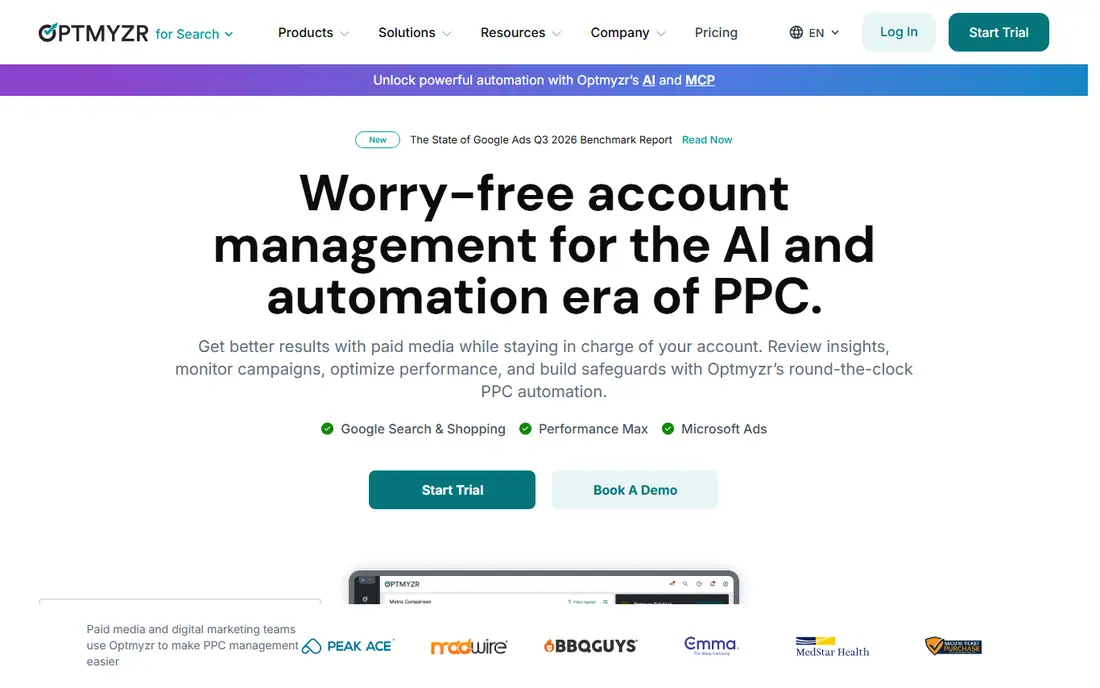
Optmyzr helps PPC managers automate routine work: budget pacing, bid adjustments, ad testing, and account audits run through rules and one-click optimizations. Agencies manage many accounts from one dashboard, with reports that clients can understand. That automation saves hours each week for active accounts.
Beginners may find the toolset deep, and pricing rises with spend tiers. For advertisers and agencies that manage serious Google Ads budgets, Optmyzr is our pick for automation depth. Trial it on one account before moving all campaigns.
- Automation rules and scripts for Google and Microsoft Ads
- Bulk optimization tools
- Strong reporting
- Learning curve for new advertisers
- Pricing scales with ad spend
Adalysis
Ideal for: Google Ads optimization
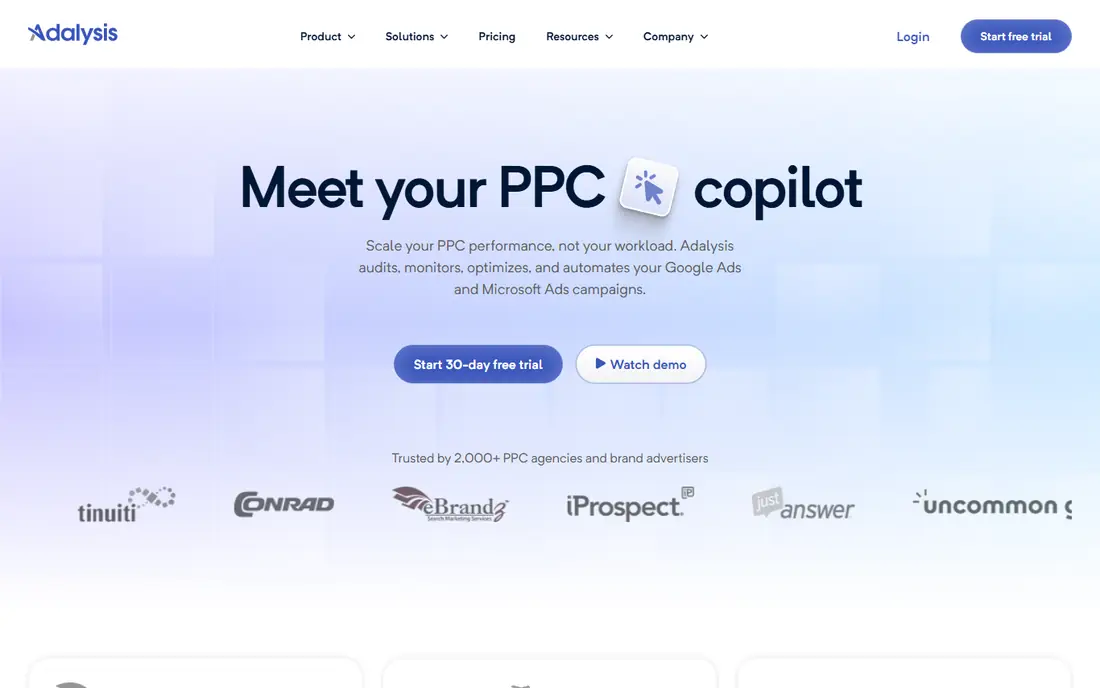
Adalysis focuses on Google Ads, with auditing tools that flag wasted spend, ad testing that rotates winners automatically, and alerts for budget and performance shifts. PPC managers use it to keep accounts healthy without constant manual checks. Its focus keeps the interface clear for Google Ads work.
Social advertisers will need another tool for Facebook or TikTok campaigns. For Google Ads specialists, Adalysis is a sharp, focused pick. Check current pricing tiers, since they scale with monthly ad spend.
- Focused Google Ads auditing and optimization
- Ad testing tools
- Budget and performance alerts
- Google Ads focus means less social ad depth
- Smaller vendor than large suites
Semrush
Ideal for: Keyword and competitor research

Semrush is best known for SEO, but its advertising toolkit covers keyword research, competitor ad history, and PPC keyword grouping. Advertisers can see which keywords rivals bid on, what ad copy they run, and where gaps exist. That research improves campaign builds before money is spent.
It is not a full campaign automation platform, so managers often pair it with Optmyzr or Adalysis. For research-led advertisers, Semrush is a strong pick that also covers SEO and content. Its free tier offers limited daily checks.
- Deep keyword, competitor, and ad research
- PPC keyword tools and ad copy insight
- Broad SEO tools beside PPC
- Broad suite can overwhelm PPC-only users
- Pricing is higher than focused tools
SpyFu
Ideal for: Competitor PPC research
SpyFu shows the keywords competitors buy, the ads they run, and how that mix changed over time. Advertisers use it to find profitable keywords, spot competitor strategy shifts, and build better ad copy. Its historical depth is a standout feature for research.
It does not manage campaigns day to day, so pair it with an automation or management tool for full coverage. For competitor insight on a budget, SpyFu is a good value pick. Check data coverage for your niche before subscribing.
- Competitor keyword and ad history over many years
- Affordable plans
- Easy competitor comparisons
- Less campaign management than automation tools
- Data depth varies by market
Marin Software
Ideal for: Cross-channel ad management
Marin Software manages paid search, social, and ecommerce ads from one platform, with bidding automation and cross-channel reporting. Large advertisers and agencies use it to allocate budgets across channels based on performance, rather than managing each channel separately. Enterprise support and integrations suit complex accounts.
Small advertisers will find it heavy and costly. For large teams spending across several channels, Marin is a proven enterprise pick. Request a demo with your actual channel mix before committing.
- Manages search, social, and ecommerce ads in one platform
- Bidding automation
- Enterprise reporting
- Enterprise pricing and complexity
- Less suited to small advertisers
AdEspresso
Ideal for: Simple social and search ads
AdEspresso simplifies ad creation and testing for Facebook, Instagram, and Google, with built-in A/B testing and readable analytics. Small businesses can launch and compare ad variants without learning complex platforms. Its interface suits owners who manage ads themselves.
Advanced PPC managers may miss deep automation and scripting. For a small business that wants simple, testable ads, AdEspresso is a friendly pick. Check spend-based pricing tiers before subscribing.
- Simple campaign creation for Facebook, Instagram, and Google
- A/B testing built in
- Clear analytics for beginners
- Less depth for advanced Google Ads automation
- Pricing scales with ad spend
Wordtracker
Ideal for: Keyword research
Wordtracker focuses on keyword research, showing search volume, competition, and related terms for campaign and content planning. Its simple interface suits advertisers who want quick keyword lists without a full suite. It helps build ad groups and negative keyword lists before launch.
It does not manage or automate campaigns, so it works best beside a management tool. For focused, affordable keyword research, Wordtracker is a practical pick. Trial it against your niche keywords to judge data depth.
- Focused keyword research with competition data
- Simple interface
- Useful for campaign and content planning
- Research only, with no campaign management
- Smaller database than Semrush
How we picked these
We compared official feature pages, pricing pages, and public documentation, looking for PPC management, automation, or keyword research features that match WordStream. We favored tools that are actively maintained and work in October 2026, and we mixed automation platforms with research tools. We did not claim hands-on testing, and we note that pricing often scales with ad spend, so check current tiers.
We also weighed practical details that matter after signup. That included how easy each product is to set up, whether support answers promptly, and whether pricing stays clear as usage grows. We read user complaints as well as praise, since repeated complaints about billing, onboarding, or missing features often signal a real weakness. Where a product had a known limitation, we said so in its write-up rather than smoothing it over. Our goal was a shortlist that a reader can trust for wordstream alternatives, not a list of every vendor in the market. Readers with unusual needs should still test their top two choices, since fit depends on budget, team size, and the features used every day.
What to check before you choose
Start with your main channel. Google Ads specialists benefit most from Optmyzr or Adalysis, while social advertisers may prefer AdEspresso, and research-led teams need Semrush or SpyFu. Buying a tool built for the wrong channel wastes money fast.
Next, model total cost including ad spend tiers. A tool that looks cheap at low spend can grow costly as budgets rise. Trial each shortlisted tool on a live account, and compare time saved and performance change over a few weeks. A tool that does not save time or improve results is not worth keeping.
Testing your shortlist before you commit
A short trial answers questions that no comparison table can settle. Sign up for your top two choices, run a real task from your own work, and watch how long it takes and where you get stuck. For wordstream alternatives, that real task might be a weekly workflow you repeat, a report you need every month, or a setup step your team must repeat for new members. If a tool slows that task down, it will cost time every week, no matter how good its feature list looks.
Pay attention to support during the trial as well. Send a question through the normal support channel and note how long a useful answer takes. Check billing clarity too: confirm what the trial includes, when it ends, and what the first paid invoice will actually show. A tool that is hard to cancel, or that hides fees until checkout, deserves caution.
Finally, ask who else on your team must use the tool. A product that only one person likes will stall, while a product the whole team adopts will pay for itself. Gather quick feedback from the people who will use it daily, compare their notes with your own, and then choose. That small amount of trial discipline prevents most bad purchases, and it costs far less than switching tools again in six months.
Budgeting the full cost, not just the headline price
Headline prices rarely tell the full story. Add up per-user fees, add-on charges, implementation help, and any training your team needs, then compare that total across your shortlist. A cheaper plan that needs three paid add-ons can end up costing more than a fuller plan from a rival. Check renewal terms as well, since introductory discounts often expire after the first term and the second year price is the one you will actually live with.
Think about exit costs too. Before you commit, confirm how your data exports, whether your content or history moves cleanly, and what happens if you pause or cancel. A tool with clean exports gives you freedom later, while a tool that locks data in makes switching painful. Choosing with the full cost and the exit path in mind keeps your wordstream alternatives decision sound for the long term, not just for the first month.
Frequently asked questions
What does WordStream do?
WordStream provides PPC management software and services for Google, Facebook, and other ad platforms, with campaign tools, reporting, and account grading. It also offers managed advertising services for small businesses.
Which WordStream alternative is best for Google Ads automation?
Optmyzr and Adalysis lead for Google Ads automation and optimization. Optmyzr covers broader automation, while Adalysis focuses on auditing, testing, and alerts.
Do I need a PPC tool if I use Google Ads directly?
Not always. Small accounts with few campaigns can manage inside Google Ads. Tools pay off when accounts grow, with many campaigns, budgets, or clients to manage.
How is PPC tool pricing set?
Many tools price by monthly ad spend, account count, or features. Check current tiers for your spend level, since costs rise with budget.
Can these tools improve my ad results?
They can save time, catch waste, and surface better keywords, but results still depend on offer, landing pages, and budgets. Treat tools as support for good strategy, not a substitute for it.