Best Workplace by Meta Alternatives for Teams

- 1
 Microsoft TeamsChat and meetings in Microsoft 365Visit
- 2
 SlackChannel chat and app integrationsVisit
- 3
 Google ChatChat inside Google WorkspaceVisit
- 4
 Microsoft Viva EngageCompany communities in Microsoft 365Visit
- 5
 Zoho ConnectLow cost intranet and feedsVisit
- Meta closed Workplace during 2025, so teams need a new home for company news, groups, and chat.
- Microsoft Teams and Slack cover daily chat and meetings, while intranet tools such as Simpplr, Staffbase, and Happeo cover company news and frontline reach.
- Starting prices in this guide run from $1 to $7.25 per user per month on annual billing, and three tools are quoted only.
- If you already run Microsoft 365 or Google Workspace, the closest match may already sit inside your current subscription.
- Test the free plan or trial first, and check storage limits, guest access, and admin controls before you commit.
Quick comparison
| Product | Ideal for | Price from | Free version | |
|---|---|---|---|---|
| Microsoft Teams | Chat and meetings in Microsoft 365 | $4 per user/month (billed annually) | Yes | Visit |
| Slack | Channel chat and app integrations | $7.25 per user/month (billed annually) | Yes | Visit |
| Google Chat | Chat inside Google Workspace | $7 per user/month (billed annually) | Yes | Visit |
| Microsoft Viva Engage | Company communities in Microsoft 365 | $2 per user/month (billed annually) | No | Visit |
| Zoho Connect | Low cost intranet and feeds | $1 per user/month (billed annually) | Yes | Visit |
 Simpplr | AI intranet for large firms | quote only | Free trial (14 days) | Visit |
 Staffbase | Frontline reach at enterprise scale | quote only | No | Visit |
 Happeo | Google Workspace intranet | quote only | Free trial | Visit |
The best Workplace by Meta alternatives
Microsoft Teams
Ideal for: Chat and meetings in Microsoft 365
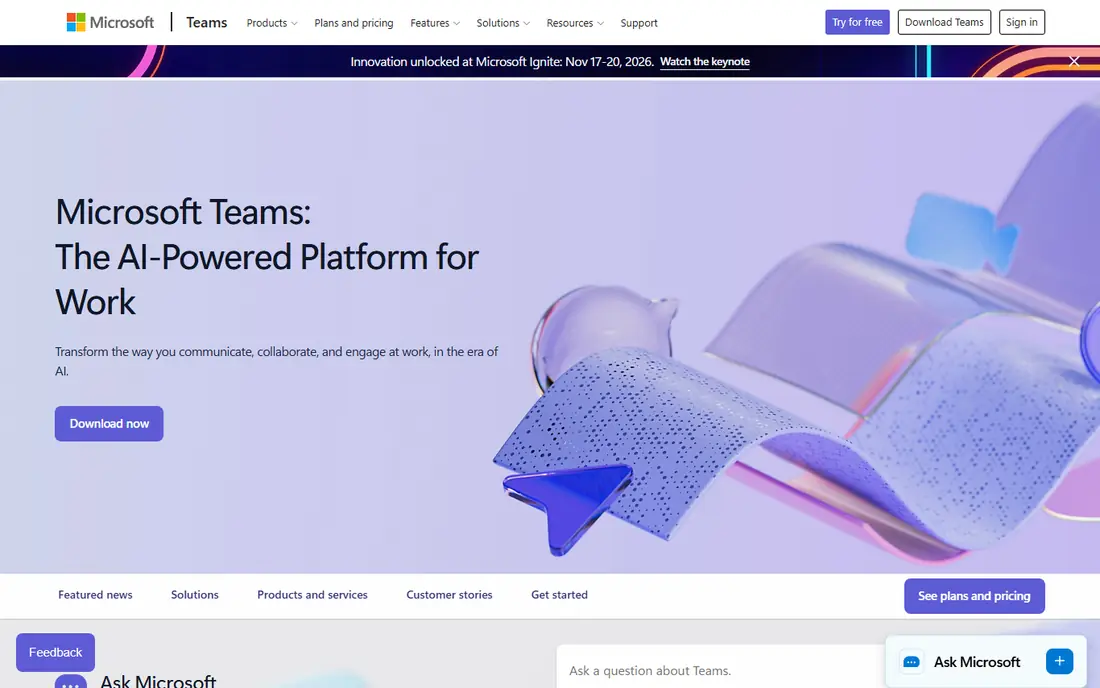
Microsoft Teams is the most direct swap for companies that already live in Microsoft 365. Chat, calls, meetings, and file sharing sit in one place, and Teams connects to SharePoint, OneDrive, and Outlook without extra setup. The entry point is Teams Essentials at $4 per user per month on annual billing, which covers chat, calls, and video meetings for small and mid size firms.
The trade off is scope. Teams is built for work chat and meetings, not for company wide news and social posts, so it covers only part of what Workplace did. The Essentials plan also caps cloud storage at 10 GB per user and leaves out desktop Office apps, which means larger firms usually step up to a Microsoft 365 Business plan. If your staff already use Outlook and Word every day, Teams is the lowest friction move you can make.
- Deep tie to Microsoft 365 apps and files
- Meetings for up to 300 people with a 30 hour limit
- Essentials gives only 10 GB of cloud storage per user
- No desktop Office apps on the entry plan
Slack
Ideal for: Channel chat and app integrations
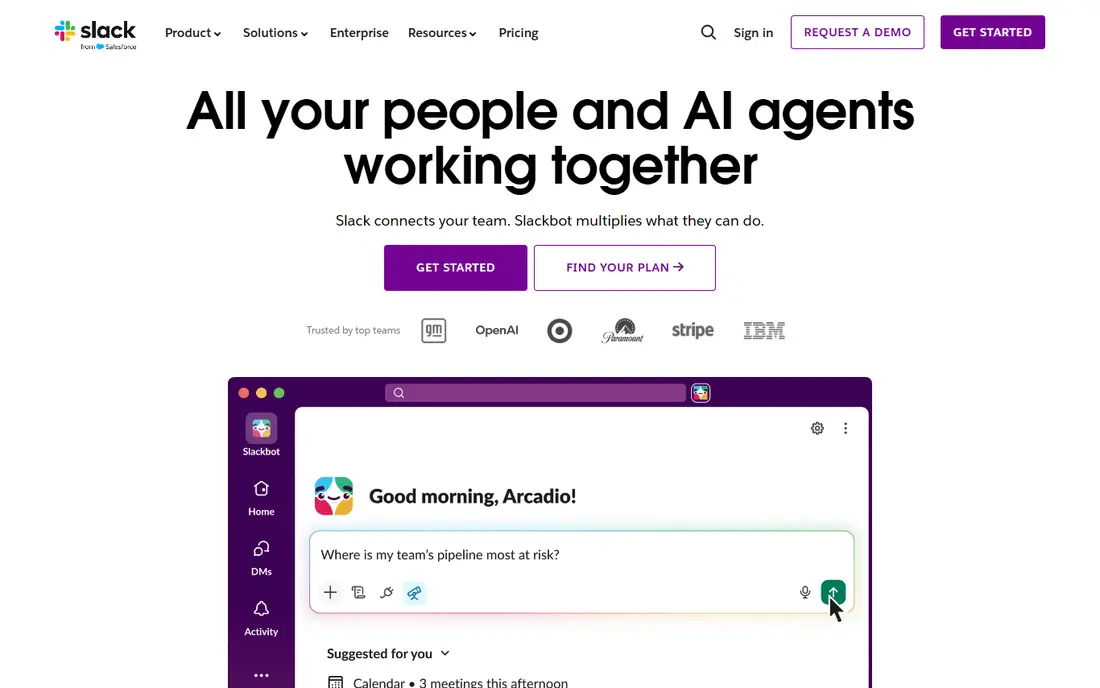
Slack organizes work into channels, which makes it a natural fit for teams that used Workplace groups for projects, locations, and topics. Direct messages, threads, and huddles cover quick chats and live talk, and Slack Connect lets you message people outside your company. The Pro plan costs $7.25 per user per month on annual billing and adds unlimited message history plus unlimited app integrations.
Slack is less of a company news tool than Workplace was. Announcements can get buried in busy channels, and there is no built in intranet home page for policies and resources. The free plan works for a small team trial, but the 90 day message history limit pushes growing teams toward Pro fast. Choose Slack when daily team chat and app connections matter more than a formal news hub.
- More than 2,600 app integrations in the Slack App Directory
- Unlimited message history on the Pro plan
- Free plan keeps only 90 days of message history
- Group huddles and group external messages need the Pro plan
Google Chat
Ideal for: Chat inside Google Workspace
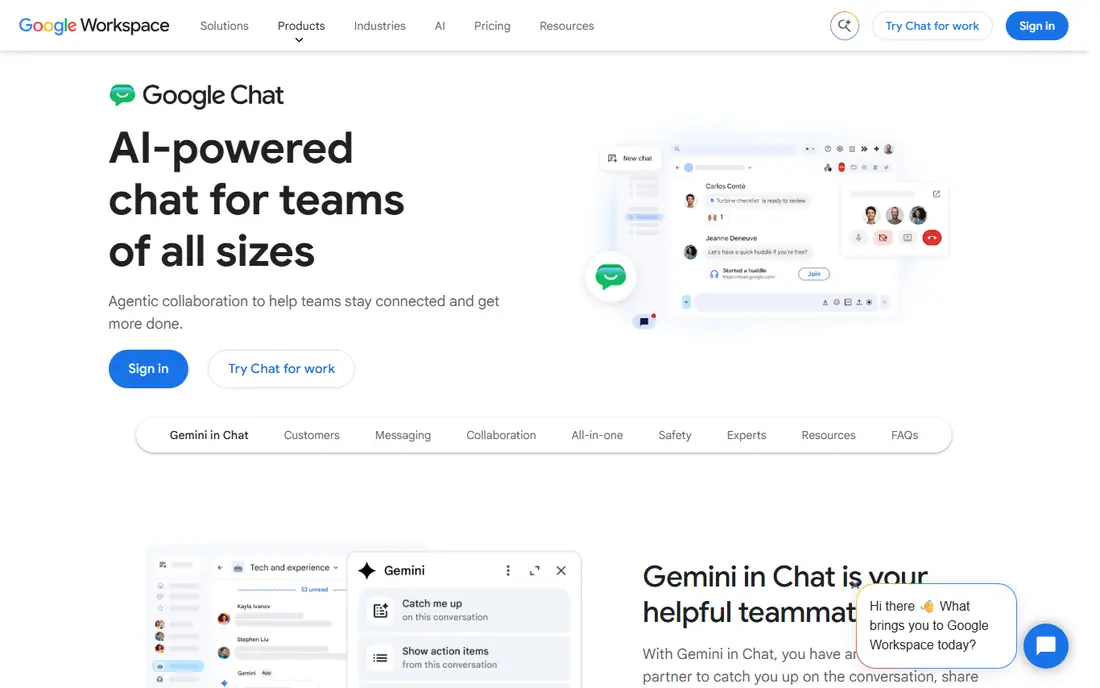
Google Chat is the messaging layer of Google Workspace, and it suits teams that already run Gmail, Drive, and Meet. Conversations live in spaces that hold messages, shared files, and tasks, so a project room stays tidy without extra tools. Business Starter costs $7 per user per month on a one year commitment, and that price covers the whole Workspace suite, not just Chat. A personal Google account can use Chat free for direct messages, groups, and spaces.
The main limit is packaging. You cannot buy Chat by itself, so a team that only wants chat still pays for email, storage, and the rest of the suite. Business plans also stop at 300 users, which pushes bigger firms to an Enterprise plan with a quoted price. Gemini features in Chat start on Business Standard at $14 per user per month. Pick Google Chat when your company already runs on Google Workspace.
- Sits inside Gmail and Google Workspace with no extra app to learn
- Spaces bring chat, files, and tasks together
- Chat is not sold on its own, so you buy the full Workspace suite
- Business plans cap at 300 users
Microsoft Viva Engage
Ideal for: Company communities in Microsoft 365
Viva Engage is the closest thing to Workplace inside the Microsoft world, because it is built for company wide communities, conversations, and leadership posts rather than project chat. It grew out of Yammer, and it now lives inside Teams and Microsoft 365, with storyline posts, communities, and knowledge questions and answers. Core community features come with Microsoft 365 enterprise plans, while premium features need a Viva Employee Communications and Communities license at $2 per user per month on annual billing.
The catch is licensing. The price looks low, but it sits on top of a Microsoft 365 subscription, and Teams integrated features need a Teams license as well. Viva Engage also lacks a standalone free plan, so small firms without Microsoft 365 face a bigger bill than the $2 figure suggests. It fits best when your company already runs Microsoft 365 and wants a social layer for news and discussion.
- Community and conversation features sit inside Teams and Microsoft 365
- Leadership stories and knowledge Q and A build on the same network
- Premium features need a Viva license at $2 per user per month
- Teams integrated features need a Teams license to enable
Zoho Connect
Ideal for: Low cost intranet and feeds
Zoho Connect is the budget pick in this guide. It mixes a social feed, groups, boards, manuals, and town halls into one intranet style hub, which maps well to the mix of posts and groups that Workplace users know. The Enterprise plan starts at $1 per user per month on annual billing, and the free plan covers up to 5 users with core feeds and groups. Task boards, surveys, and custom apps add work tools on top of the social layer.
The low price comes with limits that matter at scale. The free plan allows only 3 groups and 10 GB of storage, and video conferences cap at 10 participants on Starter, rising to 50 on Enterprise and 100 on Ultimate. Larger firms should also check the add on costs for company dashboards and branded mobile apps. Zoho Connect fits small and mid size teams that want a Workplace style feed without an enterprise budget.
- Very low entry price with feeds, groups, boards, and manuals
- Free plan covers up to 5 users for a small trial
- Free plan covers only 5 users, 3 groups, and 10 GB of storage
- Video conferences cap at 10 participants on the Starter plan
Simpplr
Ideal for: AI intranet for large firms
Simpplr is an AI intranet and employee experience platform aimed at mid size and large firms that need a governed home for news, knowledge, and people. Its Simpplr One platform brings communications, enterprise search, and AI assistance together, with personalised content and analytics for internal communication teams. The vendor does not publish prices. Its pricing page says each quote is tailored to organisation size, complexity, and level of ongoing support, with volume based pricing and discounts for firms with 500 or more employees.
The quote only model is the main drawback for buyers who need a budget figure before talking to sales. A 14 day trial is offered, but the vendor notes that places are limited. Enterprise Search, employee listening, video calling in native messaging, and native video hosting are extra cost add ons rather than core features. Simpplr suits large firms that want a modern intranet and can run a formal buying process.
- Intranet, search, and AI assistance in one unified platform
- Four product releases per year and global support are in the subscription
- No published prices, so you cannot budget before a sales call
- Enterprise Search, video calling, and native video hosting cost extra as add ons
Staffbase
Ideal for: Frontline reach at enterprise scale
Staffbase is an internal communications platform built for large firms with many frontline workers who never sit at a desk. One platform runs a branded employee app, an intranet, targeted email, SMS, and digital signage, with audience targeting and read tracking to prove messages landed. Pricing is by tailored quote only, based on workforce size and channel mix, with dedicated frontline pricing for staff who need less than a full licence. The vendor states that a published price would be wrong for most firms.
The cost of that breadth is time and opacity. There is no free plan and no free trial, so evaluation runs through demos and a sales quote, and the vendor puts average deployment at 3 to 4 months including migration and content setup. That makes Staffbase a poor fit for a team that needs a replacement live in weeks. It fits enterprises that need to reach every employee, including shift and field staff, from one governed platform.
- Reaches desk and frontline staff through app, intranet, email, SMS, and digital signage
- Content governance with owners and review dates on every item
- No published prices and no free plan or trial
- Average deployment takes 3 to 4 months
Happeo
Ideal for: Google Workspace intranet
Happeo is a modern intranet built around Google Workspace, and it is the best fit here for Google first companies that want one official place for company information. Channels and announcements, knowledge spaces, and connected search pull files and answers from Drive, Gmail, and Slack into a single home. The vendor says most intranets go live in weeks rather than months, with pre built spaces for HR, IT, onboarding, and policies that new hires can browse from day one.
Pricing is the weak spot. Happeo runs three tiers, Starter, Growth, and Enterprise, and each one is quoted rather than published, so buyers must request a quote to get a number. Growth and Enterprise start at 75 users, which leaves only Starter for very small teams. Happeo also leans on Google Workspace, so Microsoft first firms get a thinner native fit. Choose Happeo when your company runs on Google and wants a fast intranet launch.
- Built for Google Workspace with one search across Happeo, Drive, Gmail, and Slack
- Pages go live in weeks with pre built HR, IT, and onboarding spaces
- No published prices, so all three tiers are quoted
- Growth and Enterprise tiers start at 75 users
Pick the right tool by team size
| Team size | First choice | Why it fits | Monthly cost at the starting price | | Under 10 people | Zoho Connect | Free plan covers 5 users, and the Enterprise plan is $1 per user per month | 10 users on Enterprise cost $10 per month | | 10 to 50 people | Slack Pro or Google Chat | Channel chat scales well, and both start under $8 per user per month | 25 users on Slack Pro cost $181.25 per month | | 50 to 300 people | Microsoft Teams | Essentials at $4 per user per month covers chat and meetings, and Microsoft 365 adds email and files | 100 users on Teams Essentials cost $400 per month | | 300 to 1,000 people | Microsoft Viva Engage | Community features ride on Microsoft 365, with premium features at $2 per user per month | 500 users on the Viva add on cost $1,000 per month | | Over 1,000 people, many frontline | Staffbase | Branded app, email, SMS, and signage reach staff who never open a browser | Quote only, so request a proposal at your headcount |
How we chose
We compared vendor pricing pages, product pages, and documentation checked on 13 November 2026, and we picked tools that cover the three jobs Workplace did: daily chat, company news, and community groups. We did not test these tools hands on, and we made no claim about hands on use. Prices come from each vendor pricing page linked in Sources, and where a vendor hides the price we wrote quote only instead of guessing a figure. We favoured tools with a clear starting price, a free plan or trial, and a real con we could trace to a vendor page.
What to check before you buy
First, list what your team actually used in Workplace, such as groups, live video, file libraries, and integrations, and check each item against the new tool before you sign. Second, ask how your old posts, files, and member lists move across, since migration effort varies a lot between chat tools and intranets. Third, confirm guest access, admin controls, and data retention rules, plus storage caps such as the 10 GB limit on Teams Essentials. Fourth, test the mobile app with frontline staff who never use a desktop. Finally, get the quote in writing with the contract term, user minimums, and renewal terms before you commit.
Frequently asked questions
What replaced Workplace by Meta?
Meta closed Workplace during 2025, and no single tool replaces it exactly. Microsoft Teams and Slack cover daily chat and meetings, while Viva Engage, Simpplr, Staffbase, and Happeo cover company news, communities, and intranet pages. Most former Workplace users end up with one chat tool plus one news or intranet tool, so start by listing which Workplace features your team used most.
Which Workplace by Meta alternative is closest to the original?
Microsoft Viva Engage is the closest match inside Microsoft 365, since it is built for company wide communities, leadership posts, and discussion rather than project chat. Zoho Connect is the closest low cost match, with feeds, groups, and town halls at $1 per user per month. Teams and Slack are stronger on daily chat, but weaker as a company news hub.
Can I move my Workplace groups and posts to a new tool?
It depends on the tool you pick and the export options Meta offered before the shutdown. Chat tools such as Slack and Teams usually import users and channels, but old posts, comments, and reactions rarely move across cleanly. Intranet tools such as Simpplr, Staffbase, and Happeo usually need a content migration plan for pages and files. Ask each vendor for a written migration scope before you sign.
What is the cheapest Workplace by Meta alternative?
Zoho Connect is the cheapest option in this guide, with an Enterprise plan at $1 per user per month on annual billing and a free plan for up to 5 users. Microsoft Viva Engage adds $2 per user per month on top of a Microsoft 365 plan, and Teams Essentials costs $4 per user per month. The cheapest list price is not always the lowest total cost, so add migration, training, and add ons to your budget.
Do I need an intranet, or is team chat enough?
Team chat is enough when your staff sit at desks, read the same channels daily, and need little formal company news. An intranet fits better when you have frontline staff, many locations, or policies and resources that must stay findable for months. If half your workforce never opens a laptop, a chat tool alone will miss them, and a tool such as Staffbase or Happeo is the safer pick.
Sources
- https://www.microsoft.com/en-us/microsoft-teams/compare-microsoft-teams-business-options
- https://slack.com/pricing
- https://workspace.google.com/pricing
- https://www.microsoft.com/en-us/microsoft-viva/pricing
- https://www.zoho.com/connect/pricing.html?src=quicklink
- https://www.simpplr.com/pricing/
- https://staffbase.com/pricing
- https://www.happeo.com/