Best XEOX RMM Alternatives in 2026: 8 Remote Monitoring Tools Compared

- NinjaOne and Atera suit MSPs and IT teams that want modern, cloud-based remote monitoring and management.
- Datto RMM and N-able suit larger MSPs that want deep automation and mature toolsets.
- Syncro and SuperOps suit smaller MSPs that want RMM plus ticketing and billing in one platform.
- ManageEngine RMM Central suits teams already invested in ManageEngine tools.
- Pulseway suits teams that want strong mobile control of endpoints.
Quick comparison
| Product | Ideal for | Price from | Free version | |
|---|---|---|---|---|
 NinjaOne | Modern cloud RMM | See website | See website | Visit |
 Atera | All-in-one IT management | See website | See website | Visit |
 Datto RMM | Large MSP automation | See website | See website | Visit |
 Syncro | Small MSP platform | See website | Free trial | Visit |
 ManageEngine RMM Central | ManageEngine shops | See website | See website | Visit |
 SuperOps | Modern MSP platform | See website | See website | Visit |
 Pulseway | Mobile endpoint control | See website | See website | Visit |
 N-able | Mature MSP toolset | See website | See website | Visit |
The best XEOX RMM alternatives
XEOX is a cloud remote monitoring and management tool for Windows IT infrastructure. The platforms below offer similar endpoint monitoring, patching, scripting, and remote access, and they differ in scale, pricing model, and breadth. Some suit a single IT team managing a few hundred endpoints, while others suit MSPs managing thousands of client devices. The right pick depends on your endpoint count, client model, and automation needs.
NinjaOne
Ideal for: Modern cloud RMM
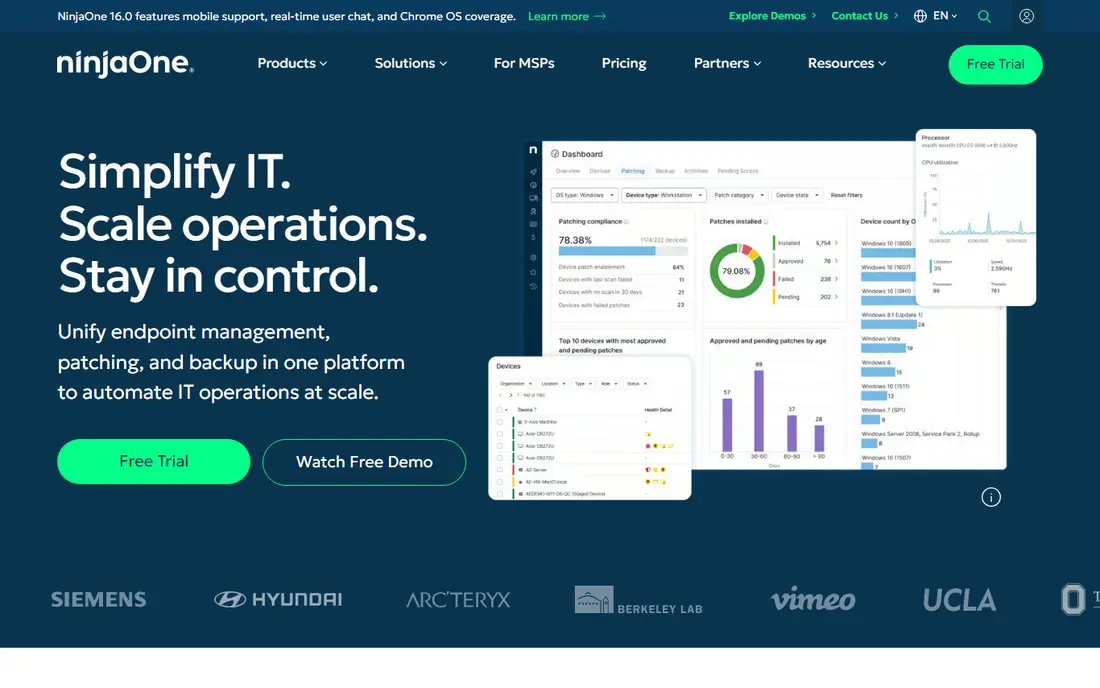
NinjaOne is a cloud-native endpoint management platform with monitoring, patching, scripting, backup, and remote access in one console. The interface is clean, deployment is fast, and automation handles routine tasks across Windows, Mac, and Linux endpoints. Reporting shows patch status, health, and software inventory clearly.
Pricing is quote-based, and some advanced features need add-ons. For teams that want a modern RMM that technicians enjoy using, NinjaOne is our pick for most IT teams.
- Clean interface
- Strong patching and automation
- Fast deployment
- Pricing is quote-based
- Some advanced features need add-ons
Atera
Ideal for: All-in-one IT management
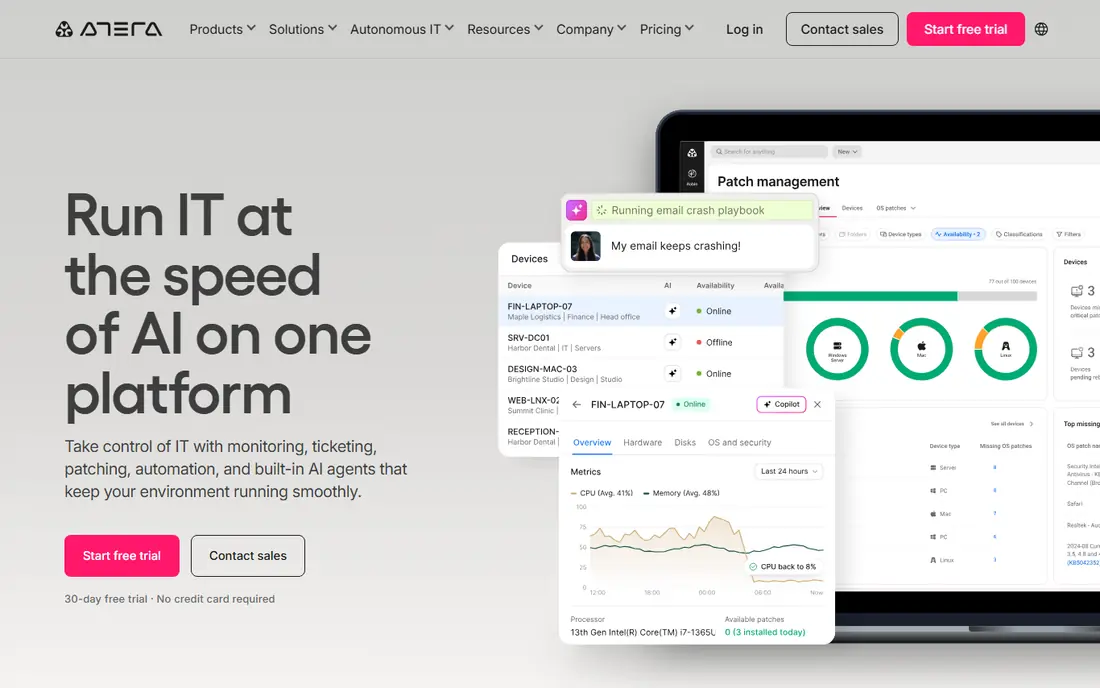
Atera combines RMM with helpdesk ticketing, billing, and customer management, which suits MSPs that want one platform instead of several. Per-technician pricing keeps costs predictable as endpoint counts grow. AI features help with ticket triage and scripting, and remote access is built in.
Advanced automation depth varies, and reporting can be basic compared with larger platforms. For small and mid-size MSPs that want an all-in-one platform, Atera is a strong choice.
- RMM plus ticketing and billing
- Per-technician pricing
- AI features
- Advanced automation depth varies
- Reporting can be basic
Datto RMM
Ideal for: Large MSP automation
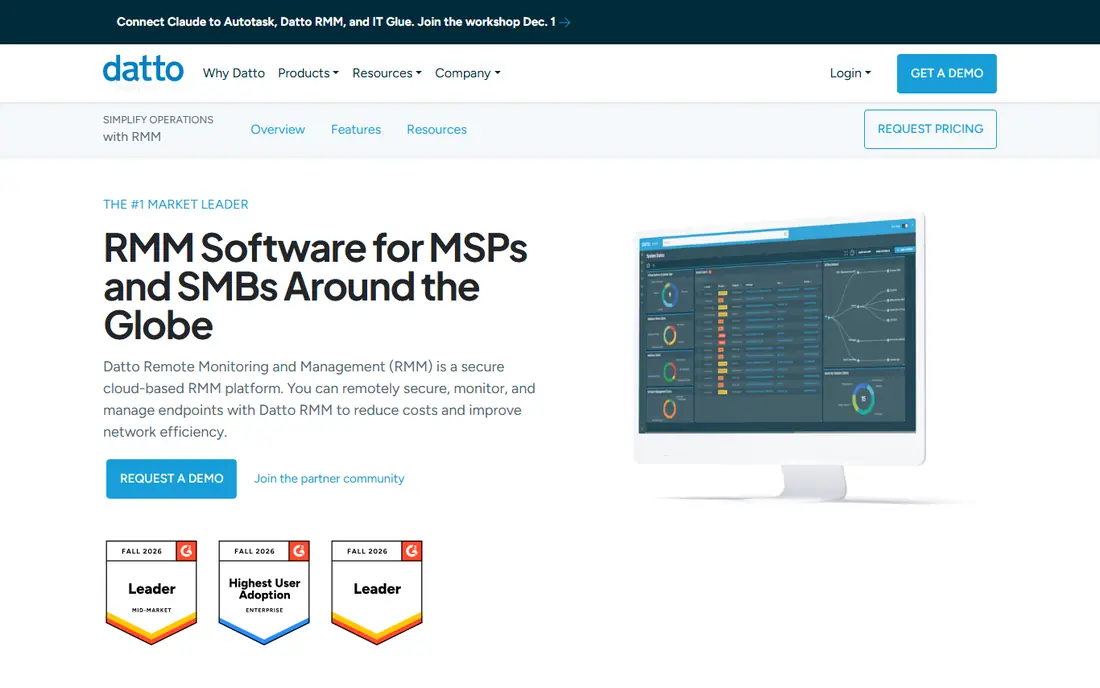
Datto RMM, part of Kaseya, offers deep policy-based automation, patch management, and remote access for MSPs managing large fleets. Policies apply settings, scripts, and software across sites consistently, and integration with Datto backup and networking tools adds breadth. The platform scales to thousands of endpoints.
The learning curve is real, and pricing suits larger MSPs. For established MSPs that need depth and scale, Datto RMM is a reliable pick.
- Deep policy automation
- Strong patching
- Integrates with Datto backup
- Learning curve
- Pricing suits larger MSPs
Syncro
Ideal for: Small MSP platform
Syncro combines RMM with a professional services automation suite, including ticketing, billing, and invoicing, at per-technician pricing that suits small MSPs. Scripting and patching cover the essentials, and the platform is easy to trial. The combined toolset reduces the need for separate PSA software.
The interface feels less polished than NinjaOne, and some integrations are limited. For small MSPs that want RMM and PSA together without enterprise pricing, Syncro is good value.
- RMM plus PSA in one price
- Per-technician pricing
- Good scripting
- Interface feels less polished
- Some integrations are limited
ManageEngine RMM Central
Ideal for: ManageEngine shops
ManageEngine RMM Central offers endpoint monitoring, patching, software deployment, and remote troubleshooting, with an on-premises option for teams that prefer it. Integration with the wider ManageEngine suite, including ServiceDesk Plus and Desktop Central, suits organizations already using those tools. Patching coverage is broad across operating systems and third-party apps.
The interface feels dated, and setup takes care. For teams invested in ManageEngine, RMM Central is a natural fit.
- Strong patching and deployment
- Integrates with ManageEngine suite
- On-prem option
- Interface feels dated
- Setup takes care
SuperOps
Ideal for: Modern MSP platform
SuperOps is a modern MSP platform combining RMM with PSA features, including ticketing, project management, and invoicing, in a clean interface. AI-assisted features help with documentation and ticket handling. The platform is built for MSPs that want current design and fast workflows.
The ecosystem is smaller than the leaders, since SuperOps is newer. For MSPs that want a modern all-in-one platform and do not need the deepest integration library, SuperOps is worth a trial.
- Modern interface
- RMM plus PSA
- AI-assisted features
- Newer platform
- Ecosystem smaller than leaders
Pulseway
Ideal for: Mobile endpoint control
Pulseway stands out for its mobile app, which lets technicians monitor, manage, and remote-control endpoints from their phones with unusual depth. Monitoring covers servers, workstations, and network devices, with alerts that technicians can act on directly from mobile. Scripting and patching cover the core RMM needs.
PSA features are limited compared with Atera or Syncro. For teams that value mobile control and fast response, Pulseway is a strong choice.
- Excellent mobile app
- Strong monitoring and remote control
- Good scripting
- PSA features are limited
- Interface varies by module
N-able
Ideal for: Mature MSP toolset
N-able offers a mature RMM platform alongside security, backup, and network monitoring tools, with strong automation and a broad partner ecosystem. N-central suits larger MSPs, while N-sight suits smaller ones, so the range covers different scales. Training and community resources are extensive.
Pricing suits larger MSPs, and the product range can confuse new buyers. For MSPs that want a proven, broad toolset, N-able is a dependable pick.
- Mature RMM and security suite
- Strong automation
- Broad ecosystem
- Pricing suits larger MSPs
- Product range can confuse
How we picked these
We compared official feature pages, pricing, automation depth, and public reviews for each platform, and we checked that each product is actively offered in October 2026. We favored tools with real endpoint monitoring, patching, and remote access, not simple remote desktop tools, and we kept a mix of pure RMM platforms and all-in-one MSP suites. We left out tools with no working signup or trial and tools that have shut down.
How to choose an RMM platform
An RMM tool touches every endpoint you manage, so test it on your real fleet before committing.
Check patching and automation depth
Patching is the daily work of an RMM, so test Windows and third-party patching on a sample of machines, including servers and remote laptops. Check how policies handle maintenance windows, reboots, and failed patches. Scripting should cover your common tasks, from software installs to cleanup jobs, without workarounds.
Test remote access and alerting
Remote access must work through firewalls and on machines that are misbehaving, since those are the ones you need most. Test unattended access, file transfer, and session recording. Alerting should be tunable, so critical failures page you while routine noise stays quiet.
Model total cost honestly
Per-technician and per-endpoint pricing behave very differently as you grow, so model costs at your current endpoint count and at double that count. Include add-ons for backup, security, and PSA features you actually need. A platform that looks cheap at 100 endpoints can surprise you at 1,000.
Security features deserve close attention, since an RMM agent has deep access to every endpoint it manages. Check how the vendor protects its own platform, from multi-factor authentication and role-based access to audit logs that show who ran which script on which machine. Ask whether agents can be locked against removal by local admins and whether sessions are encrypted end to end. A platform that manages thousands of machines is a high-value target, so its own security posture matters as much as its feature list.
Reporting and documentation also matter for MSPs that bill clients or prove service levels. Check whether the platform generates client-ready reports on patch compliance, uptime, and ticket resolution without manual spreadsheet work. Good reporting turns routine maintenance into visible value, which helps retention when clients ask what they pay for. Test report templates during the trial with real data, since polished marketing samples hide gaps that only real fleets reveal.
Trial structure matters, so run the trial with a realistic mix of endpoints, including servers, remote laptops, and machines behind strict firewalls. Track how long deployment takes per machine, how many agents report reliably after a week, and how quickly your team can build a policy from scratch. A trial that only covers clean office machines hides the edge cases that dominate real support work, so include at least one awkward site in the test group.
Vendor support quality shows up at awkward hours, so check support hours, response times, and whether you reach engineers or only frontline staff. Read community forums and status pages to see how the vendor handles outages and agent bugs, since a broken agent update can affect your whole fleet at once. A vendor with honest status communication and fast rollbacks earns trust that no feature list can replace.
Frequently asked questions
What is XEOX RMM?
XEOX is a cloud remote monitoring and management tool for Windows IT infrastructure. The tools here offer similar endpoint monitoring, patching, scripting, and remote access, with different emphasis on scale, pricing, and extra features.
Which XEOX alternative is best for small MSPs?
Syncro, Atera, and SuperOps suit small MSPs, since they combine RMM with ticketing and billing at approachable pricing. Pulseway also fits small teams that prioritize mobile control.
Which alternative is best for large MSPs?
NinjaOne, Datto RMM, and N-able suit large MSPs, since they offer deep automation, policy management, and scale to thousands of endpoints. ManageEngine RMM Central also suits large teams, especially those already using ManageEngine tools.
Do these tools support Mac and Linux endpoints?
Most of them support Windows, Mac, and Linux to varying degrees, but depth differs. Check agent support, patching coverage, and scripting for each operating system you manage before committing.
Can I migrate agents from XEOX to another RMM?
Yes, in most cases, by deploying the new agent alongside the old one and removing the old agent once the new platform reports correctly. Test the migration on a small group first, and keep the old console until every endpoint checks in.