Best Zoho Books Alternatives in 2026: 7 Options Compared

- 1
 QuickBooks OnlineFull US small business accountingVisit
- 2
 XeroCloud accounting for small firmsVisit
- 3
 FreshBooksInvoicing for freelancersVisit
- 4
 WaveFree invoicing and accountingVisit
- 5
 SageAccounting for growing firmsVisit
- Our pick for most readers is QuickBooks Online, because it covers the core needs of this category without forcing a complex setup.
- If budget is tight, start with Wave, Odoo Accounting, and check the free limits before you build a workflow around them.
- The best choice depends on your main job: match the tool to the task you do most often, not to the longest feature list.
- Test your shortlist with real data before you pay, since pricing, limits, and fit vary more in practice than on a feature page.
Quick comparison
| Product | Ideal for | Price from | Free version | |
|---|---|---|---|---|
| QuickBooks Online | Full US small business accounting | See website | Free trial | Visit |
| Xero | Cloud accounting for small firms | See website | Free trial | Visit |
| FreshBooks | Invoicing for freelancers | See website | Free trial | Visit |
| Wave | Free invoicing and accounting | See website | Yes | Visit |
| Sage | Accounting for growing firms | See website | Free trial | Visit |
 FreeAgent | Accounting for freelancers and small firms | See website | Free trial | Visit |
 Odoo Accounting | Accounting inside a business suite | See website | Yes | Visit |
The best Zoho Books alternatives
Zoho Books covers invoicing, expenses, and accounting for small businesses. The tools below cover the same ground, from simple invoicing to full double entry accounting. We compared official feature pages, pricing, and app listings to judge fit. This article is general information, not tax or accounting advice. Check with a qualified professional for tax decisions that affect your business.
QuickBooks Online
Ideal for: Full US small business accounting

For teams or readers focused on full us small business accounting, QuickBooks Online is a natural place to start. QuickBooks Online is the most widely supported accounting tool for US small businesses. For teams comparing options, the practical test is simple: run a real task through the tool and see how many steps it takes, and how clear the result feels.
Its pricing and breadth can feel heavy for a solo freelancer who only invoices. That catch does not disqualify the product, but it should shape your trial: test the weak spot first, and only buy once you know it does not block your main workflow.
A useful trial also tests support and onboarding, not just features. Ask a question, read the help docs, and see how quickly you get a clear answer, because that experience predicts how the tool will feel after purchase.
- Wide US accountant support
- Invoicing, payroll links, and reports
- Bank feeds
- Pricing rises with features
- Interface can feel busy
Xero
Ideal for: Cloud accounting for small firms
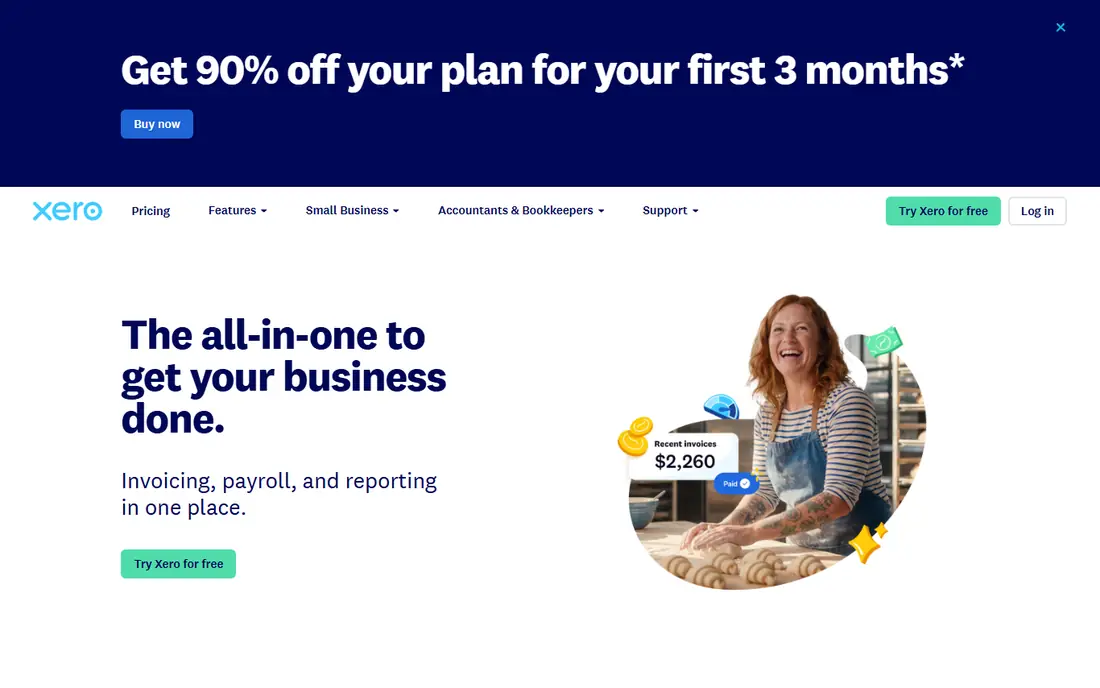
For teams or readers focused on cloud accounting for small firms, Xero is a natural place to start. Xero offers clean cloud accounting with strong bank reconciliation and integrations. That approach makes it a sensible shortlist candidate, provided you test it with your own data and your own team before you commit to a paid plan.
US firms needing deep payroll support should check regional features first. In our comparison of official feature pages, pricing, and public reviews, this balance of strength and weakness placed it firmly on the shortlist for its target audience.
If the tool passes that trial, check the renewal terms and the cost of adding users before you roll it out widely. A good fit at five users can become costly at fifty, so plan for growth now.
- Clean invoicing and bank reconciliation
- Many integrations
- Multi currency
- Payroll support varies by region
- US support is thinner than QuickBooks
FreshBooks
Ideal for: Invoicing for freelancers
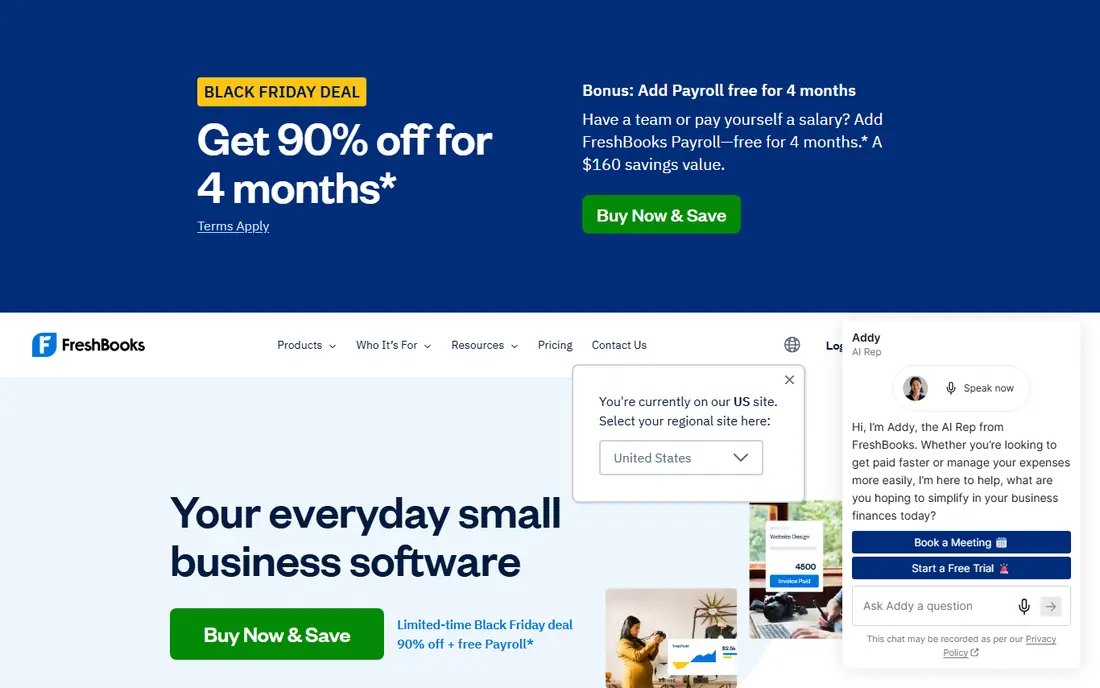
For teams or readers focused on invoicing for freelancers, FreshBooks is a natural place to start. FreshBooks is a friendly choice for freelancers who live on invoicing and time tracking. The value here is practical rather than theoretical, and it becomes clear once you use the tool for a real project instead of judging it from a feature page alone.
Firms needing full inventory or complex accounting may outgrow it. If that limitation touches your core workflow, look at the next options in this list; if it does not, the strengths here may outweigh it for your team.
Finally, compare the total effort, not just the monthly price. Setup, training, and ongoing admin all cost time, and the cheapest option on paper is not always the cheapest once staff time is counted.
- Easy invoicing and time tracking
- Client portal
- Simple reports
- Full accounting depth is thinner than QuickBooks
- Costs rise with clients
Wave
Ideal for: Free invoicing and accounting
For teams or readers focused on free invoicing and accounting, Wave is a natural place to start. Wave gives small businesses free invoicing and accounting with paid payment options. In practice, that focus shows up in the day to day workflow, where the features you use most often matter more than a long list of extras you may never open.
Its paid add ons and support limits matter once you add payroll or staff. We weighed that trade off against the alternatives in this list, and the balance will suit some teams better than others, depending on budget and on how much depth you actually need.
Before you buy, run one realistic week through the tool, using the same projects, clients, or data you handle normally. A short, honest trial will reveal limits in reporting, speed, or support that a demo never shows.
- Free accounting and invoicing
- Simple setup
- Payment add ons
- Payroll and payments are paid and region limited
- Support is thinner
Sage
Ideal for: Accounting for growing firms
For teams or readers focused on accounting for growing firms, Sage is a natural place to start. Sage covers accounting for firms that are growing beyond basic invoicing. For teams comparing options, the practical test is simple: run a real task through the tool and see how many steps it takes, and how clear the result feels.
Its broad product range means you should compare editions carefully. That catch does not disqualify the product, but it should shape your trial: test the weak spot first, and only buy once you know it does not block your main workflow.
A useful trial also tests support and onboarding, not just features. Ask a question, read the help docs, and see how quickly you get a clear answer, because that experience predicts how the tool will feel after purchase.
- Accounting and payroll options
- Established vendor
- Reporting tools
- Product range can confuse buyers
- Pricing varies by product
FreeAgent
Ideal for: Accounting for freelancers and small firms
For teams or readers focused on accounting for freelancers and small firms, FreeAgent is a natural place to start. FreeAgent suits freelancers and small firms that want clear tax timelines and bank feeds. That approach makes it a sensible shortlist candidate, provided you test it with your own data and your own team before you commit to a paid plan.
Its UK focus means US firms should check availability and tax features first. In our comparison of official feature pages, pricing, and public reviews, this balance of strength and weakness placed it firmly on the shortlist for its target audience.
If the tool passes that trial, check the renewal terms and the cost of adding users before you roll it out widely. A good fit at five users can become costly at fifty, so plan for growth now.
- Freelancer friendly accounting
- Tax timelines
- Bank feeds
- US availability is limited compared with UK focus
- Smaller ecosystem
Odoo Accounting
Ideal for: Accounting inside a business suite
For teams or readers focused on accounting inside a business suite, Odoo Accounting is a natural place to start. Odoo Accounting works best for firms that also want CRM and inventory in one suite. The value here is practical rather than theoretical, and it becomes clear once you use the tool for a real project instead of judging it from a feature page alone.
As a standalone accounting tool it can feel heavier than simpler rivals. If that limitation touches your core workflow, look at the next options in this list; if it does not, the strengths here may outweigh it for your team.
Finally, compare the total effort, not just the monthly price. Setup, training, and ongoing admin all cost time, and the cheapest option on paper is not always the cheapest once staff time is counted.
- Accounting plus CRM, inventory, and sales in one suite
- Open source option
- Suite setup takes time
- Accounting alone may feel complex
How we picked these
We compared official feature pages, pricing pages, app store listings, privacy policies, and public reviews for each product in this list. We looked for tools that exist and work in October 2026, that truly fit the topic, and that offer a clear reason to choose them over similar options. Where a price or free tier could not be verified from the vendor, we wrote See website rather than guessing.
We also weighed honest weaknesses alongside strengths, because every tool involves trade offs in price, depth, and ease of use. A product stayed on the list only if its strengths matched a real audience, even where its limits ruled it out for other readers. That is why the list mixes well known leaders with smaller options that suit specific needs.
Pricing and free tiers change often, so we treated vendor pricing pages as the authority and avoided repeating figures we could not confirm on the day of writing. Readers should check the linked official site for the current plan before buying, since trials, limits, and included features can change without notice. That caution applies especially to tools with quote based pricing, where the final cost depends on seats, usage, and contract terms.
How to choose accounting software
Match the tool to your accounting needs, not just invoicing. Simple invoicing suits freelancers, while inventory, payroll links, and multi currency support matter for growing firms. Switching accounting tools mid year is painful, so choose with a year ahead in mind.
Check your accountant and bank links. A tool your accountant already uses will save time at year end, and direct bank feeds reduce manual entry. Test a bank feed and an invoice before you commit.
Frequently asked questions
What is the closest alternative to Zoho Books?
QuickBooks Online and Xero are the closest full accounting matches, with invoicing, expenses, and reporting. QuickBooks has wider US accountant support, while Xero is popular with smaller firms.
Are there free options?
Wave offers free invoicing and accounting for small businesses, with paid add ons for payments and payroll. Check current free plan limits on the pricing page.
Do these tools handle taxes?
They help organise income and expenses and produce reports, but they are not a substitute for tax advice. Confirm tax features for your country and business type.
Can I migrate from Zoho Books?
Most tools offer import from CSV and other accounting apps, but chart of accounts and history may need manual review. Export backups before you migrate.
Which tool suits a freelancer?
Wave and FreshBooks suit freelancers and solo businesses, while QuickBooks and Xero suit firms with staff or inventory.