If you need building chatbots from past content, DocuAsk is the first tool to look at here. Listed starting prices: AskYourPDF from $11.99 a month. AskYourPDF is better for website chatbots and PDF form filling, and ChatPDF is better for fast chat and summaries for single PDFs. Details, prices and limits for the rest of the 5 tools are below.
Choosing Adobe Acrobat AI Assistant usually comes down to price, fit and limits. This Ainotely guide sets 5 tools side by side on those three points, with the facts kept short and checkable.
Key takeaways
DocuAsk sits first on this list: building chatbots from past content.
ChatDOC fits Summarizing and explaining long documents.
AskYourPDF has the lowest monthly starting price in this list: $11.99 per month.
Before buying Humata AI, weigh this: less emphasis on single-file chat.
Free plans exist at 2 of 5 tools (AskYourPDF, Humata AI).
In short, DocuAsk is for building chatbots from past content. DocuAsk is worth considering when the goal is a content-driven chatbot, whereas dedicated PDF chat tools may serve reading tasks better. More specifically, DocuAsk concentrates on automating chatbot creation, using AI to build chatbots from your past content.
The main drawbacks: Document analysis depth is unclear.
That makes it relevant for organizations that want to turn existing material into an interactive assistant instead of only querying individual PDFs. Its homepage emphasizes chatbot building instead of document analysis, so buyers who primarily need PDF summarization should compare carefully. Pricing for DocuAsk is not stated here, so ask the vendor for current figures. Trial and free access: Not stated.
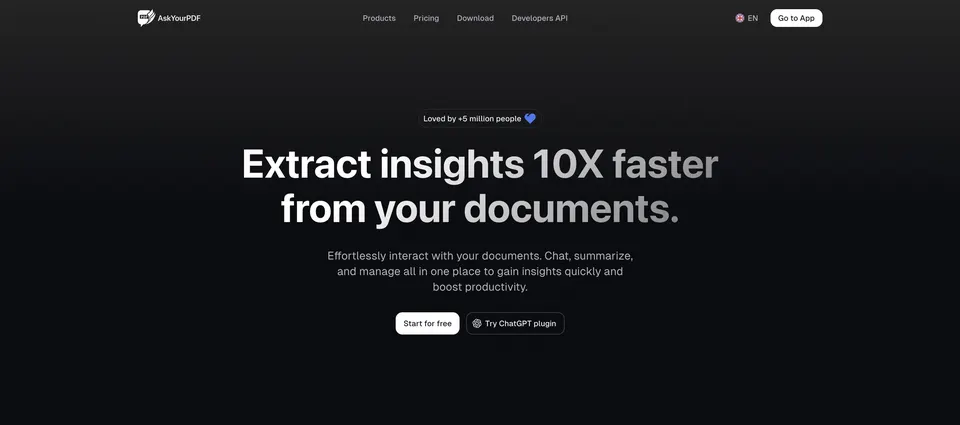
AskYourPDF makes the most sense for website chatbots and PDF form filling. AskYourPDF merges PDF chat with a website chatbot trained on your own content and an AI form filler for PDF forms. That breadth makes it interesting for companies that want both document Q&An and a customer-facing assistant.
On top of that, since the product spreads across chatbot building, form filling and PDF chat, buyers should confirm which capabilities matter for their workflow. More specifically, if you only have to summarize documents, a narrower tool may be more straightforward, but for combined website and PDF automation AskYourPDF is worth a look. Starting cost for AskYourPDF: $11.99 per month. AskYourPDF includes a free tier.
Points against: Less focused on pure document analysis.
Best for: Quick chat and summaries for single PDFs
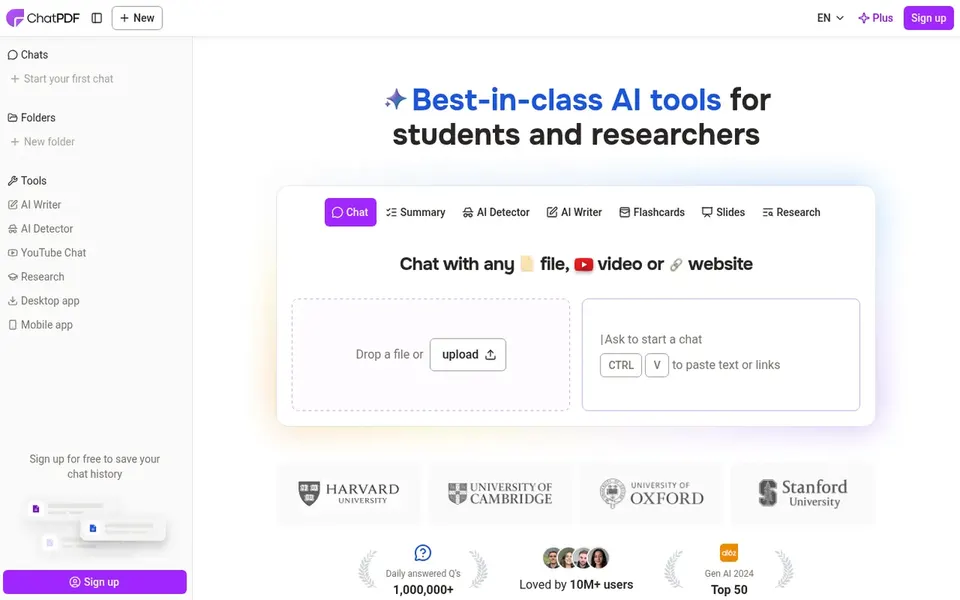
Choose ChatPDF for quick chat and summaries for single PDFs. ChatPDF brings ChatGPT-style intelligence to PDF reading, letting you summarize, chat with and analyze a document.
From a buyer's view, the homepage emphasizes chat and summarization instead of deep workflow or API tooling. So teams needing document pipelines may look elsewhere. This comparison lists no price for ChatPDF; ask the vendor. As for free access: Not stated.
Downsides: Less suited to multi-document knowledge bases.
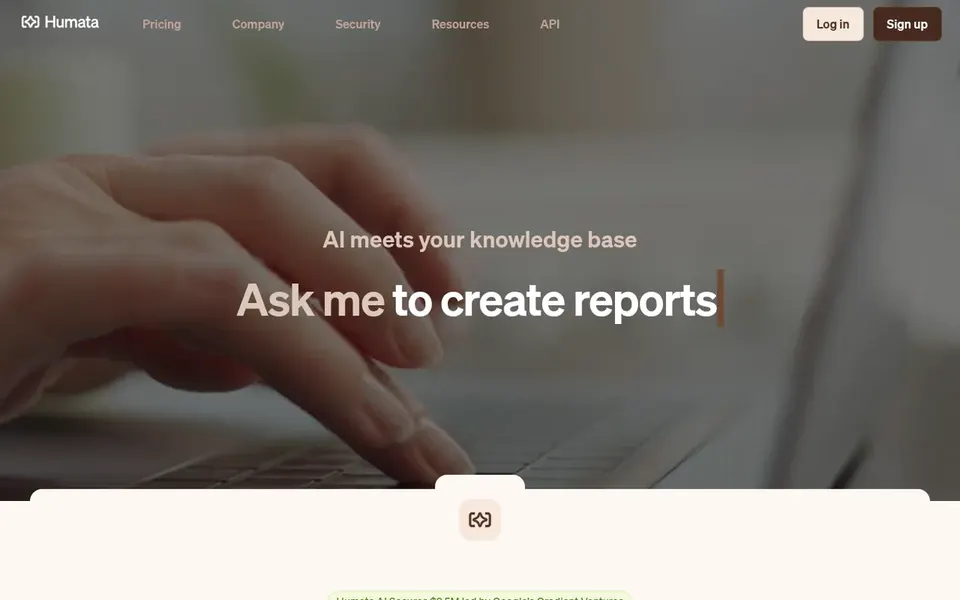
Humata AI targets turning documents into a knowledge base. Humata AI describes itself as an AI agent that turns your documents into a quick, intelligent knowledge base for instant analysis, insights and answers.
Points against: Setup may matter for large collections.
For everyday use, the knowledge-base approach may be more than a casual reader needs, and the homepage does not detail every workflow. In practice, if you primarily want to chat with one PDF at a time, a more straightforward tool could be quicker, whereas Humata AI suits those building a reusable document library. This comparison lists no price for Humata AI; ask the vendor. Humata AI includes a free tier.
Best for: Summarizing and explaining long documents
ChatDOC was built for Summarizing and explaining long documents. ChatDOC is designed for diving into PDFs, with AI that summarizes long documents, explains complicated concepts and finds key information in seconds.
Trade-offs to know: Less detail on integration choices.
ChatDOC is a solid fit when comprehension and speed of reading are the primary goals instead of workflow automation. In daily use, the homepage centers on core chat and summarization, so buyers needing APIs or website chatbots should check other choices. ChatDOC shows no starting price here, so confirm the cost on the vendor site. Free access: Not stated.
Confirm the entry price on the vendor page. For DocuAsk, ChatPDF, Humata AI and ChatDOC that means a quote rather than a fixed price.
Read the fine print on the free plans from AskYourPDF and Humata AI; seat, project and feature caps differ.
Before choosing DocuAsk, weigh its main limit: less centred on PDF chat specifically.
The entry price of AskYourPDF is only the starting point; model the full cost with seats and extras.
Confirm the exact ChatDOC plan that includes your must-have features.
How we picked
Each tool was reviewed on what its vendor publishes: price, plan limits, core features and stated drawbacks. We did not run hands-on tests. Where a vendor does not publish a price, the entry says quote. Where a price depends on seats or billing term, the entry says so. The sequence is a judgement call: typical use case first, then pricing transparency, then free access. Use the profiles to check fit.
Every price and plan detail on this page comes from the vendors’ own websites. We did not run hands-on tests unless the text says so, and we do not publish star ratings or review scores. See how we score and our disclosure.
Keep your shortlist in one place
Paste prices, trial dates and notes from this guide into Ainotely, our AI note app. It files them into a topic and pulls out tasks like “cancel trial by Friday”. Free 7-day trial, no card needed.
Which options for Adobe Acrobat AI Assistant have a free plan?
On this list, AskYourPDF and Humata AI include a free plan. Caps on seats, usage or features are common, so test the free plan against your real workload.
Is DocuAsk the right pick for everyone comparing Adobe Acrobat AI Assistant?
No single tool suits every team. DocuAsk comes first because it fits building chatbots from past content, while AskYourPDF suits website chatbots and PDF form filling and ChatPDF suits fast chat and summaries for single PDFs. Match the tool to your own size, budget and workflow before deciding.
Do these tools publish their prices?
Not all of them. DocuAsk, ChatPDF, Humata AI and ChatDOC publish no starting price, so expect a quote request for those. The rest, AskYourPDF included, show a starting price, though seats and billing terms still change the final cost.
What should I look for in a PDF chat tool?
Start with the task you repeat most, for example summarizing long reports or answering questions across numerous files. Then confirm document limits, sharing choices and any API needs on the vendor site before deciding.
What is the cheapest option for Adobe Acrobat AI Assistant in this list?
On published monthly entry prices, AskYourPDF is the lowest here at $11.99 per month. Entry price is only part of the cost, because seats, add-ons and billing terms can change the total.