This list puts Google Chat first for secure messaging within Google Workspace. Listed starting prices: Slack from $4.38 per user per month. Mattermost is better for self-hosted, regulated and air-gapped environments, and Cisco Webex is better for AI-powered collaboration across meetings and messaging. The other 2 tools in the list cover narrower or pricier cases.
Ainotely put together this guide to Async for readers who want a clear shortlist without reading every vendor page. It compares 5 tools on starting price, free plans, who each one suits and where each one falls short.
Key takeaways
Google Chat sits first on this list: secure messaging within Google Workspace.
Slack has the lowest monthly starting price in this list: $4.38 per user per month.
What to know about Cisco Webex first: wide platform can be complex to administer.
Free plans exist at 2 of 5 tools (Cisco Webex, Slack).
Best for: Secure messaging within Google Workspace
In short, Google Chat is for secure messaging within Google Workspace. It suits teams that already work in Google's productivity suite and want asynchronous conversations close to their documents and files.
No starting price is listed for Google Chat here; confirm pricing on the vendor site. Free plan details: Not stated.
Watch-outs: Best experience needs Google Workspace.
Best for: Self-hosted, regulated and air-gapped environments
Think of Mattermost for self-hosted, regulated and air-gapped environments. Mattermost concentrates on operational and AI sovereignty for critical infrastructure and national security, offering zero-trust collaboration, automation and AI in private cloud, self-hosted and air-gapped environments. That specialization means less emphasis on the wide consumer-style experience of general chat systems.
Upsides: Zero-trust collaboration focus.
The main drawbacks: Narrower general-purpose appeal. On top of that, self-hosted deployments also require operational resources to run and maintain. As for the details, choose Mattermost when sovereignty and deployment control outweigh convenience, and look to mainstream systems otherwise. Mattermost shows no starting price here, so confirm the cost on the vendor site. Free plan details: Not stated.
Best for: AI-powered collaboration across meetings and messaging
In short, Cisco Webex is for AI-powered collaboration across meetings and messaging. Cisco Webex provides AI-powered collaboration, customer experience, devices and system options.
Where it falls short: Wide product can be complicated to administer.
For everyday use, choose Webex when enterprise-wide collaboration consolidation matters more than chat-first simplicity. Cisco Webex does not show a starting price in this comparison, so check the vendor site for current pricing. Cisco Webex offers a free plan.
Best for: Microsoft-centric teams combining chat and meetings
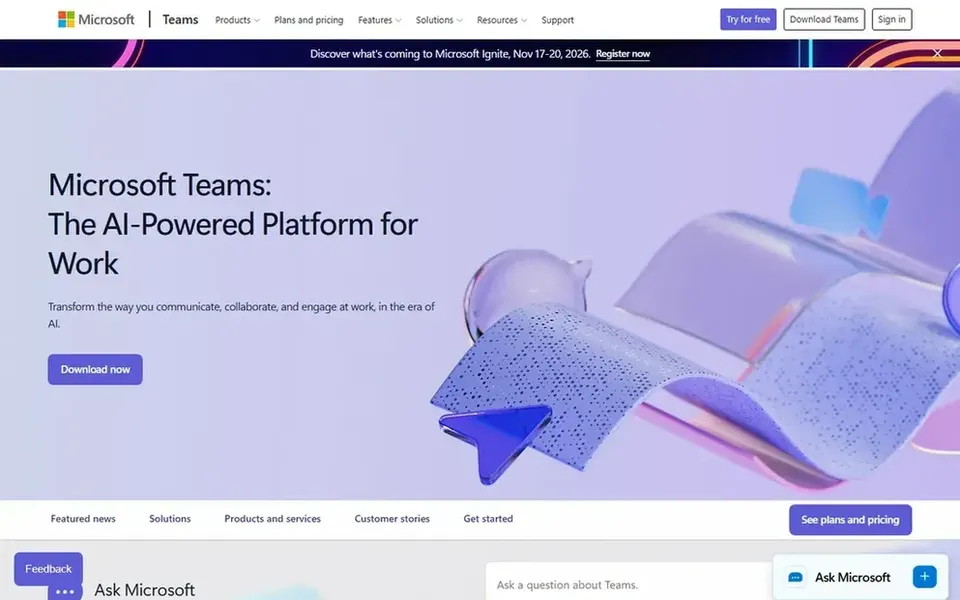
Microsoft Teams works best for Microsoft-centric teams combining chat and meetings. Notification management also needs attention as usage grows.
Watch-outs: Interface can feel dense.
Worth adding: Microsoft Teams brings conversations, files and meetings together in one place meant to help teams link and stay organized. Pricing for Microsoft Teams is not stated here, so ask the vendor for current figures. Free options: Not stated.
Where it shines: Organized team and channel structure.
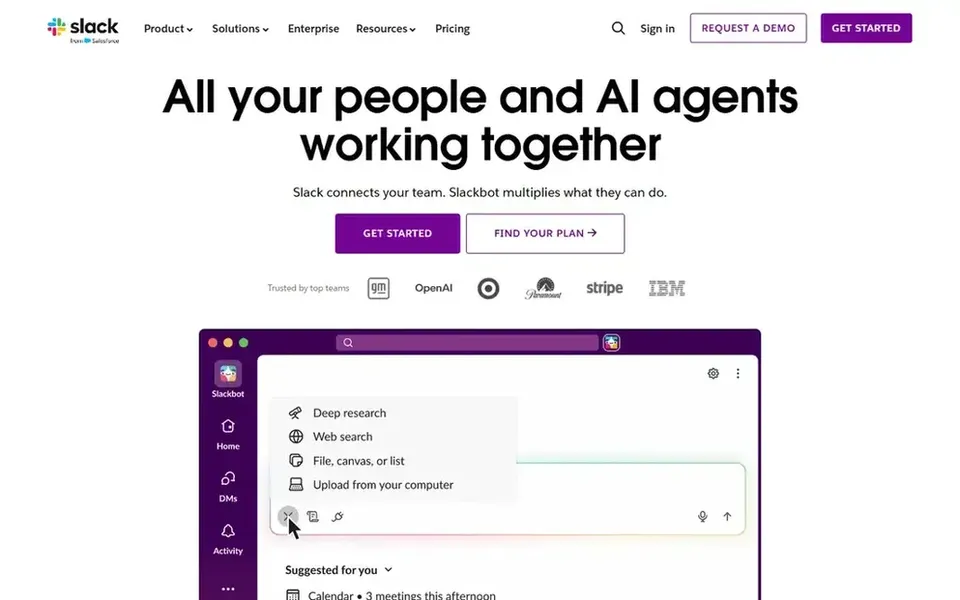
Slack serves broad async work system with automation. If your organization is standardized on Microsoft or Google productivity suites, an integrated chat tool may cut context switching.
On top of that, choose Slack when a dedicated collaboration hub is the priority. On cost, Slack starts like this: $4.38 per user per month. Slack offers a free plan.
Trade-offs to know: Best value requires team-wide adoption.
Confirm the entry price on the vendor page. For Google Chat, Mattermost, Cisco Webex and Microsoft Teams that means a quote rather than a fixed price.
Read the fine print on the free plans from Cisco Webex and Slack; seat, project and feature caps differ.
Before choosing Google Chat, weigh its main limit: best experience requires Google Workspace.
Before rolling out Slack, verify the integrations your workflow depends on.
Work out what Cisco Webex costs with your real seat count, add-ons and usage, not just the entry price.
How we picked
Ainotely looked at what each vendor publishes: pricing, plan limits, feature coverage for Async and stated drawbacks. No hands-on testing is claimed. Seat minimums, billing terms and add-ons can move the real cost, so the starting prices here are a guide and not a quote. Tools are placed by general fit for Async, with price clarity and free access as tie-breakers. A different team can reasonably rank them differently.
Every price and plan detail on this page comes from the vendors’ own websites. We did not run hands-on tests unless the text says so, and we do not publish star ratings or review scores. See how we score and our disclosure.
Keep your shortlist in one place
Paste prices, trial dates and notes from this guide into Ainotely, our AI note app. It files them into a topic and pulls out tasks like “cancel trial by Friday”. Free 7-day trial, no card needed.
Not all of them. Google Chat, Mattermost, Cisco Webex and Microsoft Teams publish no starting price, so expect a quote request for those. The rest, Slack included, show a starting price, though seats and billing terms still change the final cost.
When does Mattermost make sense over mainstream chat tools?
If you need control over data location and deployment, it is worth shortlisting. Mainstream tools are usually more straightforward to adopt when sovereignty requirements are light.
How are the tools for Async ordered?
The order follows typical fit for Async, with Google Chat first and Slack last, then price clarity and free access. It is editorial judgement, not a score, so another team could rank the tools differently.
What makes a team chat tool a decent async alternative?
A decent async alternative supports threaded or channel-based conversations, searchable history and integrations with the files and tools your team already uses. Evaluate notification controls and retention settings early.
Is Google Chat the right pick for everyone comparing Async?
No single tool suits every team. Google Chat comes first because it fits secure messaging within Google Workspace, while Mattermost suits self-hosted, regulated and air-gapped environments and Cisco Webex suits AI-powered collaboration across meetings and messaging. Match the tool to your own size, budget and workflow before deciding.
What is the cheapest option for Async in this list?
On published monthly entry prices, Slack is the lowest here at $4.38 per user per month. Entry price is only part of the cost, because seats, add-ons and billing terms can change the total. All 5 picks in this Async alternatives comparison show their pricing, free plan details and main limits on the cards above.