Our first pick is ArchiCAD, best for easy-to-learn BIM for architects. Listed starting prices: ArchiCAD from $43 per seat per month. Chief Architect is the stronger choice for residential and interior design, while Vectorworks Architect suits adaptable BIM from concept to construction. Prices, free plans and limits for all 5 tools follow.
Short on time? The summary and table above give the quick view of 5 tools for 3D architecture software, and the profiles that follow give the detail behind each entry.
Key takeaways
This list starts with ArchiCAD, which is built for easy-to-learn BIM for architects.
Autodesk Revit is the one to check for BIM coordination and documentation.
The main caution on Chief Architect: restricted for large commercial projects.
The cheapest monthly starting price in the list is $43 per seat per month, offered by ArchiCAD.
Neither ArchiCAD nor Autodesk Revit, nor any of the other 3 tools, has a permanent free plan; trials and quotes are the norm.
In short, ArchiCAD is for easy-to-learn BIM for architects. ArchiCAD by Graphisoft is BIM software designed for architects, offering an efficient and easy-to-learn interface with a capable suite of built-in tools.
Worth adding: ArchiCAD may lack deep integration with structural and MEP engineering tools compared with Revit, and its adoption varies by region. On cost, ArchiCAD starts like this: $43 per seat per month. Trial and free access: Free trial.
Where it falls short: Less widespread in some regions.
Chief Architect serves residential and interior design. Chief Architect is professional home design software for residential home design, interior design, and remodeling.
Downsides: Restricted for large commercial projects.
Also, if you manage diverse project types, a broader BIM option like Revit or ArchiCAD is recommended. Chief Architect does not show a starting price in this comparison, so check the vendor site for current pricing. Free options: Not stated.
Best for: Adaptable BIM from concept to construction
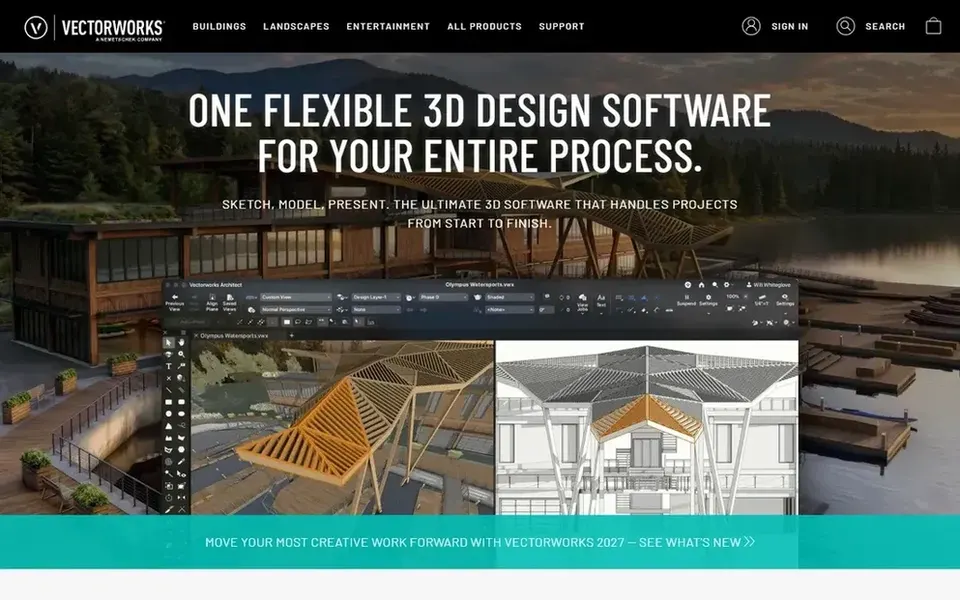
Vectorworks Architect is designed for adaptable BIM from concept to construction. If your priority is heavy BIM coordination, consider Revit or ArchiCAD.
Vectorworks Architect does not show a starting price in this comparison, so check the vendor site for current pricing. Free access: Not stated.
What to check first: Can be less efficient for large-scale documentation.
In short, 3ds Max is for advanced 3D modeling and rendering. It suits architects and visualization specialists who require advanced rendering and animation for presentations and marketing.
In daily use, 3ds Max is not a BIM authoring tool and lacks architectural documentation features, so it is generally used alongside BIM software. 3ds Max does not show a starting price in this comparison, so check the vendor site for current pricing. On free options: Not stated.
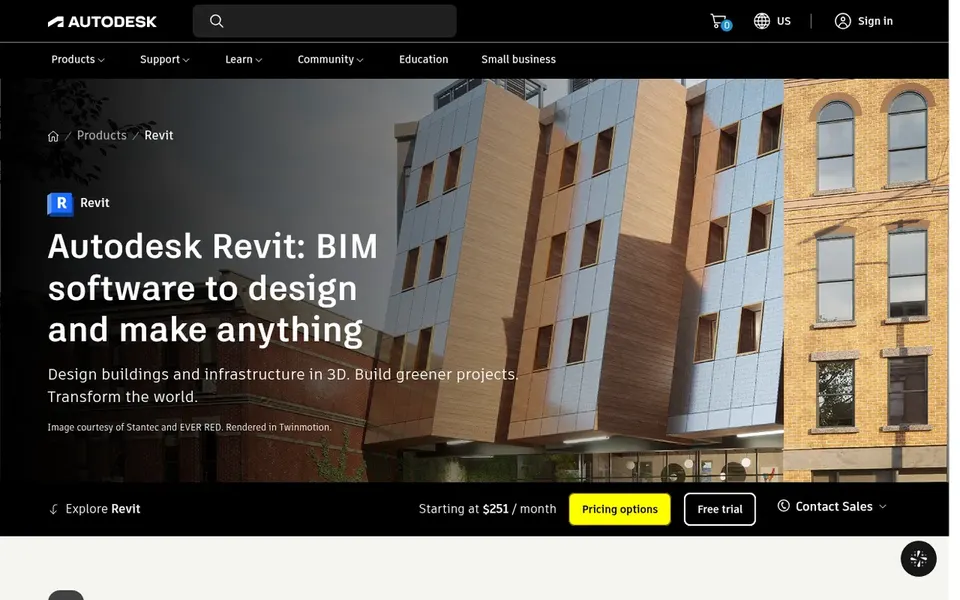
Autodesk Revit was built for BIM coordination and documentation. It produces intelligent 3D models that update drawings immediately and supports optional AI-assisted workflows.
Points against: Needs solid hardware.
If you prefer a more easy-to-learn interface or work primarily on residential design, consider ArchiCAD or Chief Architect instead. Revit has a steep ramp-up time and demands substantial computing power, which can be a barrier for small teams. This comparison lists no price for Autodesk Revit; ask the vendor. On free options: Not stated.
Get a written quote from Chief Architect, Vectorworks Architect, 3ds Max and Autodesk Revit; the list shows no starting price for them.
Take the trial from ArchiCAD and push a live task through it before you pay.
Read the limits listed for ArchiCAD first: limited support for some engineering disciplines.
Let daily users try Chief Architect on real work; their feedback beats any feature checklist.
Test the integrations you rely on with 3ds Max before committing; some connectors sit on upper tiers.
How we picked
Each tool was reviewed on what its vendor publishes: price, plan limits, core features and stated drawbacks. We did not run hands-on tests. Prices and plan limits come from vendor pages and can change, so confirm them on the vendor site before you buy. The order reflects how well each tool fits the most common buying scenario for 3D architecture software, then price clarity, then free plan access. It is a starting point, not a verdict.
Every price and plan detail on this page comes from the vendors’ own websites. We did not run hands-on tests unless the text says so, and we do not publish star ratings or review scores. See how we score and our disclosure.
Keep your shortlist in one place
Paste prices, trial dates and notes from this guide into Ainotely, our AI note app. It files them into a topic and pulls out tasks like “cancel trial by Friday”. Free 7-day trial, no card needed.
What is the best 3D architecture software for BIM?
ArchiCAD comes first here and is built for easy-to-learn BIM for architects. Buyers with other needs may prefer Chief Architect (for residential and interior design) or Vectorworks Architect (for adaptable BIM from concept to construction). Compare costs and limits first.
How are the tools for 3D architecture software ordered?
ArchiCAD sits first and Autodesk Revit last because the order follows typical fit for 3D architecture software, then price clarity and free access. It is a judgement call, so read each profile for fit and limits.
Does any tool for 3D architecture software here have a free plan?
No tool in this list, ArchiCAD and Autodesk Revit included, has a permanent free plan. ArchiCAD offer a trial. Trials and quotes are the usual route, so plan a short evaluation period.
What is the cheapest option for 3D architecture software in this list?
On published monthly entry prices, ArchiCAD is the lowest here at $43 per seat per month. Entry price is only part of the cost, because seats, add-ons and billing terms can change the total.
Do these tools publish their prices?
Not all of them. Chief Architect, Vectorworks Architect, 3ds Max and Autodesk Revit publish no starting price, so expect a quote request for those. The rest, ArchiCAD included, show a starting price, though seats and billing terms still change the final cost.