OpenSpace is the first pick on this list for visual jobsite intelligence. For a different need, nPlan covers AI risk forecasting and Trimble Viewpoint covers Construction ERP and job costing. Prices, free plans and limits for all 5 tools follow.
Choosing AI construction management software usually comes down to price, fit and limits. This Ainotely guide sets 5 tools side by side on those three points, with the facts kept short and checkable.
Key takeaways
The list opens with OpenSpace, aimed at visual jobsite intelligence.
Autodesk Construction Cloud is the one to check for secure team collaboration.
None of the 5 tools, from OpenSpace to Autodesk Construction Cloud, has a free plan, so budget for a subscription or use a trial.
One limit worth knowing about OpenSpace: narrower than full management suites.
OpenSpace, Autodesk Construction Cloud and the 3 others all sell by quote; expect sales conversations before you see a price.
Pick OpenSpace if this describes you: visual jobsite intelligence. OpenSpace centres on visual intelligence instead of full project, cost, or ERP management, so it works best alongside a broader product.
Teams needing scheduling, costing, or forecasting should combine it with other tools. Pricing for OpenSpace is not stated here, so ask the vendor for current figures. Free access: Not stated.
What to check first: Value relies on consistent capture.
nPlan targets AI risk forecasting. The product's stated purpose is forward-looking risk insight instead of daily project administration. nPlan concentrates on forecasting, so teams still need separate software for project management, costing, and site documentation.
Honest limits: Not a full management suite.
nPlan does not show a starting price in this comparison, so check the vendor site for current pricing. As for free access: Not stated.
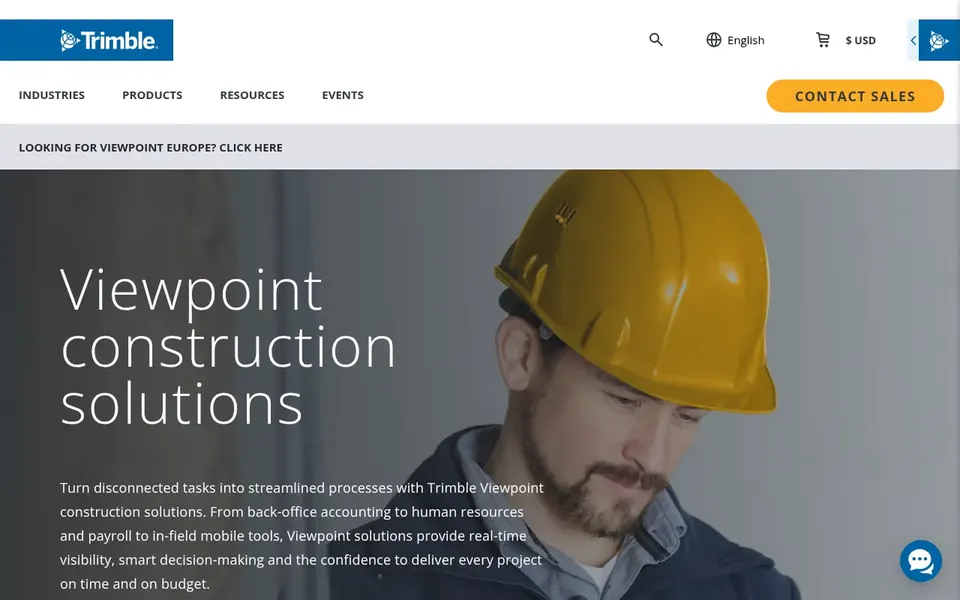
Think of Trimble Viewpoint for Construction ERP and job costing. As for the details, pick Viewpoint when job costing and reporting are central to your operation.
The system's stated strength is tying project management to business operations, which helps teams see how jobs and resources link. Check the vendor site for Trimble Viewpoint pricing; none is listed in this comparison. On free options: Not stated.
Limits to weigh: Focused more on business operations.
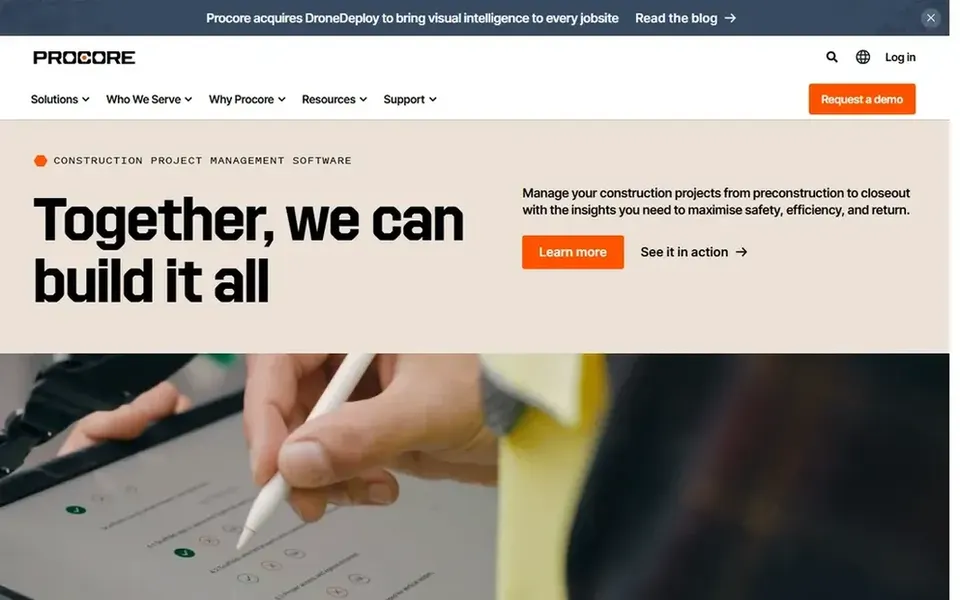
Where Procore fits: connected site and office oversight. Organizations seeking to align field reporting with office planning will find the system's stated focus on visibility and timely delivery relevant to their workflows. Worth adding: groups wanting only visual progress capture or forecasting might pair a narrower tool instead.
In daily use, since Procore spans numerous construction workflows, smaller teams may find the breadth more than they need. Choose Procore when connected project management across roles is the priority. Procore shows no starting price here, so confirm the cost on the vendor site. On free options: Not stated.
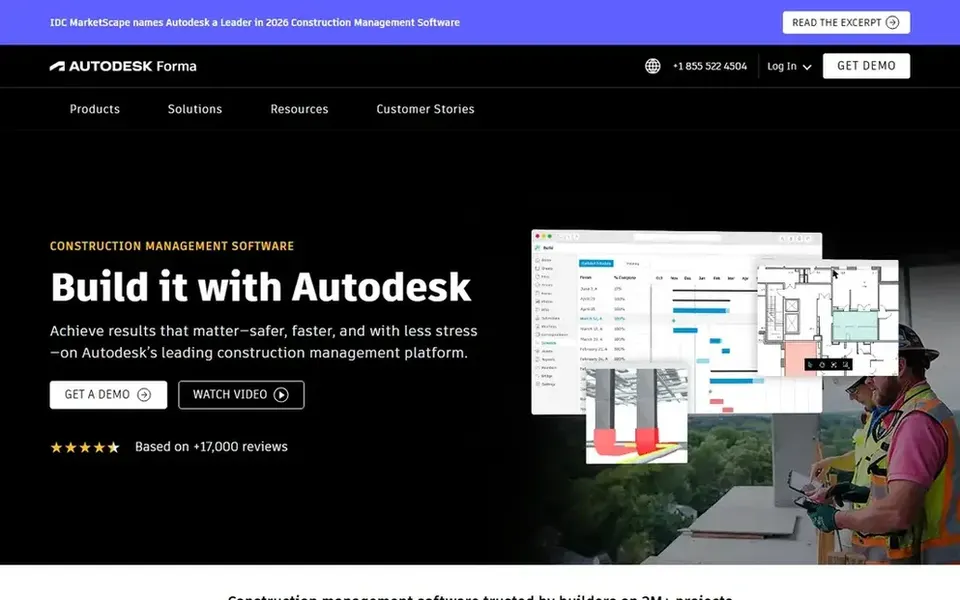
In short, Autodesk Construction Cloud is for secure team collaboration. Autodesk Construction Cloud, now presented as Autodesk Forma, lets project teams collaborate securely and rapidly so they can deliver projects on time and on budget.
Beyond that, consider it when coordinated design and construction workflows matter most, and pair it with specialist tools for other needs. As for the details, the product's stated emphasis is on secure collaboration and coordinated delivery across project stakeholders. Check the vendor site for Autodesk Construction Cloud pricing; none is listed in this comparison. Free access: Not stated.
Request quotes from OpenSpace, Autodesk Construction Cloud and the others; the list shows no fixed prices.
Before choosing OpenSpace, weigh its main limit: narrower than full management suites.
Map your must-have features to a specific Procore plan before you compare prices.
Look at the renewal terms for nPlan: auto-renewal, notice periods and price changes can matter more than the first-year price.
Confirm that Autodesk Construction Cloud connects to the apps your team already uses, on the plan you would actually buy.
How we picked
We compared the tools on published pricing, free plan or trial availability, feature coverage for AI construction management software, and the limits each vendor documents. Seat minimums, billing terms and add-ons can move the real cost, so the starting prices here are a guide and not a quote. The sequence is a judgement call: typical use case first, then pricing transparency, then free access. Use the profiles to check fit.
Every price and plan detail on this page comes from the vendors’ own websites. We did not run hands-on tests unless the text says so, and we do not publish star ratings or review scores. See how we score and our disclosure.
Keep your shortlist in one place
Paste prices, trial dates and notes from this guide into Ainotely, our AI note app. It files them into a topic and pulls out tasks like “cancel trial by Friday”. Free 7-day trial, no card needed.
No. None of the tools, from OpenSpace to Autodesk Construction Cloud, shows a fixed starting price here, so budget time for quotes.
Can I try these options before paying?
Not by default. None of the tools, from OpenSpace to Autodesk Construction Cloud, lists a free plan or a free trial here, so ask each vendor for a demo before committing.
Does any tool for AI construction management software here have a free plan?
A permanent free plan is not offered by OpenSpace, Autodesk Construction Cloud or the other tools here. Plan a short evaluation period instead.
How do visual intelligence tools differ from full management suites?
Visual tools like OpenSpace focus on turning jobsite imagery into insight, whereas suites like Procore and Autodesk Construction Cloud coordinate broader project workflows. Visual tools commonly complement instead of replace management products. Match the choice to whether you need documentation, coordination, or both.
How are the tools for AI construction management software ordered?
OpenSpace sits first and Autodesk Construction Cloud last because the order follows typical fit for AI construction management software, then price clarity and free access. It is a judgement call, so read each profile for fit and limits.