ALICE Technologies comes first here, mainly for AI schedule optimization and recovery. For a different need, Autodesk Construction Cloud covers collaborative project delivery at scale and OpenSpace covers visual documentation of site progress. All 6 tools are compared below on price, free plan and limits.
Choosing AI construction scheduling software usually comes down to price, fit and limits. This Ainotely guide sets 6 tools side by side on those three points, with the facts kept short and checkable.
Key takeaways
This list starts with ALICE Technologies, which is built for AI schedule optimization and recovery.
A permanent free plan is missing from all 6 tools, ALICE Technologies and nPlan included; plan for a trial or a premium start.
nPlan fits forecasting and de-risking project outcomes.
ALICE Technologies, nPlan and the 4 others all sell by quote; expect sales conversations before you see a price.
A fair warning about ALICE Technologies: narrower than full project suites.
ALICE Technologies serves AI schedule optimization and recovery. ALICE Technologies is a construction project schedule optimization product that helps contractors and owners optimize, de-risk and recover construction projects with AI. It is geared toward teams that already have scheduling data and want to explore alternatives, test scenarios and find quicker or more resilient ways to sequence work.
Trade-offs to know: Narrower than full project suites.
Since it concentrates on optimization, it is not a full project management suite, and results rely on the quality of schedule inputs. Teams needing wide field collaboration may pair it with a product like Procore. Also, choose it when schedule scenarios and recovery are the priority. No starting price is listed for ALICE Technologies here; confirm pricing on the vendor site. Free plan details: Not stated.
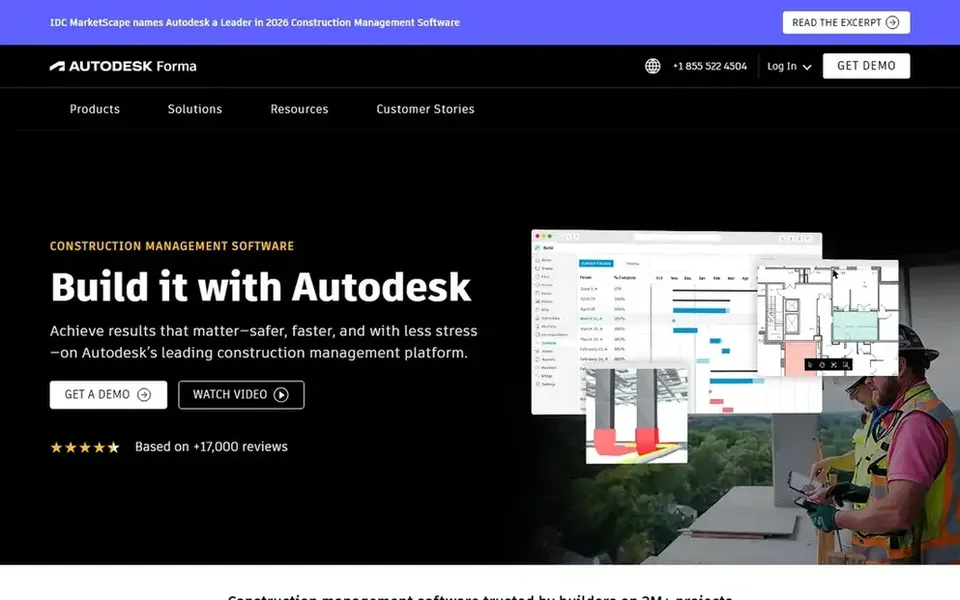
Choose Autodesk Construction Cloud for collaborative project delivery at scale. Teams outside the Autodesk ecosystem may face additional integration work.
For everyday use, scheduling is one part of a broader product, so AI scheduling depth relies on the modules you adopt. Pricing for Autodesk Construction Cloud is not stated here, so ask the vendor for current figures. As for free access: Not stated.
Where OpenSpace fits: visual documentation of site progress. It suits teams that want a steady visual record of progress to support reporting, verification and schedule conversations.
Check the vendor site for OpenSpace pricing; none is listed in this comparison. Free access: Not stated.
What to check first: Visual focus, not scheduling logic.
Best for: Enterprise schedule and portfolio control
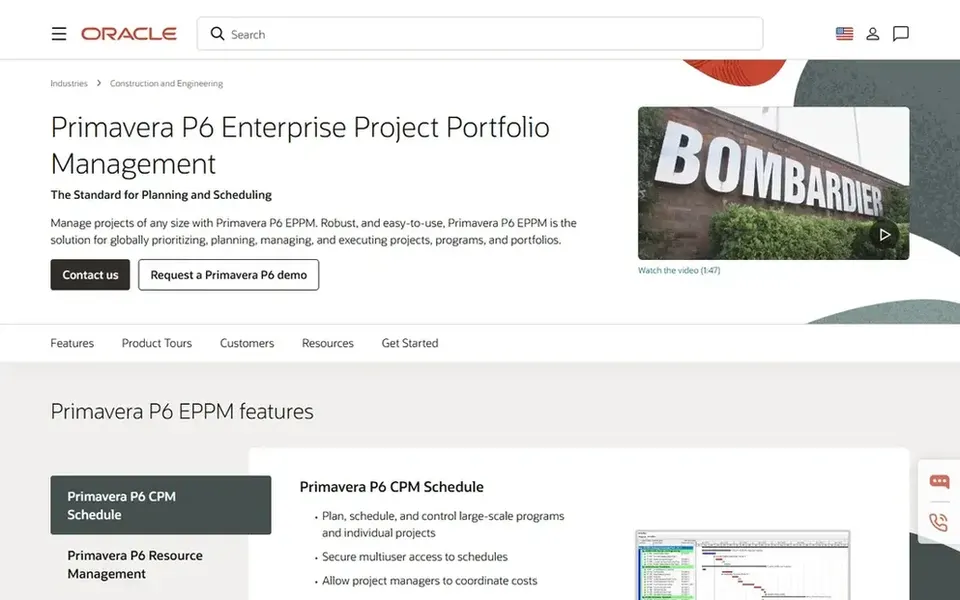
Oracle Primavera P6 is designed for enterprise schedule and portfolio control. It centers on in-depth scheduling and portfolio oversight, making it a fit for large contractors, owners and program managers who require structured, long-range planning across numerous projects and resources. Beyond that, the product is feature-rich but complicated, and smaller teams may find it heavy for straightforward schedules.
Its AI scheduling assistance is less of a headline than in dedicated optimization tools. Also, choose something lighter if you primarily need collaboration and site visibility instead of deep schedule engineering. This comparison lists no price for Oracle Primavera P6; ask the vendor. Free plan details: Not stated.
Where Procore fits: connecting site and office workflows. Procore is a construction management system that links the jobsite and the office, giving teams live visibility to deliver quality projects on time.
Honest limits: Wide system can feel sprawling.
Pick a dedicated scheduling product if in-depth critical-path modeling is your primary need. Check the vendor site for Procore pricing; none is listed in this comparison. Free access: Not stated.
Best for: Forecasting and de-risking project outcomes
nPlan was built for forecasting and de-risking project outcomes. nPlan offers AI that looks into the future of projects so teams can tackle risks before they become issues.
Downsides: Value relies on historical data.
Its usefulness grows with relevant project data. nPlan shows no starting price here, so confirm the cost on the vendor site. On free options: Not stated.
Request quotes from ALICE Technologies, nPlan and the others; the list shows no fixed prices.
Read the limits listed for ALICE Technologies first: narrower than full project suites.
Find out whether the entry plan of Oracle Primavera P6 covers your must-haves or only a trimmed-down version.
Before rolling out Autodesk Construction Cloud, verify the integrations your workflow depends on.
Ask Procore whether prices are locked for the first term and what happens at renewal.
How we picked
We compared the tools on published pricing, free plan or trial availability, feature coverage for AI construction scheduling software, and the limits each vendor documents. Prices and plan limits come from vendor pages and can change, so confirm them on the vendor site before you buy. Position on the page reflects fit for a typical buyer first, with price clarity and free access breaking ties. Treat it as a guide, not a ruling.
Every price and plan detail on this page comes from the vendors’ own websites. We did not run hands-on tests unless the text says so, and we do not publish star ratings or review scores. See how we score and our disclosure.
Keep your shortlist in one place
Paste prices, trial dates and notes from this guide into Ainotely, our AI note app. It files them into a topic and pulls out tasks like “cancel trial by Friday”. Free 7-day trial, no card needed.
No. None of the tools, from ALICE Technologies to nPlan, shows a fixed starting price here, so budget time for quotes.
Does any tool for AI construction scheduling software here have a free plan?
No tool in this list, ALICE Technologies and nPlan included, has a permanent free plan. Trials and quotes are the usual route, so plan a short evaluation period.
Is ALICE Technologies the right pick for everyone comparing AI construction scheduling software?
No single tool suits every team. ALICE Technologies comes first because it fits AI schedule optimization and recovery, while Autodesk Construction Cloud suits collaborative project delivery at scale and OpenSpace suits visual documentation of site progress. Match the tool to your own size, budget and workflow before deciding.
Which tool is a good match for AI schedule optimization?
This list starts with ALICE Technologies, which fits AI schedule optimization and recovery. For other needs, Autodesk Construction Cloud is aimed at collaborative project delivery at scale, and OpenSpace at visual documentation of site progress. Check each tool's price and main limit first.
How are the tools for AI construction scheduling software ordered?
The order follows typical fit for AI construction scheduling software, with ALICE Technologies first and nPlan last, then price clarity and free access. It is editorial judgement, not a score, so another team could rank the tools differently.