For drafting and research with trusted sources, Lexis+ AI is where this list starts. Alternatives: Robin AI for AI-powered contract software for legal teams, and Spellbook for contract drafting and review in Word. The remaining 2 options are covered below with prices and limits.
This Ainotely guide covers 5 options for AI legal document drafting software. Each profile lists a starting price, free plan details, strengths and drawbacks, so you can drop poor fits quickly.
Key takeaways
The list opens with Lexis+ AI, aimed at drafting and research with trusted sources.
Lexis+ AI comes with a trade-off: tied to LexisNexis content ecosystem.
No starting price is shown for any of the 5 tools, Lexis+ AI and CoCounsel included, so plan time for sales calls.
Neither Lexis+ AI nor CoCounsel, nor any of the other 3 tools, has a permanent free plan; trials and quotes are the norm.
CoCounsel is the one to check for professionals needing expert-built AI.
Best for: Drafting and research with trusted sources
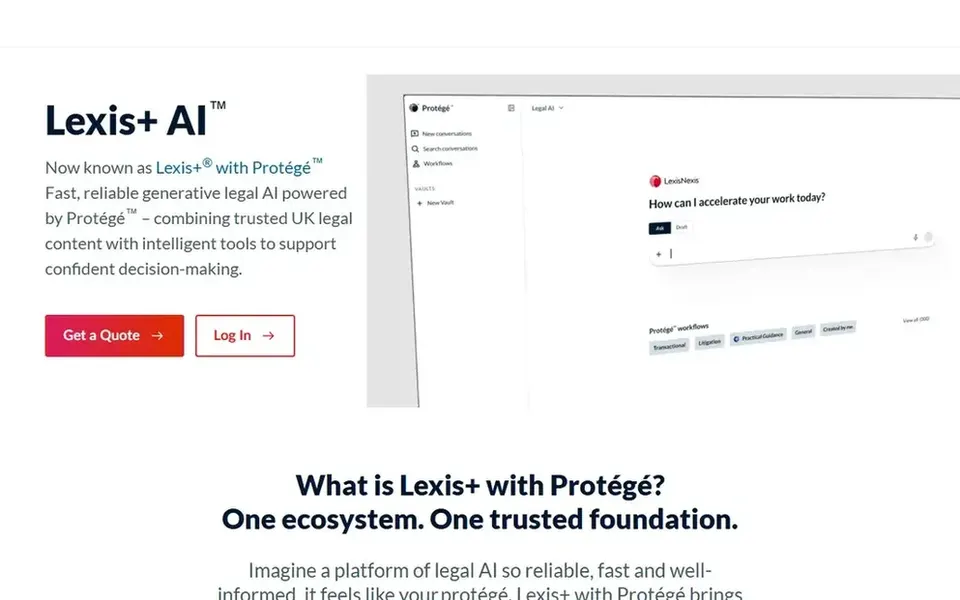
Lexis+ AI is a good fit for drafting and research with trusted sources. Teams without LexisNexis subscriptions may find other tools more accessible. Lexis+ with Protégé is a legal AI option for drafting, research, and analysis, delivering trusted results from authoritative LexisNexis resources.
Honest limits: May require subscription to LexisNexis services.
In daily use, the tool is especially handy for those who require verifiable citations and analysis grounded in a known legal database. In practice, if you need drafting within Word with a focus on contracts, consider a specialized contract tool instead. Lexis+ AI is closely tied to the LexisNexis ecosystem, so its full value relies on access to those resources. Check the vendor site for Lexis+ AI pricing; none is listed in this comparison. Free plan details: Not stated.
Best for: AI-powered contract software for legal teams
Robin AI is a good fit for AI-powered contract software for legal teams. Robin AI offers AI-powered contract software that reviews contracts quicker and permits fast clause searches. It makes contracts straightforward for legal teams by automating review and search tasks.
Downsides: May focus heavily on contract review.
In practice, pick Robin AI when contract review speed and clause search are priorities. Robin AI is centered on contract workflows, so it may not address broader drafting needs like litigation or compliance documents. Robin AI does not show a starting price in this comparison, so check the vendor site for current pricing. Free access: Not stated.
In short, Spellbook is for contract drafting and review in Word. Spellbook is an AI contract review and drafting platform for transactional lawyers.
Watch-outs: May be less suited for litigation drafting.
It uses GPT-5, Claude, and other LLMs to help legal teams draft and review contracts with greater precision, right in Microsoft Word. Pricing for Spellbook is not stated here, so ask the vendor for current figures. As for free access: Free trial.
Best for: Law businesses and corporate legal teams
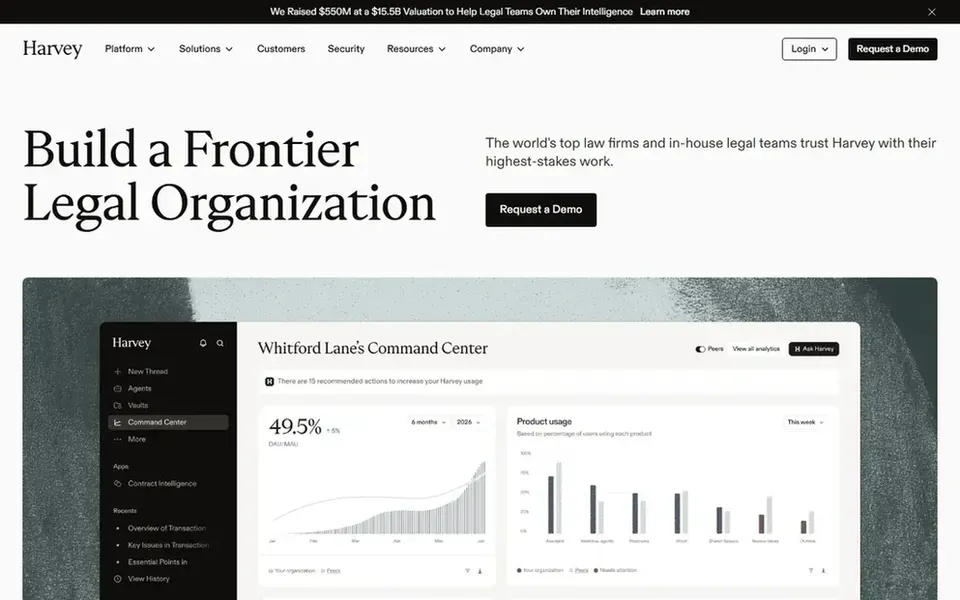
Harvey is designed for law firms and corporate legal teams. Harvey is AI software aimed at legal and professional services, made for leading law businesses and corporate legal teams.
Consider Harvey when you want an integrated legal AI option across multiple practice areas. More specifically, if you primarily need contract drafting inside Word, a more focused tool may be preferable. No starting price is listed for Harvey here; confirm pricing on the vendor site. Free access: Not stated.
Drawbacks to consider: Focus on larger legal organizations.
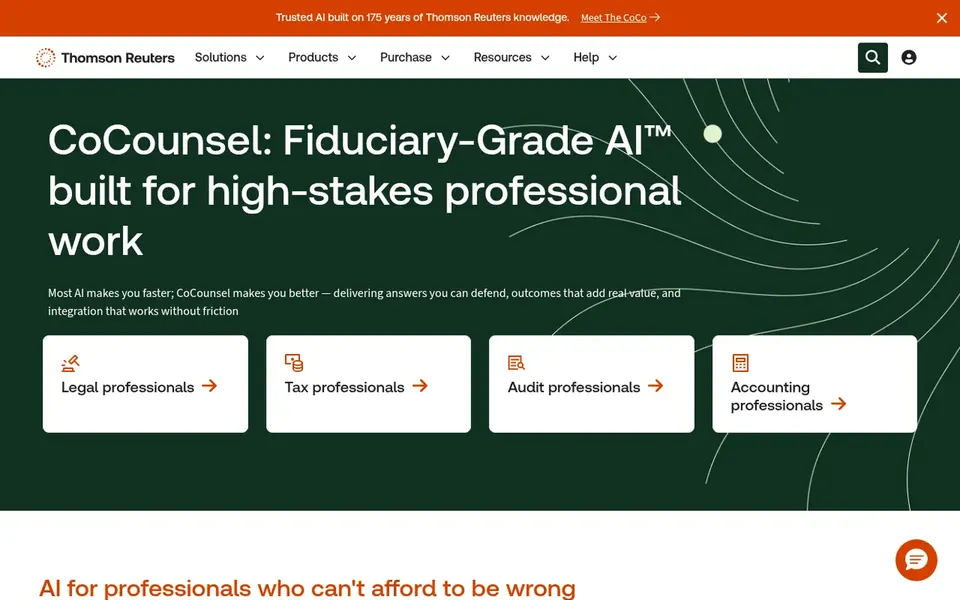
In short, CoCounsel is for professionals needing expert-built AI. CoCounsel may integrate most naturally with Thomson Reuters products, so teams using other products might face compatibility considerations.
Watch-outs: May be geared toward Thomson Reuters ecosystem.
CoCounsel does not show a starting price in this comparison, so check the vendor site for current pricing. Trial and free access: Free trial.
Request quotes from Lexis+ AI, CoCounsel and the others; the list shows no fixed prices.
Run a trial of Spellbook and CoCounsel with real work before paying for a year; your own workflow is the best test.
Read the limits listed for Lexis+ AI first: tied to LexisNexis content ecosystem.
Before you load data into Lexis+ AI, check what an export looks like and who can run it.
Find out what support CoCounsel includes on your plan, and whether onboarding help costs extra.
How we picked
Ainotely used vendor pricing pages and product documentation as the base, then compared plans, free access and documented limits for 5 tools. Where a price is missing, the vendor does not list one publicly or ties it to a quote. Always confirm before budgeting. Tools are placed by general fit for AI legal document drafting software, with price clarity and free access as tie-breakers. A different team can reasonably rank them differently.
Every price and plan detail on this page comes from the vendors’ own websites. We did not run hands-on tests unless the text says so, and we do not publish star ratings or review scores. See how we score and our disclosure.
Keep your shortlist in one place
Paste prices, trial dates and notes from this guide into Ainotely, our AI note app. It files them into a topic and pulls out tasks like “cancel trial by Friday”. Free 7-day trial, no card needed.
How are the tools for AI legal document drafting software ordered?
Lexis+ AI sits first and CoCounsel last because the order follows typical fit for AI legal document drafting software, then price clarity and free access. It is a judgement call, so read each profile for fit and limits.
Does any tool for AI legal document drafting software here have a free plan?
No tool in this list, Lexis+ AI and CoCounsel included, has a permanent free plan. Spellbook, CoCounsel offer a trial. Trials and quotes are the usual route, so plan a short evaluation period.
What is AI legal document drafting software?
It can automate repetitive tasks, suggest language, and extract key information from documents. These tools are meant to boost efficiency and accuracy in legal workflows.
Can I try these options before paying?
Often, yes. Spellbook and CoCounsel offer a free trial. Use your own data and a real task during the test, and check what the free tier or trial limits before you rely on it. Pricing, free plan details and limits for all 5 tools in this AI legal document Drafting software roundup sit on the individual cards above.
Is Lexis+ AI the right pick for everyone comparing AI legal document drafting software?
No single tool suits every team. Lexis+ AI comes first because it fits drafting and research with trusted sources, while Robin AI suits AI-powered contract software for legal teams and Spellbook suits contract drafting and review in Word. Match the tool to your own size, budget and workflow before deciding.