Our first pick is DaVinci Resolve, best for color, audio and effects in one application. Listed starting prices: Descript from $16 per person a month. If your case is different, Descript suits Transcript-based editing for volunteer teams and Filmora suits approachable AI editing on desktop and mobile. Details, prices and limits for the rest of the 5 tools are below.
Ainotely compared 5 AI video editors for church media teams. The goal is a practical shortlist: published prices, free plan facts, best-fit use cases and honest limits for every entry.
Key takeaways
This list starts with DaVinci Resolve, which is built for color, audio and effects in one application.
A fair warning about DaVinci Resolve: plenty of panels can overwhelm beginners.
Adobe Premiere Pro fits full professional editing and postproduction workflow.
Descript, CapCut: these are the 2 tools out of 5 that offer a free plan.
Full professional editing and postproduction workflow
See website
Not stated
The 5 picks in detail
DR
#1
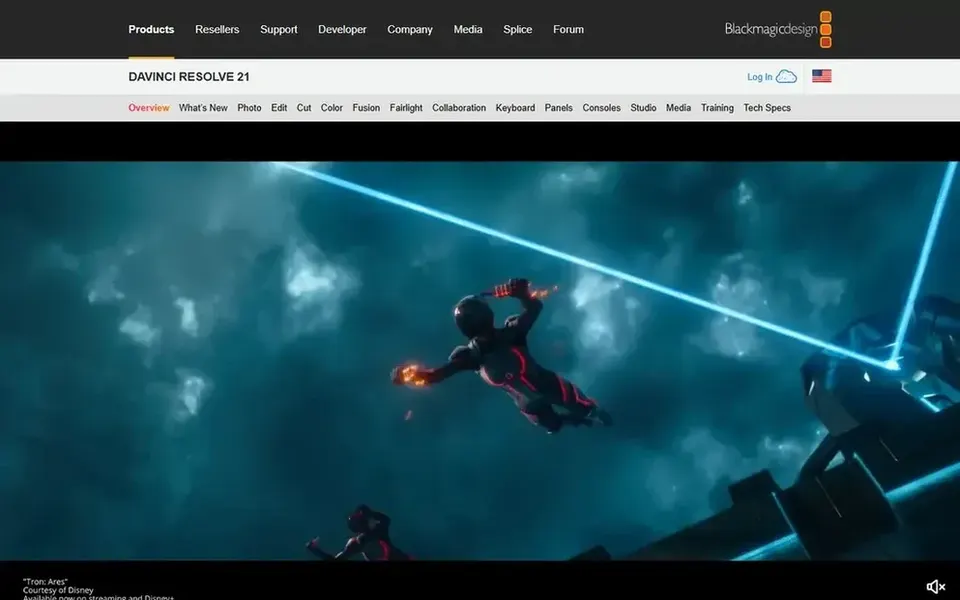
DaVinci Resolve
Best for: Color, audio and effects in one application
DaVinci Resolve was built for color, audio and effects in one application. DaVinci Resolve bundles professional editing, color correction, visual effects and audio post production in a single application, with free and premium versions for Mac, Windows and Linux.
In practice, the breadth of panels and pages can overwhelm volunteers who only need straightforward cuts and captions. DaVinci Resolve does not show a starting price in this comparison, so check the vendor site for current pricing. As for free access: Not stated.
Watch-outs: Numerous panels can overwhelm beginners.
Best for: Transcript-based editing for volunteer teams
Descript targets Transcript-based editing for volunteer teams. It fits church media teams that produce sermon clips, podcasts or interviews and want volunteers to cut content by deleting words in a transcript instead of scrubbing a timeline.
Drawbacks to consider: Text-first approach differs from timelines.
What works well: Recording.
Beyond that, choose a conventional editor if your projects depend on in-depth motion graphics or multi-track compositing. What you pay to start with Descript: $16 per person per month. Descript offers a free plan.
Best for: Approachable AI editing on desktop and mobile
Filmora works best for approachable AI editing on desktop and mobile. Filmora is AI-powered video editing software for desktop and mobile with easy-to-learn timeline tools, AI features, effects, captions and audio tools.
Limits to weigh: Effects can feel preset-driven.
It suits church media teams with mixed skill levels who want a friendlier path to captioned service clips, event recaps and announcement videos without a long training period. No starting price is listed for Filmora here; confirm pricing on the vendor site. On free options: Not stated.
Best for: Quick social clips with templates and effects
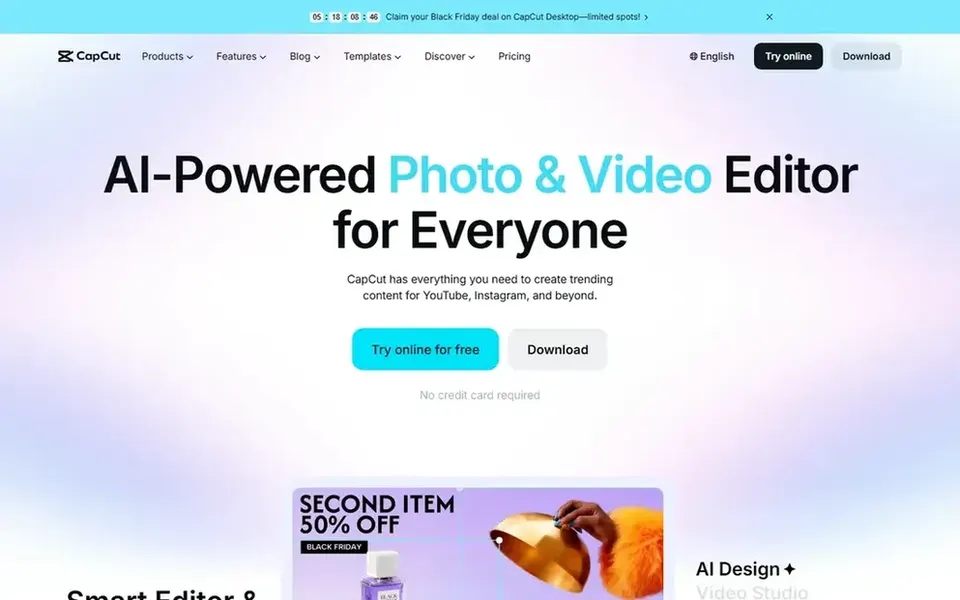
CapCut targets quick social clips with templates and effects. Template-driven editing can feel less controlled for long sermon cuts or multi-camera services.
Where it shines: Creative effects for short videos.
This comparison lists no price for CapCut; ask the vendor. CapCut has a free plan.
Best for: Full professional editing and postproduction workflow
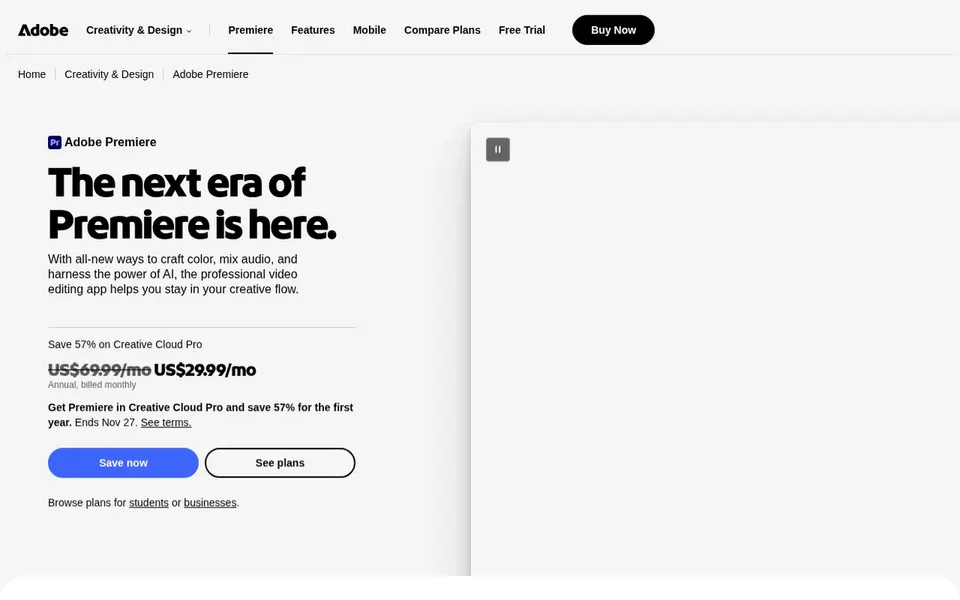
Adobe Premiere Pro is a good fit for full professional editing and postproduction workflow. The depth includes a steeper ramp-up time, so volunteer editors may need training before they are productive.
What to check first: Subscription-based access model.
Adobe Premiere Pro does not show a starting price in this comparison, so check the vendor site for current pricing. On free options: Not stated. Reasons to shortlist it: Manages complicated multi-track projects.
Get a written quote from DaVinci Resolve, Filmora, CapCut and Adobe Premiere Pro; the list shows no starting price for them.
Check what the free option really includes: Descript and CapCut offer a free plan, and usage caps differ.
Before choosing DaVinci Resolve, weigh its main limit: many panels can overwhelm beginners.
Look at which plan of Filmora unlocks the features you need; entry tiers are often cut down.
Ask Adobe Premiere Pro whether prices are locked for the first term and what happens at renewal.
How we picked
Selection started from tools commonly considered for AI video editors for church media teams, then narrowed to 5 that have clear pricing information or a clear quote process. Seat minimums, billing terms and add-ons can move the real cost, so the starting prices here are a guide and not a quote. The order reflects how well each tool fits the most common buying scenario for AI video editors for church media teams, then price clarity, then free plan access. It is a starting point, not a verdict.
Every price and plan detail on this page comes from the vendors’ own websites. We did not run hands-on tests unless the text says so, and we do not publish star ratings or review scores. See how we score and our disclosure.
Keep your shortlist in one place
Paste prices, trial dates and notes from this guide into Ainotely, our AI note app. It files them into a topic and pulls out tasks like “cancel trial by Friday”. Free 7-day trial, no card needed.
What should a church consider before choosing an editor?
Start with your devices, volunteer skill levels and the type of content you publish most, for example full services or social clips. In daily use, confirm current features and access terms on vendor sites before committing.
Which options for AI video editors for church media teams have a free plan?
On this list, Descript and CapCut include a free plan. Caps on seats, usage or features are common, so test the free plan against your real workload.
What is the cheapest option for AI video editors for church media teams in this list?
On published monthly entry prices, Descript is the lowest here at $16 per person per month. Entry price is only part of the cost, because seats, add-ons and billing terms can change the total.
Can I try these tools before paying?
Often, yes. Descript and CapCut have a free plan. Use your own data and a real task during the test, and check what the free tier or trial limits before you rely on it.
Is DaVinci Resolve the right pick for everyone comparing AI video editors for church media teams?
No single tool suits every team. DaVinci Resolve comes first because it fits color, audio and effects in one application, while Descript suits Transcript-based editing for volunteer teams and Filmora suits approachable AI editing on desktop and mobile. Match the tool to your own size, budget and workflow before deciding.