ServiceNow AI Agents is the first pick on this list for service and IT workflow automation. Listed starting prices: UiPath from $25 a month. For a different need, UiPath covers orchestrating agents, robots and people and Glean covers enterprise search with agents and assistant. All 5 tools are compared below on price, free plan and limits.
Ainotely compared 5 agentic AI software for remote teams. The goal is a practical shortlist: published prices, free plan facts, best-fit use cases and honest limits for every entry.
Key takeaways
ServiceNow AI Agents sits first on this list: service and IT workflow automation.
Starting prices begin at $25 per month with UiPath.
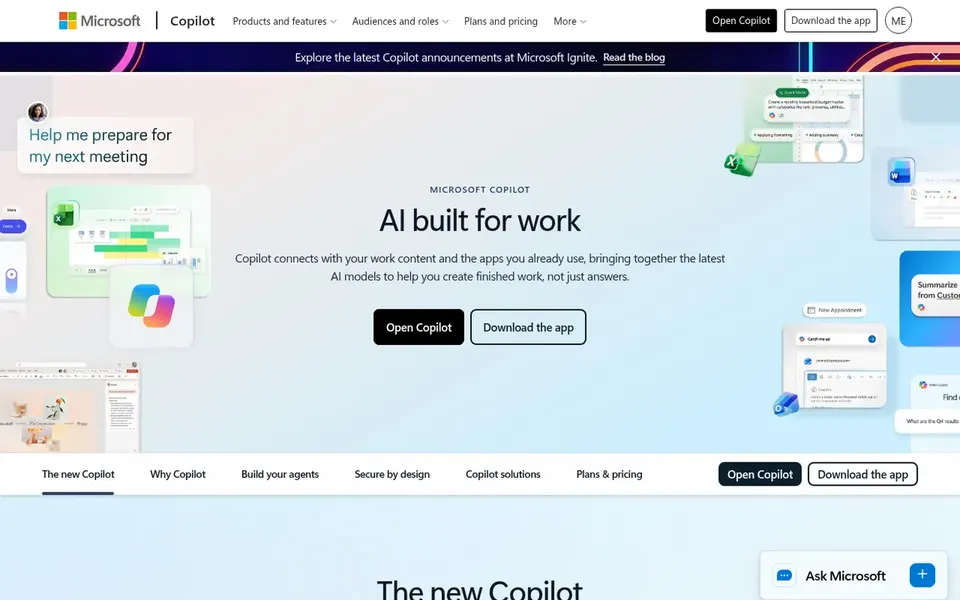
Before buying Microsoft Copilot, weigh this: value relies on Microsoft ecosystem fit.
UiPath, Make: these are the 2 tools out of 5 that offer a free plan.
In short, ServiceNow AI Agents is for service and IT workflow automation. Expect a ramp-up time tied to the system.
Honest limits: Needs product familiarity.
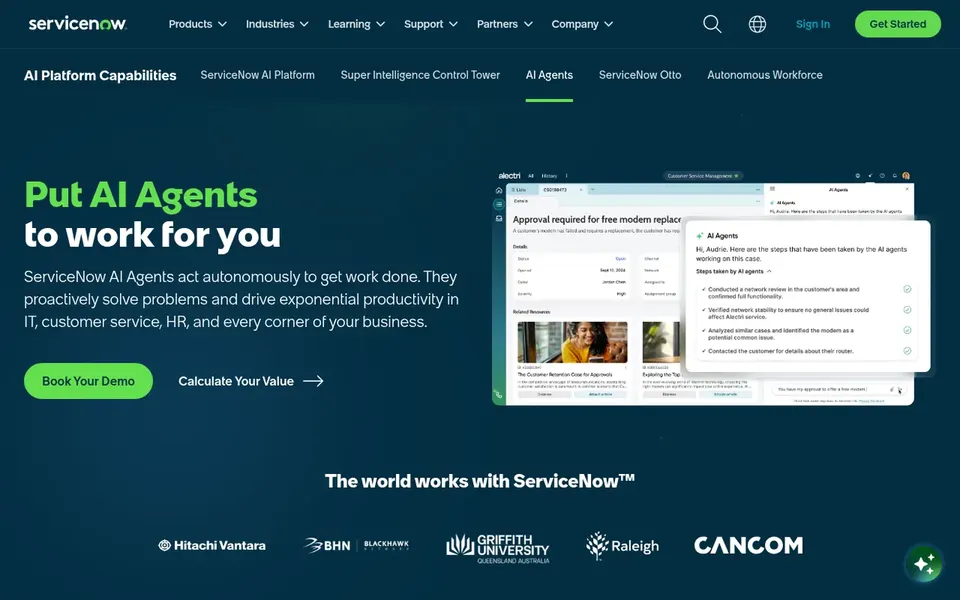
In daily use, ServiceNow AI Agents are presented by the vendor as a way to boost productivity across a business, with expert insights, demos and a look at future direction. On top of that, the offering suits organizations that already run service and IT workflows on ServiceNow and want agents to take on repetitive handling inside those processes. ServiceNow AI Agents does not show a starting price in this comparison, so check the vendor site for current pricing. Free access: Not stated.
For orchestrating agents, robots and people, UiPath is a natural candidate. If you want fast no-code workflows rather than a full orchestration program, consider a visual automation tool.
Downsides: Needs automation expertise.
Main advantages: compliant outcomes. For everyday use, teams with existing automation programs will recognize the model of combining deterministic automation with AI-driven steps. Governance and compliance strengths matter most in regulated settings. UiPath cost at the entry level: $25 per month. A free plan is available with UiPath.
Best for: Enterprise search with agents and assistant
Where Glean fits: enterprise search with agents and assistant. If your central gap is workflow automation instead of knowledge access, a dedicated automation system may be the better first purchase.
Glean is an enterprise AI system connected to an organization's data, offering agents, an assistant and search so people can find, produce and automate anything, based on its homepage. The combination of search and agents helps remote staff locate information and then act on it. Check the vendor site for Glean pricing; none is listed in this comparison. Free options: Not stated.
Where it is weaker: Value relies on data connectivity.
Make is designed for no-code visual agentic workflows. Make is an AI workflow automation tool that lets people visually build, scale and automate AI and agentic workflows, described on its homepage as a user-friendly no-code integration tool. It appeals to operations staff who prefer a visual canvas over scripts.
What to check first: Less suited to deep custom code.
As for the details, teams needing deep custom logic may prefer a developer-first product. For everyday use, cross-app automations such as routing requests or syncing records are its natural territory. No starting price is listed for Make here; confirm pricing on the vendor site. A free plan is available with Make.
Ask ServiceNow AI Agents, Glean, Microsoft Copilot and Make for a written quote, since no starting price is shown.
Read the fine print on the free plans from UiPath and Make; seat, project and feature caps differ.
Read the limits listed for ServiceNow AI Agents first: targeted at service-oriented processes.
Ask whether ServiceNow AI Agents integrates with your current software, and whether that comes standard or as an add-on.
Look at the help docs and support options for UiPath before you commit.
How we picked
The comparison looks at four things: starting price, free access, how well the feature set matches agentic AI software for remote teams, and the main limit of each tool. Treat prices as a snapshot: vendors change plans often, so check the vendor site for the figure that applies today. We ordered the tools by general fit, then by how clearly pricing is shown, then by free access. A buyer with unusual needs may reorder them.
Every price and plan detail on this page comes from the vendors’ own websites. We did not run hands-on tests unless the text says so, and we do not publish star ratings or review scores. See how we score and our disclosure.
Keep your shortlist in one place
Paste prices, trial dates and notes from this guide into Ainotely, our AI note app. It files them into a topic and pulls out tasks like “cancel trial by Friday”. Free 7-day trial, no card needed.
Do we need an orchestration platform or a single assistant?
A single assistant is more straightforward when the primary need is everyday help. Match the tool to the complexity of your workflows.
Which options for agentic AI software for remote teams have a free plan?
On this list, UiPath and Make include a free plan. Caps on seats, usage or features are common, so test the free plan against your real workload.
Can I try these tools before paying?
Often, yes. UiPath and Make have a free plan. Use your own data and a real task during the test, and check what the free tier or trial limits before you rely on it.
What makes agentic AI different from a standard chatbot?
That makes them handy for routing requests, updating records and coordinating work. The products here vary in how much autonomy they grant agents.
Do these tools publish their prices?
Not all of them. ServiceNow AI Agents, Glean, Microsoft Copilot and Make publish no starting price, so expect a quote request for those. The rest, UiPath included, show a starting price, though seats and billing terms still change the final cost.
How are the tools for agentic AI software for remote teams ordered?
ServiceNow AI Agents sits first and Make last because the order follows typical fit for agentic AI software for remote teams, then price clarity and free access. It is a judgement call, so read each profile for fit and limits.