Moho leads the list, best for efficient 2D animation for all levels. Listed starting prices: Vyond from $58 a month. Alternatives: Adobe Animate for 2D animation and interactive content, and Adobe After Effects for motion graphics and visual effects. Prices, free plans and limits for all 6 tools follow.
Choosing animation creator software usually comes down to price, fit and limits. This Ainotely guide sets 6 tools side by side on those three points, with the facts kept short and checkable.
Key takeaways
This list starts with Moho, which is built for efficient 2D animation for all levels.
For the cheapest start, look at Vyond: $58 per month.
Vyond fits business and explainer videos.
None of the 6 tools, from Moho to Vyond, has a free plan, so budget for a subscription or use a trial.
Check the limits for Maxon Cinema 4D before you commit: restricted character animation depth.
Moho is a good fit for efficient 2D animation for all levels. Moho is a 2D animation program designed for both hobbyists and professional animators seeking a more efficient way to produce quality animations.
Watch-outs: Less industry adoption.
It gives you a complete toolset for producing 2D movies, films, and commercials. Whereas Moho is capable, it may lack some advanced features found in Toon Boom Harmony or the broad effects of After Effects. Moho does not show a starting price in this comparison, so check the vendor site for current pricing. Free plan details: Not stated.
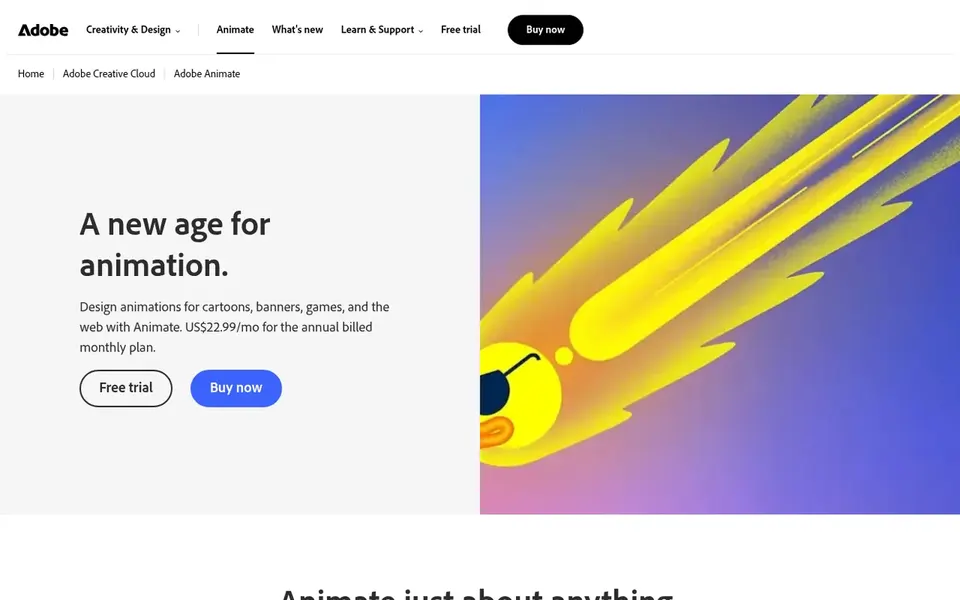
Adobe Animate is aimed squarely at 2D animation and interactive content. It bundles tools for puppet design and tweening, making it a good match for animators centred on character-driven or web-based animation. It is a solid fit for those who require to produce interactive or short-form 2D content.
Animate is not made for 3D animation or high-end visual effects. More specifically, if you need advanced motion graphics, consider Adobe After Effects; for more solid 2D pipelines, Toon Boom Harmony may be a better choice. Pricing for Adobe Animate is not stated here, so ask the vendor for current figures. Free plan details: Not stated.
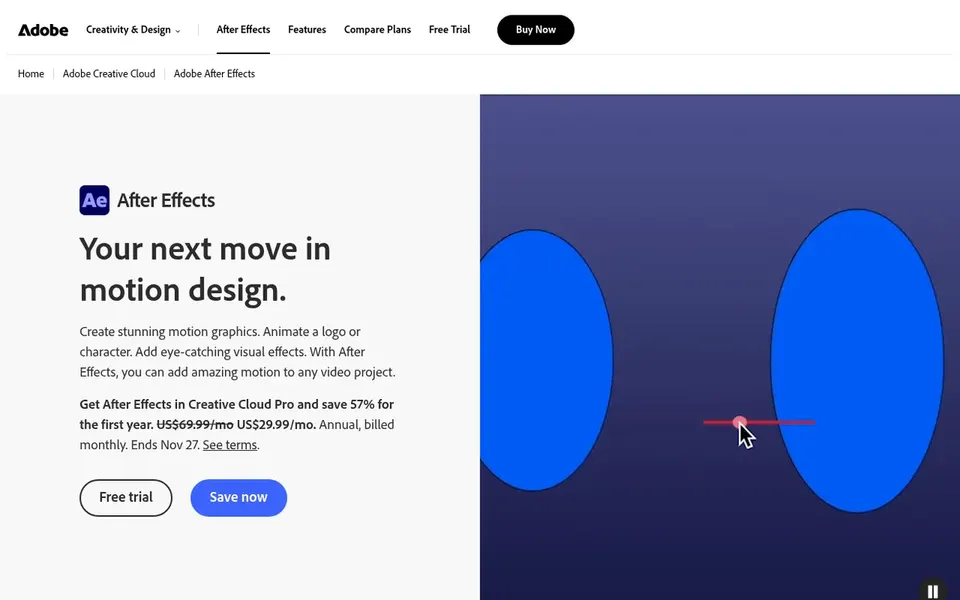
Adobe After Effects is built with motion graphics and visual effects in mind. Adobe After Effects is a motion graphics and visual effects application used for film, TV, video, and web projects. It lets you to design and animate graphics, apply effects, and composite layers.
In practice, the software can be demanding on system resources and has a complicated interface that takes time to learn. On top of that, for straightforward 2D character animation, a dedicated tool like Adobe Animate or Toon Boom Harmony might be more straightforward. Adobe After Effects shows no starting price here, so confirm the cost on the vendor site. Free access: Not stated.
Where Maxon Cinema 4D fits: 3D motion graphics and visualization. Maxon Cinema 4D is a 3D modeling, animation, and rendering application known for its accessibility and integration with motion graphics workflows. It is commonly used for broadcast graphics, product visualization, and abstract 3D animation.
For advanced 3D character work, Maya is a more solid choice. In daily use, Cinema 4D may not offer the same depth in character animation and simulation as Maya. Check the vendor site for Maxon Cinema 4D pricing; none is listed in this comparison. Trial and free access: Not stated.
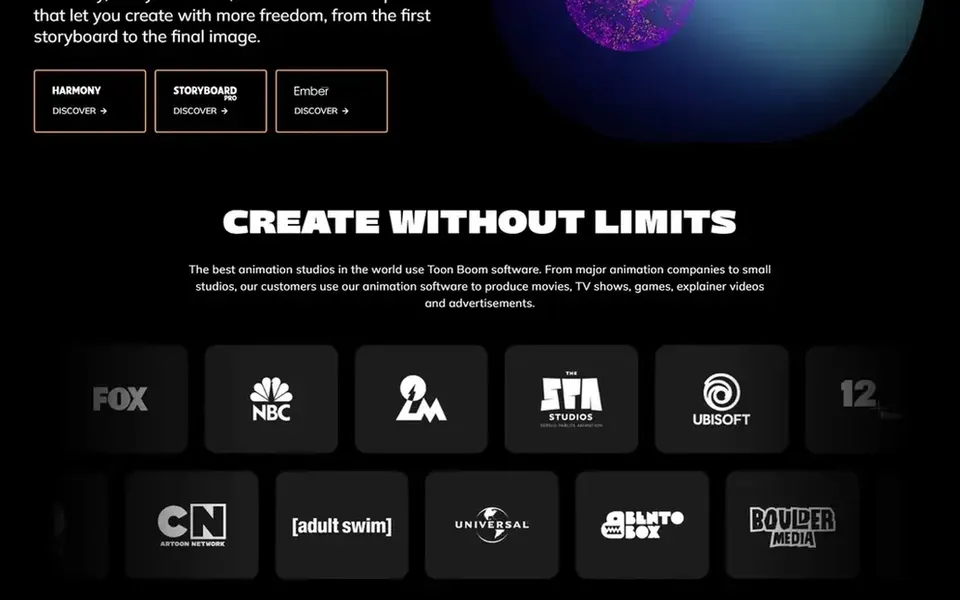
Toon Boom Harmony makes the most sense for professional 2D character animation. Toon Boom Harmony is a full 2D animation software that lets animators to produce art in every style. It supplies an end-to-end pipeline for 2D animation, from drawing to compositing.
Drawbacks to consider: Expensive for beginners.
It is a strong match for professional studios and animators producing high-quality 2D character animation. Harmony has a steep ramp-up time and may be overkill for straightforward projects. As for the details, for hobbyists or those on a tighter budget, Moho supplies a more accessible alternative. This comparison lists no price for Toon Boom Harmony; ask the vendor. Free access: Not stated.
Vyond is built with business and explainer videos in mind. It is aimed at creating explainer videos, training content, and marketing materials without advanced animation skills.
Limits to weigh: Restricted custom animation.
It fits business users who require quick, professional-looking videos. On cost, Vyond starts like this: $58 per month. Free options: Free trial.
Get a written quote from Moho, Adobe Animate, Adobe After Effects and others; the list shows no starting price for them.
Run a trial of Vyond with real work before paying for a year; your own workflow is the best test.
Read the limits listed for Moho first: less industry adoption.
Check whether the features you need in Moho sit on the entry plan or only on higher tiers.
Make sure Toon Boom Harmony lets you export your data in a format another tool can read.
How we picked
Ainotely used vendor pricing pages and product documentation as the base, then compared plans, free access and documented limits for 6 tools. Plan names, prices and limits change often. Treat the figures here as a starting point and verify them with the vendor. Tools are placed by general fit for animation creator software, with price clarity and free access as tie-breakers. A different team can reasonably rank them differently.
Every price and plan detail on this page comes from the vendors’ own websites. We did not run hands-on tests unless the text says so, and we do not publish star ratings or review scores. See how we score and our disclosure.
Keep your shortlist in one place
Paste prices, trial dates and notes from this guide into Ainotely, our AI note app. It files them into a topic and pulls out tasks like “cancel trial by Friday”. Free 7-day trial, no card needed.
Is Moho the right pick for everyone comparing animation creator software?
No single tool suits every team. Moho comes first because it fits efficient 2D animation for all levels, while Adobe Animate suits 2D animation and interactive content and Adobe After Effects suits motion graphics and visual effects. Match the tool to your own size, budget and workflow before deciding.
Does any tool for animation creator software here have a free plan?
A permanent free plan is not offered by Moho, Vyond or the other tools here. Vyond offer a trial. Plan a short evaluation period instead.
What is the cheapest option for animation creator software in this list?
On published monthly entry prices, Vyond is the lowest here at $58 per month. Entry price is only part of the cost, because seats, add-ons and billing terms can change the total.
Which software is best for 3D animation?
Moho is the pick this page puts first, mainly for efficient 2D animation for all levels. If your situation differs, Adobe Animate suits 2D animation and interactive content, and Adobe After Effects suits motion graphics and visual effects. Compare price and limits before you decide.
What is the best animation software for beginners?
The first pick on this list is Moho, because it suits efficient 2D animation for all levels. Adobe Animate is better for 2D animation and interactive content, and Adobe After Effects for motion graphics and visual effects. Check price and limits against your own needs before choosing.
How are the tools for animation creator software ordered?
The order follows typical fit for animation creator software, with Moho first and Vyond last, then price clarity and free access. It is editorial judgement, not a score, so another team could rank the tools differently.