Our first pick is TeamViewer Frontline, best for Frontline and shopfloor AR workflows. Listed starting prices: Microsoft Mesh from $4.00 per user a month. Alternatives: Cisco Webex for AI-assisted collaboration with devices, and Taqtile Manifest for guided work instructions for frontline teams. Prices, free plans and limits for all 6 tools follow.
Ainotely put together this guide to AR collaboration tools for startups for readers who want a clear shortlist without reading every vendor page. It compares 6 tools on starting price, free plans, who each one suits and where each one falls short.
Key takeaways
TeamViewer Frontline is the opening pick, best for Frontline and shopfloor AR workflows.
For enterprise AR option building, PTC Vuforia is worth a look.
What to know about Microsoft Mesh first: tied closely to the Microsoft ecosystem.
Cisco Webex stands alone as the one tool in this list with a free plan.
Pick TeamViewer Frontline if this describes you: Frontline and shopfloor AR workflows. TeamViewer Frontline is an industrial augmented reality system built to enable the frontline workforce and simplify shopfloor operations.
Watch-outs: Not geared toward general office meetings.
It is a poor match for startups whose collaboration is largely knowledge work and video calls. Teams without frontline processes should start with a general system like Zoom or Webex and revisit industrial AR only when operational use cases are clear. Pricing for TeamViewer Frontline is not stated here, so ask the vendor for current figures. On free options: Free trial.
Cisco Webex is aimed squarely at AI-assisted collaboration with devices. Startups wanting a lighter meeting-first tool may prefer Zoom, whereas those needing industrial AR should look at the specialist vendors here.
Drawbacks to consider: Setup spans multiple product areas.
The breadth can be more than a small team needs at the start, and the product leans toward established IT environments. Cisco Webex shows no starting price here, so confirm the cost on the vendor site. Cisco Webex has a free plan.
Best for: Guided work instructions for frontline teams
For guided work instructions for frontline teams, Taqtile Manifest is a natural candidate. Taqtile Manifest helps frontline teams capture expert know-how, guide every step at the point of work and verify each job with proof.
Also, startups with technicians, field crews or production staff can use it to standardize procedures and cut dependence on a handful of experienced people as the team scales. Taqtile Manifest shows no starting price here, so confirm the cost on the vendor site. Free access: Not stated.
Where it falls short: Made for frontline tasks, not meetings.
Best for: Immersive meetings inside Microsoft Teams
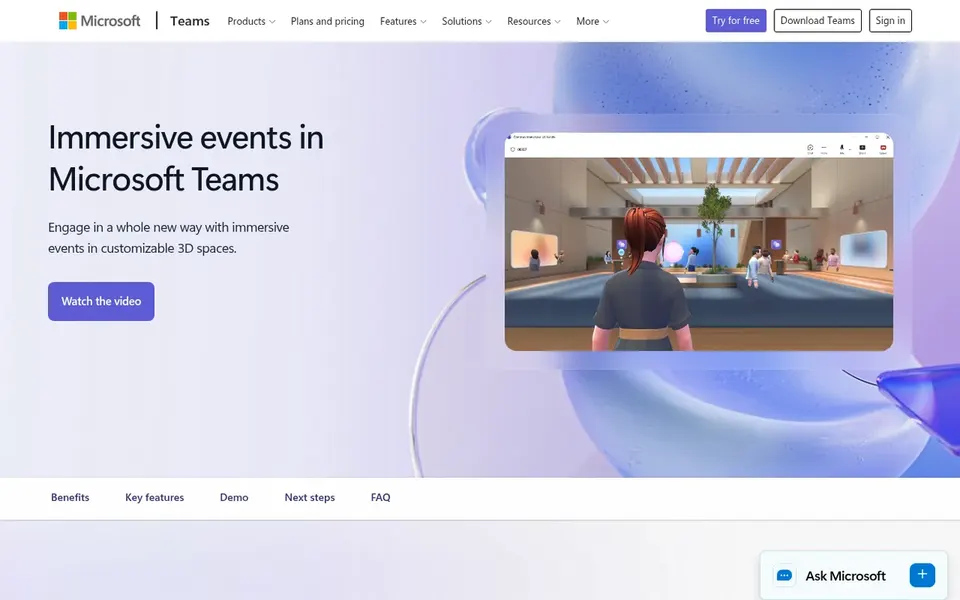
Choose Microsoft Mesh for Immersive meetings inside Microsoft Teams. Microsoft Mesh is evolving into Teams immersive, a virtual event system for hosting online and digital events that bring people together in interactive ways.
Microsoft Mesh cost at the entry level: $4.00 per user per month. Trial and free access: Free trial.
Downsides: Immersive events need planning and setup.
Best for: Everyday remote collaboration and meetings
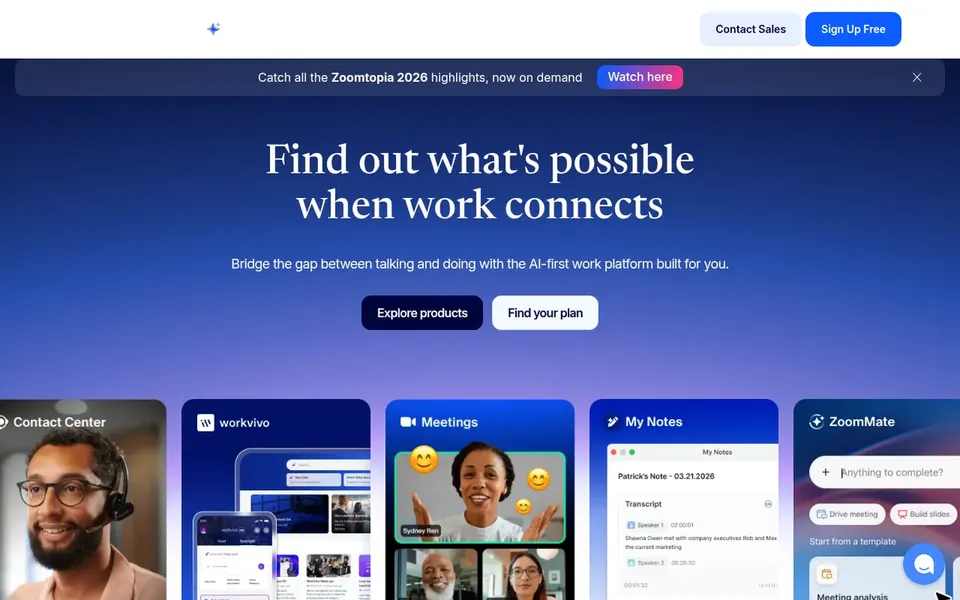
For everyday remote collaboration and meetings, Zoom is a natural candidate. For startups, it works as a dependable base layer for remote and hybrid collaboration, and it can support virtual events and workshops that later grow into more immersive formats.
Honest limits: Plenty of features sit in separate modules.
Zoom is not a purpose-built AR system, so teams needing spatial overlays or guided industrial instructions will need a specialist tool alongside it. Pricing for Zoom is not stated here, so ask the vendor for current figures. As for free access: Not stated.
PTC Vuforia is designed for enterprise AR option building. PTC Vuforia is enterprise augmented reality software that organizations use to build options and transform their firms. In daily use, the system is oriented toward enterprise deployments and custom option building, which can demand technical effort and planning.
Points against: Custom builds need technical resources.
On top of that, startups with a product or service built around AR, or with industrial customers needing AR content, can use it as a foundation for custom applications instead of a straightforward meeting add-on. Startups seeking fast, off-the-shelf collaboration should consider Microsoft Mesh, Zoom or Webex first and treat Vuforia as a longer-term build system. Check the vendor site for PTC Vuforia pricing; none is listed in this comparison. As for free access: Not stated.
Get a written quote from TeamViewer Frontline, Cisco Webex, Taqtile Manifest and others; the list shows no starting price for them.
Look at the free plan from Cisco Webex closely: its caps decide whether it is usable for real work.
Use real work to test the free trial from TeamViewer Frontline and Microsoft Mesh, rather than a demo project.
Before choosing TeamViewer Frontline, weigh its main limit: not targeted at general office meetings.
Check the support hours and onboarding help Zoom offers; smaller vendors vary a lot here.
Before rolling out Cisco Webex, verify the integrations your workflow depends on.
How we picked
Ainotely used vendor pricing pages and product documentation as the base, then compared plans, free access and documented limits for 6 tools. Seat minimums, billing terms and add-ons can move the real cost, so the starting prices here are a guide and not a quote. Order on the page follows fit for the typical buyer first, then price transparency and free access. Your own requirements should decide the final pick. That approach shaped the order of the 6 AR collaboration tools for startups tools listed here.
Every price and plan detail on this page comes from the vendors’ own websites. We did not run hands-on tests unless the text says so, and we do not publish star ratings or review scores. See how we score and our disclosure.
Keep your shortlist in one place
Paste prices, trial dates and notes from this guide into Ainotely, our AI note app. It files them into a topic and pulls out tasks like “cancel trial by Friday”. Free 7-day trial, no card needed.
How should a startup evaluate these tools before committing?
Map your actual workflows first, then check integrations, device requirements and security documentation with each vendor. Confirm current features on the vendor site, since product lines evolve, and involve the people who will use the tool daily.
What is the cheapest option for AR collaboration tools for startups in this list?
On published monthly entry prices, Microsoft Mesh is the lowest here at $4.00 per user per month. Entry price is only part of the cost, because seats, add-ons and billing terms can change the total. Pricing, free plan details and limits for all 6 tools in this AR collaboration tools for startups roundup sit on the individual cards above.
How are the tools for AR collaboration tools for startups ordered?
The order follows typical fit for AR collaboration tools for startups, with TeamViewer Frontline first and PTC Vuforia last, then price clarity and free access. It is editorial judgement, not a score, so another team could rank the tools differently.
Can general meeting products support AR collaboration?
Systems for example Zoom and Cisco Webex handle meetings, chat and events well, and Microsoft Mesh brings immersive virtual events within Teams. Purpose-built AR guidance typically comes from specialist vendors, so numerous startups combine a general product with one focused AR tool.
What makes an AR collaboration tool a solid fit for a startup?
Fit relies on the work being done. Startups centred on meetings and remote teamwork benefit from systems like Zoom or Microsoft Mesh, whereas those with field or production operations should look at TeamViewer Frontline, Scope AR or Taqtile Manifest.
Which options for AR collaboration tools for startups have a free plan?
Cisco Webex is the only tool in this list with a free plan. Free plans usually cap users, projects or features, so check the limits on the vendor page. Several others offer a trial instead. The 6 tool cards above repeat this per product for AR collaboration tools for startups, with the listed price or "pricing on request".