Start with Allplan if you need BIM and CAD for engineering-led projects. Listed starting prices: ArchiCAD from $43 per seat a month. Alternatives: Vectorworks Architect for flexible BIM from concept to construction, and Chief Architect for residential home design and remodeling. Details, prices and limits for the rest of the 6 tools are below.
If you are comparing architecture software for residential, this page covers 6 tools in one place: what each is best for, what it costs to start, whether it has a free plan, and the main limit to know about.
Key takeaways
Allplan is the opening pick, best for BIM and CAD for engineering-led projects.
ArchiCAD has the lowest monthly starting price in this list: $43 per seat per month.
None of the 6 tools, from Allplan to Revit, has a free plan, so budget for a subscription or use a trial.
Check the limits for Vectorworks Architect before you commit: adaptability can mean more setup.
Revit suits BIM-driven residential design and documentation.
Best for: BIM and CAD for engineering-led projects
For BIM and CAD for engineering-led projects, Allplan is a natural candidate. The system merges BIM and CAD capabilities in one environment.
Allplan, a Nemetschek company, provides BIM and 3D CAD software with a focus on structural, civil and precast concrete engineering. Practices that chiefly design houses may find a residential-specific tool quicker to use. Allplan does not show a starting price in this comparison, so check the vendor site for current pricing. Free plan details: Not stated.
Trade-offs to know: Engineering orientation over home design.
Best for: Adaptable BIM from concept to construction
Choose Vectorworks Architect for adaptable BIM from concept to construction. Vectorworks Architect is BIM software with the adaptability to support architecture projects from concept to construction. From a buyer's view, for residential work it suits designers who want one environment spanning early design and documentation.
The adaptable approach lets practices adapt the tool to their own process instead of forcing a fixed workflow. It is not a residential-only product, so home-specific content may have to be built or sourced. Vectorworks Architect shows no starting price here, so confirm the cost on the vendor site. Free access: Not stated.
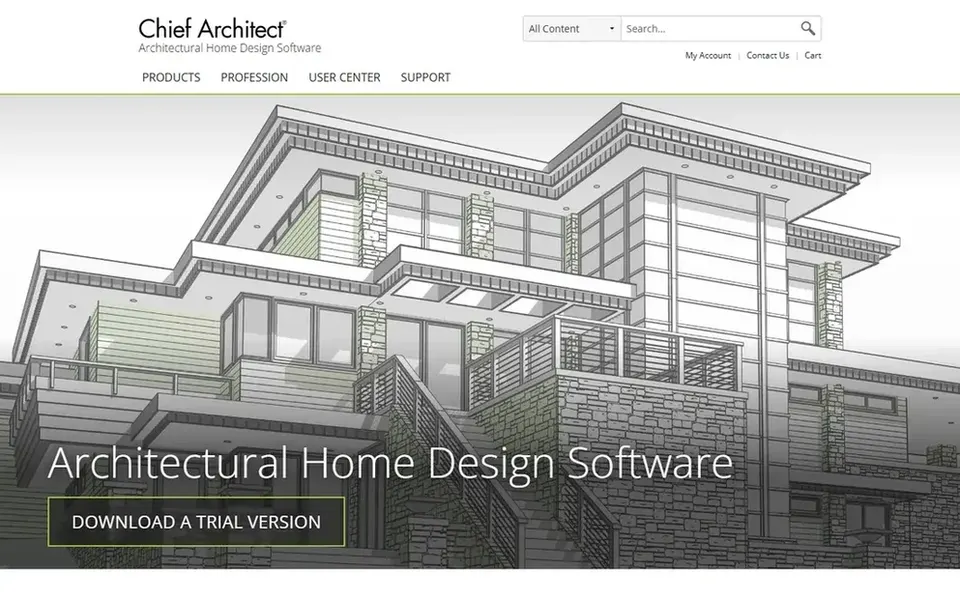
Chief Architect targets residential home design and remodeling. Chief Architect is professional home design software targeted at residential home design, interior design and remodeling. Teams that require wide BIM interoperability across numerous consultants may prefer a system like Revit or Archicad.
In practice, choose Chief Architect when residential design is the core of your practice. More specifically, the focus on residential workflows means typical home design tasks are central to the product. It is a natural first stop for practices whose work is predominantly houses and interiors. In practice, since it is oriented to residential work, Chief Architect is not the obvious choice for large commercial or multi-discipline BIM coordination. Chief Architect does not show a starting price in this comparison, so check the vendor site for current pricing. As for free access: Not stated.
Where it falls short: Residential scope limits broader use.
Best for: Adaptable residential drafting and DWG collaboration
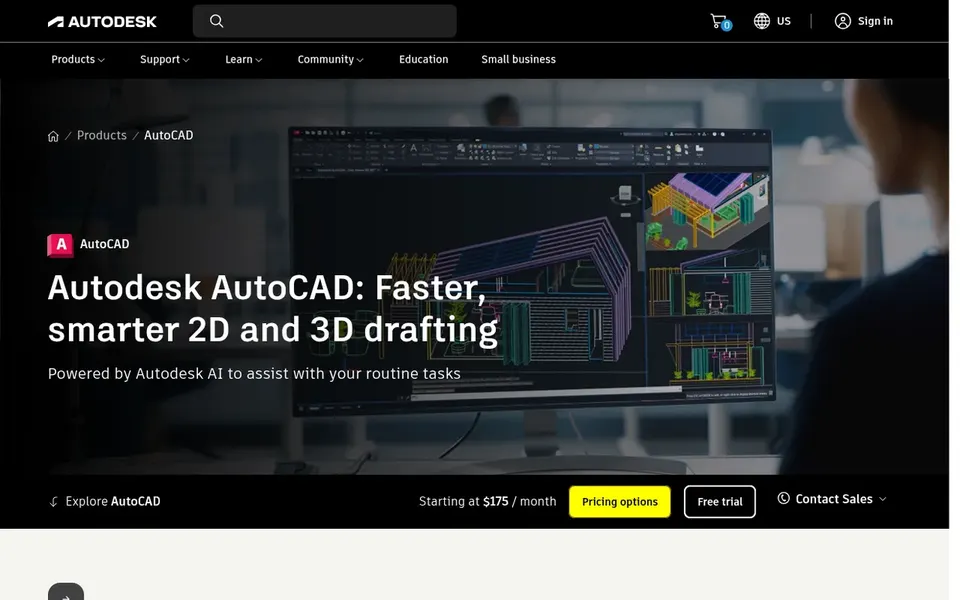
Choose AutoCAD for flexible residential drafting and DWG collaboration. AutoCAD is a general-purpose design and drafting system used across architecture and construction. AutoCAD does not offer the built-in residential libraries or room-based modeling that dedicated home design tools offer, so more setup is needed.
It is also less centred on coordinated BIM documentation than Revit. Pick something else if your residential work relies on automatic schedules and integrated 3D coordination from the start. Check the vendor site for AutoCAD pricing; none is listed in this comparison. As for free access: Not stated.
Points against: Not a dedicated residential BIM tool.
Best for: Easy-to-learn BIM for architectural practices
ArchiCAD is designed for easy-to-learn BIM for architectural practices. The approachable interface is presented as a core strength.
Points against: Needs BIM workflow adoption.
ArchiCAD from Graphisoft is BIM software for architects, described by the vendor as efficient and easy-to-learn with a feature-rich suite of built-in tools. ArchiCAD pricing: $43 per seat per month. As for free access: Free trial.
Best for: BIM-driven residential design and documentation
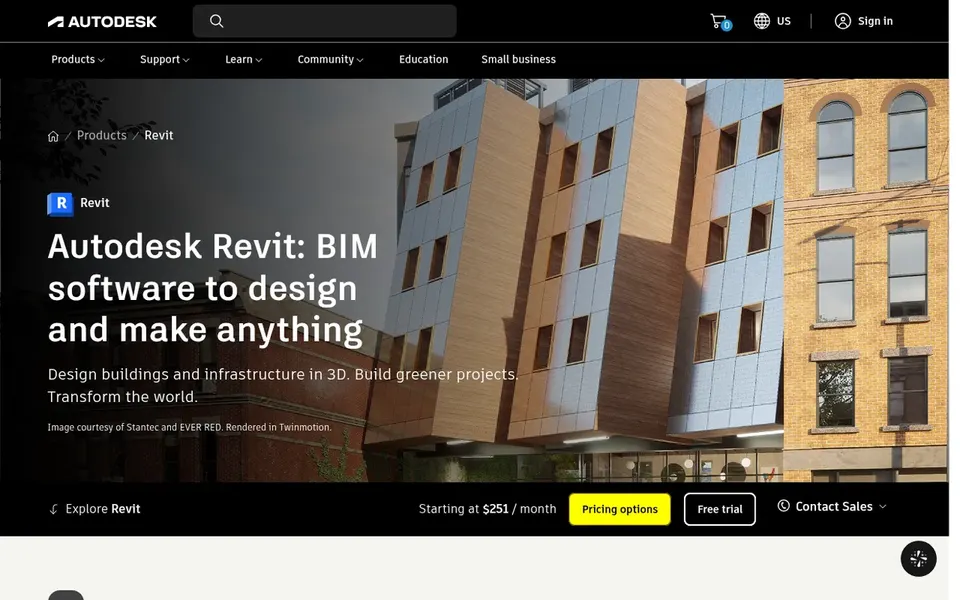
Revit was built for BIM-driven residential design and documentation. If your residential projects are largely straightforward plans and you do not need coordinated BIM output, a more focused tool may be a better fit. Optional AI-assisted workflows are described by the vendor as an emerging aid.
The ramp-up time is steeper than with general CAD. More specifically, changes to the model update drawings immediately, which helps keep documentation consistent. No starting price is listed for Revit here; confirm pricing on the vendor site. Trial and free access: Not stated.
Get a written quote from Allplan, Vectorworks Architect, Chief Architect and others; the list shows no starting price for them.
Take the trial from ArchiCAD and push a live task through it before you pay.
Read the limits listed for Allplan first: engineering orientation over home design.
Check whether Chief Architect bills monthly or annually, and what cancelling early costs.
Compare total cost, not headline price: for Allplan, add extra seats, add-ons and any usage-based charges.
How we picked
The comparison looks at four things: starting price, free access, how well the feature set matches architecture software for residential, and the main limit of each tool. Seat minimums, billing terms and add-ons can move the real cost, so the starting prices here are a guide and not a quote. We ordered the tools by general fit, then by how clearly pricing is shown, then by free access. A buyer with unusual needs may reorder them.
Every price and plan detail on this page comes from the vendors’ own websites. We did not run hands-on tests unless the text says so, and we do not publish star ratings or review scores. See how we score and our disclosure.
Keep your shortlist in one place
Paste prices, trial dates and notes from this guide into Ainotely, our AI note app. It files them into a topic and pulls out tasks like “cancel trial by Friday”. Free 7-day trial, no card needed.
Is Allplan the right pick for everyone comparing architecture software for residential?
No single tool suits every team. Allplan comes first because it fits BIM and CAD for engineering-led projects, while Vectorworks Architect suits flexible BIM from concept to construction and Chief Architect suits residential home design and remodeling. Match the tool to your own size, budget and workflow before deciding.
Can I try these tools before paying?
Often, yes. ArchiCAD offers a free trial. Use your own data and a real task during the test, and check what the free tier or trial limits before you rely on it. All 6 picks in this architecture software for residential comparison show their pricing, free plan details and main limits on the cards above.
How are the tools for architecture software for residential ordered?
The order follows typical fit for architecture software for residential, with Allplan first and Revit last, then price clarity and free access. It is editorial judgement, not a score, so another team could rank the tools differently.
Does any tool for architecture software for residential here have a free plan?
A permanent free plan is not offered by Allplan, Revit or the other tools here. ArchiCAD offer a trial. Plan a short evaluation period instead.