If you need text-based editing and transcription, Descript is the first tool to look at here. Listed starting prices: Descript from $16 per person per month. For a different need, Apple Logic Pro covers Mac and iPad music creation and Acon Digital Acoustica covers post-production, mastering and restoration. The remaining 3 options are covered below with prices and limits.
If you are comparing audio editing software for remote teams, this page covers 6 tools in one place: what each is best for, what it costs to start, whether it has a free plan, and the main limit to know about.
Key takeaways
Descript is the opening pick, best for text-based editing and transcription.
Only Descript offers a free plan among these 6 tools.
Descript has the lowest monthly starting price in this list: $16 per person per month.
Adobe Audition is the one to check for in-depth multitrack and spectral editing.
Before buying Descript, weigh this: less suited to music production.
For text-based editing and transcription, Descript is a natural candidate. Teams needing spectral repair or deep mixing should look at a dedicated editor.
Remote teams producing podcasts, interviews or training audio may find the text-based approach cuts back-and-forth, since collaborators can review a transcript rather than scrubbing through a timeline. The starting price for Descript: $16 per person per month. Descript has a free plan.
Where it is weaker: Less suited to music production.
Apple Logic Pro was built for Mac and iPad music creation. Remote teams already working in the Apple ecosystem may appreciate moving between devices whereas keeping projects consistent.
Watch-outs: Music focus over dialogue cleanup.
The app includes composition through to a finished mix for music-led audio work. More specifically, since it requires Apple hardware, mixed-device teams may face compatibility gaps. No starting price is listed for Apple Logic Pro here; confirm pricing on the vendor site. On free options: Not stated.
Best for: Post-production, mastering and restoration
Acon Digital Acoustica targets post-production, mastering and restoration. Consider it when cleanup and mastering are the central jobs.
Where it is weaker: Less known for team workflows.
From a buyer's view, Acoustica from Acon Digital is a digital audio editor handling audio editing, post-production, mastering and restoration for Mac and PC. Acon Digital Acoustica does not show a starting price in this comparison, so check the vendor site for current pricing. Free access: Not stated.
Best for: Experimental sound design and music workflows
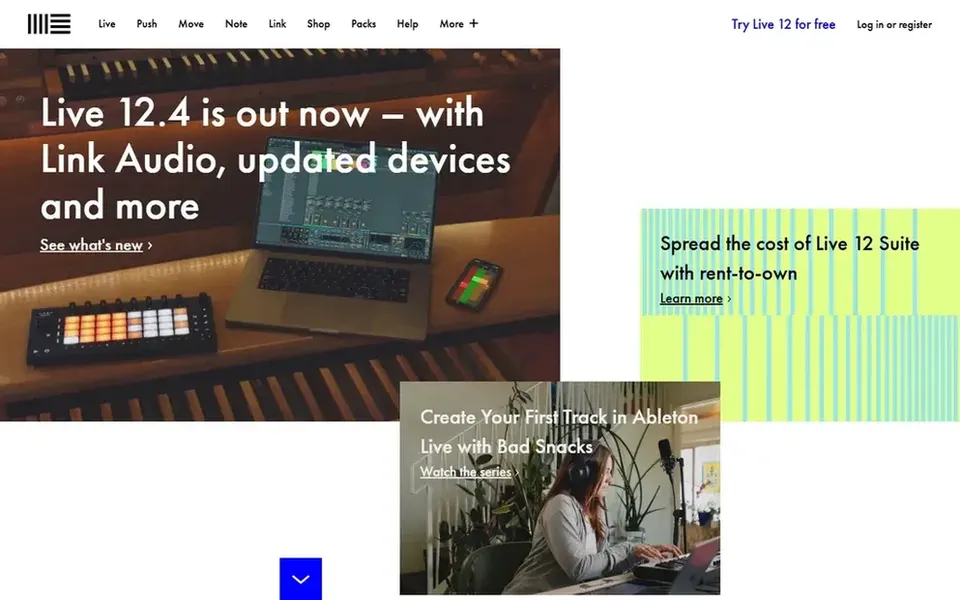
Ableton Live is a good fit for experimental sound design and music workflows. Ableton Live is a digital audio workstation known for experimental sound design tools, precision mixing effects and workflow improvements geared toward bringing ideas into focus. On top of that, Live is oriented toward music production, so teams editing interviews, courses or meeting recordings may find it less direct than a dedicated editor.
Downsides: Music-first focus over spoken word.
In practice, the ramp-up time is real for people without a music background. From a buyer's view, consider it when creative sound work is central to the project. This comparison lists no price for Ableton Live; ask the vendor. Free options: Not stated.
Best for: Professional recording, editing and mixing
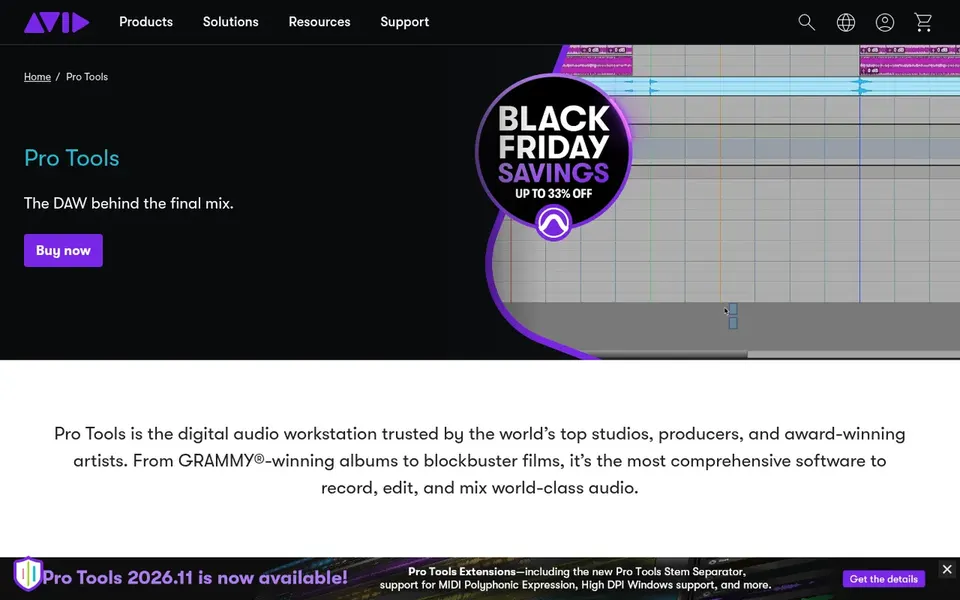
Avid Pro Tools is built with professional recording, editing and mixing in mind. Avid Pro Tools is described as a professional digital audio workstation for recording, editing, composing and mixing music, audio and sound for film and television.
Drawbacks to consider: Complicated for straightforward podcast edits.
Pro Tools is more than plenty of teams need for routine voice editing, and its depth can slow down contributors who only trim clips. Beyond that, setup and session conventions need familiarity. Avid Pro Tools shows no starting price here, so confirm the cost on the vendor site. As for free access: Not stated.
Reasons to shortlist it: Made for recording and mixing.
Best for: In-depth multitrack and spectral editing
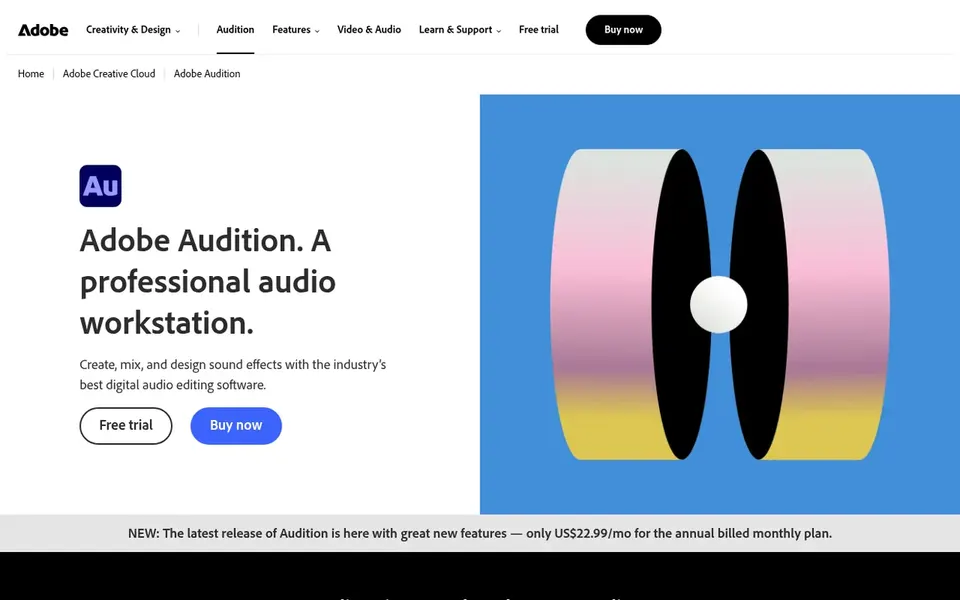
Adobe Audition serves in-depth multitrack and spectral editing. Pick Audition when precision editing and repair matter more than speed of setup.
The interface is deep, so new team members may need onboarding before they can edit confidently. Teams that mostly trim spoken-word clips and want a text-first workflow may prefer a more straightforward tool. This comparison lists no price for Adobe Audition; ask the vendor. Trial and free access: Not stated.
Get a written quote from Apple Logic Pro, Acon Digital Acoustica, Ableton Live and others; the list shows no starting price for them.
Test the free plan from Descript against your real workload before relying on it.
Read the limits listed for Descript first: less suited to music production.
Ask Adobe Audition how an export works before you move any records in; an easy exit lowers the risk.
The entry price of Apple Logic Pro is only the starting point; model the full cost with seats and extras.
How we picked
Selection started from tools commonly considered for audio editing software for remote teams, then narrowed to 6 that have clear pricing information or a clear quote process. Where a price is missing, the vendor does not list one publicly or ties it to a quote. Always confirm before budgeting. Position on the page reflects fit for a typical buyer first, with price clarity and free access breaking ties. Treat it as a guide, not a ruling.
Every price and plan detail on this page comes from the vendors’ own websites. We did not run hands-on tests unless the text says so, and we do not publish star ratings or review scores. See how we score and our disclosure.
Keep your shortlist in one place
Paste prices, trial dates and notes from this guide into Ainotely, our AI note app. It files them into a topic and pulls out tasks like “cancel trial by Friday”. Free 7-day trial, no card needed.
Is Descript the right pick for everyone comparing audio editing software for remote teams?
No single tool suits every team. Descript comes first because it fits text-based editing and transcription, while Apple Logic Pro suits Mac and iPad music creation and Acon Digital Acoustica suits post-production, mastering and restoration. Match the tool to your own size, budget and workflow before deciding.
How are the tools for audio editing software for remote teams ordered?
The order follows typical fit for audio editing software for remote teams, with Descript first and Adobe Audition last, then price clarity and free access. It is editorial judgement, not a score, so another team could rank the tools differently.
What is the cheapest option for audio editing software for remote teams in this list?
On published monthly entry prices, Descript is the lowest here at $16 per person per month. Entry price is only part of the cost, because seats, add-ons and billing terms can change the total. The 6 tool cards above repeat this per product for audio editing software for remote teams, with the listed price or "pricing on request".
Which options for audio editing software for remote teams have a free plan?
Descript is the only tool in this list with a free plan. Free plans usually cap users, projects or features, so check the limits on the vendor page.
Which audio editor is best for remote teams editing spoken word?
For most readers this guide would start with Descript, built for text-based editing and transcription. Apple Logic Pro is the alternative for Mac and iPad music creation, and Acon Digital Acoustica for post-production, mastering and restoration. The right answer depends on budget and workflow.