For ransomware recovery at machine speed, Rubrik is where this list starts. If your case is different, Acronis Cyber Protect suits franchises wanting backup plus cybersecurity and Commvault Backup & Recovery suits Cyber resilience across data, apps, and identity. The remaining 2 options are covered below with prices and limits.
This Ainotely guide covers 5 backup software for franchises. Each profile lists a starting price, free plan details, strengths and drawbacks, so you can drop poor fits quickly.
Key takeaways
Rubrik sits first on this list: ransomware recovery at machine speed.
No starting price is shown for any of the 5 tools, Rubrik and Veeam Backup & Replication included, so plan time for sales calls.
What to know about Datto SIRIS first: hardware appliance model may limit adaptability.
A permanent free plan is missing from all 5 tools, Rubrik and Veeam Backup & Replication included; plan for a trial or a premium start.
Veeam Backup & Replication suits Virtualized and multi-cloud franchise environments.
Virtualized and multi-cloud franchise environments
Can require specialized knowledge to configure
The 5 picks in detail
Ru
#1
Rubrik
Best for: Ransomware recovery at machine speed
Rubrik is built with ransomware recovery at machine speed in mind. Rubrik is an enterprise cyber resilience product that guards data, secures identities, and governs AI agents on one agentic product. It emphasizes restoring after ransomware and cyberattacks at machine speed with immutable backups.
The main drawbacks: Enterprise focus may not fit small franchises.
Consider more straightforward tools if you have restricted IT staff or a smaller data estate. Franchises with large data footprints and strict recovery objectives may find it a good fit. Rubrik is aimed at enterprise environments and may be more than small franchises need. Check the vendor site for Rubrik pricing; none is listed in this comparison. Free options: Not stated.
Best for: Franchises wanting backup plus cybersecurity
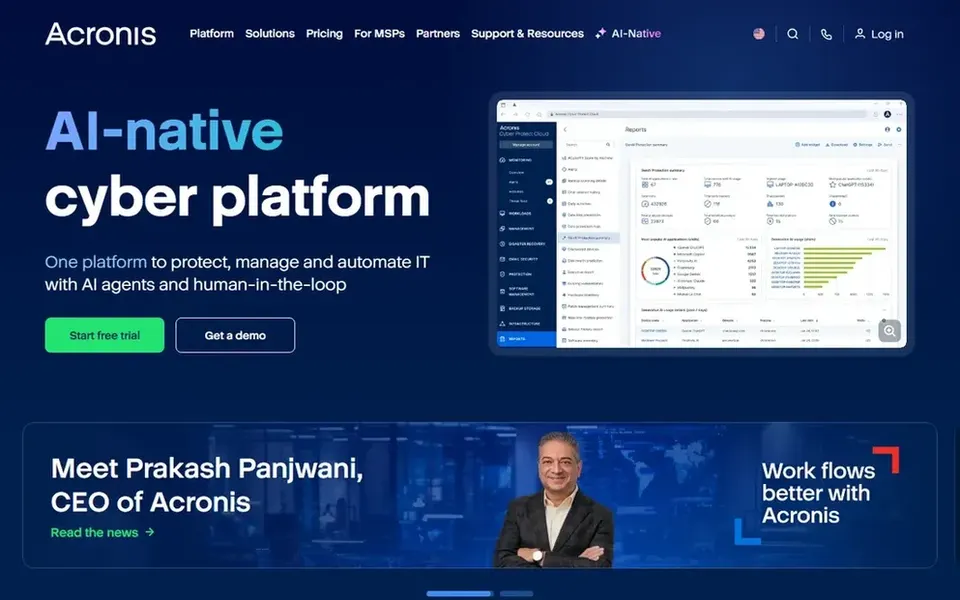
Acronis Cyber Protect targets franchises wanting backup plus cybersecurity. It is targeted at managed service providers and companies that want to protect and handle workloads from a single console.
More specifically, since it bundles plenty of features, the interface can feel dense for users who only need entry-level backup. For everyday use, choose Acronis when you want to consolidate security and backup, but be prepared for a ramp-up time. Acronis Cyber Protect shows no starting price here, so confirm the cost on the vendor site. Trial and free access: Not stated.
The main drawbacks: Feature depth may vary by module.
Best for: Cyber resilience across data, apps, and identity
Commvault Backup & Recovery works best for Cyber resilience across data, apps, and identity. Deployment and management can be complicated, and specialist skills are frequently needed.
Drawbacks to consider: May need specialist skills.
The product is aimed at organizations with mature IT operations. Commvault Backup & Recovery shows no starting price here, so confirm the cost on the vendor site. Free access: Not stated.
Best for: Turnkey business continuity for multi-site franchises
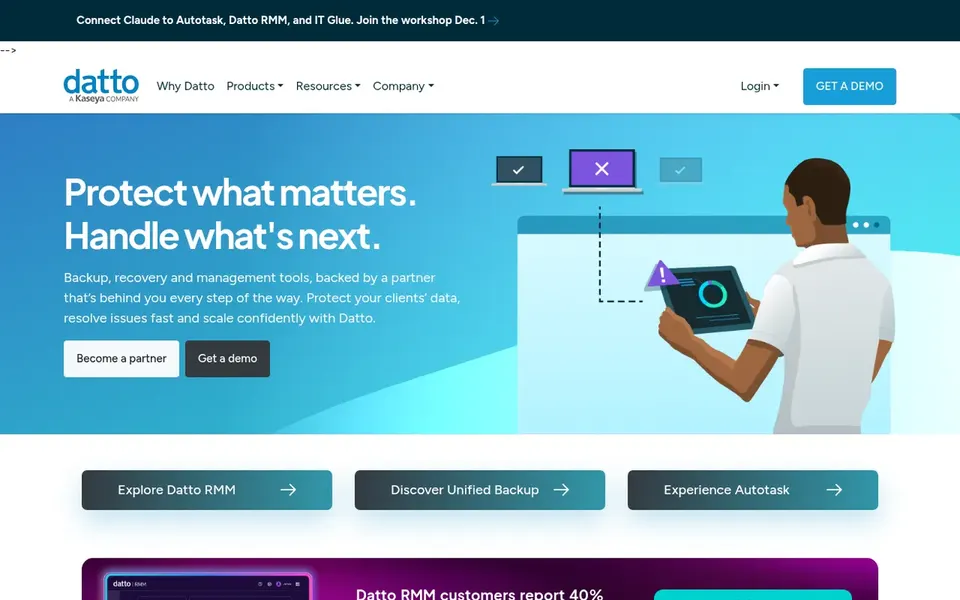
Datto SIRIS is a good fit for turnkey business continuity for multi-site franchises. Datto SIRIS is a business continuity and disaster recovery option built for IT professionals and service providers. Beyond that, pricing and packaging are usually arranged through a partner, so direct comparison can be harder.
Limits to weigh: Best value through managed service providers.
Worth adding: the appliance-based approach may not suit franchises that prefer software-only or cloud-native backup. Worth adding: numerous franchises access it through a managed service provider, which can ease deployment and continuing management. In daily use, consider other choices if you want full control over the backup stack in-house. No starting price is listed for Datto SIRIS here; confirm pricing on the vendor site. Free access: Not stated.
Best for: Virtualized and multi-cloud franchise environments
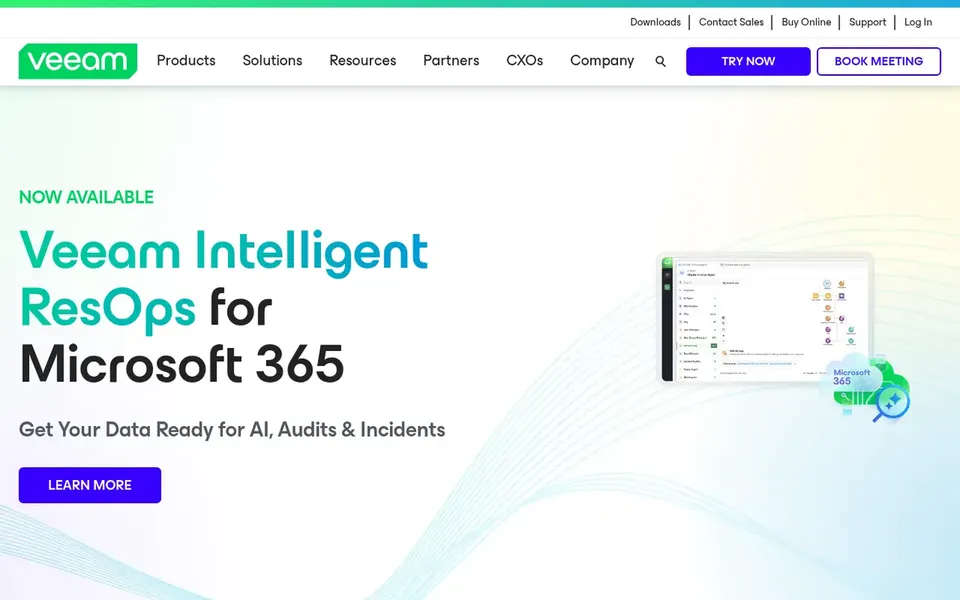
Veeam Backup & Replication serves Virtualized and multi-cloud franchise environments. Organizations with virtualized infrastructure commonly choose it for its adaptability and wide ecosystem support.
From a buyer's view, the product can be complicated to set up and may need dedicated IT staff or a partner. No starting price is listed for Veeam Backup & Replication here; confirm pricing on the vendor site. On free options: Not stated.
Where it is weaker: May be more than small franchises need.
What works well: Wide support for virtual, physical.
Confirm the entry price with every vendor: no tool from Rubrik to Veeam Backup & Replication shows a fixed starting price.
Before choosing Rubrik, weigh its main limit: enterprise focus may not fit small franchises.
Verify that exporting from Commvault Backup & Recovery is possible on your plan and covers all your records.
Get the contract term, renewal terms and any onboarding fees from Veeam Backup & Replication in writing.
Look at the help docs and support options for Datto SIRIS before you commit.
How we picked
Ainotely used vendor pricing pages and product documentation as the base, then compared plans, free access and documented limits for 5 tools. Plan names, prices and limits change often. Treat the figures here as a starting point and verify them with the vendor. The ranking is editorial: typical fit first, then clear pricing, then free access. If your needs are unusual, read the profiles rather than relying on position. This applies to all 5 backup software for franchises options compared here.
Every price and plan detail on this page comes from the vendors’ own websites. We did not run hands-on tests unless the text says so, and we do not publish star ratings or review scores. See how we score and our disclosure.
Keep your shortlist in one place
Paste prices, trial dates and notes from this guide into Ainotely, our AI note app. It files them into a topic and pulls out tasks like “cancel trial by Friday”. Free 7-day trial, no card needed.
Does any tool for backup software for franchises here have a free plan?
No tool in this list, Rubrik and Veeam Backup & Replication included, has a permanent free plan. Trials and quotes are the usual route, so plan a short evaluation period.
Do these tools publish their prices?
No. None of the tools, from Rubrik to Veeam Backup & Replication, shows a fixed starting price here, so budget time for quotes.
How are the tools for backup software for franchises ordered?
The order follows typical fit for backup software for franchises, with Rubrik first and Veeam Backup & Replication last, then price clarity and free access. It is editorial judgement, not a score, so another team could rank the tools differently.
What should franchises look for in backup software?
Franchises should prioritize centralized management across locations, ransomware protection, and dependable recovery. Support for virtual, physical, and cloud workloads is also important. Consider whether you need integrated cybersecurity or a turnkey appliance.
Can I try these tools before paying?
Not by default. None of the tools, from Rubrik to Veeam Backup & Replication, lists a free plan or a free trial here, so ask each vendor for a demo before committing.