Rocket.Chat comes first here, mainly for secure government and defense collaboration. Listed starting prices: Slack from $4.38 per user a month. If your case is different, Zoom Team Chat suits Teams already on Zoom and Microsoft Teams suits Microsoft-centered organizations. The full list of 6 tools follows, with prices and free plan facts.
Choosing bot platforms for remote teams usually comes down to price, fit and limits. This Ainotely guide sets 6 tools side by side on those three points, with the facts kept short and checkable.
Key takeaways
Rocket.Chat takes the first slot, best suited to secure government and defense collaboration.
For community-style team spaces, Discord is worth a look.
Only 2 of the 6 tools have a free plan (Slack, Cisco Webex), so check the caps.
For the cheapest start, look at Slack: $4.38 per user per month.
The main caution on Slack: advanced controls need setup.
Best for: Secure government and defense collaboration
Rocket.Chat is aimed squarely at secure government and defense collaboration. Its positioning is specialized, so teams outside government or defense may not need its governance emphasis.
For everyday use, deployment and configuration can need technical planning. This comparison lists no price for Rocket.Chat; ask the vendor. Free plan details: Not stated.
Drawbacks to consider: Setup may need technical planning.
Zoom Team Chat targets Teams already on Zoom. Bots and integrations can support fast coordination, reminders and meeting follow-ups without leaving the product. If meetings are already central to your workflow, Zoom Team Chat keeps messaging close to where calls happen.
Watch-outs: Best when already using Zoom.
Also, the chat experience is tied to the wider Zoom Workplace, so its value relies on how much of that product you use. Remote teams that already depend on Zoom for meetings get chat in the same environment, which cuts tool switching. Beyond that, Zoom Team Chat gives you instant messaging integrated within the Zoom Workplace system, so teams can link and collaborate anytime, anywhere. No starting price is listed for Zoom Team Chat here; confirm pricing on the vendor site. Trial and free access: Not stated. What users get: Anytime.
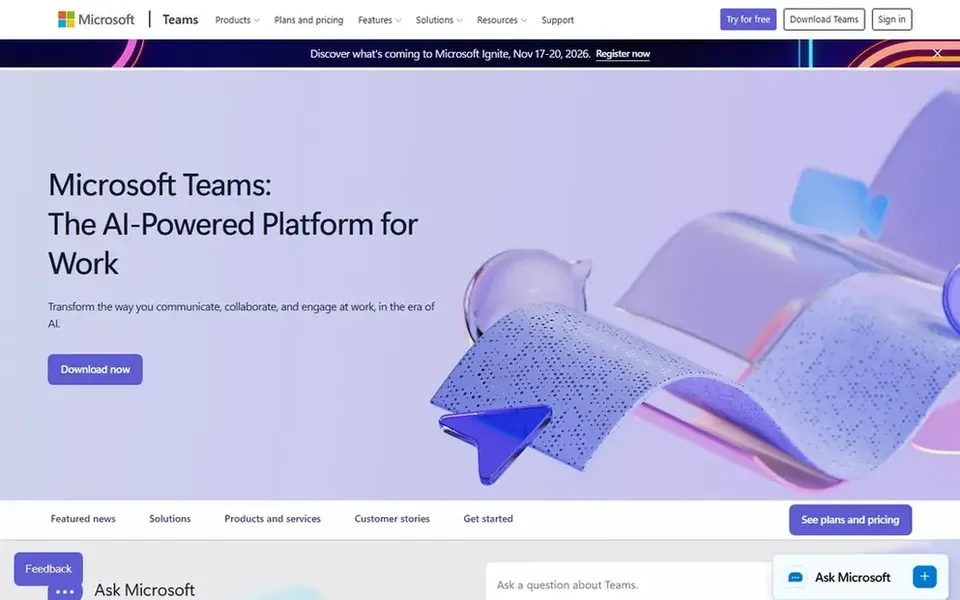
Microsoft Teams was built for Microsoft-centered organizations. Remote teams already using Microsoft tools will find it a natural fit, since conversations, documents and meetings share a single home.
What users get: meetings and files in one place.
Also, Teams also tends to make most sense when the rest of your stack is Microsoft-based. Also, the interface carries plenty of functionality, which can slow newcomers down. Check the vendor site for Microsoft Teams pricing; none is listed in this comparison. As for free access: Not stated. The main drawbacks: Best value inside Microsoft environments.
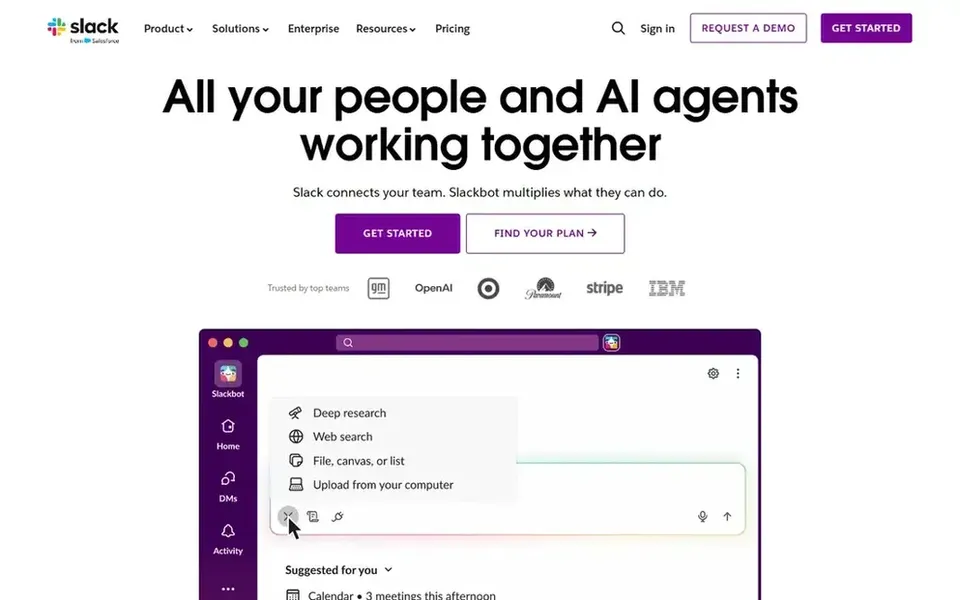
For Bot-driven workflow automation, Slack is a natural candidate. The breadth of features means smaller teams may spend time configuring things they do not need. Automation also performs best when someone owns the setup and maintenance.
For remote teams, that means chat sits alongside automation, so bots can manage routine tasks and keep conversations moving. It is a typical starting point for building or hosting team bots. On cost, Slack starts like this: $4.38 per user per month. You can start on Slack without paying.
Cisco Webex targets enterprise collaboration and devices. Bots and integrations fit into that broader collaboration stack, which helps when teams need consistency across offices and home setups.
Honest limits: Enterprise focus can feel heavy.
Beyond that, configuration and device management can need dedicated IT attention. No starting price is listed for Cisco Webex here; confirm pricing on the vendor site. You can start on Cisco Webex without paying.
Discord makes the most sense for community-style team spaces. Discord is designed around gaming and community use instead of workplace administration, so governance and compliance features are less of a focus.
Points against: Built with gaming and community use in mind.
For informal team bonding and community engagement, it remains a practical choice. Pricing for Discord is not stated here, so ask the vendor for current figures. Free access: Not stated.
Ask Rocket.Chat, Zoom Team Chat, Microsoft Teams and others for a written quote, since no starting price is shown.
Read the fine print on the free plans from Slack and Cisco Webex; seat, project and feature caps differ.
Before choosing Rocket.Chat, weigh its main limit: specialized positioning.
Pick one real project and run it in Slack first; a small pilot shows fit faster than a checklist.
Test the integrations you rely on with Discord before committing; some connectors sit on upper tiers.
How we picked
Ainotely used vendor pricing pages and product documentation as the base, then compared plans, free access and documented limits for 6 tools. Where a vendor does not publish a price, the entry says quote. Where a price depends on seats or billing term, the entry says so. We ordered the tools by general fit, then by how clearly pricing is shown, then by free access. A buyer with unusual needs may reorder them. Keep it in mind while reading the 6 Bot platforms for remote teams profiles on this page.
Every price and plan detail on this page comes from the vendors’ own websites. We did not run hands-on tests unless the text says so, and we do not publish star ratings or review scores. See how we score and our disclosure.
Keep your shortlist in one place
Paste prices, trial dates and notes from this guide into Ainotely, our AI note app. It files them into a topic and pulls out tasks like “cancel trial by Friday”. Free 7-day trial, no card needed.
What is the cheapest option for bot platforms for remote teams in this list?
On published monthly entry prices, Slack is the lowest here at $4.38 per user per month. Entry price is only part of the cost, because seats, add-ons and billing terms can change the total. The 6 tool cards above repeat this per product for Bot platforms for remote teams, with the listed price or "pricing on request".
Is Rocket.Chat the right pick for everyone comparing bot platforms for remote teams?
No single tool suits every team. Rocket.Chat comes first because it fits secure government and defense collaboration, while Zoom Team Chat suits Teams already on Zoom and Microsoft Teams suits Microsoft-centered organizations. Match the tool to your own size, budget and workflow before deciding.
Do these tools publish their prices?
Not all of them. Rocket.Chat, Zoom Team Chat, Microsoft Teams and others publish no starting price, so expect a quote request for those. The rest, Slack included, show a starting price, though seats and billing terms still change the final cost.
Can I try these tools before paying?
Often, yes. Slack and Cisco Webex have a free plan. Use your own data and a real task during the test, and check what the free tier or trial limits before you rely on it. Each of the 6 options in this Bot platforms for remote teams guide has its own card above with the price, free plan and limits.
Which system is a good match for building team bots?
This list starts with Rocket.Chat, which fits secure government and defense collaboration. For other needs, Zoom Team Chat is aimed at Teams already on Zoom, and Microsoft Teams at Microsoft-centered organizations. Check each tool's price and main limit first.