Our first pick is ZBrush, best for digital sculpting for concept forms. Listed starting prices: KeyShot from $7.92 a month. Alternatives: 3ds Max for modeling, animation and architectural-style rendering, and KeyShot for live rendering and visual collaboration. Prices, free plans and limits for all 5 tools follow.
Short on time? The summary and table above give the quick view of 5 tools for car design software, and the profiles that follow give the detail behind each entry.
Key takeaways
Top of the list is ZBrush, which targets digital sculpting for concept forms.
PTC Creo is the one to check for Parametric CAD and production surfacing.
KeyShot has the lowest monthly starting price in this list: $7.92 per month.
A permanent free plan is missing from all 5 tools, ZBrush and PTC Creo included; plan for a trial or a premium start.
Choose ZBrush for digital sculpting for concept forms. ZBrush is Maxon's digital sculpting application, built around brush-based workflows that mimic working with clay.
It suits concept designers and artists who think in shapes instead of dimensions. Check the vendor site for ZBrush pricing; none is listed in this comparison. Free options: Not stated.
Best for: Modeling, animation and architectural-style rendering
Pick 3ds Max if this describes you: modeling, animation and architectural-style rendering. Choose a parametric CAD system when the model must drive tooling or simulation, and keep 3ds Max for the visual layer.
Trade-offs to know: Not a precision engineering modeler.
Also, car studios use it for presentation scenes, showroom visuals and animated sequences where a vehicle sits in a built environment. This comparison lists no price for 3ds Max; ask the vendor. As for free access: Not stated.
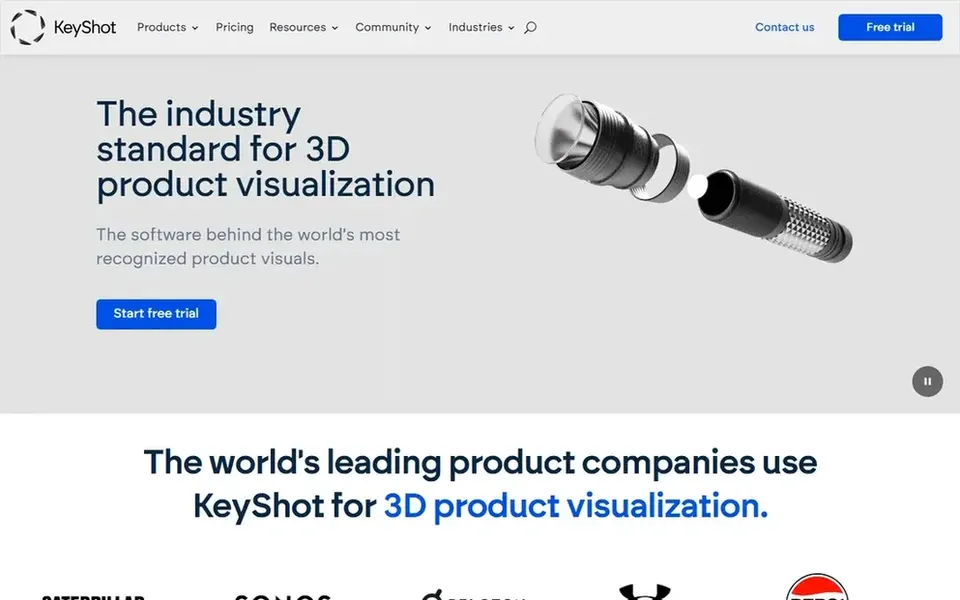
Choose KeyShot for live rendering and visual collaboration. For car design it is the stage where materials, paint, lighting and camera angles get evaluated rapidly, which helps studios review color and trim choices with stakeholders.
In daily use, if your team still needs to author precise surfaces or run structural checks, pair KeyShot with a CAD or simulation tool instead of relying on it alone. Starting cost for KeyShot: $7.92 per month. As for free access: Free trial.
Limits to weigh: Restricted as a modeling environment.
Best for: Motion graphics and product visualization
Cinema 4D is a good fit for motion graphics and product visualization. It is a general 3D package, not a surfacing system for production body geometry, and complicated vehicle models normally arrive from elsewhere.
Points against: Not intended for precision CAD work.
Cinema 4D shows no starting price here, so confirm the cost on the vendor site. Trial and free access: Not stated.
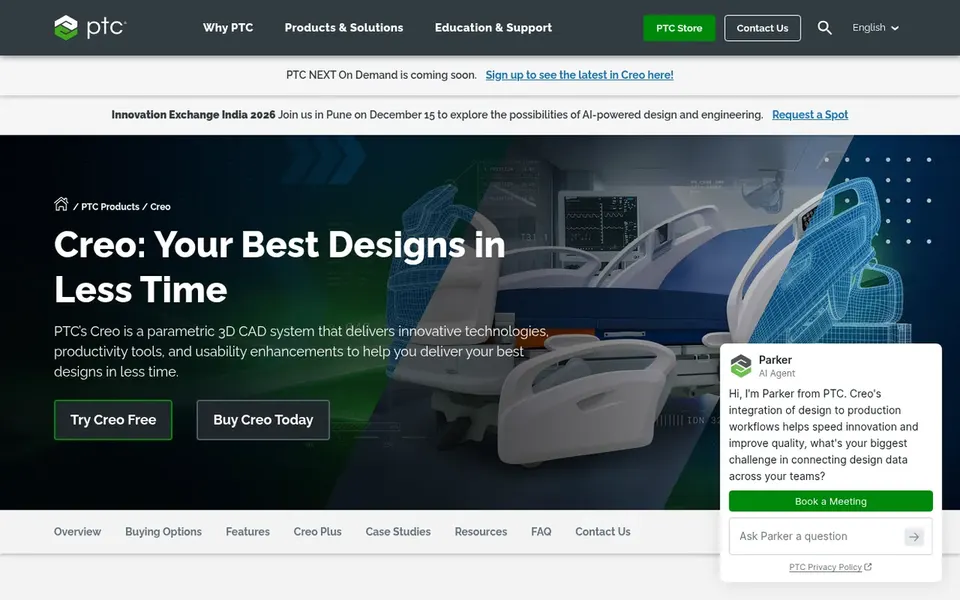
PTC Creo targets Parametric CAD and production surfacing. Creo is a 3D CAD system built around parametric design, which makes it a natural fit for car programs where surface form must stay linked to engineering structure.
Trade-offs to know: Steep ramp-up time for newcomers.
From a buyer's view, teams use it for body panels, interior parts and assemblies that require controlled, editable definitions. The parametric approach rewards planning but punishes casual use, and it is not the fastest route for loose ideation or fast renders. This comparison lists no price for PTC Creo; ask the vendor. Free options: Not stated.
Get a written quote from ZBrush, 3ds Max, Cinema 4D and PTC Creo; the list shows no starting price for them.
Take the trial from KeyShot and push a live task through it before you pay.
Before choosing ZBrush, weigh its main limit: not a precision surfacing tool.
Look at the renewal terms for 3ds Max: auto-renewal, notice periods and price changes can matter more than the first-year price.
Find out what support Cinema 4D includes on your plan, and whether onboarding help costs extra.
How we picked
For each of the 5 tools we noted price, free plan or trial, fit for car design software and the main limit, using vendor pages and documentation. Plan names, prices and limits change often. Treat the figures here as a starting point and verify them with the vendor. We ordered the tools by general fit, then by how clearly pricing is shown, then by free access. A buyer with unusual needs may reorder them.
Every price and plan detail on this page comes from the vendors’ own websites. We did not run hands-on tests unless the text says so, and we do not publish star ratings or review scores. See how we score and our disclosure.
Keep your shortlist in one place
Paste prices, trial dates and notes from this guide into Ainotely, our AI note app. It files them into a topic and pulls out tasks like “cancel trial by Friday”. Free 7-day trial, no card needed.
How are the tools for car design software ordered?
The order follows typical fit for car design software, with ZBrush first and PTC Creo last, then price clarity and free access. It is editorial judgement, not a score, so another team could rank the tools differently.
What software do professional car designers use?
Concept work commonly starts in a sculpting application, moves into parametric CAD for surface definition, and finishes in a rendering package for review. Simulation software then validates engineering behavior before production decisions.
Is ZBrush the right pick for everyone comparing car design software?
No single tool suits every team. ZBrush comes first because it fits digital sculpting for concept forms, while 3ds Max suits modeling, animation and architectural-style rendering and KeyShot suits real-time rendering and visual collaboration. Match the tool to your own size, budget and workflow before deciding.
What is the cheapest option for car design software in this list?
On published monthly entry prices, KeyShot is the lowest here at $7.92 per month. Entry price is only part of the cost, because seats, add-ons and billing terms can change the total. All 5 picks in this car design software comparison show their pricing, free plan details and main limits on the cards above.
Do these tools publish their prices?
Not all of them. ZBrush, 3ds Max, Cinema 4D and PTC Creo publish no starting price, so expect a quote request for those. The rest, KeyShot included, show a starting price, though seats and billing terms still change the final cost.