CloudBolt comes first here, mainly for hybrid and multi-cloud infrastructure management. Listed starting prices: Scalr from $99 per month. AWS Organizations is better for centralized multi-account administration, and Google Cloud Resource Manager is better for programmatic access and configuration control. All 6 tools are compared below on price, free plan and limits.
Choosing cloud governance software usually comes down to price, fit and limits. This Ainotely guide sets 6 tools side by side on those three points, with the facts kept short and checkable.
Key takeaways
Number one here is CloudBolt, a fit for hybrid and multi-cloud infrastructure management.
2 of 6 tools offer a free plan: AWS Organizations, Scalr.
A fair warning about Google Cloud Resource Manager: tied to Google Cloud.
Best for: Hybrid and multi-cloud infrastructure management
For hybrid and multi-cloud infrastructure management, CloudBolt is a natural candidate. CloudBolt helps teams build, run and optimize cloud and AI infrastructure across hybrid and multi-cloud environments. From a buyer's view, value relies on how well it is integrated with your existing environments, and setup takes planning.
It may be more than a single-cloud team needs. Teams balancing cost and operational control across providers should consider it. Pricing for CloudBolt is not stated here, so ask the vendor for current figures. Trial and free access: Not stated.
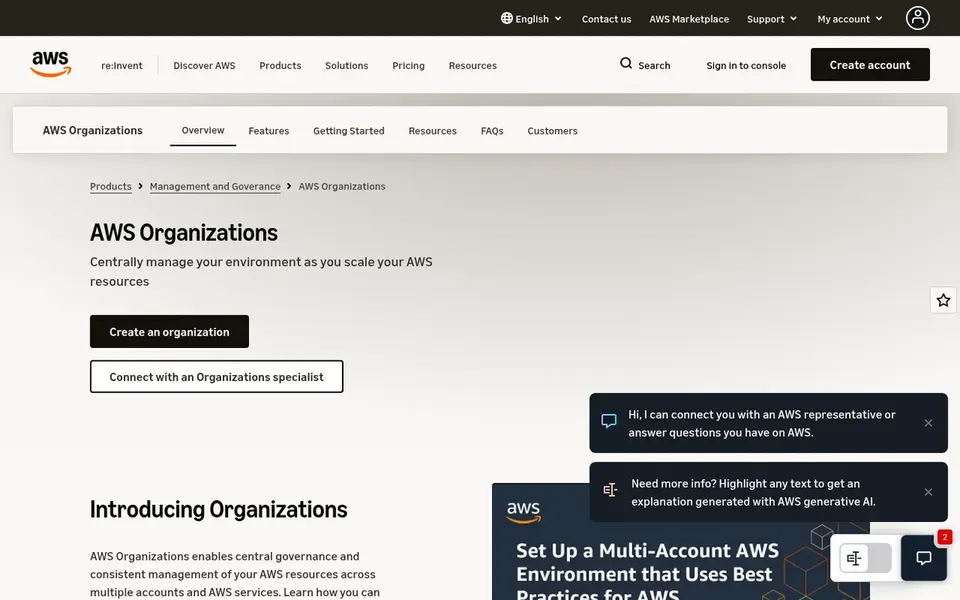
Best for: Centralized multi-account administration
AWS Organizations makes the most sense for centralized multi-account administration. AWS Organizations makes it possible for centralized cloud account management as AWS resources grow and scale.
Where it is weaker: Concentrated on the AWS environment.
It is built around AWS, so cross-cloud governance falls outside its scope. For everyday use, consider other choices when your estate spans several providers. This comparison lists no price for AWS Organizations; ask the vendor. AWS Organizations offers a free plan.
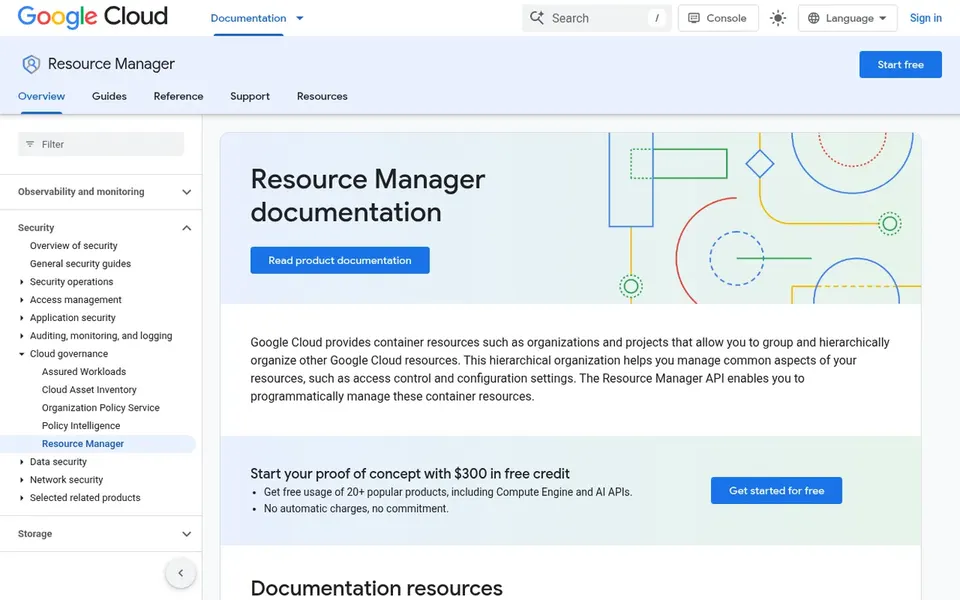
Best for: Programmatic access and configuration control
For programmatic access and configuration control, Google Cloud Resource Manager is a natural candidate. Google Cloud Resource Manager lets teams programmatically run access control and configuration settings for organizations and projects.
Where it is weaker: Needs technical familiarity.
Its scope is Google Cloud, so it will not govern resources on other providers. Google Cloud Resource Manager does not show a starting price in this comparison, so check the vendor site for current pricing. Free options: Not stated.
Where Flexera One fits: hybrid IT spend and license governance. Finance and IT teams working together on cost accountability are a natural fit.
Watch-outs: Setup demands data discipline.
For everyday use, pick a narrower tool when cost and license governance are not priorities. For everyday use, teams seeking only policy enforcement may find it heavier than needed. Check the vendor site for Flexera One pricing; none is listed in this comparison. Free plan details: Not stated. Best features of Flexera One: License compliance tracking.
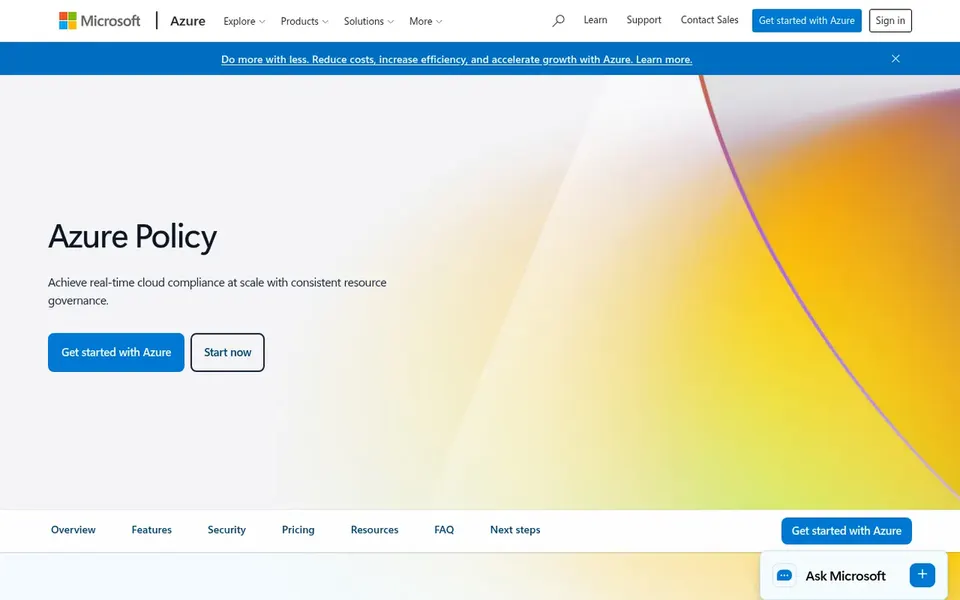
Best for: Policy guardrails and compliance enforcement
Microsoft Azure Policy was built for Policy guardrails and compliance enforcement. Choose something else if you need a single pane across numerous providers.
Watch-outs: Policy design needs planning.
Its value is most solid inside Azure, so mixed environments may need extra tooling for other clouds. Microsoft Azure Policy shows no starting price here, so confirm the cost on the vendor site. As for free access: Free trial.
Best for: Terraform-based infrastructure governance
Scalr is designed for Terraform-based infrastructure governance. Scalr positions itself as a drop-in replacement for Terraform Cloud that bills per run rather than per managed resource.
As for the details, pair it with a financial management tool if spend control matters. Teams without Terraform workflows will see restricted benefit. On cost, Scalr starts like this: $99 per month. Scalr includes a free tier.
What to check first: Narrower than full cost products.
Ask CloudBolt, AWS Organizations, Google Cloud Resource Manager and others for a written quote, since no starting price is shown.
Check what the free option really includes: AWS Organizations and Scalr offer a free plan, and usage caps differ.
Take the trial from Microsoft Azure Policy and push a live task through it before you pay.
Before choosing CloudBolt, weigh its main limit: feature depth varies by environment.
Add up seats, add-ons and usage charges for Microsoft Azure Policy before comparing it with cheaper entries.
Check the integration list for CloudBolt against the tools you run today, and note which ones need a higher plan.
How we picked
Selection started from tools commonly considered for cloud governance software, then narrowed to 6 that have clear pricing information or a clear quote process. Prices and plan limits come from vendor pages and can change, so confirm them on the vendor site before you buy. We ordered the tools by general fit, then by how clearly pricing is shown, then by free access. A buyer with unusual needs may reorder them.
Every price and plan detail on this page comes from the vendors’ own websites. We did not run hands-on tests unless the text says so, and we do not publish star ratings or review scores. See how we score and our disclosure.
Keep your shortlist in one place
Paste prices, trial dates and notes from this guide into Ainotely, our AI note app. It files them into a topic and pulls out tasks like “cancel trial by Friday”. Free 7-day trial, no card needed.
Not all of them. CloudBolt, AWS Organizations, Google Cloud Resource Manager and others publish no starting price, so expect a quote request for those. The rest, Scalr included, show a starting price, though seats and billing terms still change the final cost.
What does cloud governance software generally include?
Some focus on one area, like financial management, whereas others span multiple. Match the tool to the governance gaps you have to close.
Which options for cloud governance software have a free plan?
AWS Organizations and Scalr offer a free plan in this list. Free plans usually cap users, projects or features, so check the limits on the vendor page. One other tool offers a trial instead.
How do cost-focused tools differ from policy tools?
Cost-focused tools emphasize visibility, optimization and accountability for cloud spending, commonly relying on tagging discipline. Policy tools concentrate on guardrails, access control and configuration compliance.
What should I check before committing to a governance tool?
Confirm which environments it includes, how enforcement and exceptions work, and how it connects with your identity and tagging practices. Also review the reporting and audit outputs your team will rely on.
Is CloudBolt the right pick for everyone comparing cloud governance software?
No single tool suits every team. CloudBolt comes first because it fits hybrid and multi-cloud infrastructure management, while AWS Organizations suits centralized multi-account administration and Google Cloud Resource Manager suits programmatic access and configuration control. Match the tool to your own size, budget and workflow before deciding.