Crunchtime is the first pick on this list for multi-location operations standards and execution. Listed starting prices: SafetyCulture from $24 per seat a month. For a different need, Jolt covers checklist-driven daily compliance tasks and ComplianceMate covers food safety and temperature monitoring. Details, prices and limits for the rest of the 5 tools are below.
If you are comparing compliance software for restaurants, this page covers 5 tools in one place: what each is best for, what it costs to start, whether it has a free plan, and the main limit to know about.
Key takeaways
This list starts with Crunchtime, which is built for multi-location operations standards and execution.
Starting prices begin at $24 per seat per month with SafetyCulture.
Restaurant365 suits restaurants wanting compliance tied to accounting.
Only SafetyCulture offers a free plan among these 5 tools.
Best for: Multi-location operations standards and execution
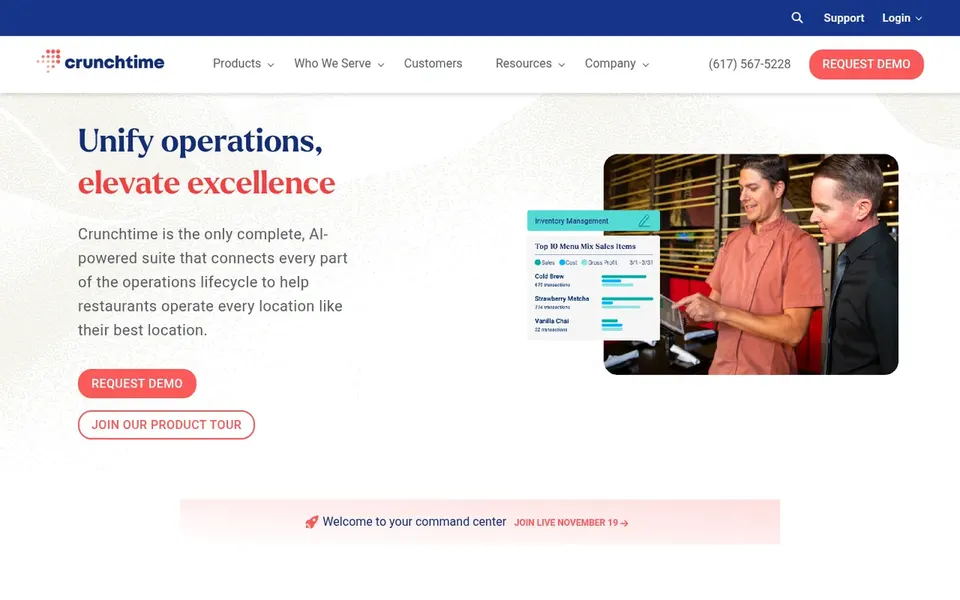
Crunchtime is aimed squarely at multi-location operations standards and execution. Crunchtime is a restaurant operations management suite pitched at keeping standards consistent across locations.
Limits to weigh: Full suite can take time to configure.
Its homepage frames it as a suite for restaurant operations, which typically bundles tasks like checklists, audits and food safety routines. Consider it when cross-location consistency is the priority instead of entry-level record keeping. This comparison lists no price for Crunchtime; ask the vendor. Free access: Not stated.
Pick Jolt if this describes you: checklist-driven daily compliance tasks. Jolt is an operations system for daily tasks and checklists, and its homepage notes it is now a SmartSense option, with users keeping their login, data and support as products join SmartSense ONE. Since the product is being folded into SmartSense ONE, confirm the current feature set and roadmap before committing.
It remains a reasonable fit for straightforward task and checklist compliance. For restaurants, that background suits routine compliance work for example opening and closing checks, temperature logs and staff task completion, particularly for teams that prefer straightforward digital checklists over large suites. No starting price is listed for Jolt here; confirm pricing on the vendor site. Free plan details: Not stated.
ComplianceMate is designed for food safety and temperature monitoring. That makes it a natural fit for kitchens where temperature logs and food safety records are the core compliance concern, and where managers want automatic monitoring instead of paper logs.
Honest limits: Narrower scope than management suites.
ComplianceMate shows no starting price here, so confirm the cost on the vendor site. Free plan details: Not stated.
SafetyCulture makes the most sense for adaptable audits and site visibility. Since it is a general workplace platform instead of a restaurant-specific suite, food safety and compliance workflows may have to be built out by your team. In daily use, choose SafetyCulture when adaptability and cross-site visibility matter most.
What to check first: May need configuration for food safety.
From a buyer's view, restaurants wanting ready-made restaurant compliance content may prefer a dedicated tool. For everyday use, SafetyCulture describes its system as a workplace operations system that provides teams confidence to work safely, meet higher standards and see what is happening across every site. Entry price for SafetyCulture: $24 per seat per month. SafetyCulture offers a free plan.
Best for: Restaurants wanting compliance tied to accounting
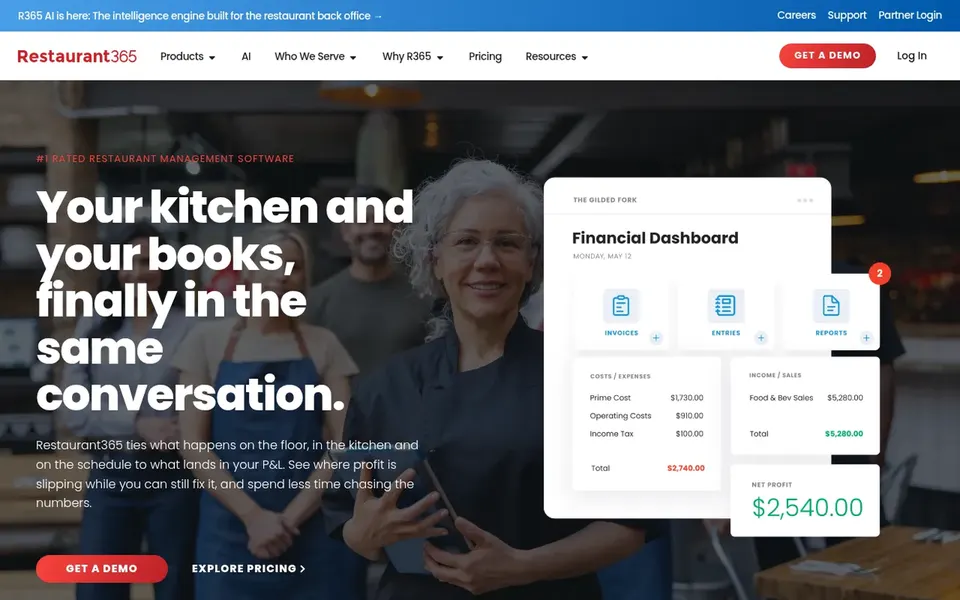
Pick Restaurant365 if this describes you: restaurants wanting compliance tied to accounting. Restaurant365 is a cloud-based restaurant management system that brings accounting, operations and workforce tools together.
Where it is weaker: Wide suite may be more than small teams need.
It is best chosen when finance and operations reporting matter as much as compliance tasks. No starting price is listed for Restaurant365 here; confirm pricing on the vendor site. Free plan details: Not stated.
Confirm the entry price on the vendor page. For Crunchtime, Jolt, ComplianceMate and Restaurant365 that means a quote rather than a fixed price.
Test the free plan from SafetyCulture against your real workload before relying on it.
Read the limits listed for Crunchtime first: full suite can take time to configure.
Involve the people who will use Restaurant365 daily; a short pilot beats a long feature checklist.
The entry price of Jolt is only the starting point; model the full cost with seats and extras.
How we picked
The comparison looks at four things: starting price, free access, how well the feature set matches compliance software for restaurants, and the main limit of each tool. Figures are shown as the vendors publish them. Billing terms, seat minimums and add-ons can change the real cost. The ranking is editorial: typical fit first, then clear pricing, then free access. If your needs are unusual, read the profiles rather than relying on position.
Every price and plan detail on this page comes from the vendors’ own websites. We did not run hands-on tests unless the text says so, and we do not publish star ratings or review scores. See how we score and our disclosure.
Keep your shortlist in one place
Paste prices, trial dates and notes from this guide into Ainotely, our AI note app. It files them into a topic and pulls out tasks like “cancel trial by Friday”. Free 7-day trial, no card needed.
Which options for compliance software for restaurants have a free plan?
SafetyCulture is the only tool in this list with a free plan. Free plans usually cap users, projects or features, so check the limits on the vendor page. Each of the 5 options in this compliance software for restaurants guide has its own card above with the price, free plan and limits.
Is Crunchtime the right pick for everyone comparing compliance software for restaurants?
No single tool suits every team. Crunchtime comes first because it fits multi-location operations standards and execution, while Jolt suits checklist-driven daily compliance tasks and ComplianceMate suits food safety and temperature monitoring. Match the tool to your own size, budget and workflow before deciding.
Do these tools publish their prices?
Not all of them. Crunchtime, Jolt, ComplianceMate and Restaurant365 publish no starting price, so expect a quote request for those. The rest, SafetyCulture included, show a starting price, though seats and billing terms still change the final cost.
Can I try these tools before paying?
Often, yes. SafetyCulture has a free plan. Use your own data and a real task during the test, and check what the free tier or trial limits before you rely on it. All 5 picks in this compliance software for restaurants comparison show their pricing, free plan details and main limits on the cards above.