If you need data-driven project decisions, InEight is the first tool to look at here. B2W Software fits heavy civil estimating and operations; HeavyBid fits heavy and highway estimating. The remaining 3 options are covered below with prices and limits.
This Ainotely guide covers 6 options for construction cost management software. Each profile lists a starting price, free plan details, strengths and drawbacks, so you can drop poor fits quickly.
Key takeaways
Top of the list is InEight, which targets data-driven project decisions.
InEight, Viewpoint Vista and the 4 others all sell by quote; expect sales conversations before you see a price.
The main caution on B2W Software: concentrated on heavy civil, not general building.
None of the 6 tools, from InEight to Viewpoint Vista, has a free plan, so budget for a subscription or use a trial.
Viewpoint Vista fits accounting-led construction ERP.
Think of InEight for data-driven project decisions. InEight supplies construction project management software that gives teams the data needed to make better decisions.
Beyond that, the emphasis on data and controls can mean a steeper ramp-up time. From a buyer's view, businesses seeking straightforward cost tracking without a controls framework may find lighter choices simpler to run. This comparison lists no price for InEight; ask the vendor. Free options: Not stated.
B2W Software is built with heavy civil estimating and operations in mind. It suits heavy civil contractors who want estimating and field operations tied together with equipment tracking.
The heavy civil focus means building contractors may not find a natural fit. This comparison lists no price for B2W Software; ask the vendor. Free options: Not stated.
What users get: Equipment maintenance included.
What to check first: Narrower fit outside that segment.
For heavy and highway estimating, HeavyBid is a natural candidate. HeavyBid is HCSS construction software pitched at contractors of every size, with a solid reputation in heavy and highway estimating.
Trade-offs to know: Estimating-centric instead of full cost suite.
HeavyBid does not show a starting price in this comparison, so check the vendor site for current pricing. Trial and free access: Not stated.
Best for: Connecting site and office cost visibility
Procore is built with connecting site and office cost visibility in mind. It fits general contractors and owners who want project, cost and field data in one connected environment instead of separate point tools.
Where it falls short: Wide system can feel complicated.
In daily use, since Procore spans plenty of workflows, smaller teams may find the breadth heavier than they need. No starting price is listed for Procore here; confirm pricing on the vendor site. On free options: Not stated.
CoConstruct was built for custom home builders and remodelers. CoConstruct supplies construction management software for builders and remodelers, and it is now part of a unified brand with Buildertrend.
Drawbacks to consider: Not targeted at large commercial work.
CoConstruct does not show a starting price in this comparison, so check the vendor site for current pricing. On free options: Not stated.
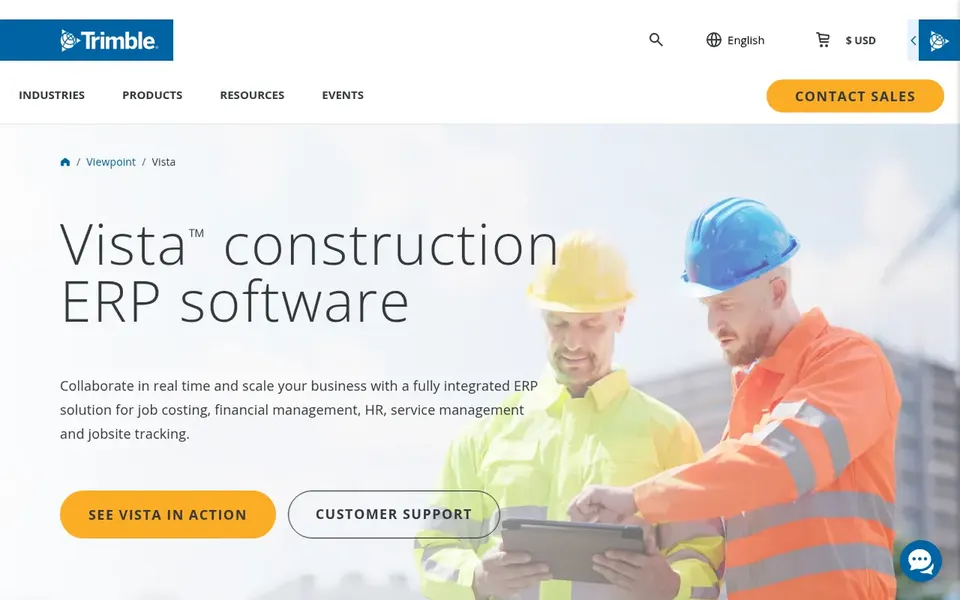
Choose Viewpoint Vista for accounting-led construction ERP. Viewpoint Vista is construction ERP software designed for accounting, resource planning and project collaboration, part of Trimble Construction One.
What to check first: Setup depth needs planning.
On top of that, teams that chiefly need field cost capture without deep accounting integration may find a project-focused product more straightforward. The ERP orientation means more structure and setup than a light cost tracker. Pricing for Viewpoint Vista is not stated here, so ask the vendor for current figures. Trial and free access: Not stated.
Ask each vendor, from InEight to Viewpoint Vista, for a written quote; none of them publishes a starting price.
Before choosing InEight, weigh its main limit: feature depth needs training.
List the apps you already depend on and check that InEight supports each one on the plan you would buy.
Ask CoConstruct how an export works before you move any records in; an easy exit lowers the risk.
Get the contract term, renewal terms and any onboarding fees from HeavyBid in writing.
How we picked
The comparison looks at four things: starting price, free access, how well the feature set matches construction cost management software, and the main limit of each tool. Treat prices as a snapshot: vendors change plans often, so check the vendor site for the figure that applies today. Tools are placed by general fit for construction cost management software, with price clarity and free access as tie-breakers. A different team can reasonably rank them differently.
Every price and plan detail on this page comes from the vendors’ own websites. We did not run hands-on tests unless the text says so, and we do not publish star ratings or review scores. See how we score and our disclosure.
Keep your shortlist in one place
Paste prices, trial dates and notes from this guide into Ainotely, our AI note app. It files them into a topic and pulls out tasks like “cancel trial by Friday”. Free 7-day trial, no card needed.
Residential builders frequently prefer tools built around their workflows, and CoConstruct is oriented toward custom home builders and remodelers. Large commercial or heavy civil contractors generally need broader or more specialized systems.
Is InEight the right pick for everyone comparing construction cost management software?
No single tool suits every team. InEight comes first because it fits data-driven project decisions, while B2W Software suits heavy civil estimating and operations and HeavyBid suits heavy and highway estimating. Match the tool to your own size, budget and workflow before deciding.
Does any tool for construction cost management software here have a free plan?
No tool in this list, InEight and Viewpoint Vista included, has a permanent free plan. Trials and quotes are the usual route, so plan a short evaluation period.
What should construction cost management software include?
Look for budgeting, committed and actual cost tracking, change order handling and reporting that ties field data to accounting. The right mix relies on whether you are a general contractor, heavy civil firm or residential builder.
Do these tools publish their prices?
No. None of the tools, from InEight to Viewpoint Vista, shows a fixed starting price here, so budget time for quotes.
How are the tools for construction cost management software ordered?
InEight sits first and Viewpoint Vista last because the order follows typical fit for construction cost management software, then price clarity and free access. It is a judgement call, so read each profile for fit and limits.