Oracle Primavera is the first pick on this list for large schedule-intensive construction programs. Listed starting prices: Fieldwire from $39 per user a month. Alternatives: PlanGrid for existing users of the PlanGrid app, and Procore for connecting jobsite and office teams. Details, prices and limits for the rest of the 5 tools are below.
If you are comparing construction project management software for remote teams, this page covers 5 tools in one place: what each is best for, what it costs to start, whether it has a free plan, and the main limit to know about.
Key takeaways
Number one here is Oracle Primavera, a fit for large schedule-intensive construction programs.
For secure cross-team collaboration, Autodesk Construction Cloud is worth a look.
Only Fieldwire offers a free plan among these 5 tools.
The main caution on Oracle Primavera: can be complicated for small teams.
The cheapest monthly starting price in the list is $39 per user per month, offered by Fieldwire.
Best for: Large schedule-intensive construction programs
Oracle Primavera works best for large schedule-intensive construction programs. Oracle Primavera P6 is enterprise project portfolio management software for construction, described as able to manage projects of any size.
Where it is weaker: Can be complicated for small teams.
For everyday use, Primavera is oriented toward planning depth instead of everyday field task tracking, and smaller teams may find it heavier than needed. From a buyer's view, crews wanting straightforward drawing and task coordination may prefer a field-focused tool. No starting price is listed for Oracle Primavera here; confirm pricing on the vendor site. Free access: Not stated.
PlanGrid makes the most sense for existing users of the PlanGrid app. PlanGrid is a long-standing construction app that is now part of Autodesk Forma, with the vendor page concentrated on login, support and answers to typical questions.
Where it falls short: No longer a standalone product.
PlanGrid is no longer positioned as a standalone purchase, so new teams should evaluate the current Autodesk offering instead of PlanGrid on its own. Check the vendor site for PlanGrid pricing; none is listed in this comparison. Free access: Not stated.
Teams wanting a narrower field-task tool may prefer a more focused choice. General contractors and owners managing several stakeholders are the usual fit. No starting price is listed for Procore here; confirm pricing on the vendor site. On free options: Not stated.
What to check first: Full system can need setup effort.
Wide scope may feel heavy for small teams Procore if this describes you: connecting jobsite and office teams. Procore is a construction management product built to link the site and the office.
Fieldwire makes the most sense for field crews tracking tasks and drawings. Teams needing integrated job costing or enterprise scheduling should pair it with or choose a broader product. For everyday use, Fieldwire by Hilti is live jobsite management software for tracking tasks, updating drawings and reducing expensive rework.
Downsides: Field-first focus may limit back-office depth.
In daily use, check how it suits your existing drawing and task workflows. Fieldwire leans toward field execution instead of deep back-office finance or portfolio scheduling. What you pay to start with Fieldwire: $39 per user per month. Fieldwire offers a free plan. Upsides: Live jobsite management.
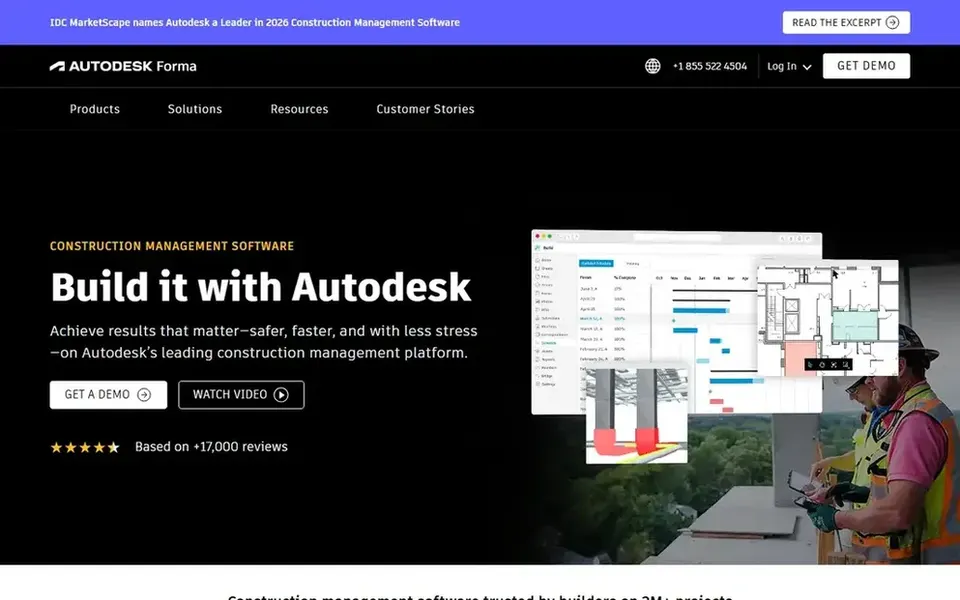
Pick Autodesk Construction Cloud if this describes you: secure cross-team collaboration. Autodesk Construction Cloud, now under the Autodesk Forma name, is positioned around helping project teams collaborate securely and rapidly so projects finish on time and on budget.
Where it is weaker: Brand transition may confuse buyers.
Beyond that, teams outside the Autodesk ecosystem may face additional integration work. Compare against a dedicated field tool if drawing and task tracking is the primary need. No starting price is listed for Autodesk Construction Cloud here; confirm pricing on the vendor site. Free plan details: Not stated.
Confirm the entry price on the vendor page. For Oracle Primavera, PlanGrid, Procore and Autodesk Construction Cloud that means a quote rather than a fixed price.
Look at the free plan from Fieldwire closely: its caps decide whether it is usable for real work.
Read the limits listed for Oracle Primavera first: can be complicated for small teams.
List the apps you already depend on and check that Oracle Primavera supports each one on the plan you would buy.
Run a one or two week pilot of Fieldwire with the people who will use it every day.
How we picked
Ainotely looked at what each vendor publishes: pricing, plan limits, feature coverage for construction project management software for remote teams and stated drawbacks. No hands-on testing is claimed. Where a price is missing, the vendor does not list one publicly or ties it to a quote. Always confirm before budgeting. The sequence is a judgement call: typical use case first, then pricing transparency, then free access. Use the profiles to check fit.
Every price and plan detail on this page comes from the vendors’ own websites. We did not run hands-on tests unless the text says so, and we do not publish star ratings or review scores. See how we score and our disclosure.
Keep your shortlist in one place
Paste prices, trial dates and notes from this guide into Ainotely, our AI note app. It files them into a topic and pulls out tasks like “cancel trial by Friday”. Free 7-day trial, no card needed.
Is Oracle Primavera the right pick for everyone comparing construction project management software for remote teams?
No single tool suits every team. Oracle Primavera comes first because it fits large schedule-intensive construction programs, while PlanGrid suits existing users of the PlanGrid app and Procore suits connecting jobsite and office teams. Match the tool to your own size, budget and workflow before deciding.
What is the cheapest option for construction project management software for remote teams in this list?
On published monthly entry prices, Fieldwire is the lowest here at $39 per user per month. Entry price is only part of the cost, because seats, add-ons and billing terms can change the total. All 5 picks in this construction project management software for remote teams comparison show their pricing, free plan details and main limits on the cards above.
Which options for construction project management software for remote teams have a free plan?
Fieldwire is the only tool in this list with a free plan. Free plans usually cap users, projects or features, so check the limits on the vendor page.
Do these tools publish their prices?
Not all of them. Oracle Primavera, PlanGrid, Procore and Autodesk Construction Cloud publish no starting price, so expect a quote request for those. The rest, Fieldwire included, show a starting price, though seats and billing terms still change the final cost.