Start with Kahua if you need owners and agencies managing capital programs. Listed starting prices: Fieldwire from $39 per user a month. For a different need, Trimble Viewpoint covers contractors linking RFIs to job costing and Autodesk Construction Cloud covers teams already using Autodesk design tools. The other 3 tools in the list cover narrower or pricier cases.
This Ainotely guide covers 6 options for construction RFI management software. Each profile lists a starting price, free plan details, strengths and drawbacks, so you can drop poor fits quickly.
Key takeaways
The list opens with Kahua, aimed at owners and agencies managing capital programs.
CoConstruct suits custom home builders and remodelers.
Before buying Trimble Viewpoint, weigh this: ERP focus may overshadow pure RFI use.
Fieldwire is the only tool of the 6 with a free plan.
The cheapest monthly starting price in the list is $39 per user per month, offered by Fieldwire.
Best for: Owners and agencies managing capital programs
Kahua works best for owners and agencies managing capital programs. Kahua is a construction project management system for owners, GCs and agencies to control capital programs, cut risk and align teams.
Its RFI management is part of a program-level environment, which fits organizations managing several projects or large capital programs. Worth adding: Kahua asks interested teams to request a demo, so evaluation takes some coordination with the vendor. Kahua shows no starting price here, so confirm the cost on the vendor site. On free options: Not stated.
Pick Trimble Viewpoint if this describes you: contractors linking RFIs to job costing. Trimble Viewpoint is construction ERP and project management software aimed at contractors to handle projects, people and profits. It simplifies job costing, workflows and reporting, and RFI management sits within that contractor-focused environment.
Smaller contractors may prefer a focused project management tool. Choose Viewpoint when RFIs have to align with job costing, reporting and broader contractor operations. Viewpoint is an ERP-centered system, so teams looking only for RFI tracking may find the scope wider than needed. Pricing for Trimble Viewpoint is not stated here, so ask the vendor for current figures. On free options: Not stated.
The main drawbacks: Implementation can involve several modules.
Best for: Teams already using Autodesk design tools
Think of Autodesk Construction Cloud for teams already using Autodesk design tools. Pick something else if your RFI process is straightforward or if your design tools come from other vendors.
Honest limits: Best value within the Autodesk ecosystem.
Reasons to shortlist it: Supports on-time.
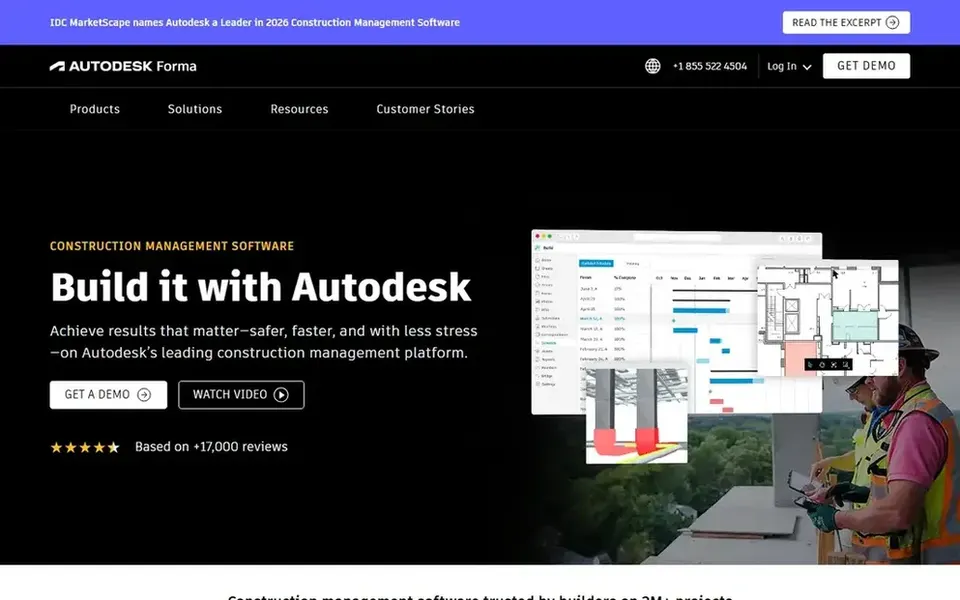
Beyond that, Autodesk Construction Cloud, now under the Autodesk Forma name, lets project teams collaborate securely and rapidly so projects can be delivered on time and on budget. As for the details, RFI management is part of a connected construction product that links project data with design and coordination workflows. No starting price is listed for Autodesk Construction Cloud here; confirm pricing on the vendor site. Free options: Not stated.
Fieldwire is built with Jobsites tracking tasks and drawings in mind. Fieldwire by Hilti is live jobsite management software that helps teams track tasks, update drawings and cut expensive rework.
Beyond that, Fieldwire is field-focused, so teams needing deep document control or enterprise RFI workflows may find it lighter than dedicated platforms. As for the details, RFIs can be managed alongside field tasks and drawing updates, which suits superintendents and field teams who require answers tied to what is happening on site. On cost, Fieldwire starts like this: $39 per user per month. Free access exists with Fieldwire.
Watch-outs: RFI features are part of a field-focused tool.
Best for: Connected RFI workflow from field to office
Where Procore fits: connected RFI workflow from field to office. Its RFI tools sit within a wider project management environment, so questions and answers stay linked to drawings, submittals and daily logs.
Choose Procore when RFIs must stay connected to the rest of project management and when several roles need shared visibility. Worth adding: teams that only need a straightforward question-and-answer log may prefer a lighter tool. Procore does not show a starting price in this comparison, so check the vendor site for current pricing. On free options: Not stated.
Where it falls short: Wide product may be more than small teams need.
CoConstruct works best for custom home builders and remodelers. Choose CoConstruct when your RFIs are part of a residential client communication process instead of a large capital project record.
Downsides: Less suited to large commercial projects.
Its RFI and communication tools fit residential work where clients and trade partners need clear, documented exchanges. This comparison lists no price for CoConstruct; ask the vendor. Free plan details: Not stated.
Get a written quote from Kahua, Trimble Viewpoint, Autodesk Construction Cloud and others; the list shows no starting price for them.
Test the free plan from Fieldwire against your real workload before relying on it.
Before choosing Kahua, weigh its main limit: demo request needed to evaluate.
Confirm the exact Kahua plan that includes your must-have features.
Check whether Autodesk Construction Cloud bills monthly or annually, and what cancelling early costs.
How we picked
Selection started from tools commonly considered for construction RFI management software, then narrowed to 6 that have clear pricing information or a clear quote process. Treat prices as a snapshot: vendors change plans often, so check the vendor site for the figure that applies today. Position on the page reflects fit for a typical buyer first, with price clarity and free access breaking ties. Treat it as a guide, not a ruling.
Every price and plan detail on this page comes from the vendors’ own websites. We did not run hands-on tests unless the text says so, and we do not publish star ratings or review scores. See how we score and our disclosure.
Keep your shortlist in one place
Paste prices, trial dates and notes from this guide into Ainotely, our AI note app. It files them into a topic and pulls out tasks like “cancel trial by Friday”. Free 7-day trial, no card needed.
Is Kahua the right pick for everyone comparing construction RFI management software?
No single tool suits every team. Kahua comes first because it fits owners and agencies managing capital programs, while Trimble Viewpoint suits contractors linking RFIs to job costing and Autodesk Construction Cloud suits teams already using Autodesk design tools. Match the tool to your own size, budget and workflow before deciding.
Do these tools publish their prices?
Not all of them. Kahua, Trimble Viewpoint, Autodesk Construction Cloud and others publish no starting price, so expect a quote request for those. The rest, Fieldwire included, show a starting price, though seats and billing terms still change the final cost.
Can I try these options before paying?
Often, yes. Fieldwire has a free plan. Use your own data and a real task during the test, and check what the free tier or trial limits before you rely on it. For the full picture, the cards above cover all 6 entries of this construction RFI management software list, including price, free plan and limits.
Can field teams manage RFIs without office staff?
That said, formal responses may still need office or design review. For everyday use, choose a tool that keeps field and office roles connected.
What is the cheapest option for construction RFI management software in this list?
On published monthly entry prices, Fieldwire is the lowest here at $39 per user per month. Entry price is only part of the cost, because seats, add-ons and billing terms can change the total. Pricing, free plan details and limits for all 6 tools in this construction RFI management software roundup sit on the individual cards above.