For general-purpose scheduling within Microsoft environments, Microsoft Project is where this list starts. Listed starting prices: Smartsheet from $12 per Member/month. Procore is better for connecting schedules to field and office work, and Smartsheet is better for adaptable, spreadsheet-style schedule planning. Prices, free plans and limits for all 5 tools follow.
This Ainotely guide covers 5 options for construction schedule software. Each profile lists a starting price, free plan details, strengths and drawbacks, so you can drop poor fits quickly.
Key takeaways
Number one here is Microsoft Project, a fit for general-purpose scheduling within Microsoft environments.
Microsoft Project, Oracle Primavera P6 and the 3 others all need a premium plan or a trial, since no free plan is listed.
Check the limits for Procore before you commit: wide system may exceed straightforward scheduling needs.
Oracle Primavera P6 suits large, complex enterprise construction schedules.
Large, complicated enterprise construction schedules
See website
Steep learning curve
The 5 picks in detail
MP
#1
Microsoft Project
Best for: General-purpose scheduling within Microsoft environments
Where Microsoft Project fits: general-purpose scheduling within Microsoft environments. It suits construction teams already standardized on Microsoft tools that want dependable scheduling and resource tracking without a construction-specific system.
The main drawbacks: Not construction-specific.
Smaller businesses and back-office planners often find it approachable. This comparison lists no price for Microsoft Project; ask the vendor. Free options: Not stated.
Best for: Connecting schedules to field and office work
Procore is designed for connecting schedules to field and office work. Procore is a construction management system that links the jobsite and the office, giving teams live visibility to deliver quality projects on time.
The main drawbacks: Wide system may exceed straightforward scheduling needs.
Procore shows no starting price here, so confirm the cost on the vendor site. As for free access: Not stated.
Best for: Adaptable, spreadsheet-style schedule planning
Smartsheet is aimed squarely at adaptable, spreadsheet-style schedule planning. Smartsheet describes itself as an execution hub where people and AI get work done together, with the governance and visibility enterprises need. On top of that, Smartsheet is not construction-specific, so in-depth critical path scheduling and field documentation are not native strengths.
Where it is weaker: Not construction-specific.
Large, schedule-intensive builds are better served by dedicated construction scheduling products. Also, for construction, it suits teams that want adaptable, spreadsheet-style schedules and trackers they can shape themselves, notably for lighter projects or coordination across departments. Smartsheet starts at: $12 per Member/month. Free access: Not stated.
Best for: Collaborative, design-connected project scheduling
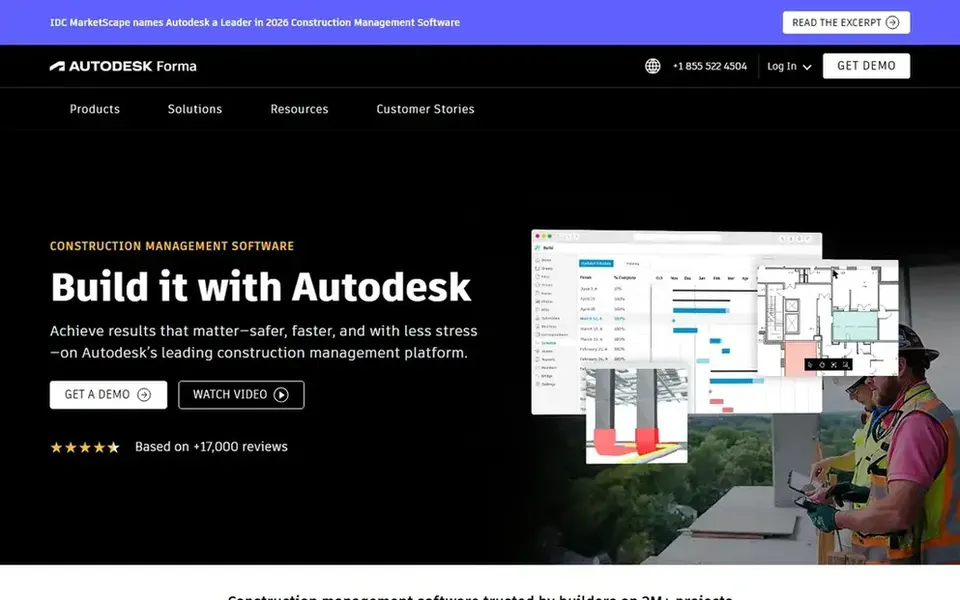
Autodesk Construction Cloud makes the most sense for collaborative, design-connected project scheduling. The system is wide, so teams outside Autodesk workflows may not use its full value, and adoption takes time.
Honest limits: Breadth can take time to learn.
If you need only a standalone scheduling engine, a focused tool may be more straightforward. Autodesk Construction Cloud shows no starting price here, so confirm the cost on the vendor site. On free options: Not stated.
Best for: Large, complicated enterprise construction schedules
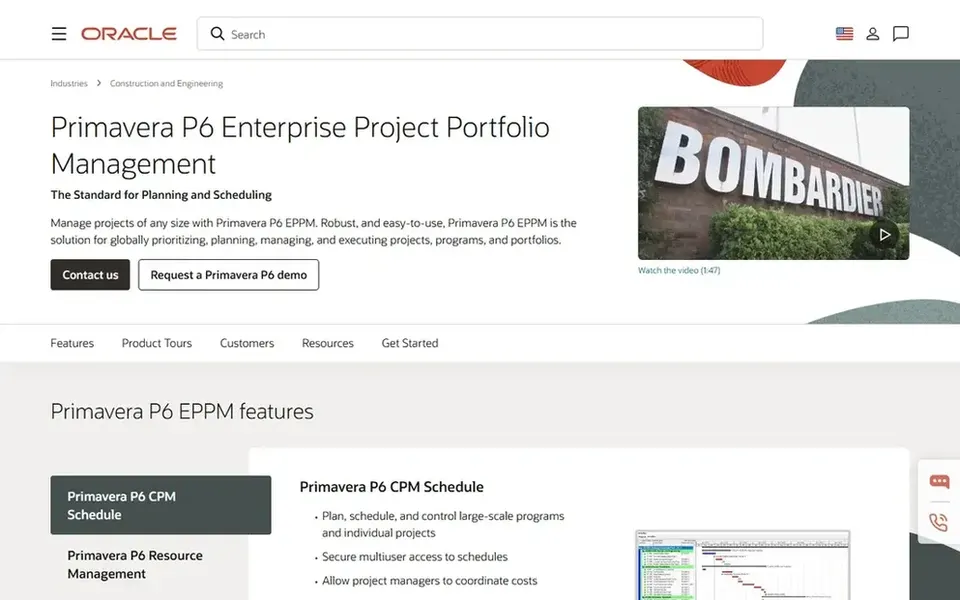
Oracle Primavera P6 is built with large, complicated enterprise construction schedules in mind. Oracle Primavera P6 is enterprise project portfolio management software targeted at construction scheduling at scale. Teams that require rigorous, in-depth scheduling logic and portfolio-level oversight are its natural audience.
The tradeoff is complexity: P6 is heavier than field-first systems and asks for trained schedulers to run it well. Oracle positions it for managing construction projects of any size, which makes it a fit for large capital projects, multi-project portfolios and organizations with dedicated planners. Check the vendor site for Oracle Primavera P6 pricing; none is listed in this comparison. On free options: Not stated.
Confirm the entry price on the vendor page. For Microsoft Project, Procore, Autodesk Construction Cloud and Oracle Primavera P6 that means a quote rather than a fixed price.
Read the limits listed for Microsoft Project first: not construction-specific.
Let daily users try Smartsheet on real work; their feedback beats any feature checklist.
List the apps you already depend on and check that Procore supports each one on the plan you would buy.
Before you load data into Autodesk Construction Cloud, check what an export looks like and who can run it.
How we picked
The comparison looks at four things: starting price, free access, how well the feature set matches construction schedule software, and the main limit of each tool. Seat minimums, billing terms and add-ons can move the real cost, so the starting prices here are a guide and not a quote. Tools are placed by general fit for construction schedule software, with price clarity and free access as tie-breakers. A different team can reasonably rank them differently.
Every price and plan detail on this page comes from the vendors’ own websites. We did not run hands-on tests unless the text says so, and we do not publish star ratings or review scores. See how we score and our disclosure.
Keep your shortlist in one place
Paste prices, trial dates and notes from this guide into Ainotely, our AI note app. It files them into a topic and pulls out tasks like “cancel trial by Friday”. Free 7-day trial, no card needed.
Not by default. None of the tools, from Microsoft Project to Oracle Primavera P6, lists a free plan or a free trial here, so ask each vendor for a demo before committing. Each of the 5 options in this construction schedule software guide has its own card above with the price, free plan and limits.
How are the tools for construction schedule software ordered?
The order follows typical fit for construction schedule software, with Microsoft Project first and Oracle Primavera P6 last, then price clarity and free access. It is editorial judgement, not a score, so another team could rank the tools differently.
Do these tools publish their prices?
Not all of them. Microsoft Project, Procore, Autodesk Construction Cloud and Oracle Primavera P6 publish no starting price, so expect a quote request for those. The rest, Smartsheet included, show a starting price, though seats and billing terms still change the final cost.
Can general project tools handle construction schedules?
Tools like Microsoft Project and Smartsheet can run tasks, resources and timelines effectively for numerous projects. They are not construction-specific, so field workflows and jobsite documentation may need separate tools or integrations.
Does any tool for construction schedule software here have a free plan?
A permanent free plan is not offered by Microsoft Project, Oracle Primavera P6 or the other tools here. Plan a short evaluation period instead. All 5 picks in this construction schedule software comparison show their pricing, free plan details and main limits on the cards above.
What should I check before choosing?
Confirm project size and scheduling complexity, field access, integrations with your existing systems, and how implementation and training work. Testing the schedule workflow with your actual team is the most steady check.