Autodesk Construction Cloud is the first pick on this list for secure collaboration and design integration. For a different need, Jonas Construction Software covers unified job costing and financials and Procore covers thorough project management. All 5 tools are compared below on price, free plan and limits.
Short on time? The summary and table above give the quick view of 5 construction software for contractors, and the profiles that follow give the detail behind each entry.
Key takeaways
The list opens with Autodesk Construction Cloud, aimed at secure collaboration and design integration.
Every tool from Autodesk Construction Cloud to Viewpoint Vista works by quote, with no list price shown.
Autodesk Construction Cloud, Viewpoint Vista and the 3 others all need a premium plan or a trial, since no free plan is listed.
Viewpoint Vista fits Construction ERP and job costing.
A fair warning about Procore: may be complicated for small contractors.
Best for: Secure collaboration and design integration
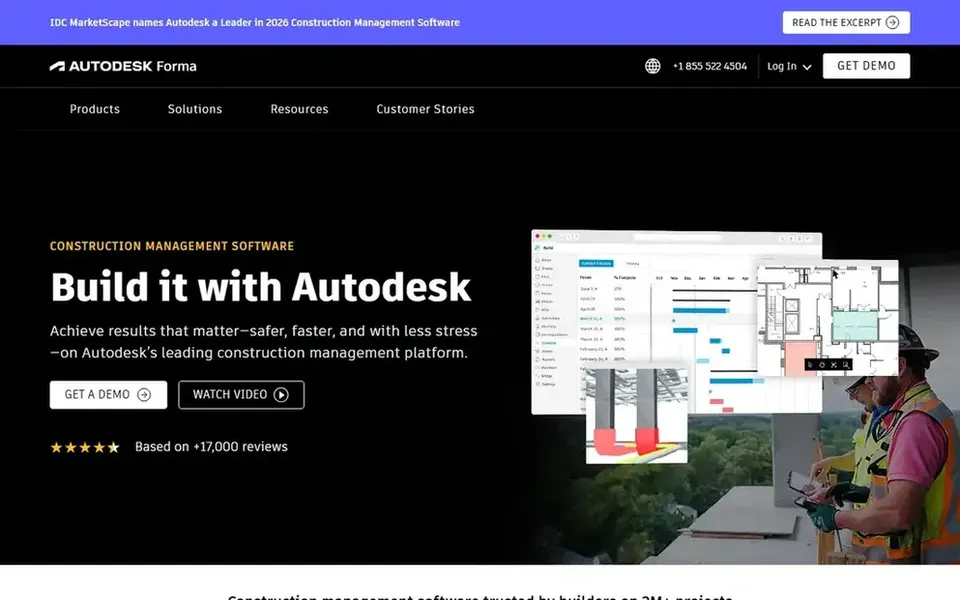
For secure collaboration and design integration, Autodesk Construction Cloud is a natural candidate. More specifically, the system may be most beneficial for businesses already using Autodesk design products.
Contractors seeking a standalone construction management solution without design integration might find other tools more straightforward. Autodesk Construction Cloud does not show a starting price in this comparison, so check the vendor site for current pricing. Free access: Not stated.
Points against: May require Autodesk ecosystem familiarity.
Jonas Construction Software is aimed squarely at unified job costing and financials. Its homepage notes that it helps contractors replace generic accounting and disconnected tools.
Jonas may not offer the depth of project management features found in products like Procore. Also, contractors seeking deep project collaboration tools might have to pair it with other software. This comparison lists no price for Jonas Construction Software; ask the vendor. Trial and free access: Not stated.
Drawbacks to consider: Concentrated on financials.
Think of Procore for thorough project management. Procore's deep feature set can be overwhelming for very small contractors or those with restricted administrative resources.
Drawbacks to consider: Needs training to use completely.
Beyond that, Procore is a construction management product that links the job site with the office. Procore shows no starting price here, so confirm the cost on the vendor site. Free plan details: Not stated.
Think of CoConstruct for custom home builders and remodelers. CoConstruct is construction management software that, based on its homepage, has unified with Buildertrend under a shared vision. It is aimed at custom home builders and remodelers, offering tools to run client selections, schedules, and budgets.
Downsides: Restricted public details on features.
On top of that, contractors should verify specific capabilities straight. Beyond that, public information on CoConstruct's current feature set is restricted following the unification with Buildertrend. CoConstruct shows no starting price here, so confirm the cost on the vendor site. Free access: Not stated.
Viewpoint Vista serves Construction ERP and job costing. Viewpoint Vista is designed for businesses with formal accounting processes and may be overkill for small contractors. Viewpoint Vista, part of Trimble Viewpoint, is construction ERP and project management software.
Watch-outs: May need dedicated accounting staff.
Strengths: Solid reporting. Its homepage says it helps contractors run projects, people, and profits with simplified job costing, workflows, and reporting. The system can need significant implementation effort. This comparison lists no price for Viewpoint Vista; ask the vendor. Free plan details: Not stated.
Ask each vendor, from Autodesk Construction Cloud to Viewpoint Vista, for a written quote; none of them publishes a starting price.
Before choosing Autodesk Construction Cloud, weigh its main limit: may need Autodesk ecosystem familiarity.
The entry price of Autodesk Construction Cloud is only the starting point; model the full cost with seats and extras.
Confirm that Viewpoint Vista connects to the apps your team already uses, on the plan you would actually buy.
Find out what support CoConstruct includes on your plan, and whether onboarding help costs extra.
How we picked
We compared the tools on published pricing, free plan or trial availability, feature coverage for construction software for contractors, and the limits each vendor documents. Prices and plan limits come from vendor pages and can change, so confirm them on the vendor site before you buy. Order on the page follows fit for the typical buyer first, then price transparency and free access. Your own requirements should decide the final pick.
Every price and plan detail on this page comes from the vendors’ own websites. We did not run hands-on tests unless the text says so, and we do not publish star ratings or review scores. See how we score and our disclosure.
Keep your shortlist in one place
Paste prices, trial dates and notes from this guide into Ainotely, our AI note app. It files them into a topic and pulls out tasks like “cancel trial by Friday”. Free 7-day trial, no card needed.
Not by default. None of the tools, from Autodesk Construction Cloud to Viewpoint Vista, lists a free plan or a free trial here, so ask each vendor for a demo before committing.
How are the tools for construction software for contractors ordered?
The order follows typical fit for construction software for contractors, with Autodesk Construction Cloud first and Viewpoint Vista last, then price clarity and free access. It is editorial judgement, not a score, so another team could rank the tools differently.
What should contractors look for in construction software?
Contractors should consider their primary needs, for example project management, accounting, or field documentation. Integration with existing tools, simplicity, and scalability are also important. Support and training offerings can affect successful adoption.
Is Autodesk Construction Cloud the right pick for everyone comparing construction software for contractors?
No single tool suits every team. Autodesk Construction Cloud comes first because it fits secure collaboration and design integration, while Jonas Construction Software suits unified job costing and financials and Procore suits comprehensive project management. Match the tool to your own size, budget and workflow before deciding.
Do these tools publish their prices?
No. None of the tools, from Autodesk Construction Cloud to Viewpoint Vista, shows a fixed starting price here, so budget time for quotes.