Oracle Primavera P6 is the first pick on this list for complicated, schedule-heavy construction programs. Listed starting prices: Smartsheet from $12 per Member/month. Look at Autodesk Construction Cloud for collaborative project delivery and coordination, and at eSUB for subcontractor-focused construction management. Details, prices and limits for the rest of the 5 tools are below.
If you are comparing project scheduling software for construction contractors, this page covers 5 tools in one place: what each is best for, what it costs to start, whether it has a free plan, and the main limit to know about.
Key takeaways
Oracle Primavera P6 sits first on this list: complicated, schedule-heavy construction programs.
Before buying Autodesk Construction Cloud, weigh this: scheduling is one part of a broader suite.
The cheapest monthly starting price in the list is $12 per Member/month, offered by Smartsheet.
A permanent free plan is missing from all 5 tools, Oracle Primavera P6 and Procore included; plan for a trial or a premium start.
Procore is the one to check for connecting schedules to field and office.
Best for: Complicated, schedule-heavy construction programs
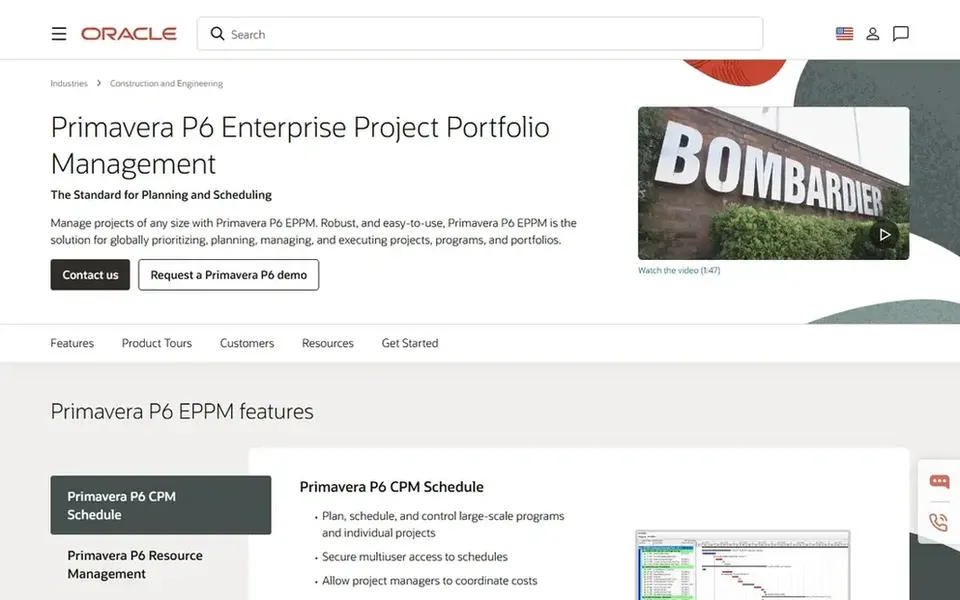
Oracle Primavera P6 is aimed squarely at complicated, schedule-heavy construction programs. Oracle Primavera P6 is enterprise project portfolio management software built to run construction projects of any size. As for the details, pick Primavera P6 when schedule depth and portfolio control outweigh simplicity.
Contractors wanting everyday field scheduling with less setup may prefer a construction management system. Primavera P6 is capable but demanding, with a ramp-up time that can overwhelm small teams or straightforward projects. Check the vendor site for Oracle Primavera P6 pricing; none is listed in this comparison. Free plan details: Not stated.
Where it is weaker: Heavier than straightforward job schedules.
Best for: Collaborative project delivery and coordination
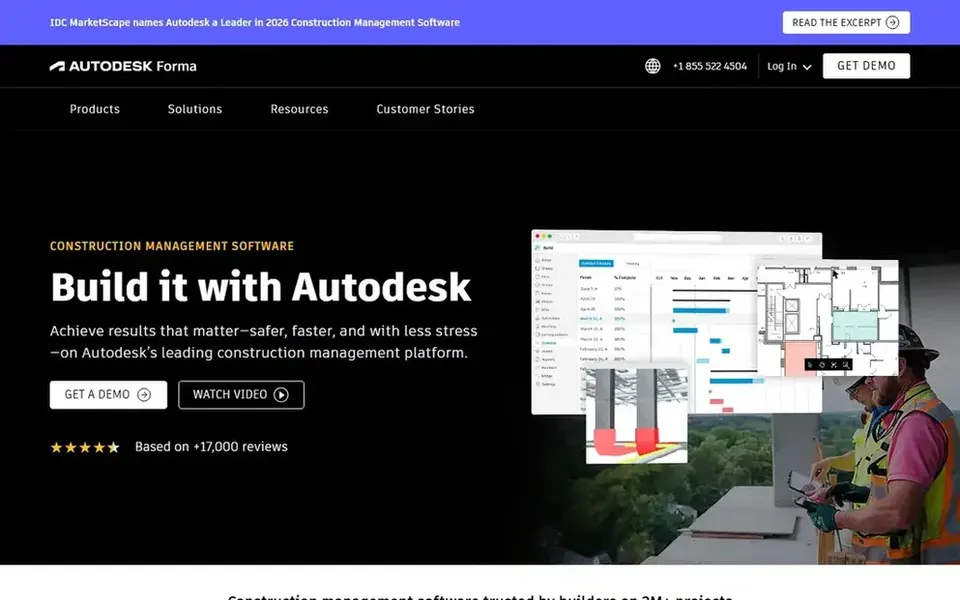
Autodesk Construction Cloud works best for collaborative project delivery and coordination. Autodesk Construction Cloud, now presented as Autodesk Forma, lets project teams collaborate securely and rapidly so projects are delivered on time and on budget.
Choose it when shared, secure collaboration across project teams is the primary driver. Smaller teams may also find the collaboration setup heavier than needed. No starting price is listed for Autodesk Construction Cloud here; confirm pricing on the vendor site. Free access: Not stated.
Best for: Subcontractor-focused construction management
eSUB makes the most sense for subcontractor-focused construction management. eSUB Cloud is construction management software targeted at subcontractors and specialty contractors.
On top of that, teams wanting deep critical path planning should look elsewhere. eSUB is oriented toward subcontractor workflows instead of large-scale program scheduling, so general contractors managing complicated schedules may need another tool. Check the vendor site for eSUB pricing; none is listed in this comparison. Free options: Not stated.
The main drawbacks: Narrower than full ERP suites.
Best for: Adaptable spreadsheet-style scheduling and tracking
Smartsheet was built for adaptable spreadsheet-style scheduling and tracking. Teams wanting deep construction scheduling from day one may prefer a dedicated product. Smartsheet is described as an execution hub where people and AI get work done together, with the governance and visibility enterprises need.
Points against: Construction depth relies on configuration.
In practice, Smartsheet is not construction-specific, so job costing, field documentation and subcontractor workflows may need separate tools or careful configuration. Contractors can build schedules, track progress and share status in an adaptable, spreadsheet-style environment that numerous teams already understand. In daily use, choose Smartsheet when adaptability and visibility across teams matter most. Starting cost for Smartsheet: $12 per Member/month. Free plan details: Not stated.
Best for: Connecting schedules to field and office
Think of Procore for connecting schedules to field and office. It fits general contractors and larger teams that want one connected system instead of separate scheduling and jobsite tools.
Worth adding: since Procore spans numerous construction workflows, smaller contractors may find more system than they need for straightforward scheduling. Check the vendor site for Procore pricing; none is listed in this comparison. As for free access: Not stated.
Where it is weaker: Wide product may feel heavy for small jobs.
Ask Oracle Primavera P6, Autodesk Construction Cloud, eSUB and Procore for a written quote, since no starting price is shown.
Read the limits listed for Oracle Primavera P6 first: steep ramp-up time.
Map your must-have features to a specific Oracle Primavera P6 plan before you compare prices.
Confirm you can export your data from Smartsheet, so leaving later does not mean losing records.
Pick one real project and run it in Procore first; a small pilot shows fit faster than a checklist.
How we picked
For each of the 5 tools we noted price, free plan or trial, fit for project scheduling software for construction contractors and the main limit, using vendor pages and documentation. Plan names, prices and limits change often. Treat the figures here as a starting point and verify them with the vendor. We ordered the tools by general fit, then by how clearly pricing is shown, then by free access. A buyer with unusual needs may reorder them.
Every price and plan detail on this page comes from the vendors’ own websites. We did not run hands-on tests unless the text says so, and we do not publish star ratings or review scores. See how we score and our disclosure.
Keep your shortlist in one place
Paste prices, trial dates and notes from this guide into Ainotely, our AI note app. It files them into a topic and pulls out tasks like “cancel trial by Friday”. Free 7-day trial, no card needed.
Not all of them. Oracle Primavera P6, Autodesk Construction Cloud, eSUB and Procore publish no starting price, so expect a quote request for those. The rest, Smartsheet included, show a starting price, though seats and billing terms still change the final cost.
What is the cheapest option for project scheduling software for construction contractors in this list?
On published monthly entry prices, Smartsheet is the lowest here at $12 per Member/month. Entry price is only part of the cost, because seats, add-ons and billing terms can change the total. For the full picture, the cards above cover all 5 entries of this project scheduling software for construction contractors list, including price, free plan and limits.
How are the tools for project scheduling software for construction contractors ordered?
The order follows typical fit for project scheduling software for construction contractors, with Oracle Primavera P6 first and Procore last, then price clarity and free access. It is editorial judgement, not a score, so another team could rank the tools differently.
Which scheduling tool is a good match for a small construction contractor?
For most readers this guide would start with Oracle Primavera P6, built for complicated, schedule-heavy construction programs. Autodesk Construction Cloud is the alternative for collaborative project delivery and coordination, and eSUB for subcontractor-focused construction management. The right answer depends on budget and workflow.
Does any tool for project scheduling software for construction contractors here have a free plan?
A permanent free plan is not offered by Oracle Primavera P6, Procore or the other tools here. Plan a short evaluation period instead.
When should a contractor choose Oracle Primavera P6?
Primavera P6 fits contractors managing large, complicated programs where in-depth scheduling and portfolio oversight are essential. It is less well suited to small teams or straightforward jobs due to its ramp-up time and setup demands.