If you need enterprise integration and APIs, MuleSoft Anypoint Platform is the first tool to look at here. If your case is different, Microsoft Dynamics 365 suits enterprises needing CRM and ERP and Make suits no-code workflow automation. The full list of 6 tools follows, with prices and free plan facts.
Ainotely compared 6 CRM API integration tools. The goal is a practical shortlist: published prices, free plan facts, best-fit use cases and honest limits for every entry.
Key takeaways
Top of the list is MuleSoft Anypoint Platform, which targets enterprise integration and APIs.
Pipedrive is the one to check for sales teams centred on pipeline management.
No starting price is shown for any of the 6 tools, MuleSoft Anypoint Platform and Pipedrive included, so plan time for sales calls.
Make is the only tool of the 6 with a free plan.
What to know about Zoho CRM first: interface can feel dense.
MuleSoft Anypoint Platform serves enterprise integration and APIs. For simpler automation, consider Make instead.
In practice, the system is complicated and usually demands dedicated integration expertise, making it less a good match for small teams. Also, MuleSoft Anypoint Platform is an enterprise integration system for SOA, SaaS, and APIs, offering the freedom to integrate on-premises or in the cloud. This comparison lists no price for MuleSoft Anypoint Platform; ask the vendor. Free options: Not stated.
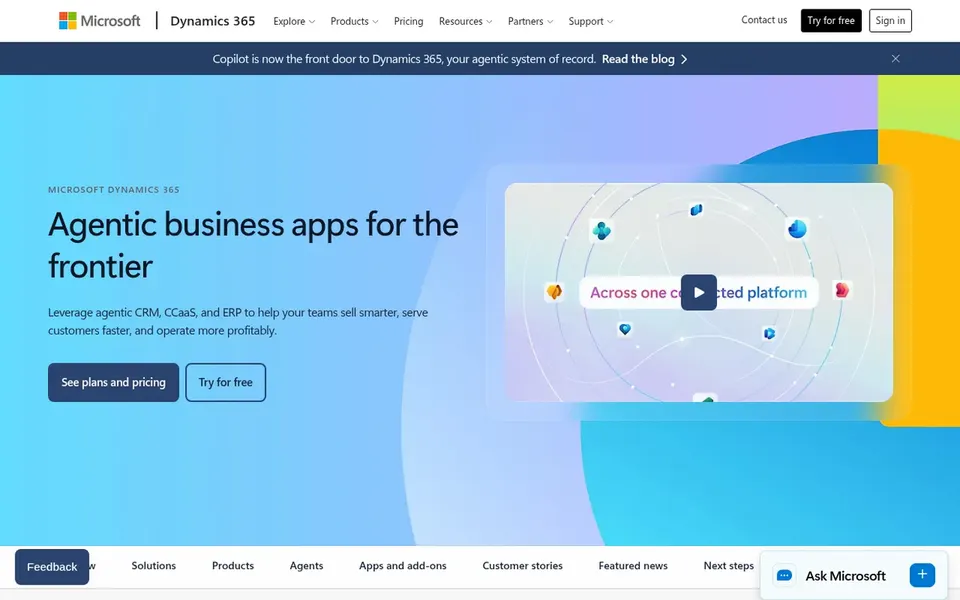
Microsoft Dynamics 365 targets enterprises needing CRM and ERP. Microsoft Dynamics 365 offers agentic CRM and ERP business applications that link teams, processes, and data.
Downsides: May need specialized expertise.
The system can be complicated to implement and maintain, commonly requiring dedicated IT resources. Microsoft Dynamics 365 shows no starting price here, so confirm the cost on the vendor site. Free access: Not stated.
Pick Make if this describes you: no-code workflow automation. Make is an AI workflow automation software that permits users to visually build, scale, and automate AI and agentic workflows. It serves as a no-code integration tool that links several apps, including CRMs, to simplify processes.
Points against: Not a CRM itself.
In practice, Make is not a CRM but an automation layer, so it complements rather than replaces a CRM. From a buyer's view, for native CRM functionality, pair it with a system like HubSpot CRM or Zoho CRM. Make shows no starting price here, so confirm the cost on the vendor site. Make offers a free plan.
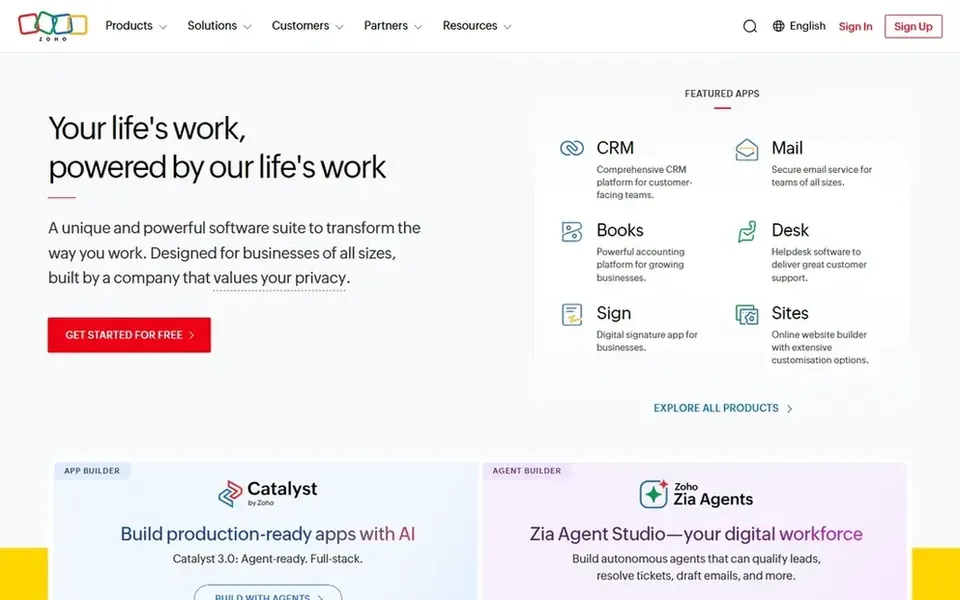
Pick Zoho CRM if this describes you: companies wanting agentic sales product. It suits companies looking for a feature-rich CRM with capable ties to other Zoho applications and a focus on sales efficiency.
Strengths: Handles sales operations.
Limits to weigh: Interface can feel dense.
Teams prioritizing simplicity might prefer Pipedrive. Pricing for Zoho CRM is not stated here, so ask the vendor for current figures. Free access: Not stated.
HubSpot CRM targets small companies seeking connected CRM. If you need deep enterprise integration or complicated workflows, consider Microsoft Dynamics 365 or MuleSoft Anypoint Platform instead.
Trade-offs to know: Integration depth varies by plan.
HubSpot CRM does not show a starting price in this comparison, so check the vendor site for current pricing. On free options: Not stated.
Best for: Sales teams concentrated on pipeline management
Pick Pipedrive if this describes you: sales teams centred on pipeline management. Pipedrive is a sales CRM and pipeline management software known for its easy-to-use interface. It helps teams get more qualified leads and grow their business by focusing on visual deal tracking and sales workflows.
More specifically, Pipedrive may lack the deep customization and deep integration choices of enterprise products. If you need complicated automation or ERP connectivity, consider Microsoft Dynamics 365 or MuleSoft Anypoint Platform. Pipedrive shows no starting price here, so confirm the cost on the vendor site. Trial and free access: Not stated.
Ask each vendor, from MuleSoft Anypoint Platform to Pipedrive, for a written quote; none of them publishes a starting price.
Test the free plan from Make against your real workload before relying on it.
Before choosing MuleSoft Anypoint Platform, weigh its main limit: high complexity.
A short pilot of HubSpot CRM with your real workflow tells you more than a feature table.
Look at which plan of Make unlocks the features you need; entry tiers are often cut down.
How we picked
The comparison looks at four things: starting price, free access, how well the feature set matches CRM API integration tools, and the main limit of each tool. Figures are shown as the vendors publish them. Billing terms, seat minimums and add-ons can change the real cost. Position on the page reflects fit for a typical buyer first, with price clarity and free access breaking ties. Treat it as a guide, not a ruling.
Every price and plan detail on this page comes from the vendors’ own websites. We did not run hands-on tests unless the text says so, and we do not publish star ratings or review scores. See how we score and our disclosure.
Keep your shortlist in one place
Paste prices, trial dates and notes from this guide into Ainotely, our AI note app. It files them into a topic and pulls out tasks like “cancel trial by Friday”. Free 7-day trial, no card needed.
Which options for CRM API integration tools have a free plan?
Make is the only tool in this list with a free plan. Free plans usually cap users, projects or features, so check the limits on the vendor page. All 6 picks in this CRM API integration tools comparison show their pricing, free plan details and main limits on the cards above.
Do I need a separate integration tool if I use a CRM?
Not always. Plenty of CRMs like HubSpot CRM and Zoho CRM offer native integrations. That said, for complicated or custom workflows, a dedicated tool like Make or MuleSoft Anypoint Platform may be necessary.
Can I try these options before paying?
Often, yes. Make has a free plan. Use your own data and a real task during the test, and check what the free tier or trial limits before you rely on it. For the full picture, the cards above cover all 6 entries of this CRM API integration tools list, including price, free plan and limits.
Which CRM is a good match for small companies?
Start with MuleSoft Anypoint Platform if you need enterprise integration and APIs. Microsoft Dynamics 365 is the better match for enterprises needing CRM and ERP, and Make for no-code workflow automation. The best choice depends on budget, team size and workflow.
Is MuleSoft Anypoint Platform the right pick for everyone comparing CRM API integration tools?
No single tool suits every team. MuleSoft Anypoint Platform comes first because it fits enterprise integration and APIs, while Microsoft Dynamics 365 suits enterprises needing CRM and ERP and Make suits no-code workflow automation. Match the tool to your own size, budget and workflow before deciding.
How do I choose between Make and MuleSoft Anypoint Platform?
Make is a no-code automation tool suited for teams wanting visual workflow building without heavy IT involvement. MuleSoft Anypoint Platform is an enterprise-grade integration system for large organizations with complicated, hybrid integration needs.