Start with MongoDB if you need flexible document-oriented data models. Amazon RDS is the stronger choice for managed relational databases on AWS, while Microsoft SQL Server suits teams wanting analytics and AI built in. The other 2 tools in the list cover narrower or pricier cases.
Ainotely compared 5 database software for small teams. The goal is a practical shortlist: published prices, free plan facts, best-fit use cases and honest limits for every entry.
Key takeaways
MongoDB takes the first slot, best suited to adaptable document-oriented data models.
Amazon RDS comes with a trade-off: tied to the AWS cloud.
Google Cloud SQL is the one to check for managed MySQL, PostgreSQL, SQL Server.
A free plan is available from 2 of the 5 tools: MongoDB, Amazon RDS.
Every tool from MongoDB to Google Cloud SQL works by quote, with no list price shown.
For adaptable document-oriented data models, MongoDB is a natural candidate. MongoDB presents itself as an intelligent data product for the AI era, emphasizing adaptable, live data that scales across any cloud.
Points against: Not a traditional relational model.
As for the details, the document model is not a drop-in replacement for relational design. Teams with heavy reporting or complicated joins may find SQL databases more natural. No starting price is listed for MongoDB here; confirm pricing on the vendor site. MongoDB includes a free tier.
In short, Amazon RDS is for managed relational databases on AWS. Google Cloud SQL is a comparable managed option for teams standardized on Google Cloud.
The service is tied to the AWS cloud, so teams on other systems or with strict data residency needs should weigh alternatives. Check the vendor site for Amazon RDS pricing; none is listed in this comparison. You can start on Amazon RDS without paying.
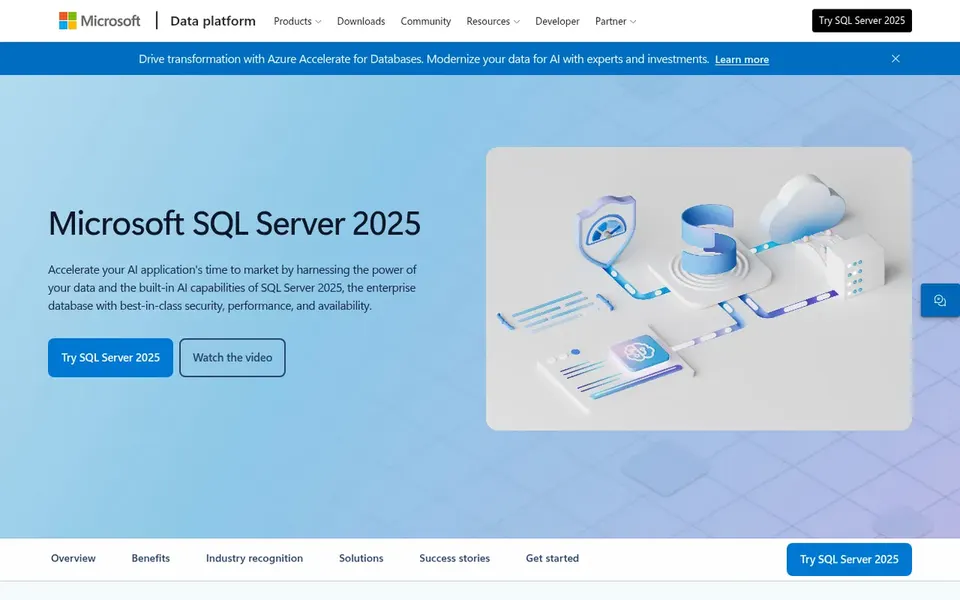
Microsoft SQL Server works best for teams wanting analytics and AI built in. Microsoft SQL Server is a relational database platform that the vendor positions around enterprise data work, with developer-first features and integration with analytics and AI models.
The system is made for enterprise scale, so a very small team may find the setup and administration heavier than needed. Microsoft SQL Server shows no starting price here, so confirm the cost on the vendor site. Free access: Not stated.
Where it is weaker: Heavier footprint for tiny teams.
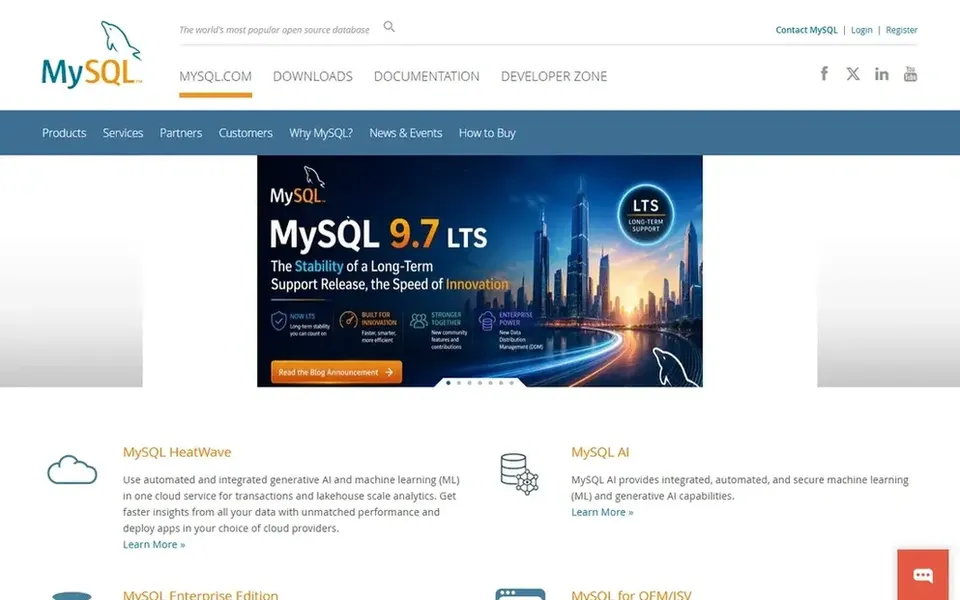
MySQL makes the most sense for familiar open source relational storage. MySQL is one of the most widely used open source relational databases, and its familiarity is a real advantage for small teams.
Worth adding: behavior can differ based on the storage engine you choose, so teams should confirm the defaults for their version. Pricing for MySQL is not stated here, so ask the vendor for current figures. Free access: Not stated.
Where it falls short: Feature depth varies by engine.
Choose Google Cloud SQL for managed MySQL, PostgreSQL, SQL Server. As a managed service, it follows the upstream engines instead of extending them, so very specialized needs may need another approach.
Limits to weigh: Engine features follow upstream.
No starting price is listed for Google Cloud SQL here; confirm pricing on the vendor site. As for free access: Not stated.
Ask each vendor, from MongoDB to Google Cloud SQL, for a written quote; none of them publishes a starting price.
Look at free plan limits closely: MongoDB and Amazon RDS have one, and the caps decide whether it is usable for real work.
Read the limits listed for MongoDB first: not a traditional relational model.
Map your must-have features to a specific MongoDB plan before you compare prices.
Involve the people who will use Google Cloud SQL daily; a short pilot beats a long feature checklist.
How we picked
We compared the tools on published pricing, free plan or trial availability, feature coverage for database software for small teams, and the limits each vendor documents. Seat minimums, billing terms and add-ons can move the real cost, so the starting prices here are a guide and not a quote. Order on the page follows fit for the typical buyer first, then price transparency and free access. Your own requirements should decide the final pick.
Every price and plan detail on this page comes from the vendors’ own websites. We did not run hands-on tests unless the text says so, and we do not publish star ratings or review scores. See how we score and our disclosure.
Keep your shortlist in one place
Paste prices, trial dates and notes from this guide into Ainotely, our AI note app. It files them into a topic and pulls out tasks like “cancel trial by Friday”. Free 7-day trial, no card needed.
How numerous options should a small team evaluate?
A shortlist of two or three well-matched choices is typically enough to make a sound decision. Comparing more than a handful tends to add confusion instead of clarity.
When does a document database like MongoDB make sense?
MongoDB suits applications whose data shapes change rapidly or vary between records, since its document model is adaptable. It is less natural for heavy relational reporting and complicated joins. Small teams should model their queries first before committing.
Is MongoDB the right pick for everyone comparing database software for small teams?
No single tool suits every team. MongoDB comes first because it fits flexible document-oriented data models, while Amazon RDS suits managed relational databases on AWS and Microsoft SQL Server suits teams wanting analytics and AI built in. Match the tool to your own size, budget and workflow before deciding.
Which options for database software for small teams have a free plan?
On this list, MongoDB and Amazon RDS include a free plan. Caps on seats, usage or features are common, so test the free plan against your real workload.
How are the tools for database software for small teams ordered?
MongoDB sits first and Google Cloud SQL last because the order follows typical fit for database software for small teams, then price clarity and free access. It is a judgement call, so read each profile for fit and limits.
Can I try these tools before paying?
Often, yes. MongoDB and Amazon RDS have a free plan. Use your own data and a real task during the test, and check what the free tier or trial limits before you rely on it.