If you need straightforward file storage and sharing, Dropbox Business is the first tool to look at here. Listed starting prices: Egnyte from $22 per user per month. For a different need, Egnyte covers enterprise content governance and large files and NetDocuments covers legal-focused document and email management. Details, prices and limits for the rest of the 5 tools are below.
If you are comparing document collaboration tools for legal departments, this page covers 5 tools in one place: what each is best for, what it costs to start, whether it has a free plan, and the main limit to know about.
Key takeaways
Top of the list is Dropbox Business, which targets straightforward file storage and sharing.
One limit worth knowing about NetDocuments: may be more than small teams need.
The cheapest monthly starting price in the list is $22 per user per month, offered by Egnyte.
Google Workspace is the one to check for everyday online collaboration and productivity.
None of the 5 tools, from Dropbox Business to Google Workspace, has a free plan, so budget for a subscription or use a trial.
Best for: Straightforward file storage and sharing
Choose Dropbox Business for straightforward file storage and sharing. It suits teams that want a familiar, easy-to-use sharing tool for everyday documents.
As for the details, if legal document control is central, a specialized system is likely a better fit. This comparison lists no price for Dropbox Business; ask the vendor. Free access: Not stated.
Trade-offs to know: May not meet strict compliance needs.
Best for: Enterprise content governance and large files
Egnyte is built with enterprise content governance and large files in mind. Legal departments with substantial document volumes can use it to handle and protect content whereas enabling collaboration. Also, Egnyte is enterprise-focused, so smaller legal teams may find it more than they need.
Honest limits: Legal-specific features are restricted.
It is not a legal-specific document management system, so matter-centric workflows may need extra configuration. If legal-specific organization is the priority, consider a dedicated legal product. Entry price for Egnyte: $22 per user per month. Free access: Free trial.
Best for: Legal-focused document and email management
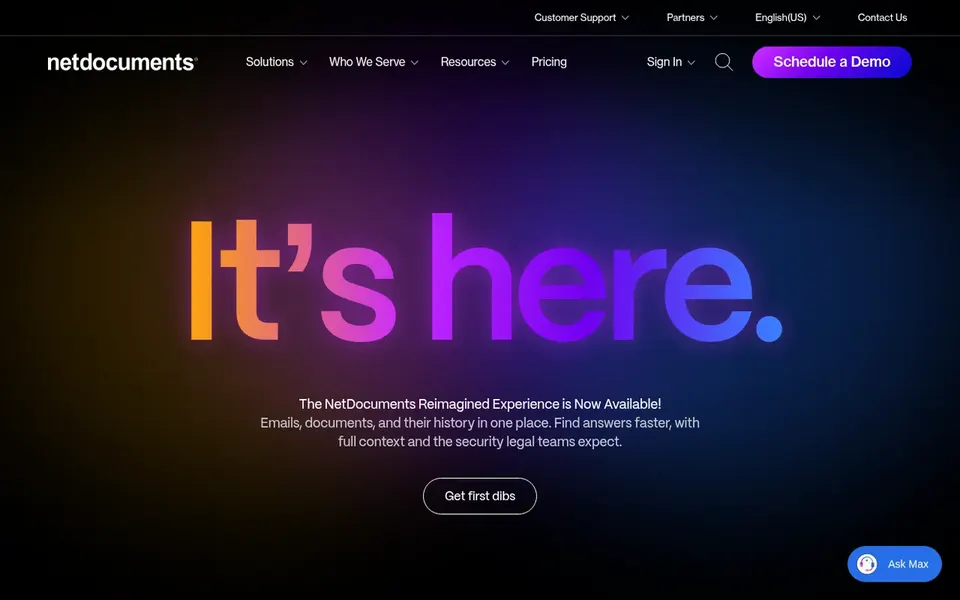
Think of NetDocuments for legal-focused document and email management. NetDocuments is a document and email management product built for legal firms and departments. Its homepage emphasizes secure, compliant, and anywhere-accessible access, which suits legal teams that need to organize matters and control who sees what.
Highlights: Secure.
It also involves configuration and user training to adopt well. If your team chiefly needs straightforward file sharing inside an existing productivity suite, a broader collaboration system may be a better fit. Pricing for NetDocuments is not stated here, so ask the vendor for current figures. Free options: Not stated. Where it falls short: May be more than small teams need.
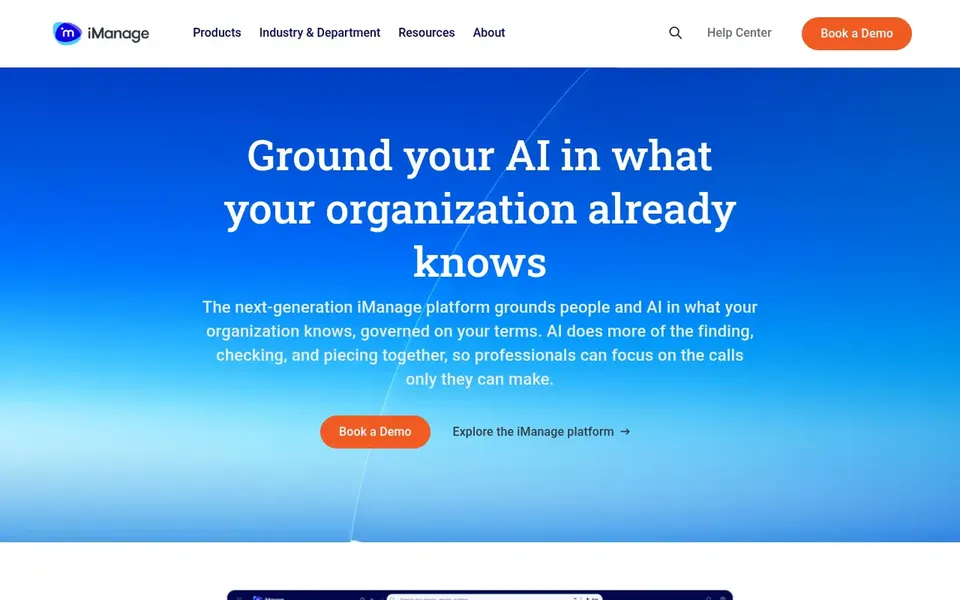
Think of iManage for AI-assisted knowledge work in legal. iManage describes itself as an AI knowledge work system that runs and activates knowledge whereas securely connecting people and AI.
The main drawbacks: May overlap with existing document systems.
If you need a more straightforward collaboration layer instead of a knowledge system, consider a more general choice. For legal departments, that means document and knowledge management with an emphasis on smarter decisions and secure access. iManage does not show a starting price in this comparison, so check the vendor site for current pricing. On free options: Not stated.
Best for: Everyday online collaboration and productivity
Google Workspace was built for everyday online collaboration and productivity. Legal departments can use it for shared documents, communication, and everyday coordination.
Downsides: Less legal-specific functionality.
Beyond that, departments with strict legal document governance may need extra controls or a specialized system. As for the details, if legal-specific organization is essential, consider a dedicated legal system. This comparison lists no price for Google Workspace; ask the vendor. Free plan details: Not stated.
Ask Dropbox Business, NetDocuments, iManage and Google Workspace for a written quote, since no starting price is shown.
Run a trial of Egnyte with real work before paying for a year; your own workflow is the best test.
Read the limits listed for Dropbox Business first: restricted legal-specific controls.
Check whether the features you need in Google Workspace sit on the entry plan or only on higher tiers.
Check how data leaves iManage: formats, limits and whether exports are available on every plan.
How we picked
We compared the tools on published pricing, free plan or trial availability, feature coverage for document collaboration tools for legal departments, and the limits each vendor documents. Where a vendor does not publish a price, the entry says quote. Where a price depends on seats or billing term, the entry says so. Tools are placed by general fit for document collaboration tools for legal departments, with price clarity and free access as tie-breakers. A different team can reasonably rank them differently.
Every price and plan detail on this page comes from the vendors’ own websites. We did not run hands-on tests unless the text says so, and we do not publish star ratings or review scores. See how we score and our disclosure.
Keep your shortlist in one place
Paste prices, trial dates and notes from this guide into Ainotely, our AI note app. It files them into a topic and pulls out tasks like “cancel trial by Friday”. Free 7-day trial, no card needed.
How are the tools for document collaboration tools for legal departments ordered?
The order follows typical fit for document collaboration tools for legal departments, with Dropbox Business first and Google Workspace last, then price clarity and free access. It is editorial judgement, not a score, so another team could rank the tools differently.
Is Dropbox Business the right pick for everyone comparing document collaboration tools for legal departments?
No single tool suits every team. Dropbox Business comes first because it fits simple file storage and sharing, while Egnyte suits enterprise content governance and large files and NetDocuments suits legal-focused document and email management. Match the tool to your own size, budget and workflow before deciding.
Do these tools publish their prices?
Not all of them. Dropbox Business, NetDocuments, iManage and Google Workspace publish no starting price, so expect a quote request for those. The rest, Egnyte included, show a starting price, though seats and billing terms still change the final cost.
What is the difference between NetDocuments and iManage?
NetDocuments emphasizes document and email management for legal businesses and departments with secure, compliant access. iManage positions itself as an AI knowledge work product for legal and professional services. Both target legal work, but their emphasis differs, so match the choice to your priorities.
Can I try these tools before paying?
Often, yes. Egnyte offers a free trial. Use your own data and a real task during the test, and check what the free tier or trial limits before you rely on it. All 5 picks in this document collaboration tools for legal Departments comparison show their pricing, free plan details and main limits on the cards above.