Our first pick is Dropbox Sign, best for straightforward, developer-friendly signing flows. Listed starting prices: Dropbox Sign from $15 USD / mo. Conga Sign fits signing inside CRM and workflows; SignNow fits custom signing workflows on any device. All 6 tools are compared below on price, free plan and limits.
Choosing e-signature apis software for enterprise usually comes down to price, fit and limits. This Ainotely guide sets 6 tools side by side on those three points, with the facts kept short and checkable.
Key takeaways
Dropbox Sign sits first on this list: straightforward, developer-friendly signing flows.
Signicat fits cross-border digital identity and signing.
Only Signicat offers a free plan among these 6 tools.
The main caution on SignNow: branding spans airSlate and SignNow.
Best for: Straightforward, developer-friendly signing flows
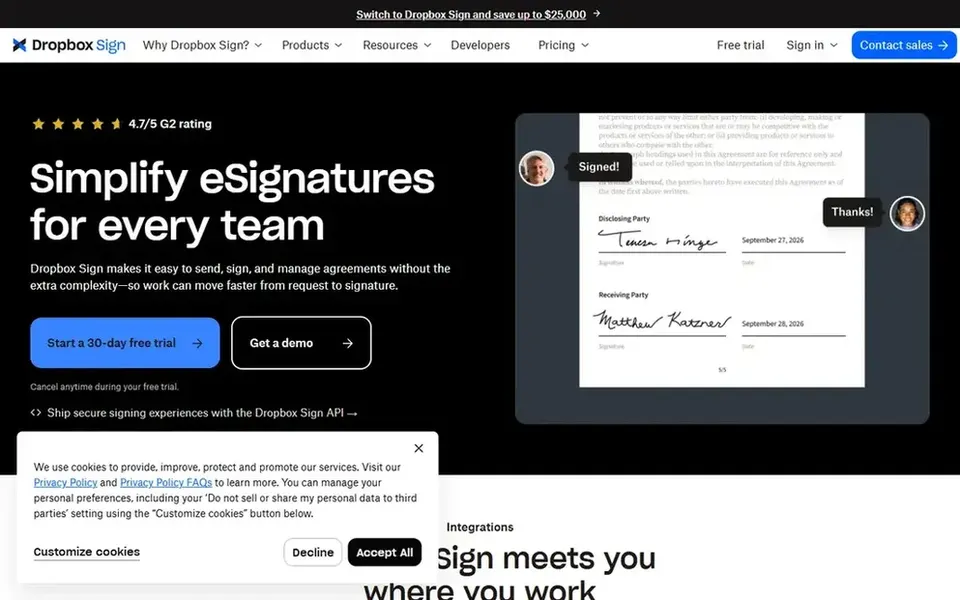
Dropbox Sign makes the most sense for straightforward, developer-friendly signing flows. Dropbox Sign, formerly HelloSign, is presented as a simple way to send, receive and run legally binding electronic signatures.
As for the details, the former HelloSign name helps teams recognize it from earlier integrations and developer documentation. It is less oriented toward deep identity assurance and complicated regulated workflows than some enterprise suites. Starting cost for Dropbox Sign: $15 USD / mo. Free plan details: Free trial.
Downsides: Less identity depth than regulated suites. Best features of Dropbox Sign: Clear send.
Conga Sign is designed for signing inside CRM and workflows. Conga Sign is described as compliant, white-label eSignature software that works inside any CRM or workflow.
The main drawbacks: Demo-led evaluation brings time.
Evaluation is demo-led, which layers on procurement time. Worth adding: teams already using Conga document tooling get the most natural fit. This comparison lists no price for Conga Sign; ask the vendor. Free plan details: Not stated.
In short, SignNow is for custom signing workflows on any device. SignNow, presented under the airSlate SignNow name, provides legally binding electronic signatures with custom eSignature workflows and use across devices.
SignNow shows no starting price here, so confirm the cost on the vendor site. On free options: Not stated.
OneSpan Sign serves identity assurance in signing workflows. OneSpan Sign is an e-signature product for customer agreements, with the vendor highlighting secure e-signatures, identity assurance, automation, smart forms and integrations. Consider OneSpan when identity checks and automatic agreement steps are central to the workflow.
More specifically, teams with plain signing needs may prefer a lighter API. The product is geared toward digital agreement workflows instead of one-off signing. On top of that, the breadth of features means buyers should scope carefully to avoid paying for capability they will not use. No starting price is listed for OneSpan Sign here; confirm pricing on the vendor site. As for free access: Not stated.
Where it falls short: May be more than straightforward signing needs.
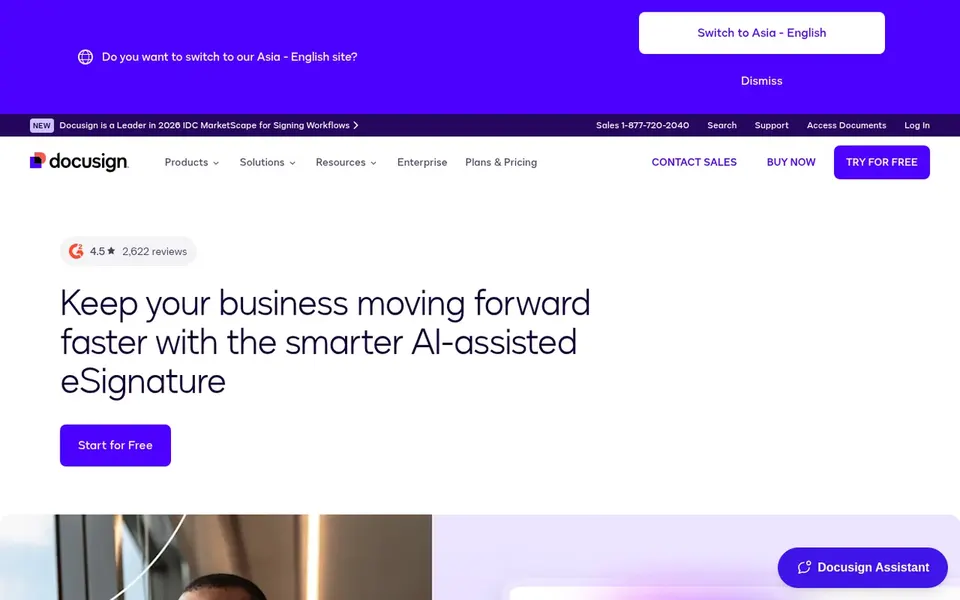
DocuSign eSignature is a good fit for broad agreement workflows at scale. The tradeoff is complexity: a broad platform means more configuration and more decisions about which features to enable.
Drawbacks to consider: Feature depth can add setup complexity.
Beyond that, choose DocuSign when agreement volume and integration depth matter more than minimal setup. Pricing for DocuSign eSignature is not stated here, so ask the vendor for current figures. Free access: Not stated.
Best for: Cross-border digital identity and signing
Signicat serves cross-border digital identity and signing. Signicat presents itself as a single point of integration for digital identity needs across borders, handling every step of the customer journey.
Since the emphasis is identity, teams that only need entry-level signature capture may find it broader than necessary. In practice, cross-border coverage also means integration planning across markets. This comparison lists no price for Signicat; ask the vendor. You can start on Signicat without paying.
Ask Conga Sign, SignNow, OneSpan Sign and others for a written quote, since no starting price is shown.
Look at the free plan from Signicat closely: its caps decide whether it is usable for real work.
Run a trial of Dropbox Sign with real work before paying for a year; your own workflow is the best test.
Read the limits listed for Dropbox Sign first: less identity depth than regulated suites.
Ask whether Conga Sign integrates with your current software, and whether that comes standard or as an add-on.
Confirm minimum seats and billing terms with Signicat before you commit to an annual plan.
How we picked
Pricing pages, product documentation and feature lists were the main sources, and every entry carries at least one honest drawback. Treat prices as a snapshot: vendors change plans often, so check the vendor site for the figure that applies today. We ordered the tools by general fit, then by how clearly pricing is shown, then by free access. A buyer with unusual needs may reorder them. This applies to all 6 E-Signature Apis software for enterprise options compared here.
Every price and plan detail on this page comes from the vendors’ own websites. We did not run hands-on tests unless the text says so, and we do not publish star ratings or review scores. See how we score and our disclosure.
Keep your shortlist in one place
Paste prices, trial dates and notes from this guide into Ainotely, our AI note app. It files them into a topic and pulls out tasks like “cancel trial by Friday”. Free 7-day trial, no card needed.
How are the tools for e-signature apis software for enterprise ordered?
The order follows typical fit for e-signature apis software for enterprise, with Dropbox Sign first and Signicat last, then price clarity and free access. It is editorial judgement, not a score, so another team could rank the tools differently.
Which options for e-signature apis software for enterprise have a free plan?
Signicat is the only tool in this list with a free plan. Free plans usually cap users, projects or features, so check the limits on the vendor page. One other tool offers a trial instead.
Is Dropbox Sign the right pick for everyone comparing e-signature apis software for enterprise?
No single tool suits every team. Dropbox Sign comes first because it fits simple, developer-friendly signing flows, while Conga Sign suits signing inside CRM and workflows and SignNow suits custom signing workflows on any device. Match the tool to your own size, budget and workflow before deciding.
Can I try these tools before paying?
Often, yes. Signicat has a free plan and Dropbox Sign offers a free trial. Use your own data and a real task during the test, and check what the free tier or trial limits before you rely on it.
Which e-signature API is a good match for enterprise use?
This list starts with Dropbox Sign, which fits straightforward, developer-friendly signing flows. For other needs, Conga Sign is aimed at signing inside CRM and workflows, and SignNow at custom signing workflows on any device. Check each tool's price and main limit first.