Our first pick is Barracuda Email Protection, best for advanced threat detection and data protection. Listed starting prices: Microsoft Exchange Online from $5.40 per user a month. Trellix Email Security is better for blocking advanced attacks that bypass gateways, and Mimecast Email Security is better for thorough email security and resilience. The remaining 3 options are covered below with prices and limits.
Short on time? The summary and table above give the quick view of 6 tools for email management software for enterprise, and the profiles that follow give the detail behind each entry.
Key takeaways
The list opens with Barracuda Email Protection, aimed at advanced threat detection and data protection.
The lowest published monthly entry price here is $5.40 per user per month, from Microsoft Exchange Online.
One limit worth knowing about Mimecast Email Security: may be complex to deploy for smaller IT teams.
Barracuda Email Protection, Proofpoint Email Protection and the 4 others all need a premium plan or a trial, since no free plan is listed.
Best for: Advanced threat detection and data protection
Pick Barracuda Email Protection if this describes you: advanced threat detection and data protection. Barracuda Email Protection is an email security service that concentrates on preventing phishing, malware, and data breaches through advanced threat detection. It is built to protect companies from a set of email-borne threats and can complement existing email systems.
As with any security add-on, results rely on correct configuration and continuing management. It may not be necessary for enterprises with restricted risk exposure or those satisfied with native email security. Choose it when you need specialized threat detection beyond what your primary email service gives you. Worth adding: organizations seeking a dedicated security layer commonly evaluate it. No starting price is listed for Barracuda Email Protection here; confirm pricing on the vendor site. Free options: Free trial.
Limits to weigh: May need integration with existing email systems.
Best for: Blocking advanced attacks that bypass gateways
For blocking advanced attacks that bypass gateways, Trellix Email Security is a natural candidate. Trellix Email Security guards against advanced email attacks that bypass the initial gateway by using a secure gateway that blocks inbound and outbound malware, phishing URLs, impersonation techniques, and spam.
On top of that, choose it when you need specialized protection against advanced attacks and impersonation. Check the vendor site for Trellix Email Security pricing; none is listed in this comparison. Trial and free access: Not stated.
Trade-offs to know: May overlap with existing gateway security.
Mimecast Email Security is built with thorough email security and resilience in mind. Mimecast Email Security is a well-known option for protecting enterprise email from phishing, malware, and other threats. It also supplies continuity features to keep email flowing during outages.
Honest limits: Needs integration with existing email systems.
In daily use, consider it when email resilience and advanced threat protection are key requirements. Enterprises that require a solid, standalone email security layer commonly consider it as part of their defense in depth. It is also an additional layer that works alongside systems like Microsoft 365 or Google Workspace. No starting price is listed for Mimecast Email Security here; confirm pricing on the vendor site. Free access: Not stated.
Best for: Enterprises needing hosted or on-premises email
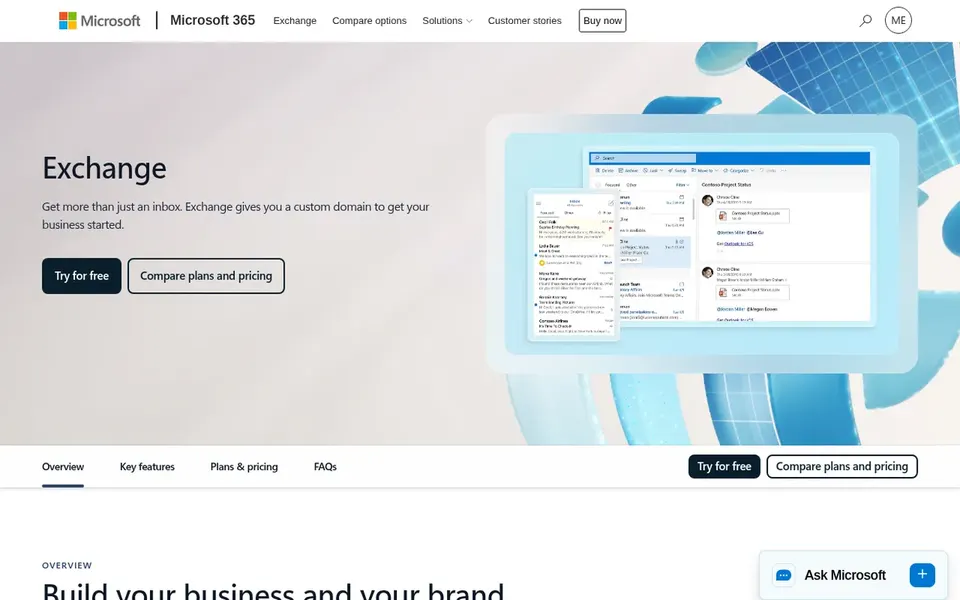
Microsoft Exchange Online is built with enterprises needing hosted or on-premises email in mind. It emphasizes data security and productivity, making it a fit for enterprises that require adaptable deployment choices and integration with Microsoft 365.
From a buyer's view, organizations seeking a familiar, widely supported email system frequently consider it. What you pay to start with Microsoft Exchange Online: $5.40 per user per month. On free options: Free trial.
Trade-offs to know: Management complexity can be high for smaller IT teams.
Best for: Teams prioritizing collaboration and productivity
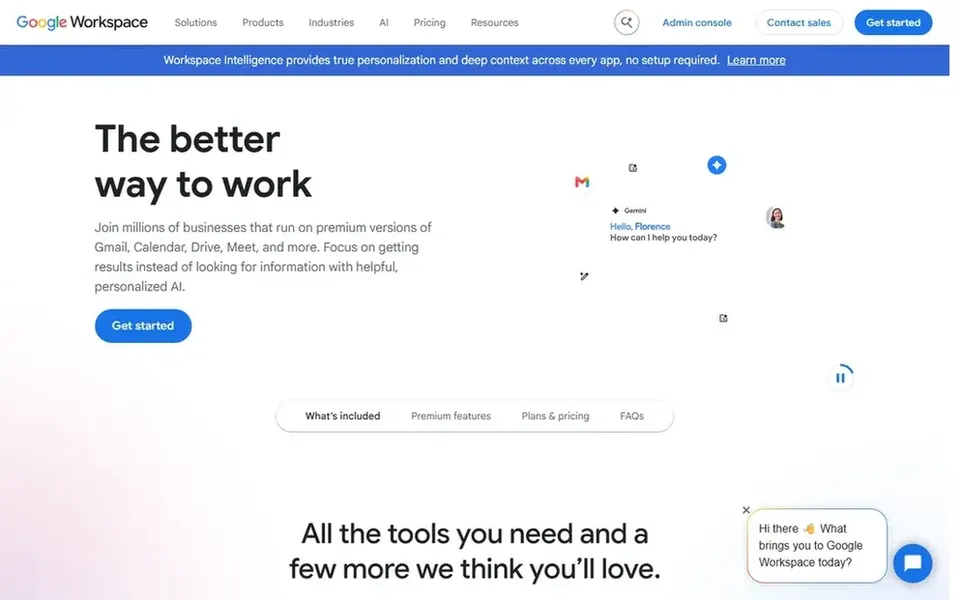
Google Workspace makes the most sense for teams prioritizing collaboration and productivity. Google Workspace is a suite of secure online productivity and collaboration tools meant to help teams of all sizes do their best work.
It contains email along with other applications, making it right for enterprises that want an integrated collaboration environment. Organizations looking to simplify communication and document sharing commonly consider it. Check the vendor site for Google Workspace pricing; none is listed in this comparison. Trial and free access: Not stated.
Where it falls short: Built-in email defenses may not stop all advanced attacks.
Proofpoint Email Protection was built for advanced phishing and BEC defense. Choose it when advanced threat detection is a priority and you already have a primary email system in place. More specifically, since it is built to augment instead of replace native email products, Proofpoint may be redundant for organizations with entry-level security needs.
It also needs configuration to align with existing workflows. Proofpoint Email Protection is an AI-driven email security solution that uses behavioral AI to stop phishing, business email compromise, and evasive attacks that bypass the built-in defenses of Microsoft 365 and Google Workspace. It can be deployed via API or as a secure email gateway, making it a fit for enterprises that require an additional layer of protection beyond native email security. Pricing for Proofpoint Email Protection is not stated here, so ask the vendor for current figures. Trial and free access: Not stated.
Honest limits: Overlaps with built-in defenses in Microsoft 365 and Google Workspace.
Get a written quote from Barracuda Email Protection, Trellix Email Security, Mimecast Email Security and others; the list shows no starting price for them.
Take the trial from Barracuda Email Protection and Microsoft Exchange Online and push a live task through it before you pay.
Read the limits listed for Barracuda Email Protection first: may need integration with existing email systems.
Involve the people who will use Barracuda Email Protection daily; a short pilot beats a long feature checklist.
Confirm that Proofpoint Email Protection connects to the apps your team already uses, on the plan you would actually buy.
How we picked
Selection started from tools commonly considered for email management software for enterprise, then narrowed to 6 that have clear pricing information or a clear quote process. Seat minimums, billing terms and add-ons can move the real cost, so the starting prices here are a guide and not a quote. Order on the page follows fit for the typical buyer first, then price transparency and free access. Your own requirements should decide the final pick.
Every price and plan detail on this page comes from the vendors’ own websites. We did not run hands-on tests unless the text says so, and we do not publish star ratings or review scores. See how we score and our disclosure.
Keep your shortlist in one place
Paste prices, trial dates and notes from this guide into Ainotely, our AI note app. It files them into a topic and pulls out tasks like “cancel trial by Friday”. Free 7-day trial, no card needed.
How are the tools for email management software for enterprise ordered?
Barracuda Email Protection sits first and Proofpoint Email Protection last because the order follows typical fit for email management software for enterprise, then price clarity and free access. It is a judgement call, so read each profile for fit and limits.
What is the cheapest option for email management software for enterprise in this list?
On published monthly entry prices, Microsoft Exchange Online is the lowest here at $5.40 per user per month. Entry price is only part of the cost, because seats, add-ons and billing terms can change the total. The 6 tool cards above repeat this per product for email management software for enterprise, with the listed price or "pricing on request".
What is the difference between email management and email security?
Email management concentrates on hosting, administration, and collaboration features, whereas email security specifically targets threat protection. Plenty of enterprises use a primary email product for management and add a security layer for advanced defense.
Can I try these tools before paying?
Often, yes. Barracuda Email Protection and Microsoft Exchange Online offer a free trial. Use your own data and a real task during the test, and check what the free tier or trial limits before you rely on it. Each of the 6 options in this email management software for enterprise guide has its own card above with the price, free plan and limits.
Are these tools right for large enterprises?
Yes, the tools listed are aimed at enterprise environments, offering scalability, administrative controls, and advanced features. That said, requirements vary, so evaluate each based on your specific security, compliance, and collaboration needs.
Is Barracuda Email Protection the right pick for everyone comparing email management software for enterprise?
No single tool suits every team. Barracuda Email Protection comes first because it fits advanced threat detection and data protection, while Trellix Email Security suits blocking advanced attacks that bypass gateways and Mimecast Email Security suits comprehensive email security and resilience. Match the tool to your own size, budget and workflow before deciding.