For integrated email security and resilience, Mimecast Email Security is where this list starts. Alternatives: Barracuda Email Protection for phishing and malware defense for companies, and Trend Micro Email Security for threat defense across email services. All 6 tools are compared below on price, free plan and limits.
Short on time? The summary and table above give the quick view of 6 email security services providers, and the profiles that follow give the detail behind each entry.
Key takeaways
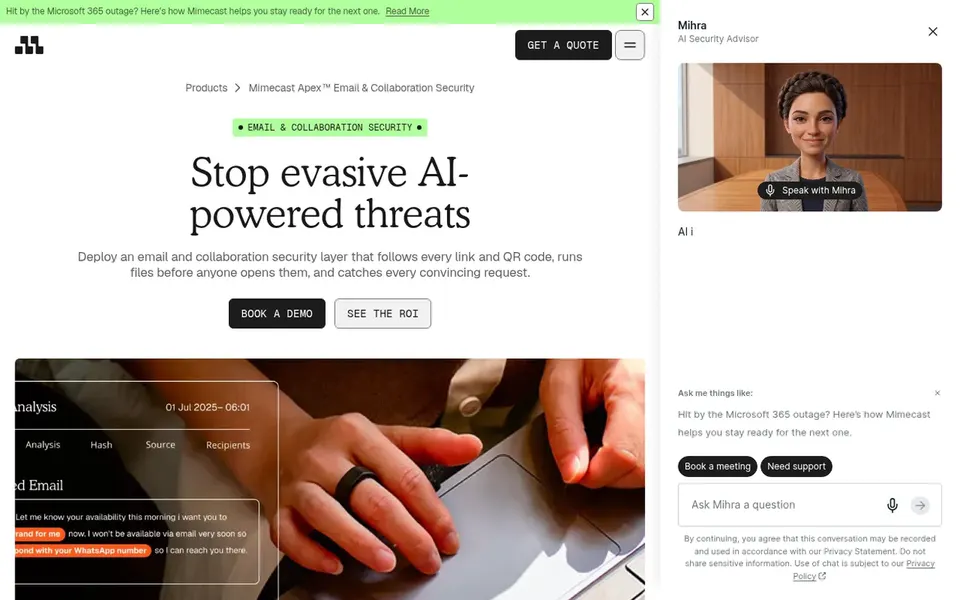
Mimecast Email Security takes the first slot, best suited to integrated email security and resilience.
Check Point Harmony Email & Collaboration fits AI-powered protection for cloud email.
A permanent free plan is missing from all 6 tools, Mimecast Email Security and Check Point Harmony Email & Collaboration included; plan for a trial or a premium start.
Mimecast Email Security, Check Point Harmony Email & Collaboration and the 4 others all sell by quote; expect sales conversations before you see a price.
Best for: Integrated email security and resilience
Think of Mimecast Email Security for integrated email security and resilience. Teams frequently choose it when they prefer an established suite with a wide set of email controls instead of a narrowly focused point tool.
From a buyer's view, very small teams with entry-level needs may prefer a more straightforward gateway. As for the details, Mimecast Email Security is a widely adopted system that merges threat inspection with email resilience features for cloud and gateway-based deployments. Mimecast Email Security does not show a starting price in this comparison, so check the vendor site for current pricing. Trial and free access: Not stated.
Where it is weaker: Overlap with native filters needs tuning.
Best for: Phishing and malware defense for companies
Pick Barracuda Email Protection if this describes you: phishing and malware defense for firms. Teams needing deep behavioral AI for identity or insider threats may want a more specialized system.
Trade-offs to know: Feature set varies by deployment choice.
Worth adding: confirm the deployment choices and feature coverage that match your mail environment before deciding. Barracuda Email Protection shows no starting price here, so confirm the cost on the vendor site. Free plan details: Free trial.
In short, Trend Micro Email Security is for threat defense across email services. Trend Micro Email Security stops phishing, ransomware and targeted attacks on any email service, including Microsoft 365 and Google Workspace, using threat defense techniques.
For everyday use, confirm how the service connects with your specific email service and what deployment choices are offered. Teams commonly choose it when they need broad coverage for typical and targeted threats without changing their primary mail system. This comparison lists no price for Trend Micro Email Security; ask the vendor. As for free access: Not stated.
Where it is weaker: May overlap with native email filters.
Abnormal Security is a good fit for API-based behavioral AI inbox defense. Also confirm how identity protections overlap with existing identity tools before adding the system.
The main drawbacks: Identity coverage may overlap with other tools.
Abnormal Security shows no starting price here, so confirm the cost on the vendor site. Free options: Not stated.
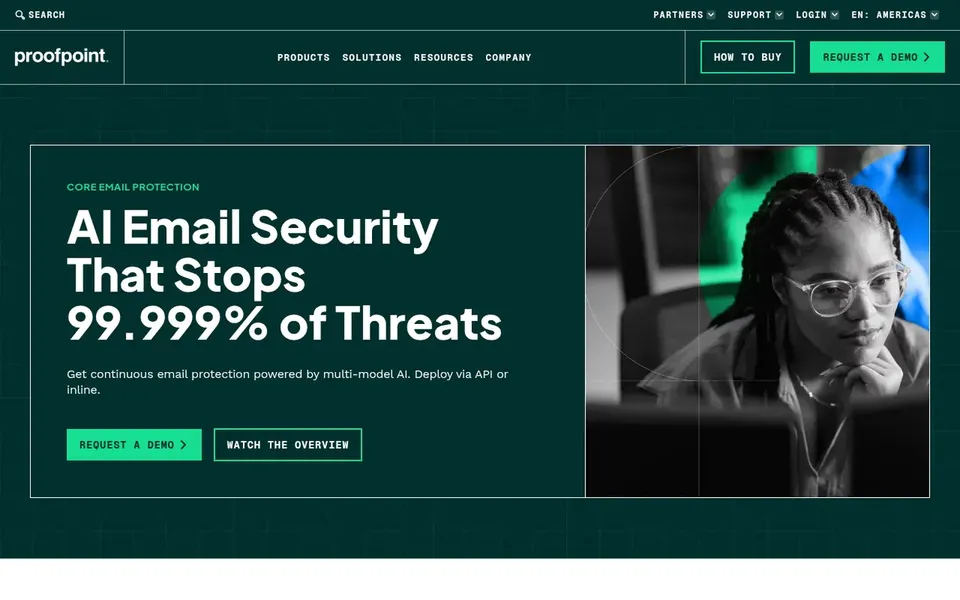
Proofpoint Email Protection is a good fit for behavioral AI against phishing and BEC. Smaller organizations with straightforward mail setups may find the system more than they need.
Proofpoint Core Email Protection uses behavioral AI to stop phishing, business email compromise and evasive attacks that bypass built-in Microsoft 365 and Google Workspace defenses. Since it targets threats that slip past native filters, teams should plan how the layers interact and avoid duplicating policies. Check the vendor site for Proofpoint Email Protection pricing; none is listed in this comparison. As for free access: Not stated.
Downsides: Layer overlap with native email defenses.
Check Point Harmony Email & Collaboration is a good fit for AI-powered protection for cloud email. Check Point Harmony Email & Collaboration, formerly Avanan, supplies AI-powered protection against phishing, malware and business email compromise for Microsoft 365, Gmail and more. Also, confirm the collaboration coverage and deployment model that match your environment.
Adding a layer on top of native email security means policies should be tuned to avoid duplicate alerts and filtering. Teams commonly consider it when they want API-based protection that complements native cloud email defenses. Check the vendor site for Check Point Harmony Email & Collaboration pricing; none is listed in this comparison. On free options: Not stated.
Where it falls short: Collaboration coverage may need scoping.
Request quotes from Mimecast Email Security, Check Point Harmony Email & Collaboration and the others; the list shows no fixed prices.
Take the trial from Barracuda Email Protection and push a live task through it before you pay.
Read the limits listed for Mimecast Email Security first: feature breadth can complicate rollout.
Check the support hours and onboarding help Check Point Harmony Email & Collaboration offers; smaller vendors vary a lot here.
Involve the people who will use Mimecast Email Security daily; a short pilot beats a long feature checklist.
How we picked
The comparison looks at four things: starting price, free access, how well the feature set matches email security services providers, and the main limit of each tool. Where a price is missing, the vendor does not list one publicly or ties it to a quote. Always confirm before budgeting. The ranking is editorial: typical fit first, then clear pricing, then free access. If your needs are unusual, read the profiles rather than relying on position.
Every price and plan detail on this page comes from the vendors’ own websites. We did not run hands-on tests unless the text says so, and we do not publish star ratings or review scores. See how we score and our disclosure.
Keep your shortlist in one place
Paste prices, trial dates and notes from this guide into Ainotely, our AI note app. It files them into a topic and pulls out tasks like “cancel trial by Friday”. Free 7-day trial, no card needed.
Does any tool for email security services providers here have a free plan?
No tool in this list, Mimecast Email Security and Check Point Harmony Email & Collaboration included, has a permanent free plan. Barracuda Email Protection offer a trial. Trials and quotes are the usual route, so plan a short evaluation period.
How are the email security services providers ordered?
The order follows typical fit for email security services providers, with Mimecast Email Security first and Check Point Harmony Email & Collaboration last, then price clarity and free access. It is editorial judgement, not a score, so another team could rank the tools differently.
How should I evaluate overlap between an email security service and native filters?
Ask the vendor how policies are tuned to avoid duplicate filtering and alert noise when layered on Microsoft 365 or Google Workspace. Review which threats the service targets beyond native defenses, like business email compromise or insider threats.
Do I need a third-party email security service if I use Microsoft 365 or Google Workspace?
Native filters handle plenty of threats, but vendors like Proofpoint and Abnormal Security specifically target attacks that bypass built-in defenses. Whether you need it relies on your risk profile and the threats you see most.
What is the difference between an API-based and a gateway-based email security service?
API-based services link to your mail system and inspect messages without rerouting mail, which is more straightforward to deploy. Some providers, like Proofpoint, offer both models.
Do these tools publish their prices?
No. None of the tools, from Mimecast Email Security to Check Point Harmony Email & Collaboration, shows a fixed starting price here, so budget time for quotes.