This list puts Barracuda Email Protection first for Email-focused threat and data protection. Zscaler Data Loss Prevention is the stronger choice for cloud-first enterprises, while Netskope Data Loss Prevention suits safeguarding data in cloud services. The remaining 3 options are covered below with prices and limits.
Ainotely compared 6 tools for email DLP software. The goal is a practical shortlist: published prices, free plan facts, best-fit use cases and honest limits for every entry.
Key takeaways
Barracuda Email Protection takes the first slot, best suited to Email-focused threat and data protection.
Check the limits for Google Workspace DLP before you commit: restricted to Google Workspace.
Barracuda Email Protection, Symantec Data Loss Prevention and the 4 others all sell by quote; expect sales conversations before you see a price.
A permanent free plan is missing from all 6 tools, Barracuda Email Protection and Symantec Data Loss Prevention included; plan for a trial or a premium start.
Symantec Data Loss Prevention is the one to check for large enterprises needing scale.
Best for: Email-focused threat and data protection
Barracuda Email Protection is aimed squarely at Email-focused threat and data protection. Barracuda Email Protection is an email security service that protects firms from phishing, malware, and data breaches with advanced threat detection. Barracuda Email Protection is primarily an email security option, so its DLP capabilities may be less deep than dedicated DLP tools.
Where it falls short: May lack deep DLP features.
It may not include data loss across other channels like endpoint or cloud apps. Also, whereas not a dedicated DLP product, it comes with capabilities to prevent data loss via email. No starting price is listed for Barracuda Email Protection here; confirm pricing on the vendor site. Free options: Free trial.
For cloud-first enterprises, Zscaler Data Loss Prevention is a natural candidate. Zscaler Data Loss Prevention guards data and intellectual property for global enterprises. It offers live reports and helps ensure regulatory compliance.
From a buyer's view, the cloud-centric approach might not suit organizations with significant on-premises infrastructure. Evaluate alternatives if you need a standalone DLP or prefer on-premises deployment. Check the vendor site for Zscaler Data Loss Prevention pricing; none is listed in this comparison. As for free access: Not stated.
Drawbacks to consider: May need Zscaler ecosystem.
Netskope Data Loss Prevention targets safeguarding data in cloud services. It is well-suited for businesses that rely heavily on cloud services and have to monitor and control data flows.
The main drawbacks: Needs Netskope product.
In practice, consider other choices if you need a more straightforward or standalone DLP option. For everyday use, configuration can be complicated, requiring careful planning. Check the vendor site for Netskope Data Loss Prevention pricing; none is listed in this comparison. Free options: Not stated.
For Google Workspace users, Google Workspace DLP is a natural candidate. It gives you data loss prevention capabilities for Gmail and other Workspace services. From a buyer's view, consider other tools if you need cross-platform DLP coverage.
For everyday use, Google Workspace DLP is restricted to the Google Workspace environment. So it may not protect data in other email systems or external apps. It needs administrative configuration and may lack some advanced DLP features found in dedicated options. Google Workspace DLP shows no starting price here, so confirm the cost on the vendor site. As for free access: Not stated.
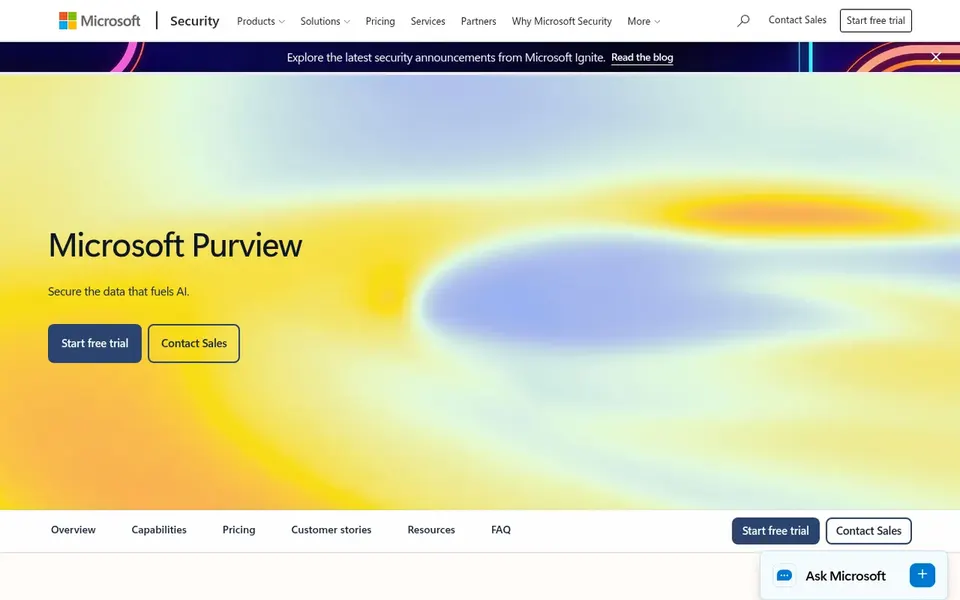
Microsoft Purview Data Loss Prevention serves Microsoft 365-centric organizations. Microsoft Purview Data Loss Prevention is part of Microsoft's data security and governance product. It helps organizations secure and handle their data estate with full visibility, control, and compliance.
Watch-outs: Best value within Microsoft ecosystem.
More specifically, Purview DLP may be less appealing if your environment is not centered on Microsoft services, as its strengths are tied to the Microsoft ecosystem. Beyond that, the tool is aimed at companies that depend on Microsoft 365 and want to apply DLP policies across email and other services. Pricing for Microsoft Purview Data Loss Prevention is not stated here, so ask the vendor for current figures. On free options: Not stated.
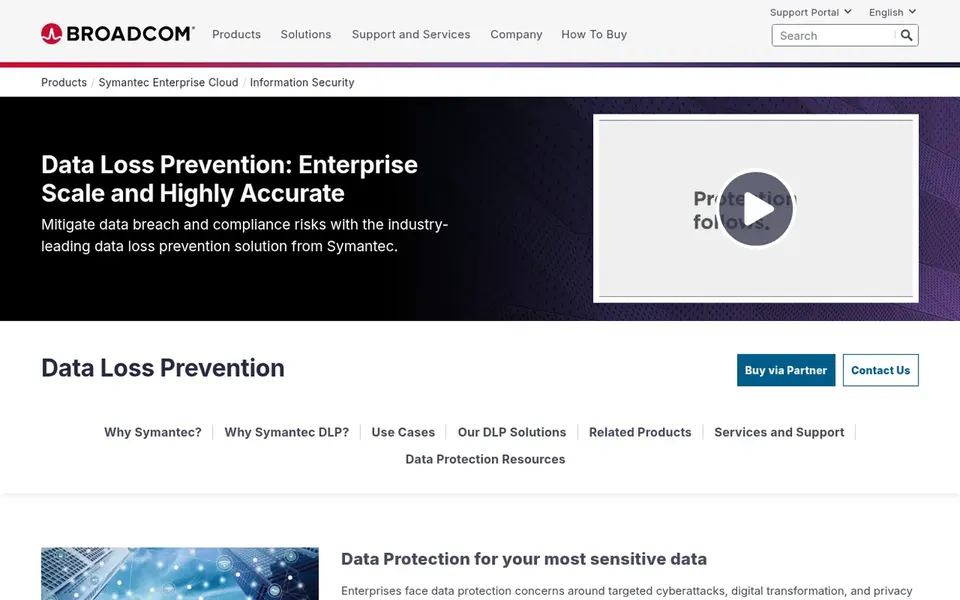
For large enterprises needing scale, Symantec Data Loss Prevention is a natural candidate. Symantec Data Loss Prevention, offered by Broadcom, focuses on protecting data at enterprise scale without operational complexity. It is aimed at large organizations that require to prevent data loss across email and other channels.
Where it is weaker: Complicated deployment.
For everyday use, the option aims to supply accurate detection and protection for sensitive information, making it right for enterprises with broad data protection requirements. Symantec DLP can be complicated to deploy and run, frequently requiring specialized staff. It may be overkill for smaller organizations or those without dedicated security teams. No starting price is listed for Symantec Data Loss Prevention here; confirm pricing on the vendor site. Free options: Not stated.
Request quotes from Barracuda Email Protection, Symantec Data Loss Prevention and the others; the list shows no fixed prices.
Take the trial from Barracuda Email Protection and push a live task through it before you pay.
Read the limits listed for Barracuda Email Protection first: restricted to email channel.
Find out whether the entry plan of Symantec Data Loss Prevention covers your must-haves or only a trimmed-down version.
Run a one or two week pilot of Barracuda Email Protection with the people who will use it every day.
How we picked
Pricing pages, product documentation and feature lists were the main sources, and every entry carries at least one honest drawback. Where a price is missing, the vendor does not list one publicly or ties it to a quote. Always confirm before budgeting. The order reflects how well each tool fits the most common buying scenario for email DLP software, then price clarity, then free plan access. It is a starting point, not a verdict.
Every price and plan detail on this page comes from the vendors’ own websites. We did not run hands-on tests unless the text says so, and we do not publish star ratings or review scores. See how we score and our disclosure.
Keep your shortlist in one place
Paste prices, trial dates and notes from this guide into Ainotely, our AI note app. It files them into a topic and pulls out tasks like “cancel trial by Friday”. Free 7-day trial, no card needed.
Start by identifying your email product and integration needs. Consider the types of data you have to protect, compliance requirements, and whether you prefer a standalone DLP or one integrated with a broader security system. Evaluate management complexity and scalability.
Is Barracuda Email Protection the right pick for everyone comparing email DLP software?
No single tool suits every team. Barracuda Email Protection comes first because it fits Email-focused threat and data protection, while Zscaler Data Loss Prevention suits cloud-first enterprises and Netskope Data Loss Prevention suits safeguarding data in cloud services. Match the tool to your own size, budget and workflow before deciding.
How are the tools for email DLP software ordered?
Barracuda Email Protection sits first and Symantec Data Loss Prevention last because the order follows typical fit for email DLP software, then price clarity and free access. It is a judgement call, so read each profile for fit and limits.
Does any tool for email DLP software here have a free plan?
A permanent free plan is not offered by Barracuda Email Protection, Symantec Data Loss Prevention or the other tools here. Barracuda Email Protection offer a trial. Plan a short evaluation period instead.
Can I try these options before paying?
Often, yes. Barracuda Email Protection offers a free trial. Use your own data and a real task during the test, and check what the free tier or trial limits before you rely on it. Each of the 6 options in this email DLP software guide has its own card above with the price, free plan and limits.