For professional mechanical design and documentation, Inventor is where this list starts. Listed starting prices: Onshape from $1,500 per user a year. Ansys Mechanical is better for structural FEA analysis, and Autodesk Fusion is better for integrated CAD, CAM, and CAE in the cloud. The remaining 2 options are covered below with prices and limits.
Short on time? The summary and table above give the quick view of 5 tools for engineering design software, and the profiles that follow give the detail behind each entry.
Key takeaways
Inventor takes the first slot, best suited to professional mechanical design and documentation.
Solid Edge suits 3D CAD with synchronous technology.
Onshape is the only tool of the 5 with a free plan.
One limit worth knowing about Ansys Mechanical: not a design tool itself.
Best for: Professional mechanical design and documentation
Pick Inventor if this describes you: professional mechanical design and documentation. Inventor is a desktop application, so it lacks the native cloud collaboration of Fusion or Onshape.
Watch-outs: Windows-only.
It is widely used by engineers who require in-depth part and assembly modeling with solid drawing creation. Beyond that, teams that require built-in CAM or electronics design may find Fusion a more integrated choice. Inventor does not show a starting price in this comparison, so check the vendor site for current pricing. Free access: Not stated.
In short, Ansys Mechanical is for structural FEA analysis. Teams seeking an all-in-one design and simulation system might prefer Fusion or Solid Edge, which bundle simulation capabilities.
It is usually used alongside CAD software by analysts and engineers centred on simulation. Ansys Mechanical shows no starting price here, so confirm the cost on the vendor site. Trial and free access: Not stated.
Best for: Integrated CAD, CAM, and CAE in the cloud
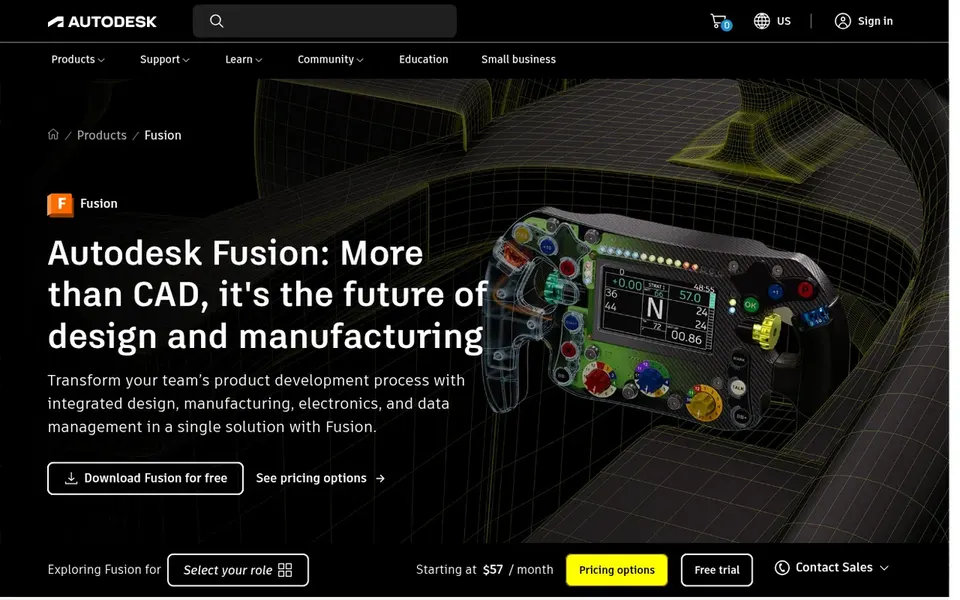
Autodesk Fusion is aimed squarely at integrated CAD, CAM, and CAE in the cloud. Autodesk Fusion, formerly Fusion 360, is a cloud-based system that brings together 3D CAD, CAM, CAE, and PCB design.
On top of that, the unified environment cuts the have to switch between separate tools for modeling, simulation, and electronics. In practice, since Fusion is cloud-centric, teams with strict data residency requirements or restricted internet access may prefer desktop-first tools. Autodesk Fusion does not show a starting price in this comparison, so check the vendor site for current pricing. Free plan details: Not stated.
Drawbacks to consider: Can be complicated for straightforward 2D work.
In short, Onshape is for cloud-native CAD with built-in PDM. Onshape is a cloud-native product development product that comes with CAD and built-in PDM. It is made for teams that want to collaborate in live without managing local servers or IT infrastructure.
Watch-outs: Needs dependable internet.
Onshape runs in a web browser and supports customization and automation. For everyday use, teams needing broad CAM or CAE capabilities may have to integrate extra tools or choose a broader system like Fusion. Since Onshape is entirely cloud-based, it depends on a stable internet connection. What you pay to start with Onshape: $1,500 per user per year. Onshape offers a free plan.
Choose Solid Edge for 3D CAD with synchronous technology. Whereas Solid Edge provides a wide feature set, it is primarily a desktop option and may not suit teams seeking a completely cloud-based workflow.
In practice, Solid Edge serves mechanical and industrial design teams across several industries. Organizations already invested in other CAD ecosystems may face migration challenges. Solid Edge does not show a starting price in this comparison, so check the vendor site for current pricing. Free plan details: Not stated.
Points against: Less cloud-native than some rivals.
Ask Inventor, Ansys Mechanical, Autodesk Fusion and Solid Edge for a written quote, since no starting price is shown.
Look at the free plan from Onshape closely: its caps decide whether it is usable for real work.
Before choosing Inventor, weigh its main limit: Windows-only.
Ask Inventor how an export works before you move any records in; an easy exit lowers the risk.
Check whether Autodesk Fusion bills monthly or annually, and what cancelling early costs.
How we picked
Ainotely used vendor pricing pages and product documentation as the base, then compared plans, free access and documented limits for 5 tools. Where a price is missing, the vendor does not list one publicly or ties it to a quote. Always confirm before budgeting. Tools are placed by general fit for engineering design software, with price clarity and free access as tie-breakers. A different team can reasonably rank them differently.
Every price and plan detail on this page comes from the vendors’ own websites. We did not run hands-on tests unless the text says so, and we do not publish star ratings or review scores. See how we score and our disclosure.
Keep your shortlist in one place
Paste prices, trial dates and notes from this guide into Ainotely, our AI note app. It files them into a topic and pulls out tasks like “cancel trial by Friday”. Free 7-day trial, no card needed.
Often, yes. Onshape has a free plan. Use your own data and a real task during the test, and check what the free tier or trial limits before you rely on it. All 5 picks in this engineering design software comparison show their pricing, free plan details and main limits on the cards above.
Which options for engineering design software have a free plan?
Onshape is the only tool in this list with a free plan. Free plans usually cap users, projects or features, so check the limits on the vendor page. For the full picture, the cards above cover all 5 entries of this engineering design software list, including price, free plan and limits.
What is the cheapest option for engineering design software in this list?
On published monthly entry prices, Onshape is the lowest here at $1,500 per user per year. Entry price is only part of the cost, because seats, add-ons and billing terms can change the total. Pricing, free plan details and limits for all 5 tools in this engineering design software roundup sit on the individual cards above.
How are the tools for engineering design software ordered?
Inventor sits first and Solid Edge last because the order follows typical fit for engineering design software, then price clarity and free access. It is a judgement call, so read each profile for fit and limits.
What is the best engineering design software for beginners?
Start with Inventor if you need professional mechanical design and documentation. Ansys Mechanical is the better match for structural FEA analysis, and Autodesk Fusion for integrated CAD, CAM, and CAE in the cloud. The best choice depends on budget, team size and workflow.