Looker leads the list, best for governed metrics and embedded analytics. Listed starting prices: Tableau from $15 per user a month. For a different need, Domo covers governed data for AI agents and Tableau covers visual exploration and wide connectivity. The remaining 3 options are covered below with prices and limits.
Short on time? The summary and table above give the quick view of 6 enterprise analytics platforms, and the profiles that follow give the detail behind each entry.
Key takeaways
Top of the list is Looker, which targets governed metrics and embedded analytics.
Sisense is the one to check for embedded analytics with adaptable coding.
Tableau stands alone as the one tool in this list with a free plan.
For the cheapest start, look at Tableau: $15 per user per month.
Check the limits for Looker before you commit: semantic layer needs modeling effort.
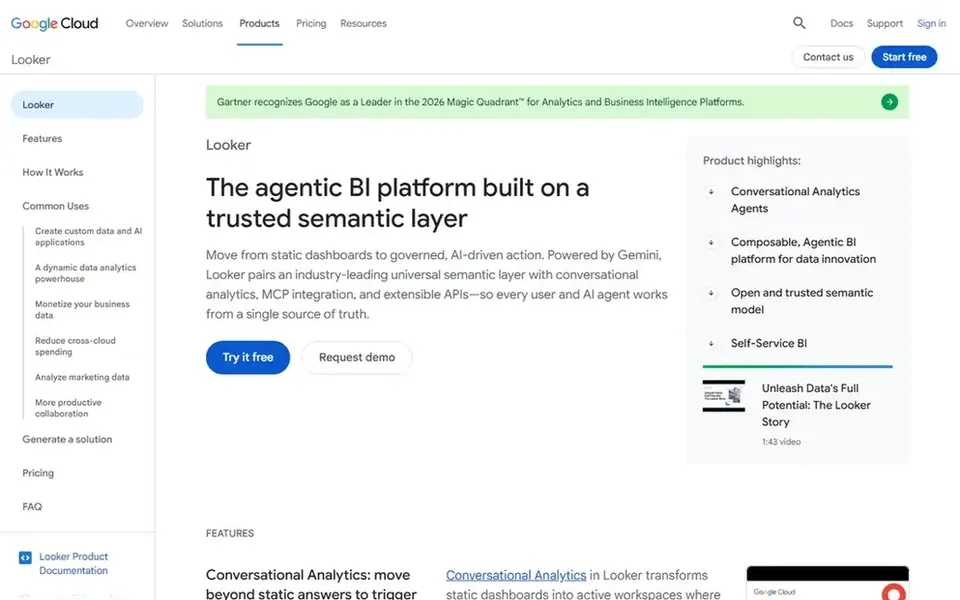
Looker was built for governed metrics and embedded analytics. It brings together metrics with a trusted semantic layer and Gemini agents, making it a fit for organizations that require consistent definitions across teams and want to embed analytics into other applications.
Where it is weaker: Semantic layer needs modeling effort.
Building and maintaining the semantic layer takes upfront modeling work, and the system is closely tied to Google Cloud. No starting price is listed for Looker here; confirm pricing on the vendor site. As for free access: Not stated.
Choose Domo for governed data for AI agents. If you need a visualization-first tool, consider Tableau; if you need embedded analytics, consider Sisense. The breadth of Domo's product can need significant setup and may overwhelm new users.
Domo strengthens the whole data journey with AI and data products. It links and moves data from any source, prepares and expands data access for exploration, and accelerates business-critical insights. Pricing for Domo is not stated here, so ask the vendor for current figures. As for free access: Free trial.
Points against: Breadth of features can overwhelm new users.
Best for: Visual exploration and wide connectivity
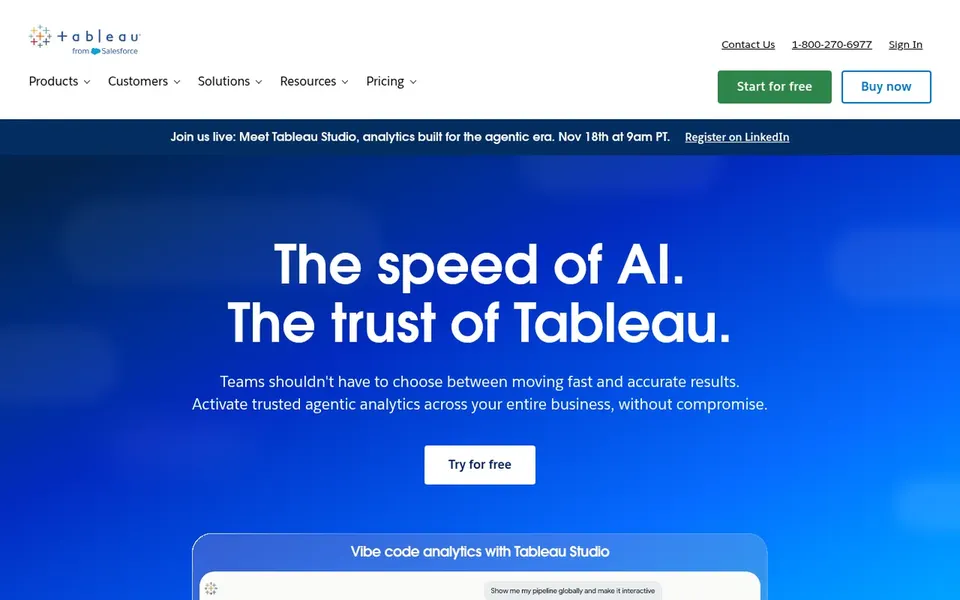
Tableau works best for visual exploration and broad connectivity. It links to almost any database, lets users build visualizations with drag-and-drop actions, and shares results with a click.
What to check first: Cost can scale with broad deployment.
Tableau's adaptability can result in complicated workbooks that are harder to govern at scale, and wide deployments may need extra planning for security and performance. Tableau cost at the entry level: $15 per user per month. You can start on Tableau without paying.
Pick IBM Cognos Analytics if this describes you: AI-driven reporting and dashboards. IBM Cognos Analytics helps users explore data, build reports, and build dashboards with AI-driven insights to understand trends and make informed decisions.
If you prioritize visual exploration with drag-and-drop simplicity, consider Tableau; if you need embedded analytics, consider Sisense. Check the vendor site for IBM Cognos Analytics pricing; none is listed in this comparison. Free options: Not stated.
Drawbacks to consider: Interface can feel complicated for new users.
Best for: End-to-end data integration and analytics
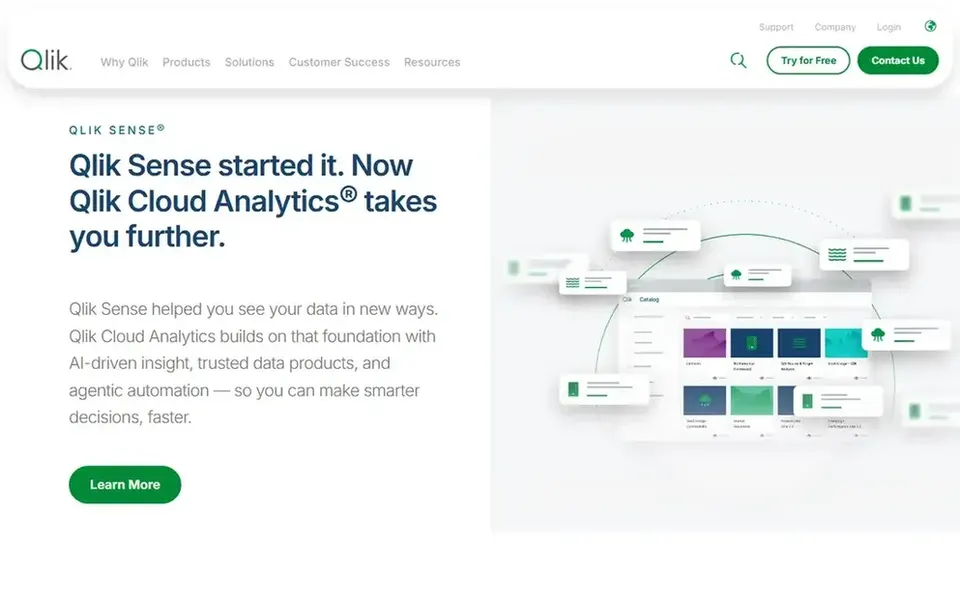
In short, Qlik Sense is for end-to-end data integration and analytics. The breadth of the product can mean a steeper setup and administration effort, and teams may need training on its associative approach.
Also, if you want a more straightforward visualization-first tool, consider Tableau; if you need embedded analytics, consider Sisense. This comparison lists no price for Qlik Sense; ask the vendor. Free plan details: Not stated.
Where it is weaker: Complicated setup for full data fabric.
Best for: Embedded analytics with adaptable coding
Where Sisense fits: embedded analytics with adaptable coding. Sisense gives AI-powered embedded analytics to unlock insights and convert data into revenue, with pro-code, low-code, and no-code adaptability.
What works well: Pro-code, low-code.
Beyond that, customization can also need developer effort. Since Sisense emphasizes embedded analytics, it may not be the best fit for organizations seeking a standalone BI portal. Sisense shows no starting price here, so confirm the cost on the vendor site. As for free access: Free trial.
Points against: Embedded focus may not suit all BI needs.
Get a written quote from Looker, Domo, IBM Cognos Analytics and others; the list shows no starting price for them.
Test the free plan from Tableau against your real workload before relying on it.
Run a trial of Domo and Sisense with real work before paying for a year; your own workflow is the best test.
Read the limits listed for Looker first: semantic layer needs modeling effort.
Ask IBM Cognos Analytics how an export works before you move any records in; an easy exit lowers the risk.
Look at the help docs and support options for Looker before you commit.
How we picked
Ainotely used vendor pricing pages and product documentation as the base, then compared plans, free access and documented limits for 6 tools. Seat minimums, billing terms and add-ons can move the real cost, so the starting prices here are a guide and not a quote. Order on the page follows fit for the typical buyer first, then price transparency and free access. Your own requirements should decide the final pick. That approach shaped the order of the 6 enterprise analytics platforms tools listed here.
Every price and plan detail on this page comes from the vendors’ own websites. We did not run hands-on tests unless the text says so, and we do not publish star ratings or review scores. See how we score and our disclosure.
Keep your shortlist in one place
Paste prices, trial dates and notes from this guide into Ainotely, our AI note app. It files them into a topic and pulls out tasks like “cancel trial by Friday”. Free 7-day trial, no card needed.
What is the cheapest option for enterprise analytics platforms in this list?
On published monthly entry prices, Tableau is the lowest here at $15 per user per month. Entry price is only part of the cost, because seats, add-ons and billing terms can change the total. All 6 picks in this enterprise analytics platforms comparison show their pricing, free plan details and main limits on the cards above.
Is Looker the right pick for everyone comparing enterprise analytics platforms?
No single tool suits every team. Looker comes first because it fits governed metrics and embedded analytics, while Domo suits governed data for AI agents and Tableau suits visual exploration and broad connectivity. Match the tool to your own size, budget and workflow before deciding.
Can I try these options before paying?
Often, yes. Tableau has a free plan and Domo and Sisense offer a free trial. Use your own data and a real task during the test, and check what the free tier or trial limits before you rely on it. For the full picture, the cards above cover all 6 entries of this enterprise analytics platforms list, including price, free plan and limits.
What is the difference between Tableau and Looker?
Tableau emphasizes visual exploration and wide database connectivity with drag-and-drop ease. Looker concentrates on a trusted semantic layer for governed metrics and embedded analytics with Gemini agents.
Do these tools publish their prices?
Not all of them. Looker, Domo, IBM Cognos Analytics and others publish no starting price, so expect a quote request for those. The rest, Tableau included, show a starting price, though seats and billing terms still change the final cost.