Start with Microsoft OneDrive if you need file sharing within Microsoft environments. Listed starting prices: ShareFile from $16.50 per user per month. Look at ShareFile for secure client file exchange, and at NetDocuments for legal document and email management. The full list of 5 tools follows, with prices and free plan facts.
Ainotely put together this guide to file sharing software for legal teams for readers who want a clear shortlist without reading every vendor page. It compares 5 tools on starting price, free plans, who each one suits and where each one falls short.
Key takeaways
This list starts with Microsoft OneDrive, which is built for file sharing within Microsoft environments.
A permanent free plan is missing from all 5 tools, Microsoft OneDrive and Dropbox Business included; plan for a trial or a premium start.
Dropbox Business fits storage, sharing and document tracking.
The cheapest monthly starting price in the list is $16.50 per user per month, offered by ShareFile.
One limit worth knowing about Microsoft OneDrive: homepage emphasizes personal storage.
Best for: File sharing within Microsoft environments
Microsoft OneDrive is aimed squarely at file sharing within Microsoft environments. Businesses needing matter-centric file structures may prefer a legal-focused system.
OneDrive's homepage centers on personal cloud storage, so team-wide legal document governance relies on how your organization configures its wider Microsoft setup. Check the vendor site for Microsoft OneDrive pricing; none is listed in this comparison. On free options: Not stated.
Watch-outs: Legal-specific controls come from wider configuration.
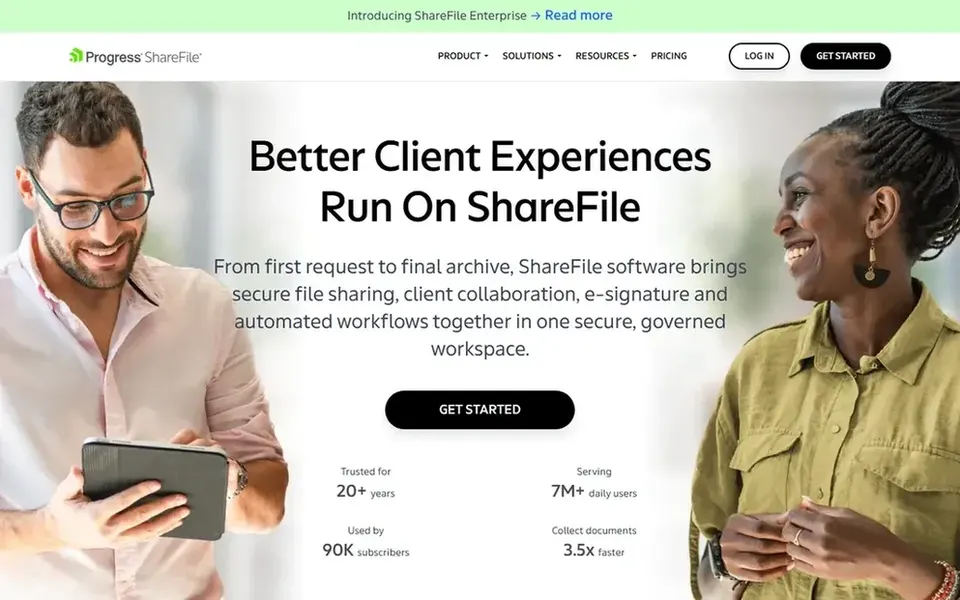
ShareFile is designed for secure client file exchange. ShareFile presents itself as secure document workflow and file sharing software, with a homepage message about sharing and collaborating confidently without sacrificing security.
The main drawbacks: Workflow features may need configuration.
It fits legal teams that chiefly need controlled exchange of files with clients and colleagues, and it can serve as a practical middle ground between entry-level storage and a full legal document management system. ShareFile pricing: $16.50 per user per month. As for free access: Free trial.
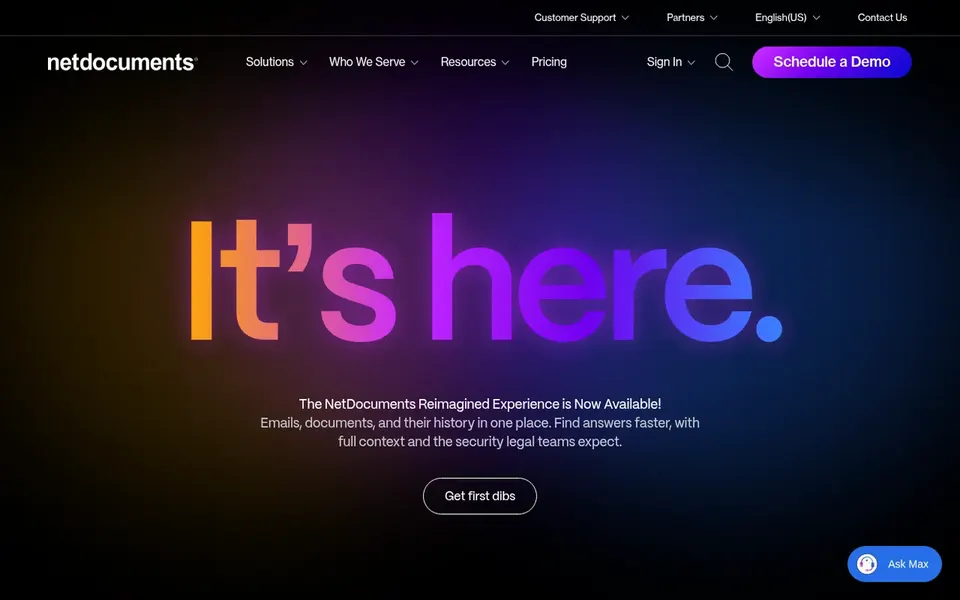
NetDocuments is aimed squarely at legal document and email management. NetDocuments is a document and email management system geared toward legal businesses and departments.
Organizations wanting a straightforward, general-purpose storage tool may prefer a broader product. From a buyer's view, since it is designed around legal document and email management, teams outside legal practice may find it more specialized than they need. NetDocuments shows no starting price here, so confirm the cost on the vendor site. Free options: Not stated.
Watch-outs: Feature depth can need onboarding effort.
iManage is built with knowledge work across legal services in mind. For legal teams, that means file sharing sits inside a wider system for organizing and reusing firm knowledge, which fits practices that treat documents as long-term assets. Pick iManage when knowledge management and secure collaboration are priorities alongside file sharing.
Teams wanting only entry-level storage and link sharing should compare more straightforward choices. The product is framed around knowledge work for legal and professional services, so very small teams or non-professional organizations may find it heavier than necessary. iManage describes itself as an AI knowledge work product for legal and professional services. Its homepage says it runs and activates knowledge to support smarter decisions whereas securely connecting people and AI. No starting price is listed for iManage here; confirm pricing on the vendor site. Free plan details: Not stated.
Downsides: Positioned for professional services instead of general use.
Dropbox Business serves storage, sharing and document tracking. It does well for smaller practices that do not need a full legal product.
Watch-outs: Not tailored to legal document management.
Pick it when simplicity and everyday sharing with light document tooling are the priority. Pricing for Dropbox Business is not stated here, so ask the vendor for current figures. Free options: Not stated.
Ask Microsoft OneDrive, NetDocuments, iManage and Dropbox Business for a written quote, since no starting price is shown.
Use real work to test the free trial from ShareFile, rather than a demo project.
Before choosing Microsoft OneDrive, weigh its main limit: homepage emphasizes personal storage.
Get the contract term, renewal terms and any onboarding fees from iManage in writing.
Find out what support Dropbox Business includes on your plan, and whether onboarding help costs extra.
How we picked
For each of the 5 tools we noted price, free plan or trial, fit for file sharing software for legal teams and the main limit, using vendor pages and documentation. Treat prices as a snapshot: vendors change plans often, so check the vendor site for the figure that applies today. The order reflects how well each tool fits the most common buying scenario for file sharing software for legal teams, then price clarity, then free plan access. It is a starting point, not a verdict.
Every price and plan detail on this page comes from the vendors’ own websites. We did not run hands-on tests unless the text says so, and we do not publish star ratings or review scores. See how we score and our disclosure.
Keep your shortlist in one place
Paste prices, trial dates and notes from this guide into Ainotely, our AI note app. It files them into a topic and pulls out tasks like “cancel trial by Friday”. Free 7-day trial, no card needed.
How are the tools for file sharing software for legal teams ordered?
Microsoft OneDrive sits first and Dropbox Business last because the order follows typical fit for file sharing software for legal teams, then price clarity and free access. It is a judgement call, so read each profile for fit and limits.
Is Microsoft OneDrive the right pick for everyone comparing file sharing software for legal teams?
No single tool suits every team. Microsoft OneDrive comes first because it fits file sharing within Microsoft environments, while ShareFile suits secure client file exchange and NetDocuments suits legal document and email management. Match the tool to your own size, budget and workflow before deciding.
What makes file sharing software right for legal teams?
Legal teams generally need controlled access, clear organization by matter or client, and secure external sharing. Beyond that, general storage tools can work if your team brings the right controls.
Can these tools replace a document management system?
Legal-focused products like NetDocuments and iManage are positioned as document and knowledge management systems, whereas storage tools are not. General storage can complement but may not replace a dedicated system.
Do these tools publish their prices?
Not all of them. Microsoft OneDrive, NetDocuments, iManage and Dropbox Business publish no starting price, so expect a quote request for those. The rest, ShareFile included, show a starting price, though seats and billing terms still change the final cost.
Does any tool for file sharing software for legal teams here have a free plan?
A permanent free plan is not offered by Microsoft OneDrive, Dropbox Business or the other tools here. ShareFile offer a trial. Plan a short evaluation period instead.