For live field collaboration, Fieldbit is where this list starts. ARuVR is better for Immersive safety training programs, and Scope AR WorkLink is better for remote assistance and work instructions. The remaining 3 options are covered below with prices and limits.
Ainotely compared 6 tools for industrial AR platforms for small business. The goal is a practical shortlist: published prices, free plan facts, best-fit use cases and honest limits for every entry.
Key takeaways
The list opens with Fieldbit, aimed at live field collaboration.
A permanent free plan is missing from all 6 tools, Fieldbit and Vuforia Studio included; plan for a trial or a premium start.
Fieldbit, Vuforia Studio and the 4 others all sell by quote; expect sales conversations before you see a price.
Vuforia Studio fits building custom AR applications.
Fieldbit works best for live field collaboration. Fieldbit, now branded as Help Lightning, is a collaboration system that links experts, field teams, and customers to see and solve physical problems in live. It uses AR to enable remote assistance, allowing less experienced staff to deal with complicated tasks with expert guidance.
Where it is weaker: Centred on collaboration.
It is primarily a collaboration tool instead of a full work instruction authoring system. Worth adding: pick Fieldbit when remote expert collaboration is the key need. Pricing for Fieldbit is not stated here, so ask the vendor for current figures. Free access: Not stated.
ARuVR is designed for Immersive safety training programs. ARuVR designs and gives structured immersive safety programmes that measure decision latency and prove competence under pressure. More specifically, choose ARuVR when safety training and assessment are the primary goals.
Watch-outs: Niche focus on safety.
ARuVR is specialized in safety training, so it may not serve general AR needs like remote support or work instructions. It may also need VR or AR hardware for full functionality. ARuVR shows no starting price here, so confirm the cost on the vendor site. Free access: Not stated.
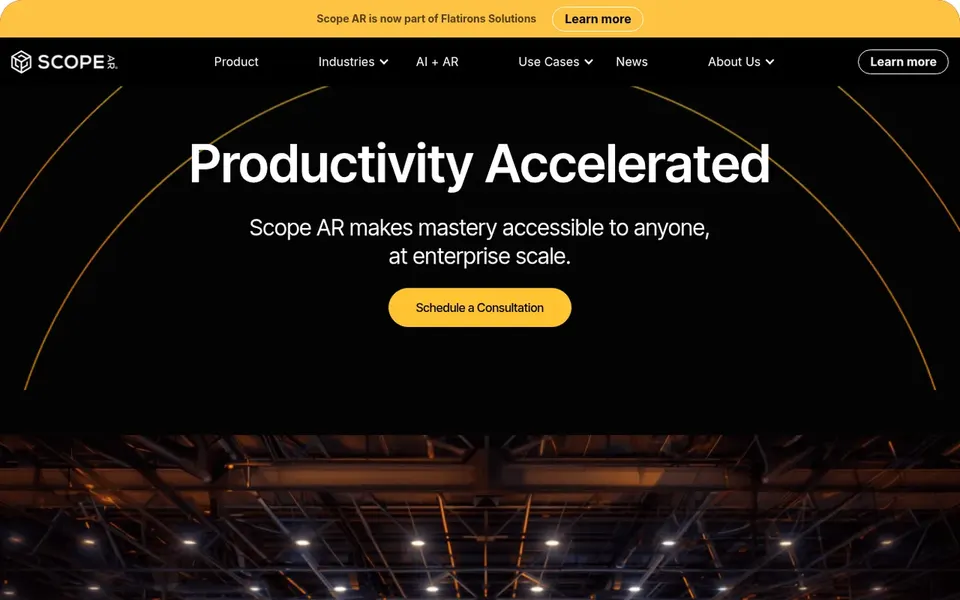
Scope AR WorkLink is a good fit for remote assistance and work instructions. It offers remote assistance and guided work instructions through AR, allowing experts to support field technicians in live.
In daily use, consider it when remote expert assistance and in-depth work instructions are core requirements. Scope AR WorkLink does not show a starting price in this comparison, so check the vendor site for current pricing. As for free access: Not stated.
Where Virti fits: AI roleplay and coaching. Virti supplies an AI roleplay and coaching system for sales enablement, customer service, leadership, and medical teams. Also, consider Virti when soft skills and communication training are priorities alongside AR initiatives.
Virti is centred on conversational training instead of industrial AR tasks like maintenance or assembly. It may not plug into industrial workflows. Pricing for Virti is not stated here, so ask the vendor for current figures. Trial and free access: Not stated.
Where it falls short: Restricted industrial AR features.
TeamViewer Frontline was built for Frontline workforce enablement. Choose TeamViewer Frontline when you want to equip frontline teams with AR guidance. Small companies looking for a straightforward remote assistance tool might find it more than needed.
Worth adding: deployment may need compatible smart glasses or mobile devices, and setting up AR workflows can take time. As for the details, TeamViewer Frontline is an industrial augmented reality system meant to enable frontline workers and simplify shopfloor operations. It provides AR-based work instructions and remote support features that can help small firms boost efficiency and cut errors. Pricing for TeamViewer Frontline is not stated here, so ask the vendor for current figures. Free plan details: Free trial.
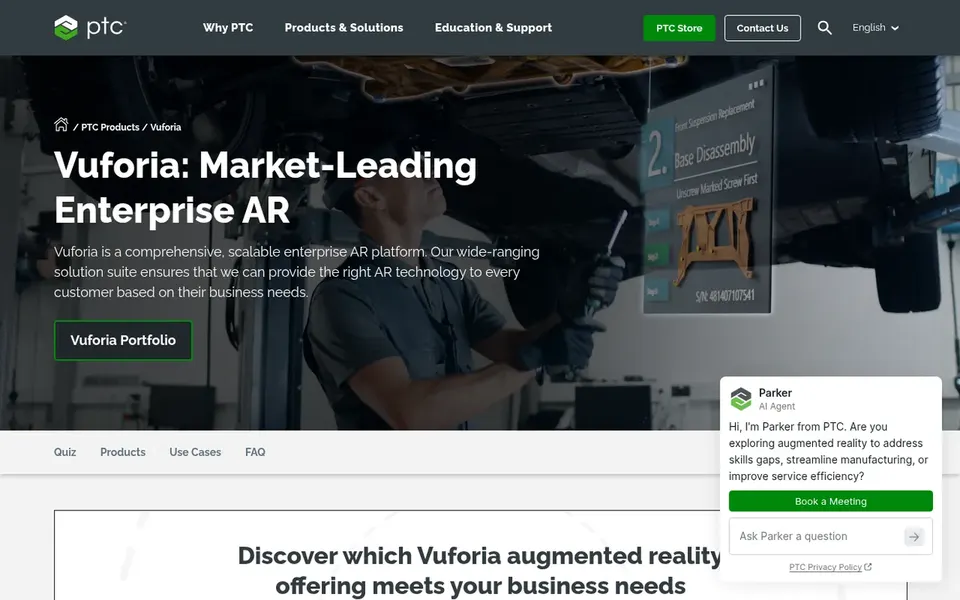
Vuforia Studio is designed for building custom AR applications. Small companies without in-house AR expertise might prefer a more turnkey option.
Trade-offs to know: Can be complicated for beginners.
More specifically, consider Vuforia Studio when you have to produce custom AR applications instead of use pre-built templates. No starting price is listed for Vuforia Studio here; confirm pricing on the vendor site. Free options: Not stated.
Ask each vendor, from Fieldbit to Vuforia Studio, for a written quote; none of them publishes a starting price.
Run a trial of TeamViewer Frontline with real work before paying for a year; your own workflow is the best test.
Before choosing Fieldbit, weigh its main limit: may need solid connectivity.
Compare total cost, not headline price: for Scope AR WorkLink, add extra seats, add-ons and any usage-based charges.
Confirm minimum seats and billing terms with Virti before you commit to an annual plan.
How we picked
Pricing pages, product documentation and feature lists were the main sources, and every entry carries at least one honest drawback. Where a vendor does not publish a price, the entry says quote. Where a price depends on seats or billing term, the entry says so. We ordered the tools by general fit, then by how clearly pricing is shown, then by free access. A buyer with unusual needs may reorder them. This applies to all 6 industrial AR platforms for small business options compared here.
Every price and plan detail on this page comes from the vendors’ own websites. We did not run hands-on tests unless the text says so, and we do not publish star ratings or review scores. See how we score and our disclosure.
Keep your shortlist in one place
Paste prices, trial dates and notes from this guide into Ainotely, our AI note app. It files them into a topic and pulls out tasks like “cancel trial by Friday”. Free 7-day trial, no card needed.
No. None of the tools, from Fieldbit to Vuforia Studio, shows a fixed starting price here, so budget time for quotes.
Can I try these tools before paying?
Often, yes. TeamViewer Frontline offers a free trial. Use your own data and a real task during the test, and check what the free tier or trial limits before you rely on it. Pricing, free plan details and limits for all 6 tools in this industrial AR platforms for small business roundup sit on the individual cards above.
How are the tools for industrial AR platforms for small business ordered?
The order follows typical fit for industrial AR platforms for small business, with Fieldbit first and Vuforia Studio last, then price clarity and free access. It is editorial judgement, not a score, so another team could rank the tools differently.
Is Fieldbit the right pick for everyone comparing industrial AR platforms for small business?
No single tool suits every team. Fieldbit comes first because it fits real-time field collaboration, while ARuVR suits Immersive safety training programs and Scope AR WorkLink suits remote assistance and work instructions. Match the tool to your own size, budget and workflow before deciding.